
Instructional, step-by-step articles.
Content Type: How-To
-
How to Show Sender’s Image in New Outlook
Display sender photos in your Outlook email list by adjusting key settings for a more visual inbox experience.
-
How to Fix Windows Search Not Finding Files from Google Drive
Resolve issues with Windows Search not locating Google Drive files by configuring indexing options and using alternative search tools.
-
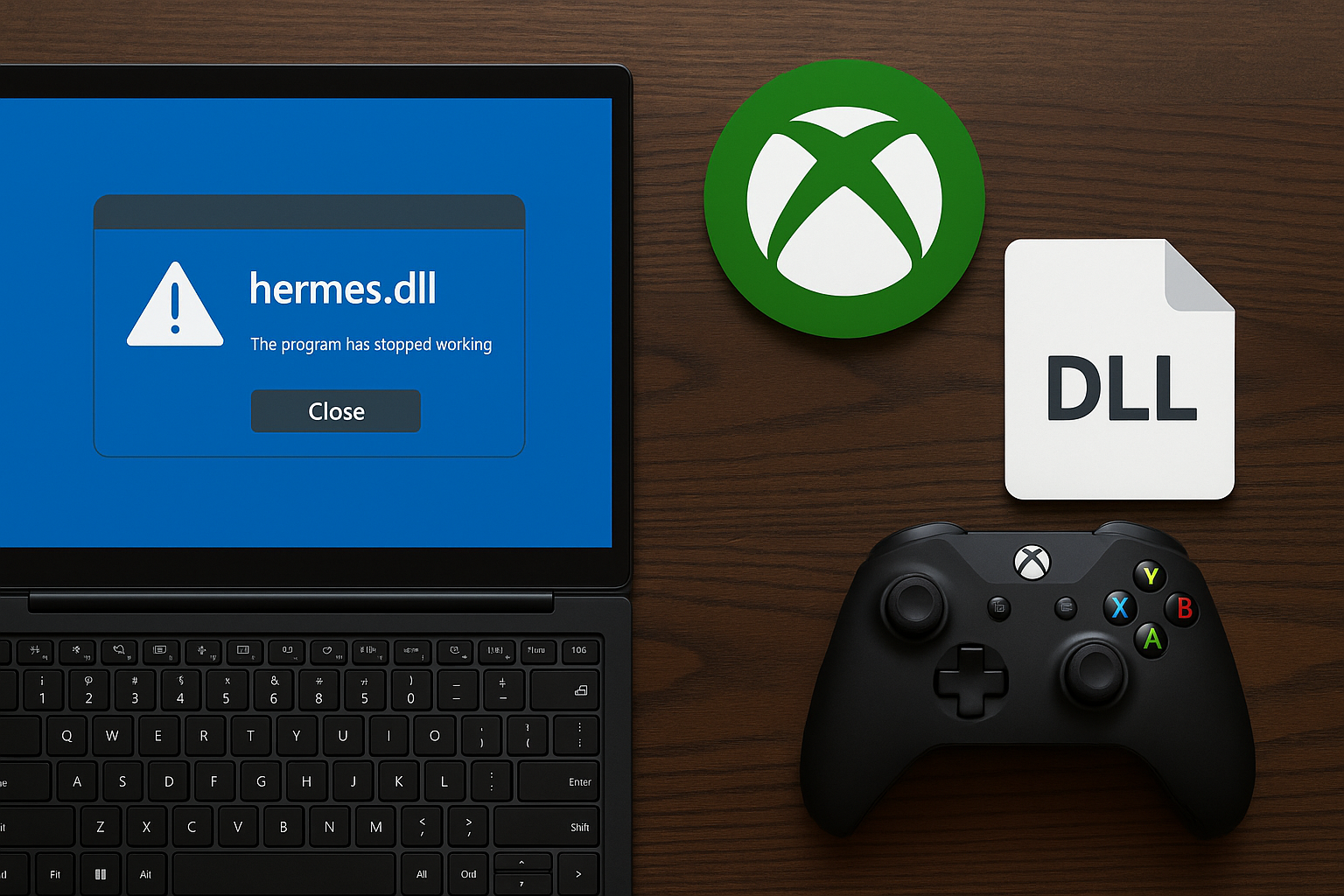
Fix Xbox PC App Crashing Due to hermes.dll
Stop XboxPcApp.exe failures with hermes.dll and 0xc0000005 by stabilizing your system and repairing the Xbox Gaming Services stack.
-

Fix GPT-5 Underwhelming Results
Practical steps to recover answer quality, enable reasoning, manage context, and switch models when GPT‑5 falls short.
-
How to Install Docker on Ubuntu
Set up Docker Engine on Ubuntu using Docker’s apt repository, offline .deb packages, or the convenience script, then verify and configure non-root access.
-
Use Bash if…else Statement
Build reliable conditionals in Bash using [[ ]], elif, and logical operators for strings, numbers, and files.
-
How to Fix Bookmark Not Defined Error in Microsoft Word
Resolve the “Error! Bookmark Not Defined.” message in Word by repairing broken bookmarks, updating your table of contents, and restoring document navigation.
-
How to Fix the “Your Printer Is Not Receiving the Print Command” Error on Windows 11
Clear solutions to resolve printer communication errors and restore printing functionality on Windows 11.
-
How to Insert Infographics in PowerPoint
Detailed instructions for adding, customizing, and refining infographics in PowerPoint using built-in tools, templates, and best practices.
-
How to Change Line Spacing in Microsoft Word
Learn how to adjust the space between lines and paragraphs in your Word documents for improved readability and formatting control.