
Instructional, step-by-step articles.
Content Type: How-To
-
How to Stop Snipping Tool from Taking Screenshots Automatically
Learn practical methods to prevent the Snipping Tool from launching or saving screenshots automatically on your Windows 11 device.
-

How to Fix Cannot Change Desktop Background on Windows 11
Learn multiple solutions to restore your ability to set desktop wallpapers on Windows 11, including registry fixes, group policy adjustments, and troubleshooting hidden system…
-
How to Fix Microsoft Teams Error CAA5009D
Resolve Microsoft Teams error CAA5009D with proven solutions that address authentication, account issues, and installation problems to restore full access to Teams.
-

How to Fix PowerPoint Crashing or Freezing When Inserting Video
Detailed solutions to resolve PowerPoint crashes or freezes that occur when inserting or playing videos in your presentations.
-
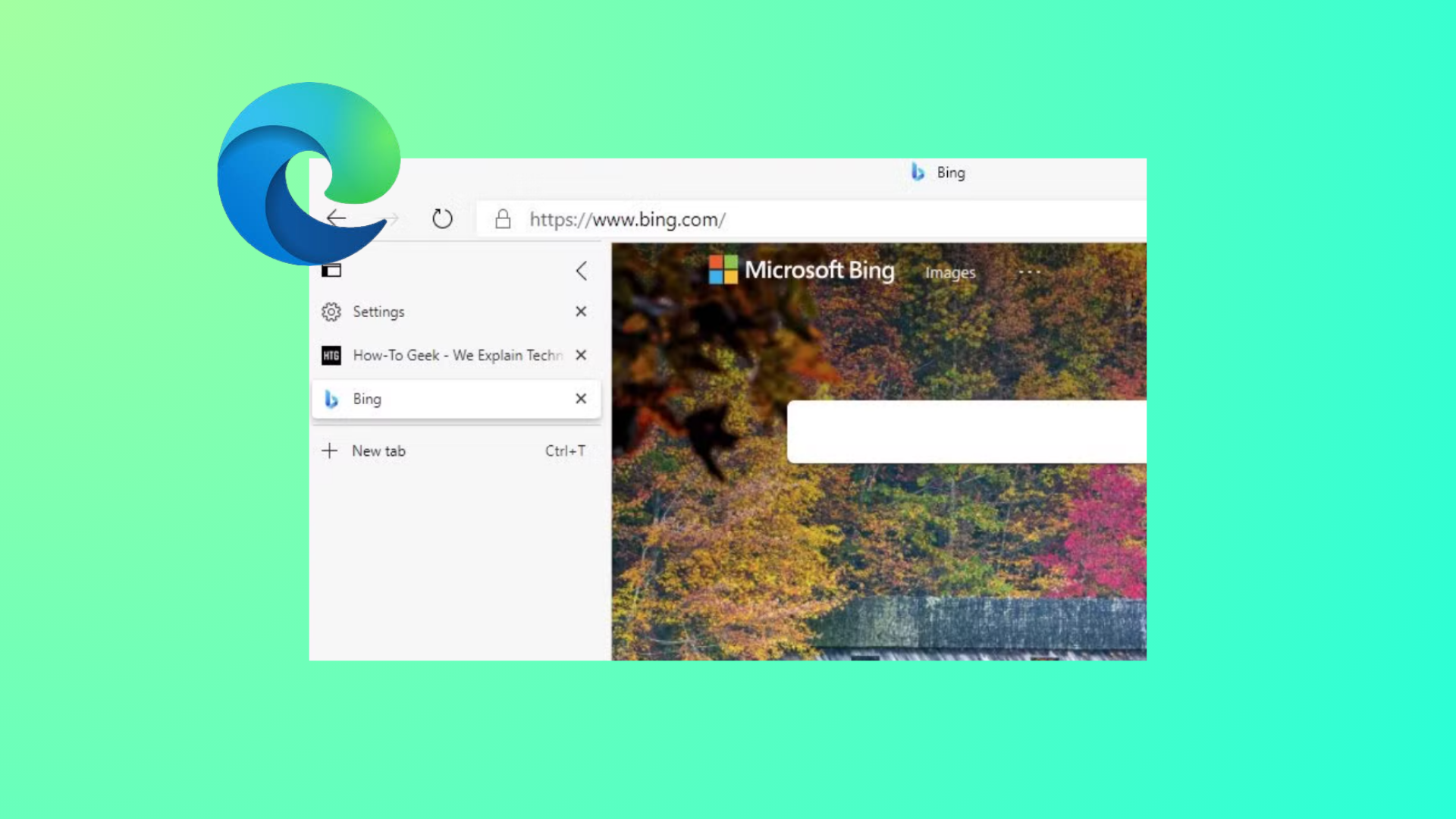
How to Remove Edge Browser Tabs from Alt+Tab in Windows 11
Stop Microsoft Edge tabs from appearing as separate entries when switching apps with Alt+Tab by adjusting Windows 11 multitasking settings.
-
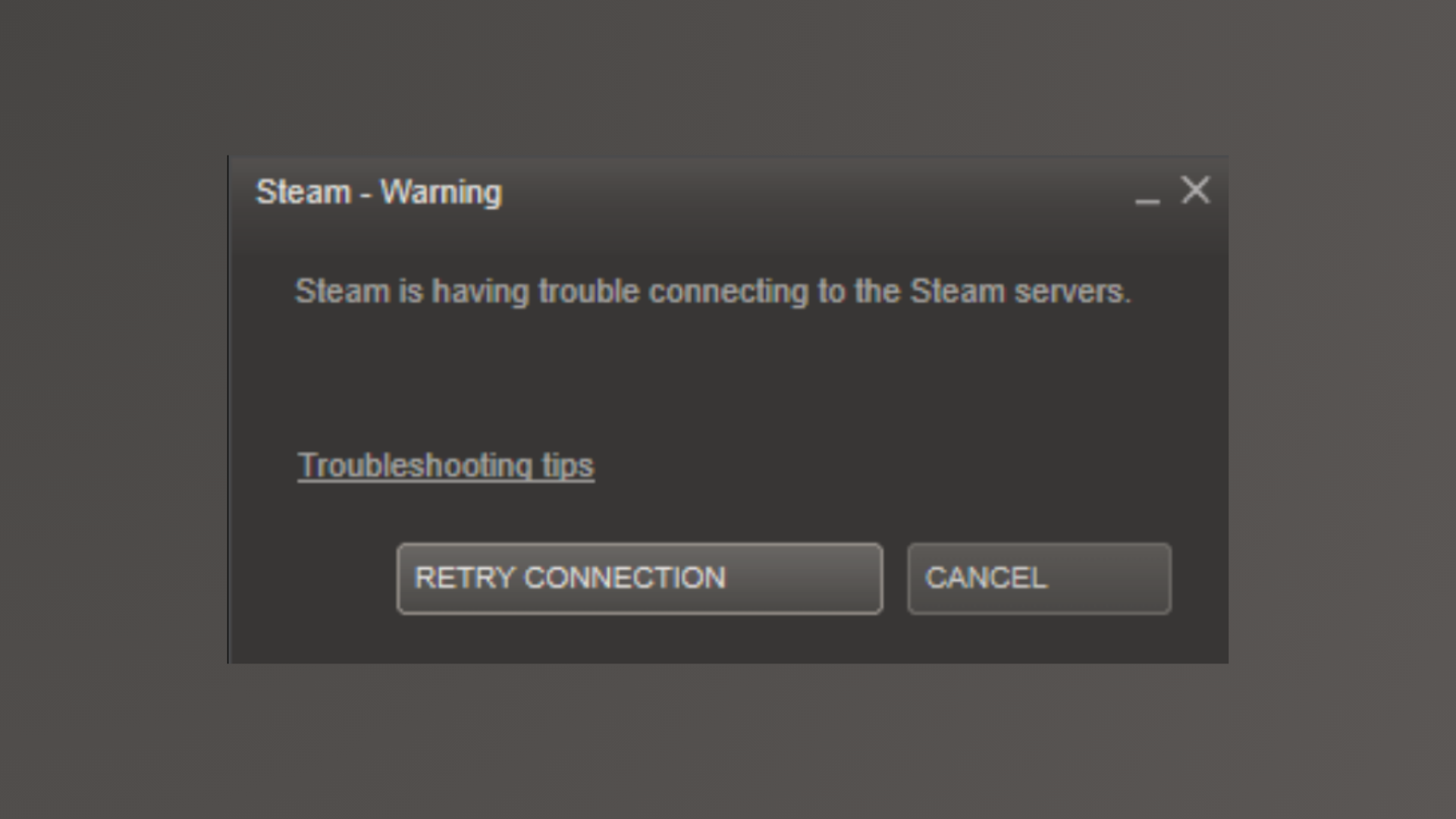
How to Fix Steam Is Having Trouble Connecting to Steam Server Error
Resolve persistent Steam connection issues with proven solutions that restore access to your games and online features.
-

How to Prevent Google from Using Your Gemini Interactions to Train AI
Turn off Gemini Apps Activity and manage your data settings to stop Google from using your chats, files, and recordings for AI model training.
-
How to Fix Dynamic Lighting Not Working on Windows 11
Get your RGB devices and keyboard lighting working again in Windows 11 by adjusting Dynamic Lighting settings, resolving conflicts, and using device-specific software.
-

How to Fix OneDrive Unable to Move Shortcut
Resolve OneDrive shortcut errors and restore seamless access to your shared folders with these clear solutions.
-

How to Fix Opera Browser Not Launching or Loading Pages
Resolve Opera browser startup failures and page loading issues on Windows 11 with detailed solutions addressing DNS, antivirus, Family Safety, and more.