
Instructional, step-by-step articles.
Content Type: How-To
-
How to Repair Microsoft Office in Windows 11
Detailed instructions for fixing Office apps that fail to open, crash, or display errors in Windows 11 using built-in repair tools and advanced troubleshooting.
-

How to Fix Unable to Add Account in Microsoft Outlook
Comprehensive solutions for resolving account addition issues in the new Outlook for Windows, including supported account types, authentication problems, and troubleshooting tips.
-

How to Prevent Windows 11 from Moving or Resizing Windows After Waking from Sleep
Stop Windows 11 from automatically rearranging or resizing your open windows after your computer wakes from sleep by applying targeted fixes to display settings,…
-
How to Fix Edge Browser InPrivate Mode Not Working on Windows 11
Resolve issues with Microsoft Edge InPrivate browsing not opening, greyed out, or crashing on Windows 11 using proven troubleshooting steps.
-

How to Create a Radial List in PowerPoint
Learn practical methods to build visually striking radial lists in PowerPoint for clearer, more engaging presentations.
-
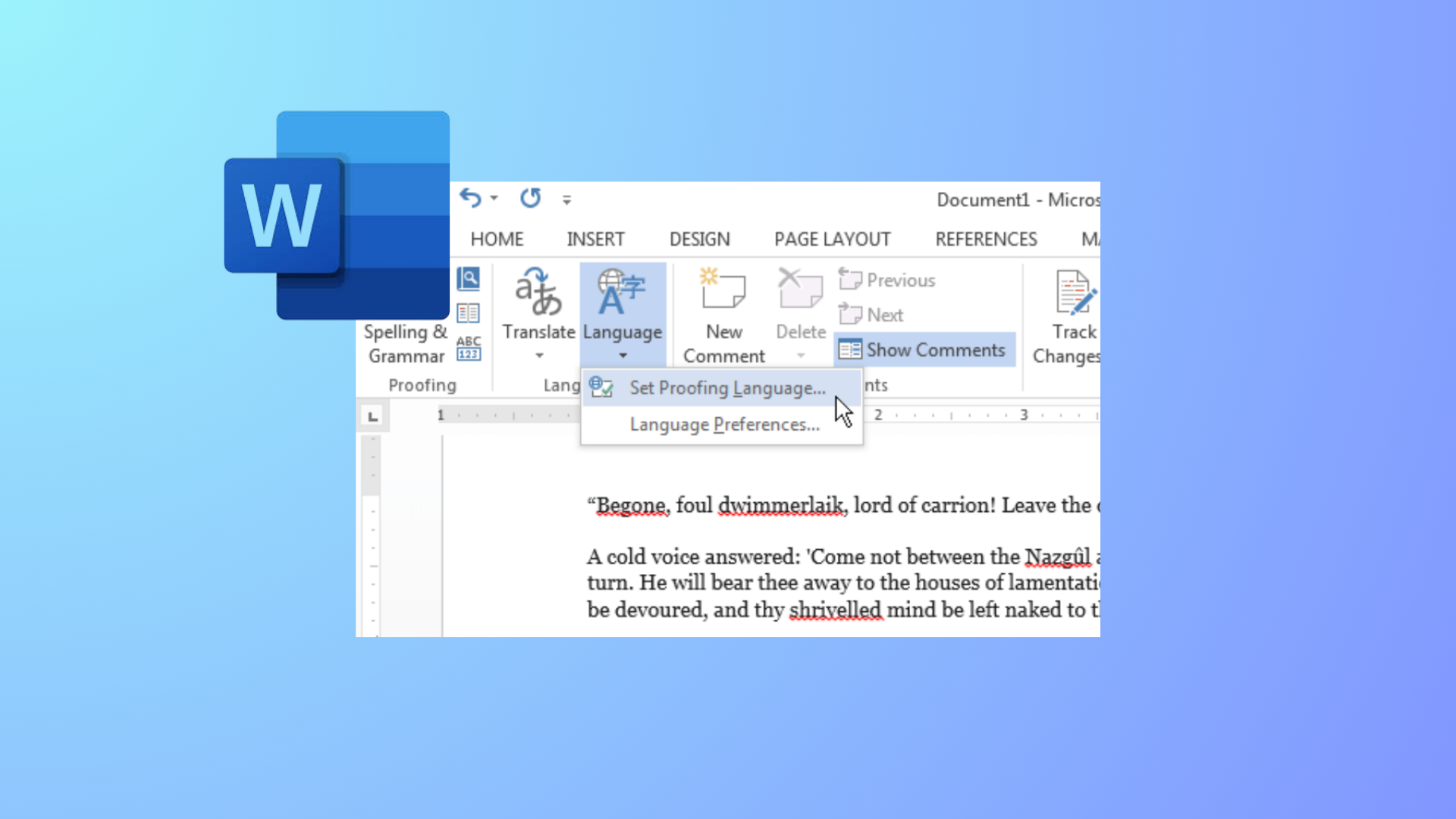
How to Change Colors of Grammar and Spelling Underlines in Microsoft Word
Modify the appearance of Word’s spelling and grammar underlines by editing the Windows Registry or adjusting system settings for better visibility and accessibility.
-

How to Remove Text Formatting in Notepad on Windows 11
Clear all formatting from text in Notepad for a plain text experience using built-in options or settings in Windows 11.
-

How to Fix Accidentally Uninstalled Default Speakers in Windows 11
Restore your missing default speakers and audio output in Windows 11 with these proven methods, from driver recovery to system restore.
-

How to Fix Slow WiFi Speed After Waking Windows 11 From Sleep
Restore normal WiFi speed in Windows 11 after sleep mode by adjusting adapter settings, resetting connections, and applying targeted fixes for common hardware and…
-
How to Fix Superscript Not Working in Google Docs
Resolve Google Docs superscript shortcut issues with clear solutions for Chrome, Mac, and Windows.