
Instructional, step-by-step articles.
Content Type: How-To
-
How to Fix Google Drive Not Downloading Files After Zipping
Resolve the issue where Google Drive zips your files but fails to start the download, with detailed troubleshooting steps for browsers and system settings.
-
How to Collaborate and Share Documents in Word
Learn multiple methods to share, co-edit, and track changes in Word documents for seamless teamwork and document management.
-

How to Fix OneDrive Error 0x8004e4be: There Was a Problem Signing You In
Resolve persistent OneDrive login issues and error code 0x8004e4be using effective troubleshooting to restore seamless file syncing and account access.
-

How to Fix “Windows Security Service Did Not Shut Down Properly” Error in Windows 11
Resolve Event ID 7043 and restore reliable shutdowns and security features on Windows 11 with these proven troubleshooting steps.
-
How to Fix Unable to Set Chrome as Default Browser in Windows 11
Proven solutions for when Windows 11 refuses to let you set Google Chrome as your default web browser.
-

How to Enable Dark Mode in Google Chat
Switching to dark mode in Google Chat can reduce eye strain and create a more comfortable chat experience—here’s how to turn it on for…
-

How to Fix “Secure Boot Is Not Enabled” Error for Battlefield 6 on Windows 11
Resolve Battlefield 6 launch issues by enabling Secure Boot in Windows 11 BIOS/UEFI settings and meeting all system requirements.
-
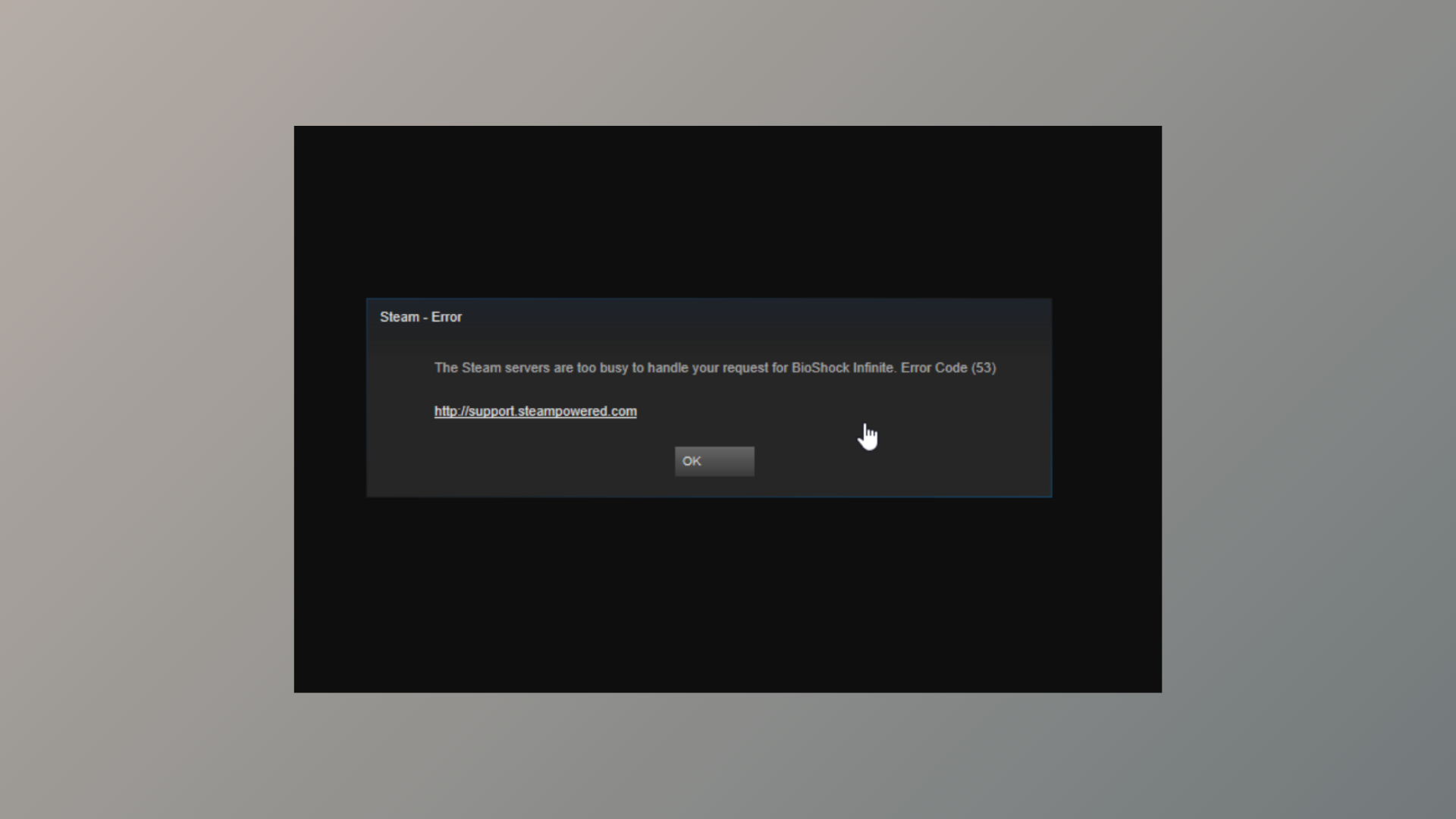
How to Fix Steam Error Code 53
Resolve the “Steam servers are too busy” error with proven steps to restore game access and downloads.
-
How to Use Color Categories in Outlook
Organize emails, calendar events, and tasks in the new Outlook by creating, assigning, and managing color-coded categories for faster information retrieval and streamlined workflows.
-
How to Insert a Text Field in Microsoft Word
Learn effective methods to add fillable text fields, form controls, and text boxes in Microsoft Word for interactive documents and forms.