
Instructional, step-by-step articles.
Content Type: How-To
-

How to Fix High Memory Usage on Microsoft Edge by Limiting RAM
Learn how to control Microsoft Edge’s RAM usage with built-in resource controls and other effective methods to reduce browser memory consumption on Windows 11.
-
How to Fix Microsoft Word Stuck on Processing
Resolve Microsoft Word freezing at the “Processing” screen when opening documents, especially with OneDrive integration, on Windows 11.
-

How to Use Presence Sensing on Windows 11
Presence Sensing lets your Windows 11 device automatically lock when you leave and wake up when you return, improving security and saving battery life.
-
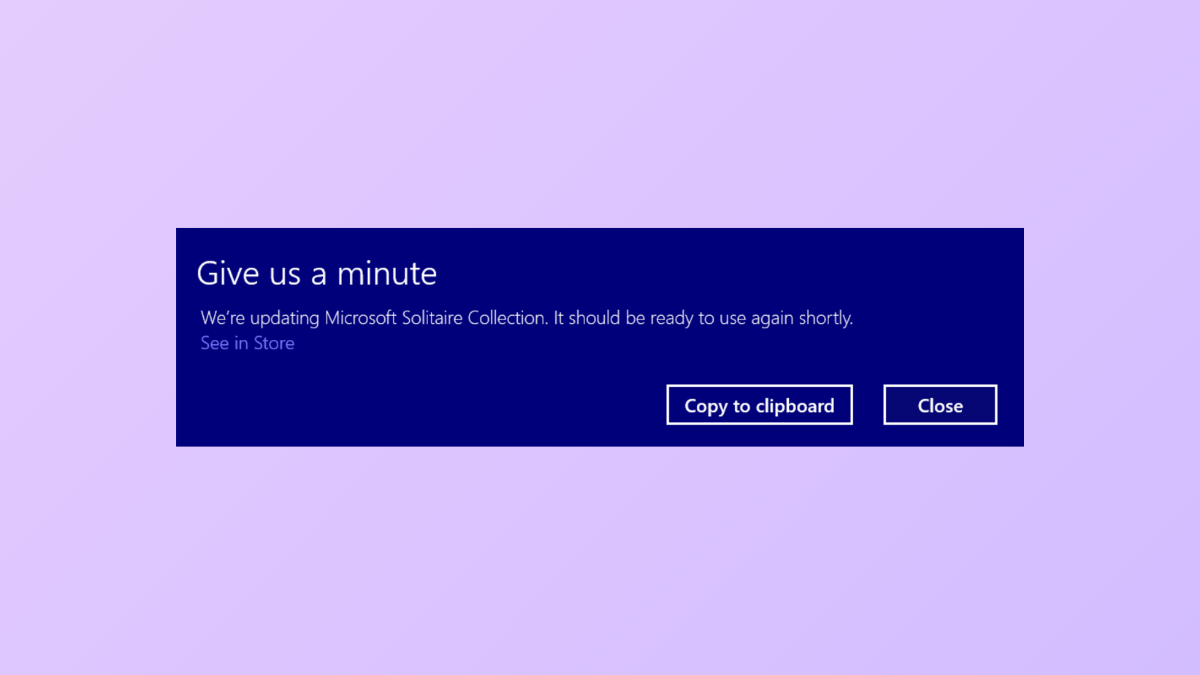
How to Get Rid of the “Give Us a Minute” Message on Windows 11
Detailed instructions for removing the persistent “Give Us a Minute” pop-up in Windows 11, covering notification settings, app resets, and update management.
-

How to Fix System Image Backup Failed Error 0x80780038 in Windows 11
Resolve the “The specified backup storage location has the shadow copy storage on another volume (0x80780038)” error and successfully create system image backups on…
-
How to Fix F5 Refresh Key Not Working in Windows 11
Resolve issues with the F5 key not refreshing your Windows 11 desktop or browser by addressing function key locks, driver conflicts, and system errors.
-

How to Fix Setup Incomplete Because of a Metered Connection Error in Windows 11
Resolve the “Setup incomplete because of a metered connection” error in Windows 11 by enabling driver downloads, adjusting network settings, and troubleshooting Bluetooth connectivity.
-
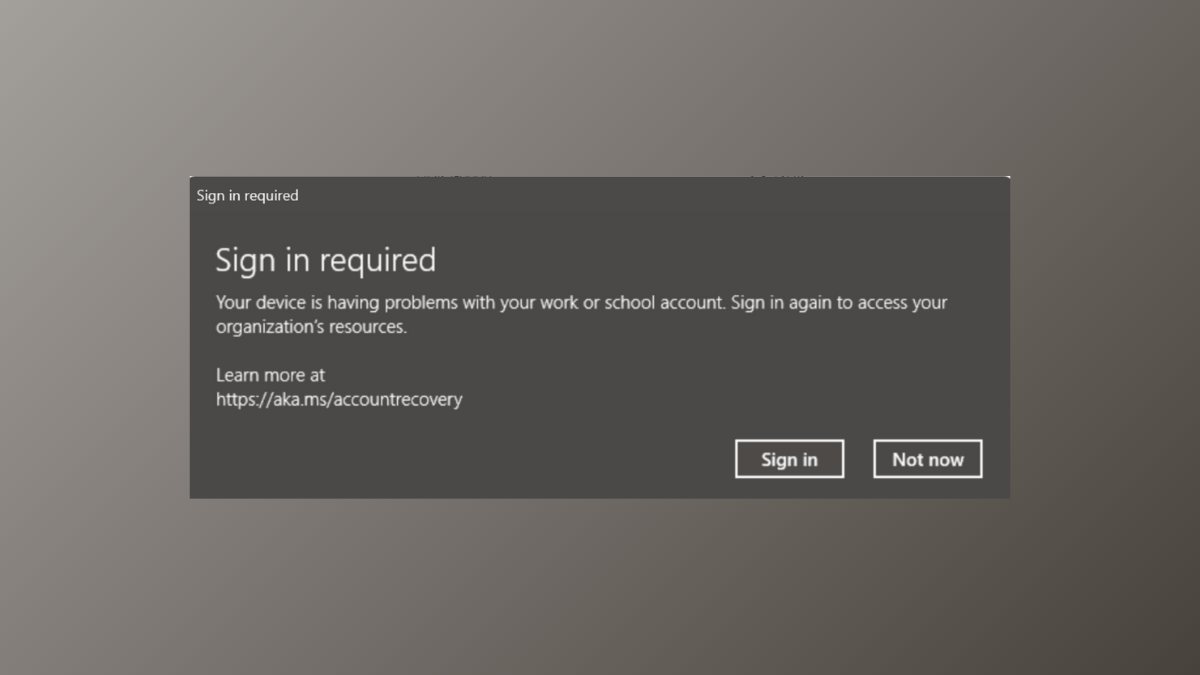
How to Fix “Sign In Required – Your Device Is Having Problems With Your Work or School Account” Error on Windows 11
Resolve persistent sign-in issues with work or school accounts on Windows 11 by following effective solutions for account, credential, and device management problems.
-
How to Prevent Windows 11 From Changing Audio Device Automatically
Stop Windows 11 from auto-switching your default audio output device with these practical steps and advanced workarounds.
-

How to Get Rid of Black and White Squares on Screen in Windows 11
Resolve persistent black or white squares and flickering blocks on your Windows 11 display with targeted troubleshooting and fixes.