
Instructional, step-by-step articles.
Content Type: How-To
-
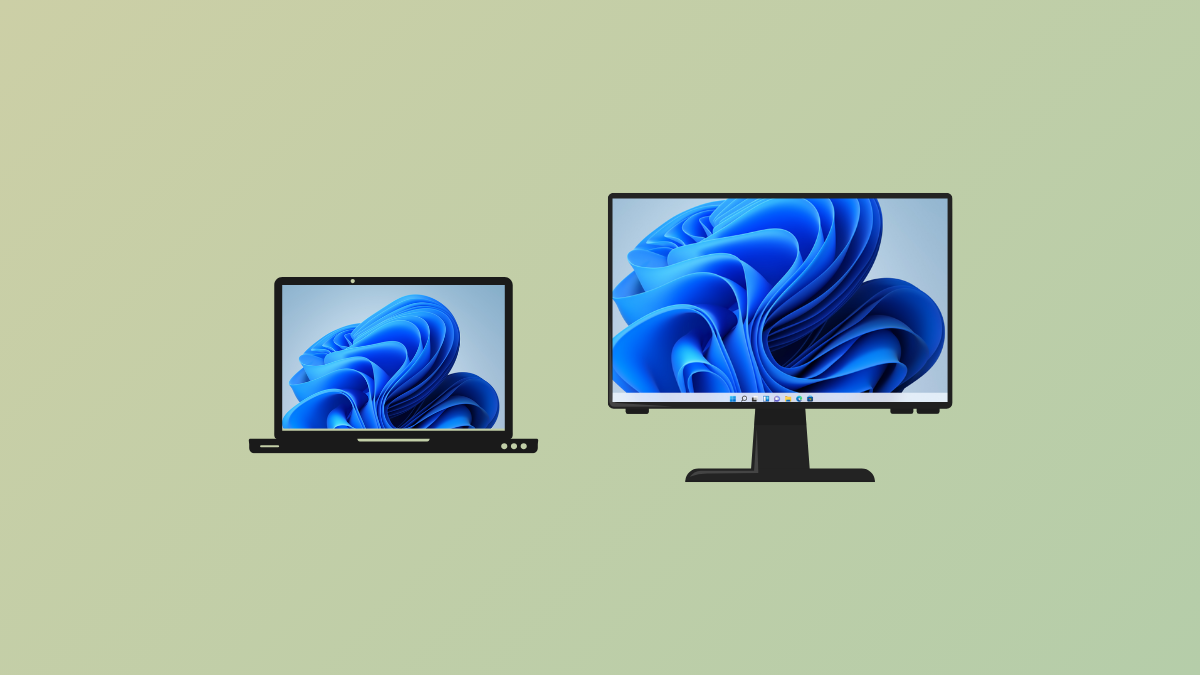
Move Taskbar to Second Monitor on Windows 11
Switch the Windows 11 taskbar to a different monitor or display it across multiple screens for a more efficient multi-monitor setup.
-
Rebuild Boot Configuration Data (BCD) File in Windows 11
Resolve boot issues in Windows 11 by rebuilding the Boot Configuration Data (BCD) file using effective command-line and recovery methods.
-

Fix Laptop Shuts Down After Locking but Doesn’t Turn Back On Error
Resolve a Windows 11 laptop that powers off after locking and fails to restart, with clear troubleshooting steps for power, battery, and hardware issues.
-

Resolve “Windows Resource Protection Found Some Corrupt Files but Was Unable to Fix Them” Error
Discover effective solutions to repair system file corruption and restore normal Windows 11 functionality when the System File Checker cannot fix all issues.
-
Fix Windows Could Not Automatically Detect This Network’s Proxy Settings Error on Windows 11
Resolve the “Windows could not automatically detect this network’s proxy settings” error in Windows 11 using multiple methods to restore reliable internet connectivity.
-
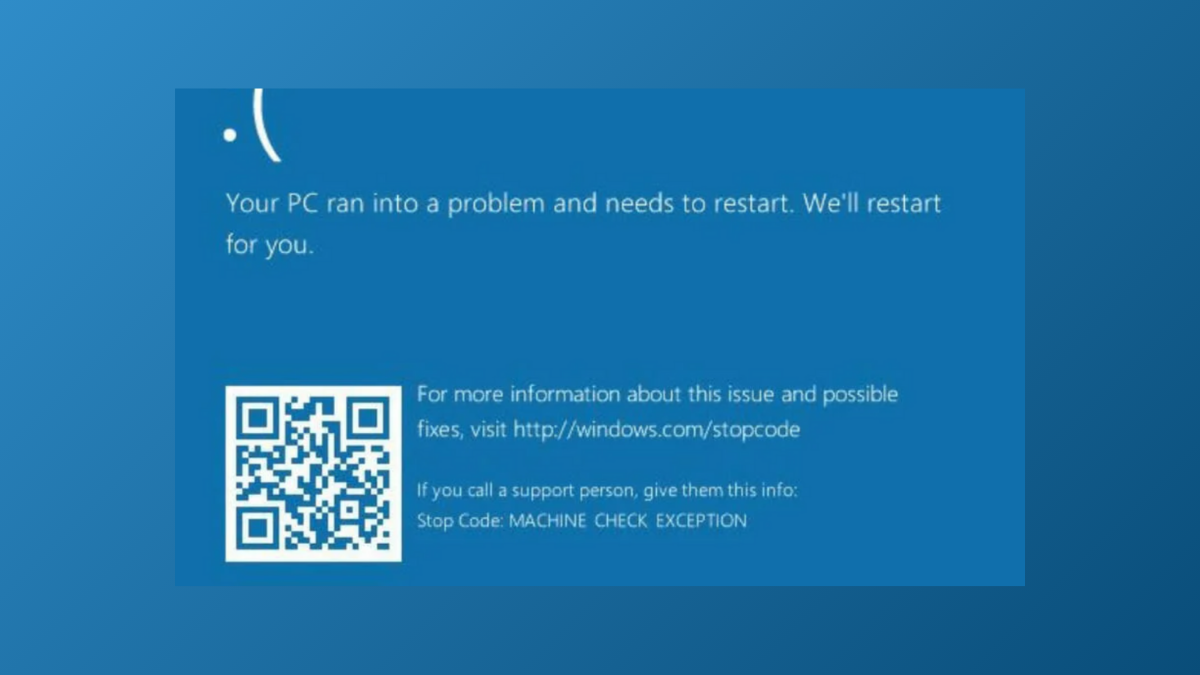
Fix Machine Check Exception Blue Screen Error in Windows 11
Resolve the Machine Check Exception BSOD in Windows 11 by addressing hardware faults, updating drivers, and applying targeted troubleshooting steps to restore system stability.
-
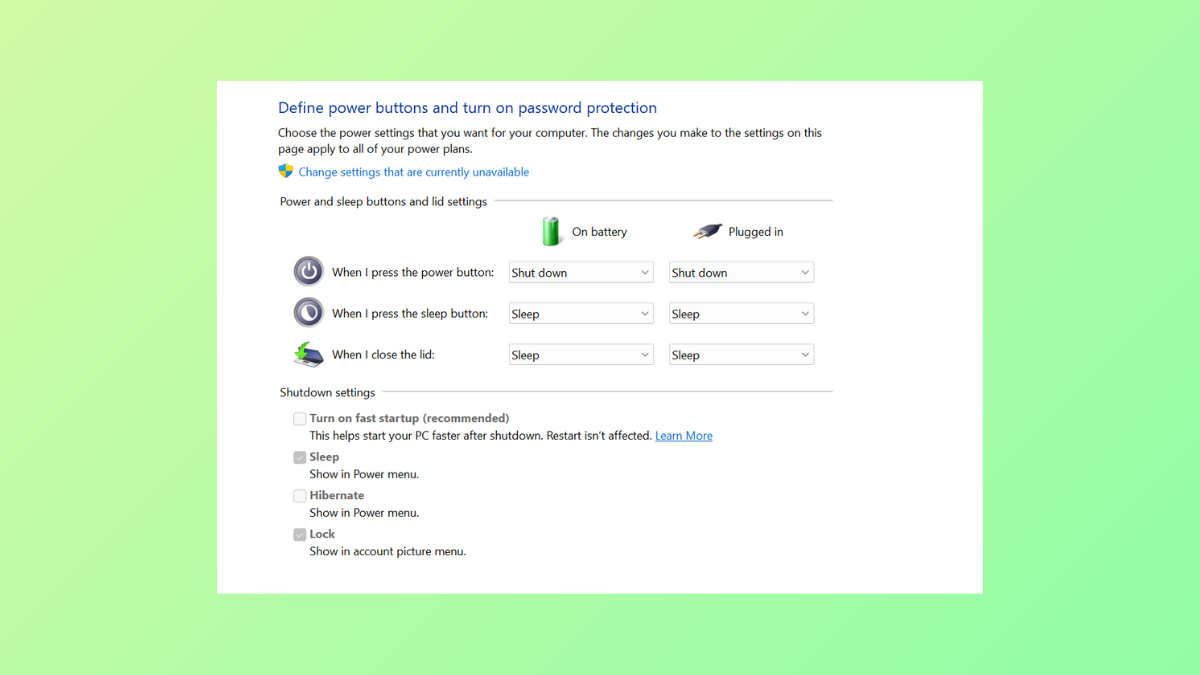
Fix Turn On Fast Startup Missing on Windows 11
Restore the missing Fast Startup option in Windows 11 Power Options by enabling hibernation and adjusting system settings.
-

Check RAM Speed on Windows 11
Verify your RAM speed and specifications in Windows 11 to optimize performance and make informed upgrade decisions.
-
Resolve Your Printer Needs Your Attention Notification Popping Up on Windows 11
Clear persistent “Your printer needs your attention” alerts on Windows 11 by addressing driver, connection, and print queue issues with proven solutions.
-
Save Drive Space by Compressing Files, Folders, and Drives on Windows 11
Reduce disk usage and optimize storage by applying built-in file and folder compression features in Windows 11.