
Instructional, step-by-step articles.
Content Type: How-To
-
View Multiple Pages in Word
Display several pages at once in Microsoft Word to improve document review, navigation, and formatting accuracy.
-

Fix Windows Sandbox Has No Internet Connection Error on Windows 11
Effective solutions to restore internet access in Windows Sandbox on Windows 11, covering network settings, firewall, VPN, and troubleshooting methods.
-

Enable or Disable SmartScreen Filter on Windows 11
Simple instructions to turn Microsoft Defender SmartScreen on or off in Windows 11 using Windows Security, Group Policy, and Registry Editor.
-

Fix Slack App Not Working in Windows 11
Resolve Slack startup failures, connection issues, and notification problems on Windows 11 with clear troubleshooting for app, network, and system causes.
-
Fix the Application Was Unable to Start Correctly Error on Windows 11
Resolve the “Application was unable to start correctly” error in Windows 11 with targeted solutions addressing security settings, system files, and software compatibility.
-
Fix Error 0x80244018 on Windows 11
Resolve Windows 11 update failures caused by error 0x80244018 by adjusting proxy settings, repairing system files, and optimizing update services.
-
Fix Automatic Startup Repair Not Working on Windows 11
Resolve persistent boot issues in Windows 11 when Automatic Startup Repair fails, using command-line tools and recovery options to restore system functionality.
-
Fix Video Driver Crashing and Resetting on Windows 11
Resolve video driver crashes and resets in Windows 11 with effective solutions to restore stable graphics performance.
-
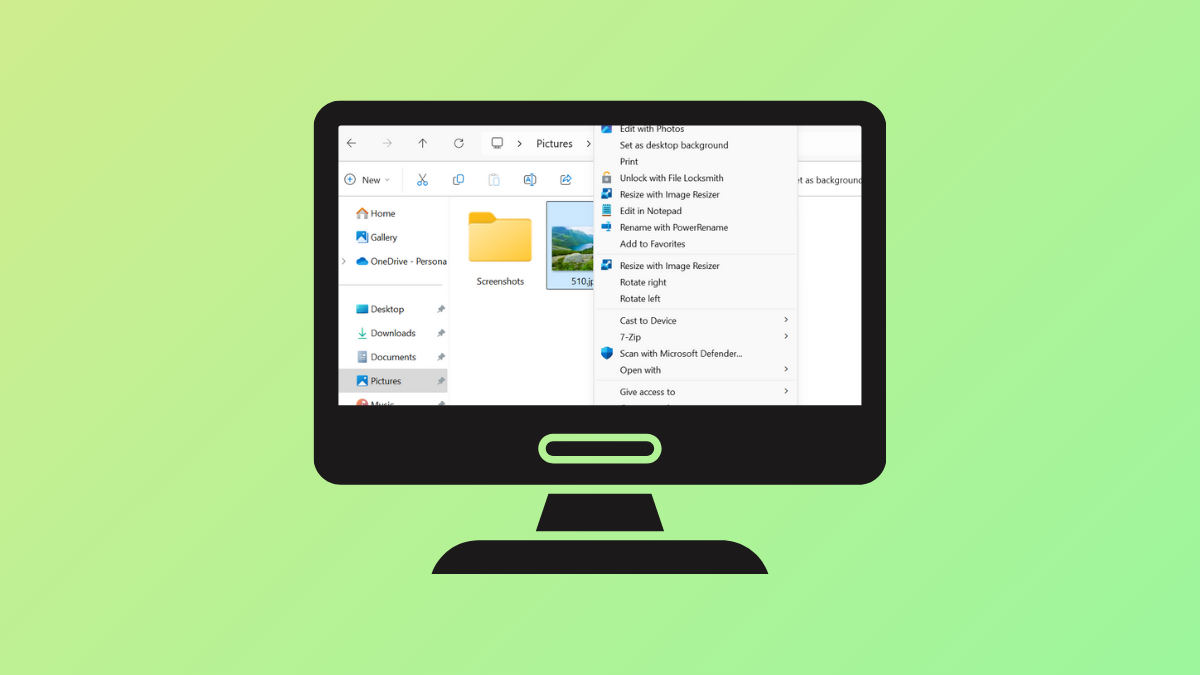
Remove Rotate Options for Images in Windows 11 Context Menu
Streamline the Windows 11 right-click menu by removing Rotate Left and Rotate Right options for image files using Registry Editor or a registry script.
-

Rebuild Search Index on Windows 11
Refreshing the Windows 11 search index resolves missing or outdated search results and restores accurate, fast file and app searches.