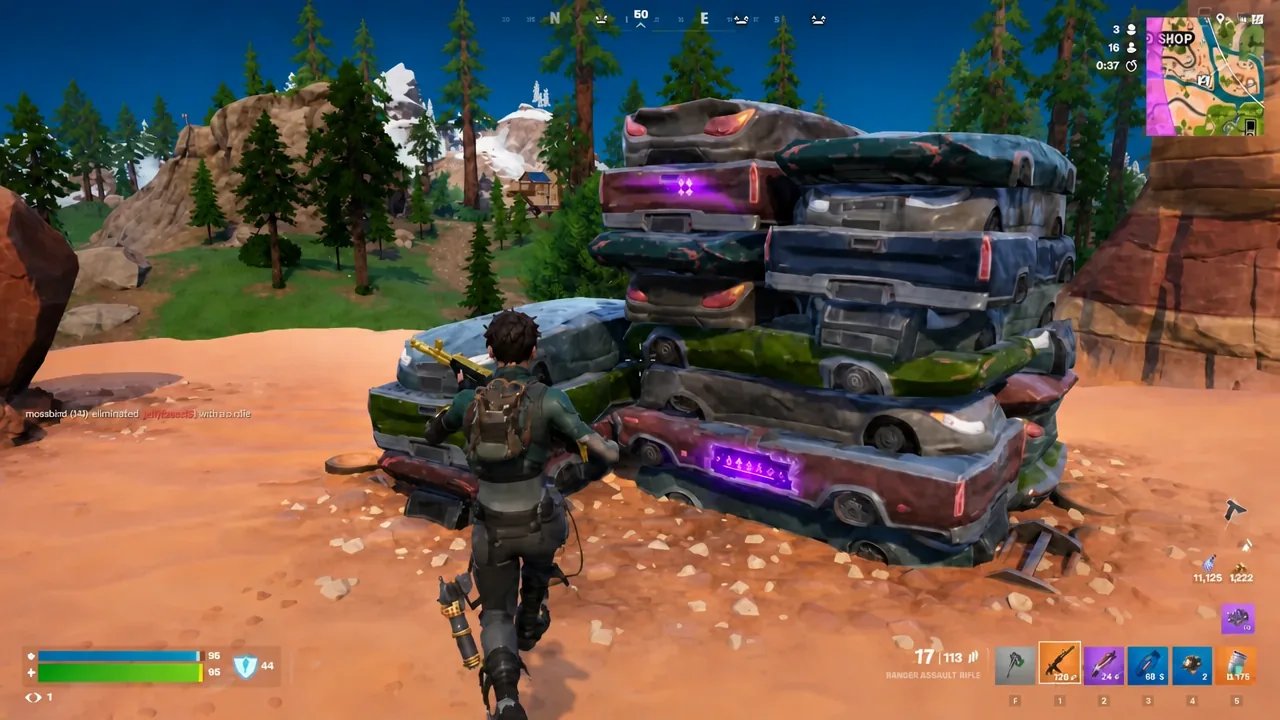
Cheat codes scattered around the Override island pay out different rewards depending on their rarity, and a blue one is worth far less than a purple one. The Cheat Code Locator, a legendary gizmo, is the only thing that closes that gap mid-match.
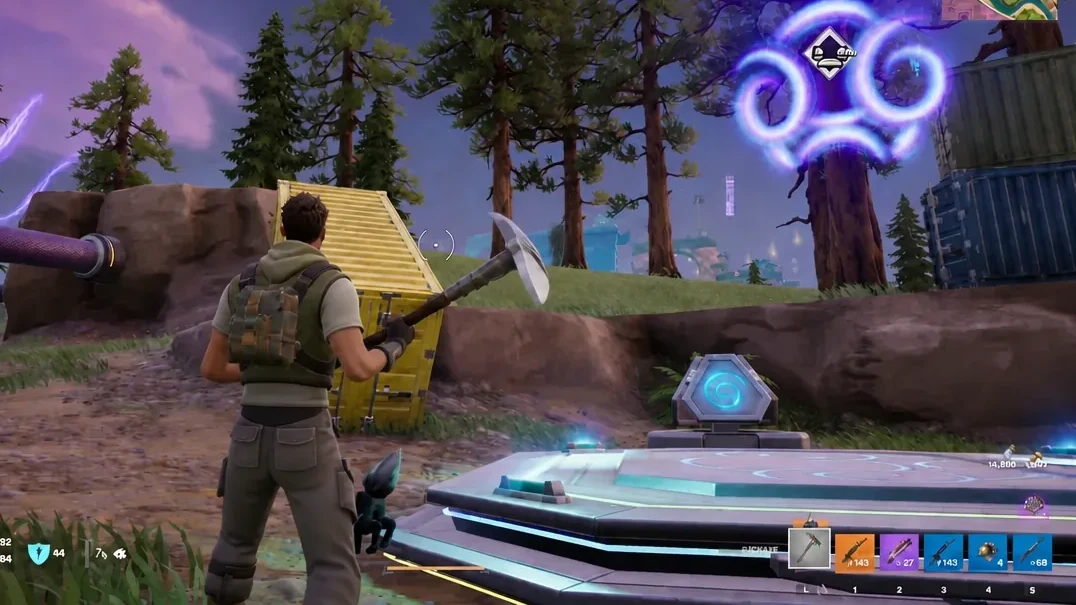
Quick answer: Stand next to a blue (rare) cheat code, hold the pickaxe button (F by default on PC) to open the gizmo wheel, and activate a Cheat Code Locator. The code turns purple (epic), and entering it at an Override Console then pays out the higher-tier reward.
Cheat code rarity and what an upgrade actually changes
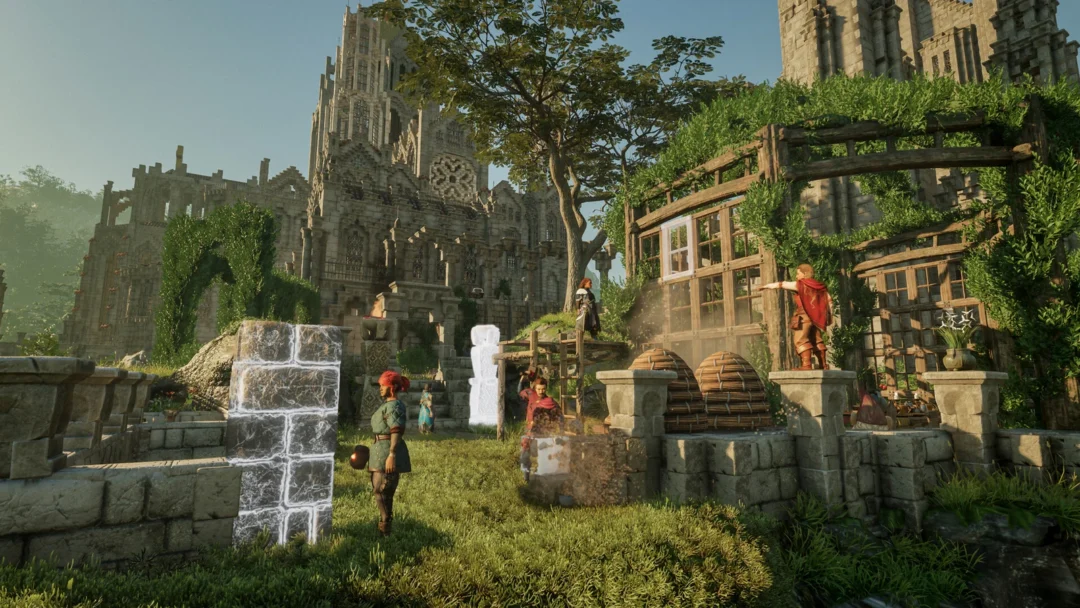
Cheat codes spawn across the map in Battle Royale matches, and you type them into an Override Console using the ENTER CHEAT prompt. The rarity colour of the code decides the tier of what you get back, so a rare code might hand over an ordinary weapon while an epic one can drop something like an Epic Sprite.
The Cheat Code Locator only moves a code one step up the ladder. Blue to purple works. Purple to legendary does not, even though the gizmo’s own description reads “Locate the nearest Cheat Code, with a small chance to find a legendary upgrade!” Treat epic as the ceiling for now.
Note: Locators carry an expiry timer in your inventory, shown as a countdown in days on the item card, so hoarding them indefinitely is not an option.
How to upgrade a blue cheat code to purple
INPUT CODE screen. The payout now matches the epic tier rather than the rare one, which is how you pull rewards such as the Sonic Sprite instead of a basic item.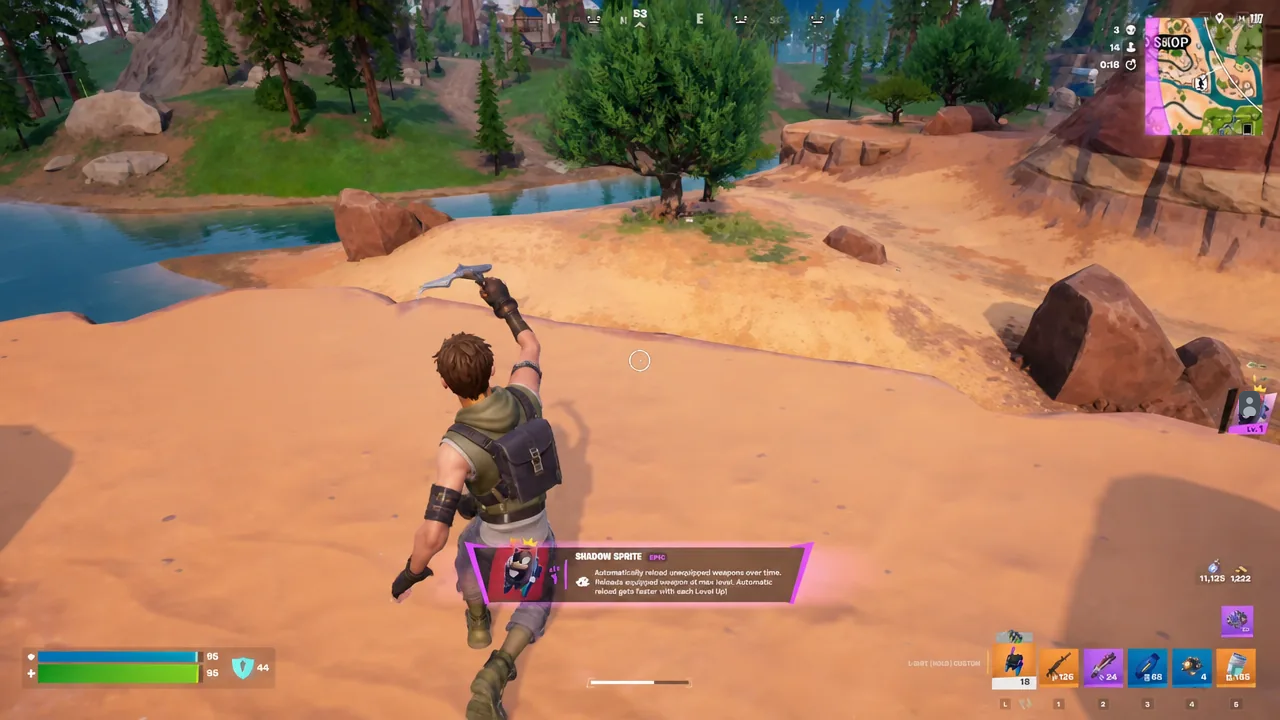
Confirming the upgrade worked and extracting the Sprite
The colour change is the confirmation. If the code still reads blue after you use the gizmo, the Locator did not register and the reward will drop at the lower tier.
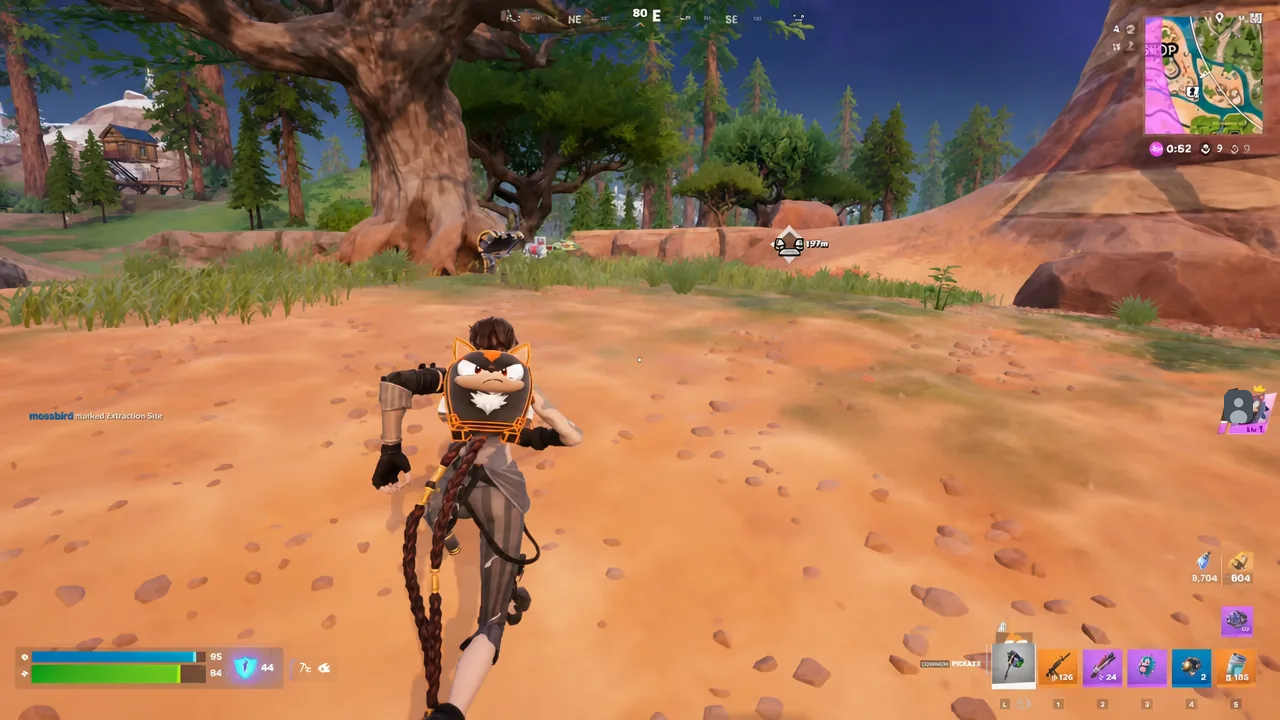
Rewards that come out as Sprites are not yours yet. Carry the Sprite to an extraction site and complete the extraction there, which produces a SUCCESSFULLY EXTRACTED message and adds it to your Sprite collection back in the lobby. Get eliminated before that, and the Sprite is gone.
Where to get Cheat Code Locators
Locators are consumable, so a steady supply matters more than any single upgrade. Four routes feed them into your account.
| Source | Details |
|---|---|
| Sprite Dust Service Station | Buy one from the console in-match. Stock is limited to 1 and it is capped by a daily limit. |
| Override daily quests | Finish three daily quests, such as upgrading weapons, then claim the Locator as the reward. |
| Daily login rewards | The weekly calendar hands out Cheat Code Locators on Wednesdays and Saturdays. |
| Admin Panel codes | A handful of Lobby Hack codes grant two Locators each, one time per account. |
Daily quests are the most reliable of the four because they reset on a timer you can see in the Quests menu. Weapon-upgrade objectives tend to be the quickest to knock out while you are already playing.
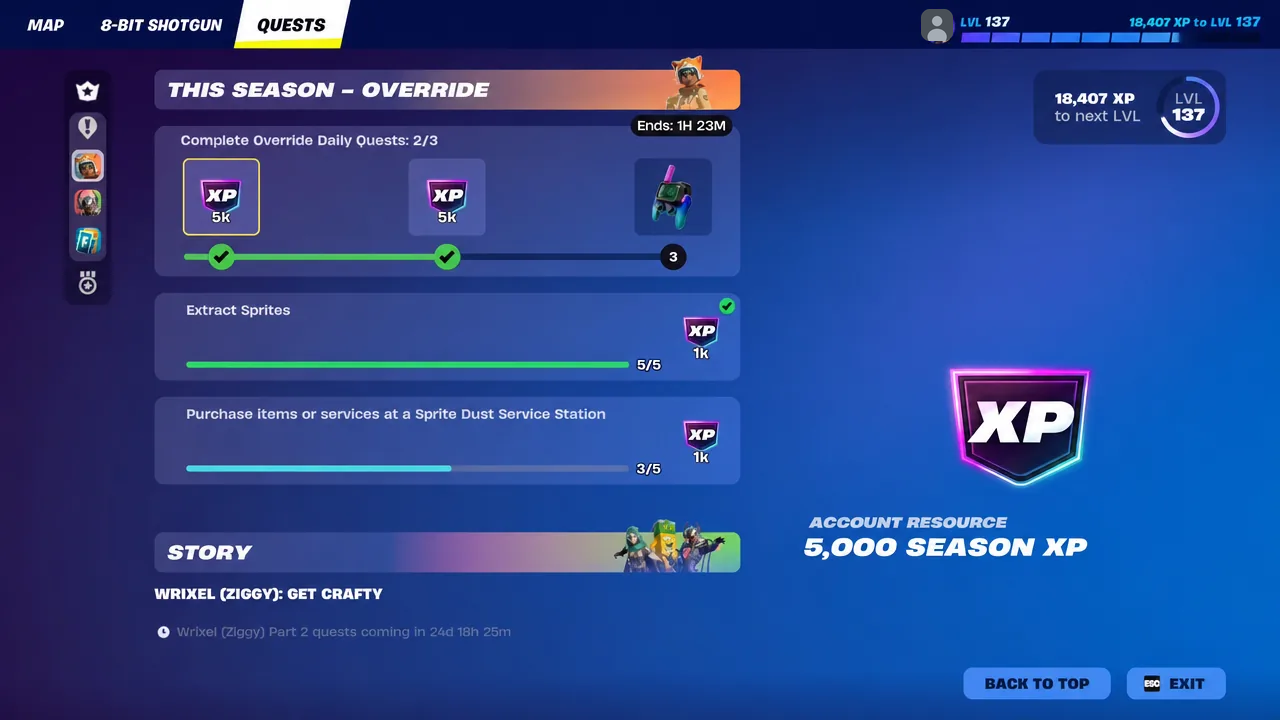
The Locator itself lands in your account only after you return to the lobby and claim the completed quest reward. Until you claim it, it will not show up on the gizmo wheel in your next match.
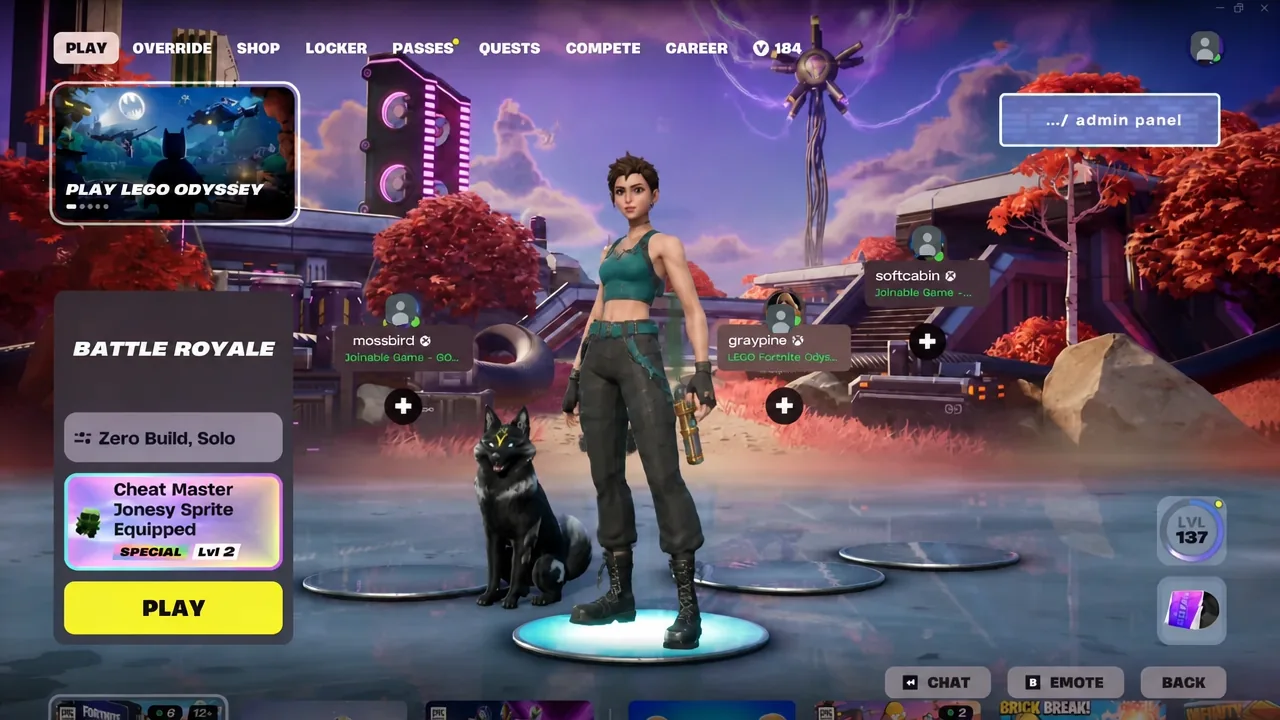
Admin Panel codes that grant Cheat Code Locators
Open the “…/ admin panel” button in the top-right corner of the lobby, type the code into the text box, and hit Submit. Each one works once per account.
| Code | Reward |
|---|---|
| INVALIDCHEAT | 2 Cheat Code Locators |
| FindItChat | 2 Cheat Code Locators |
| SurviveTheNight | 2 Cheat Code Locators |
Why an upgrade does not go through
There are only a few reasons the gizmo appears to do nothing.
- The code is already purple. Epic is the top tier a Locator can reach, so it will not push to legendary.
- You were not close enough to the code when the gizmo fired, so it worked as a finder instead of an upgrade.
- The Locator was never claimed. Quest and login rewards have to be collected in the lobby first.
- An Admin Panel code was already redeemed on your account, so it will not hand out a second pair.
The practical rhythm for the season is simple enough. Bank a Locator or two from quests and the Wednesday and Saturday login rewards, spend them on blue codes you stumble across rather than the purple ones, and always finish the extraction before the storm or another squad ends the run.