Artillery in WARDOGS is only as accurate as the platform underneath it. A tank sitting on soft ground shifts every time the main gun goes off, and the next round lands somewhere you did not aim. Stabilizing plants the vehicle in place with its hydraulic supports so the barrel stays where you left it between shots.
Quick answer: Enter the driver’s seat with E, press F to open the vehicle menu, scroll down to STABILIZE, then hold F until the status reads “Stabilized.”
What stabilizing actually does
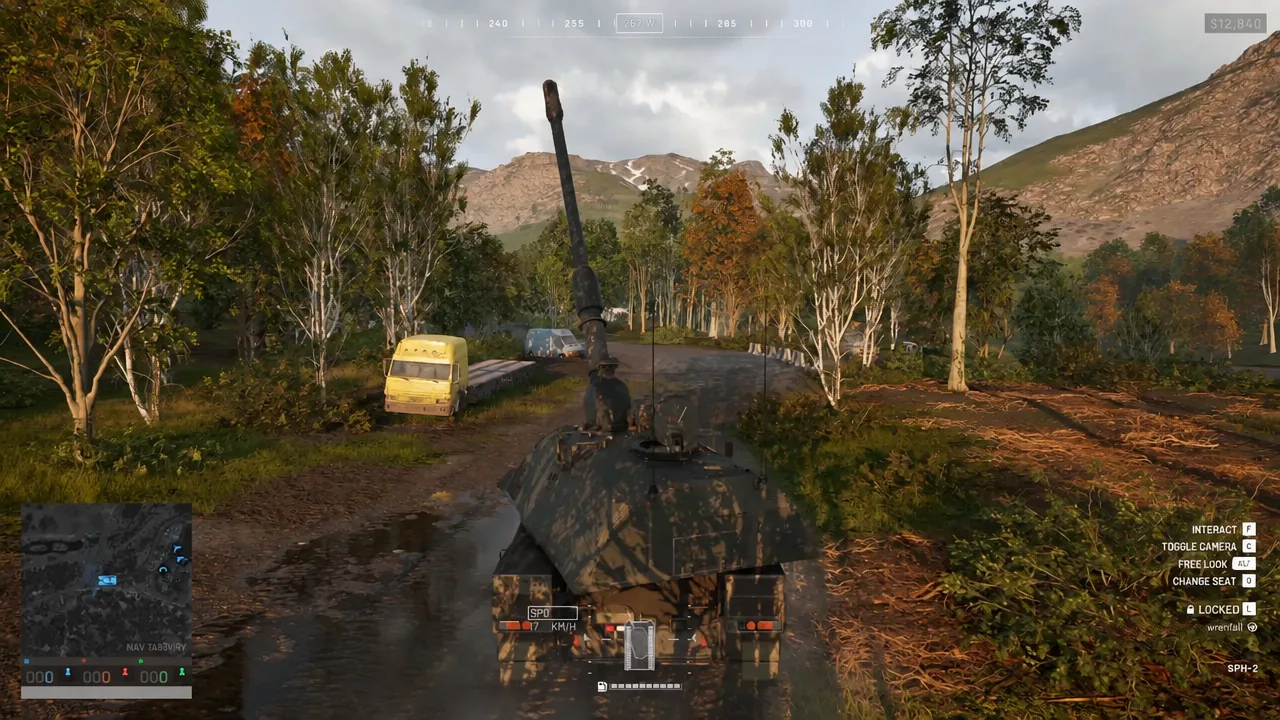
Stabilizing is a state the vehicle enters, not a one-off action. Hydraulic supports drop from the chassis and anchor the vehicle to the ground, which keeps the turret aligned more consistently after each shot. On an artillery vehicle such as the SPG-2, that is the difference between a correction loop you can trust and one where every round has to be re-guessed from scratch.
It is controlled from the driver’s seat, which matters on a three-crew artillery vehicle. The player who parks the tank is the one who sets it up, while a gunner works the cannon and a third crew member handles the mounted machine gun. Solo, you stabilize first and then swap seats.
Stabilize a vehicle in WARDOGS
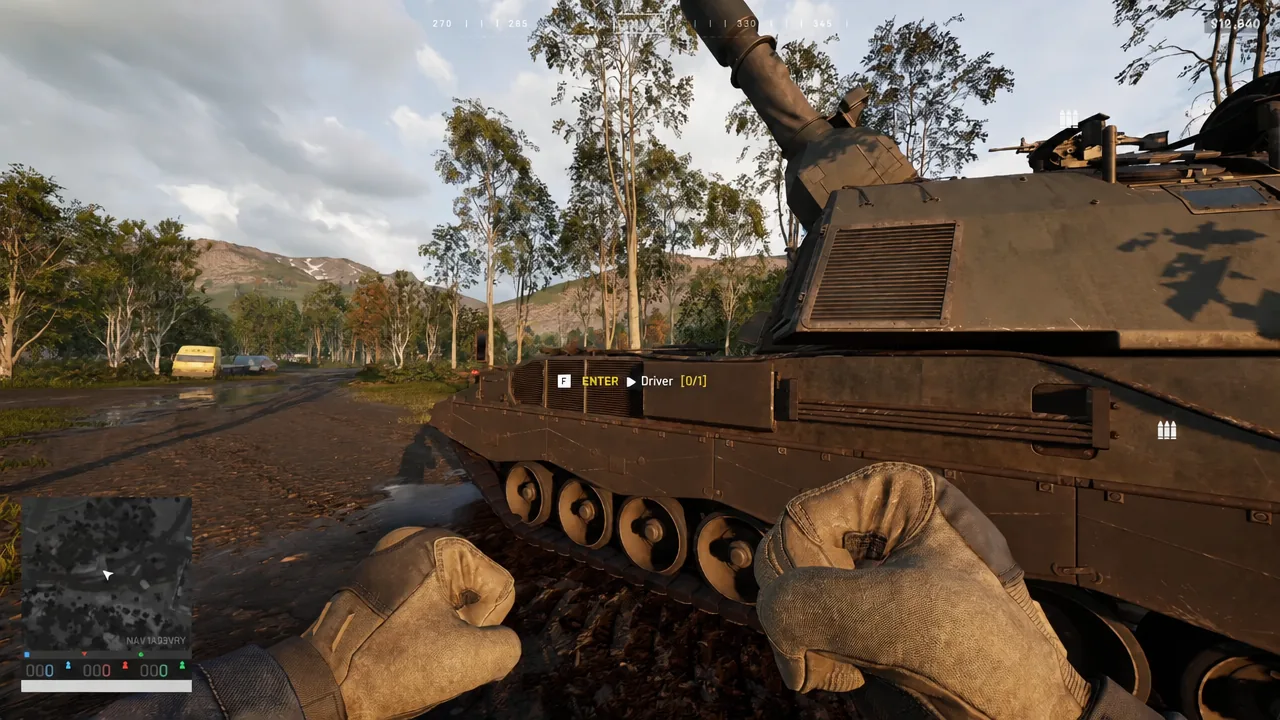
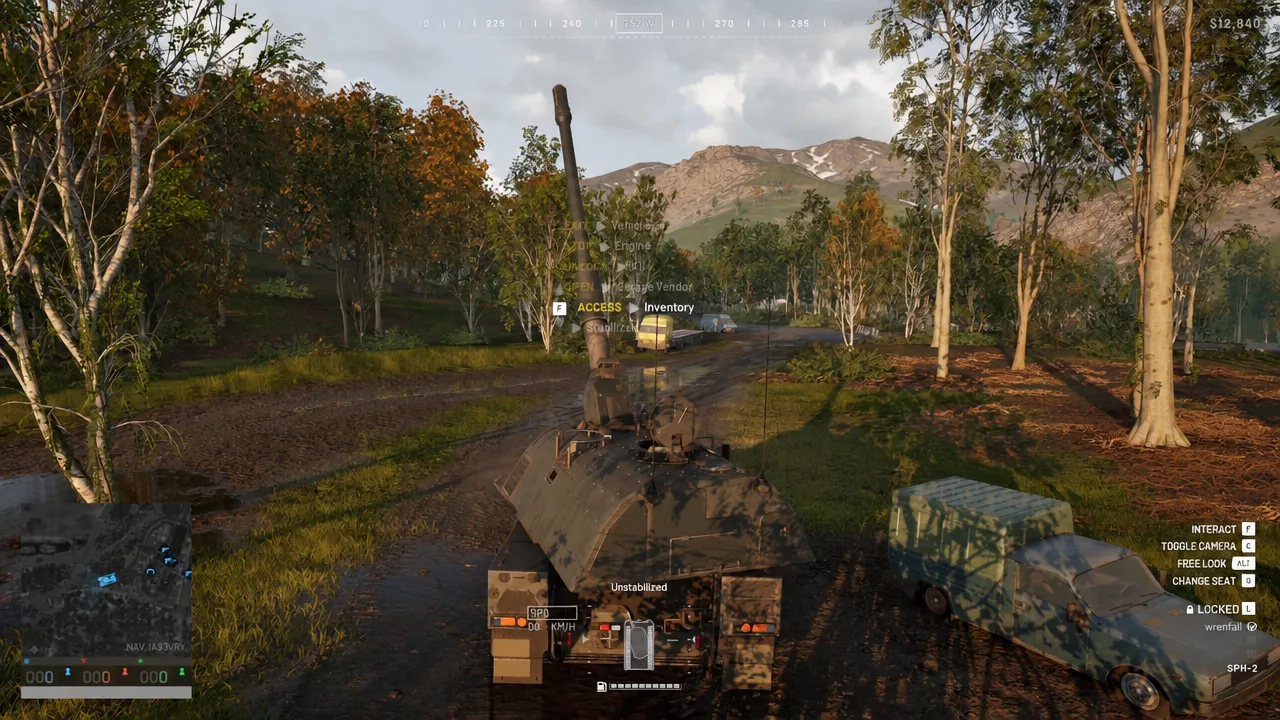
The same menu has a STOP Engine option. Shutting the engine down while you are parked cuts the noise that masks approaching infantry and stops the vehicle burning fuel while it sits still.
Confirm it worked: the HUD status readout
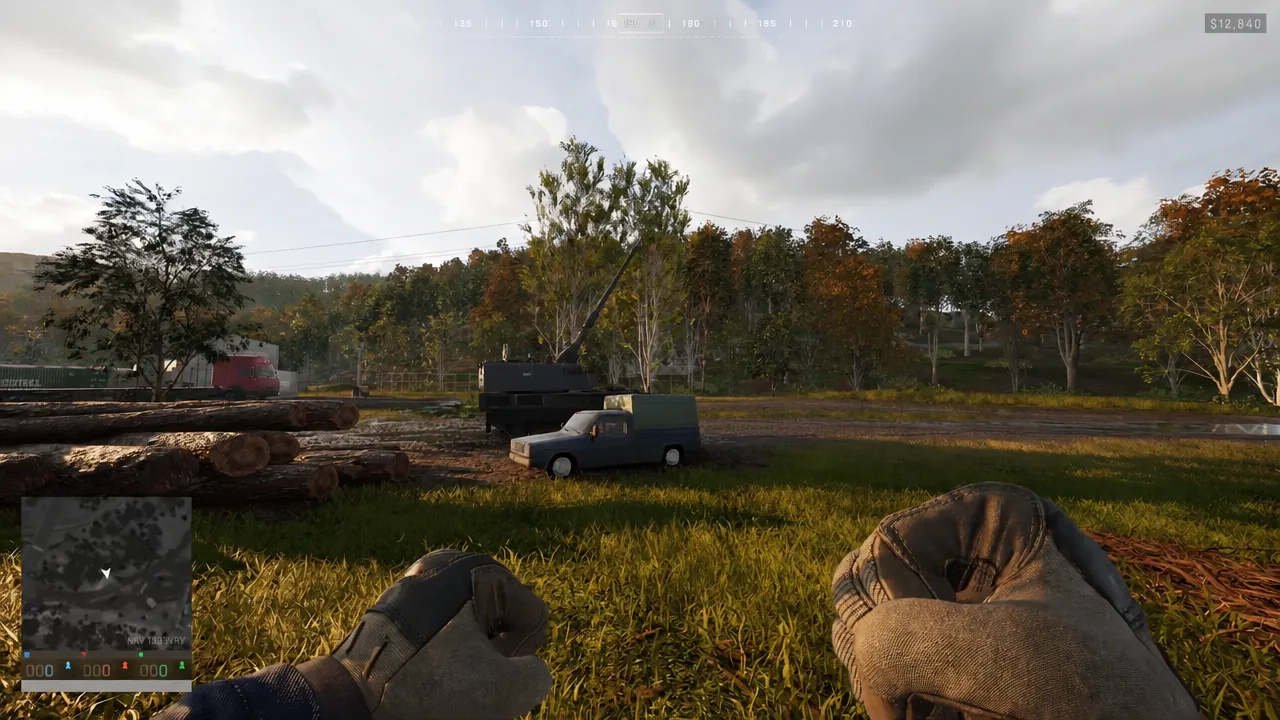
You do not have to guess. The vehicle status indicator in the lower-left corner of the screen, next to the minimap, prints the current state and updates as the supports move. There are four values it can show.
| HUD status | What it means |
|---|---|
| Unstabilized | Default state, vehicle can be driven |
| Stabilizing | Supports deploying, sequence in progress |
| Stabilized | Anchored and ready to fire |
| Unstabilizing | Supports retracting, movement still blocked |
Every vehicle starts at “Unstabilized,” and that is also what you will see on the readout while you are driving to a firing position. The job is done when the text reaches Stabilized and stops changing.
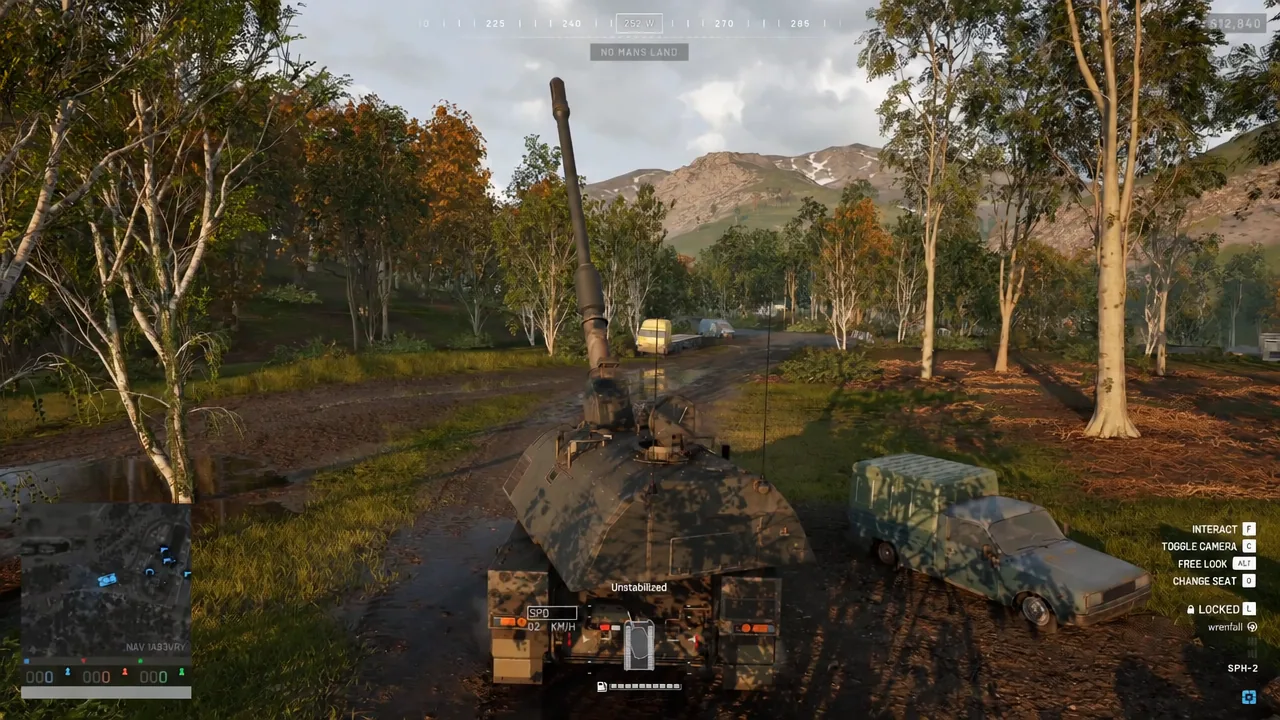
A stabilized vehicle cannot be driven
This is the trade-off. While the state is “Stabilized,” throttle input does nothing on its own. Touching the drive controls instead triggers the reverse sequence automatically, and the status flips to “Unstabilizing” while the supports come back up.
The vehicle stays frozen for the whole retraction. Only once the readout returns to “Unstabilized” will it move. You can also run the same process deliberately by opening the menu again and choosing the UNSTABILIZE option, which is worth doing before you need to leave rather than after counter-battery fire has already found you.
The other in-vehicle controls on screen
The stabilize prompt shares the HUD with the rest of the vehicle bindings, listed down the right-hand side of the screen while you are seated:
- Interact — F
- Toggle camera — V
- Free look — C
- Change seat — Z
- Lock vehicle — L
Change seat is the one that pairs with stabilizing. Set the vehicle down from the driver’s position, then move to the gunner’s seat to handle the cannon without ever getting out.
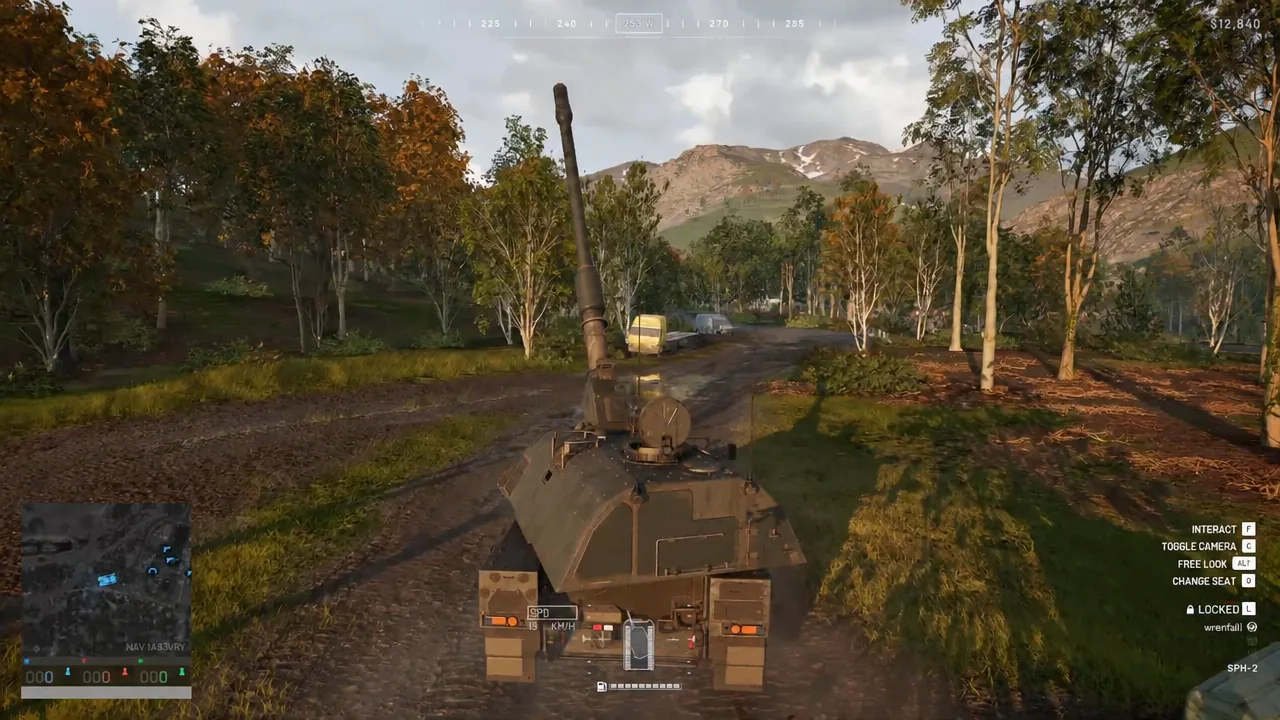
Treat stabilizing as part of setting up a firing position rather than a button you press once. Park somewhere the target is in range and infantry are not, lock the vehicle down, take your shots, then unstabilize before the position gets answered. The moment the status clears back to “Unstabilized,” the tank drives normally again.