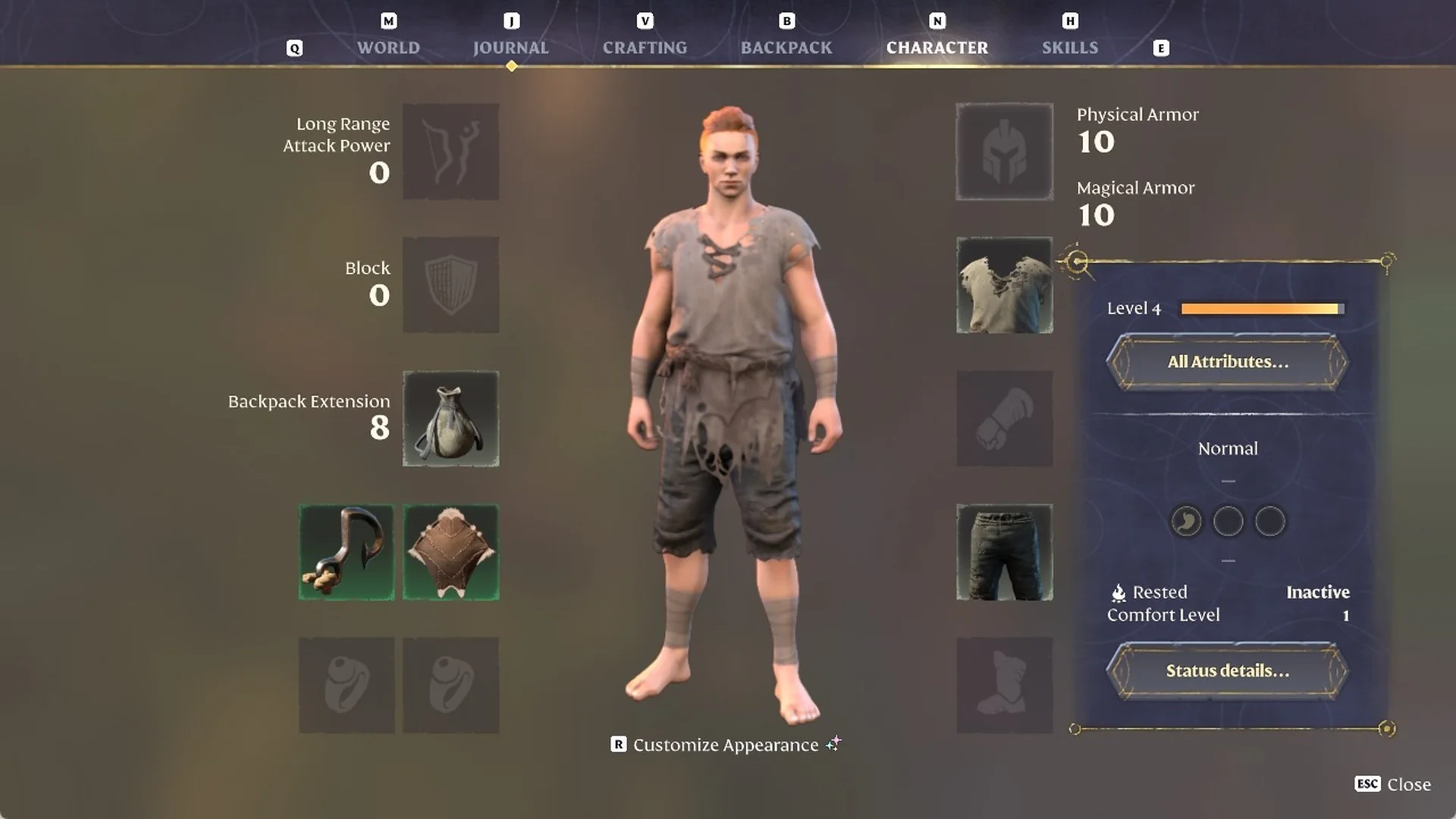
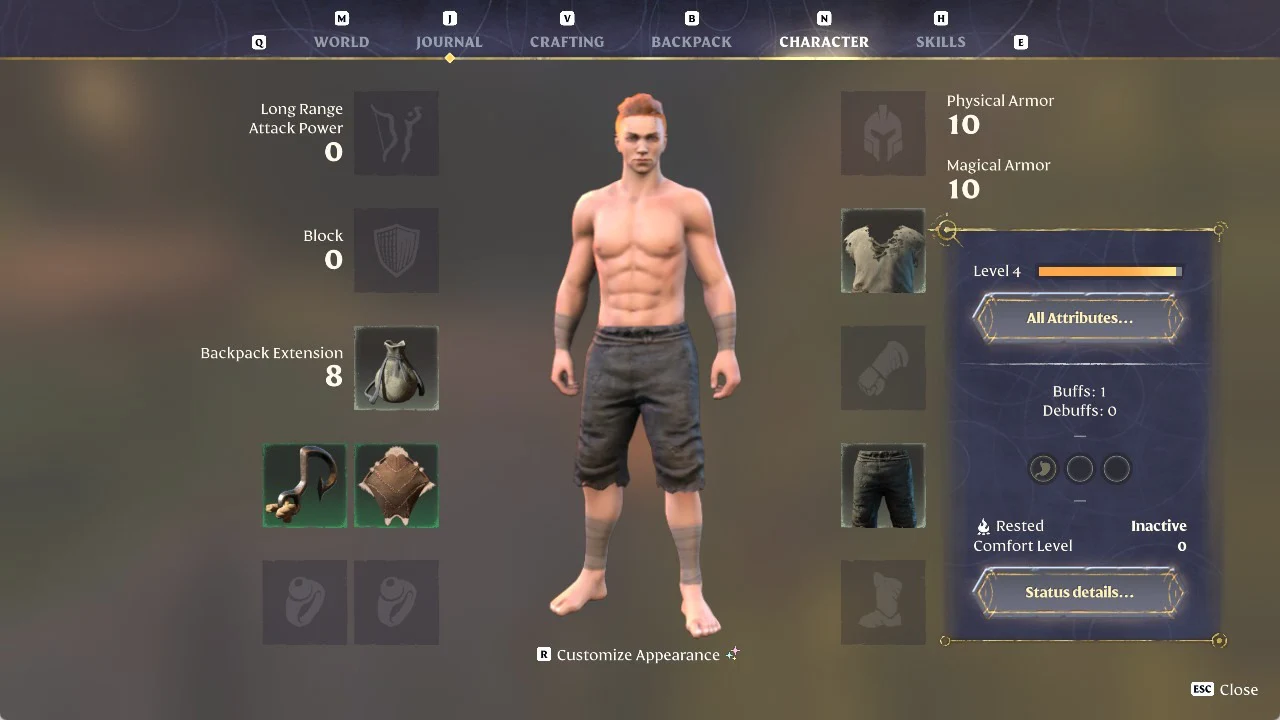
Enshrouded lets you take armor off your character’s look without taking it off your character. The option is on the CHARACTER tab, and it works one slot at a time.
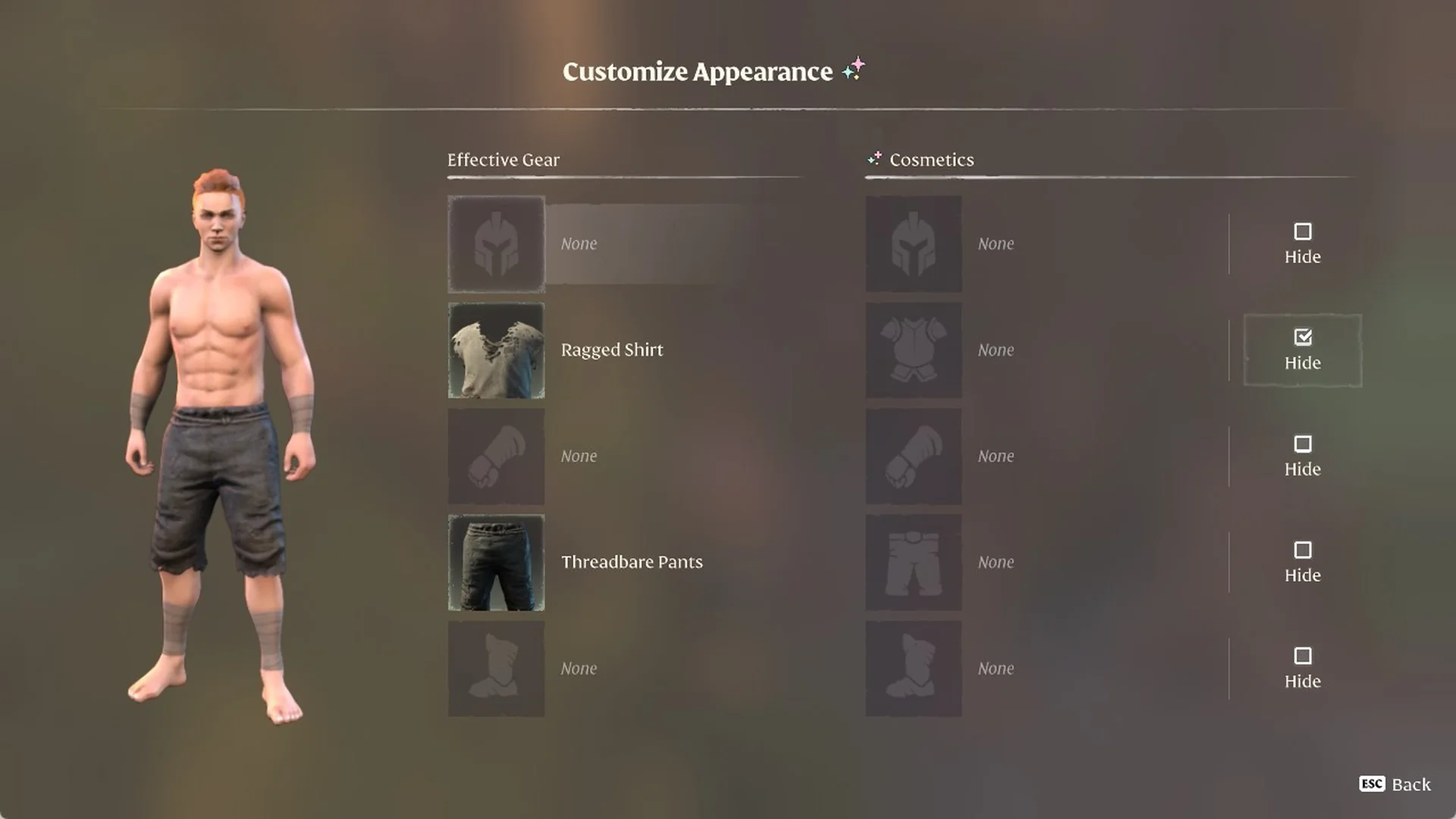
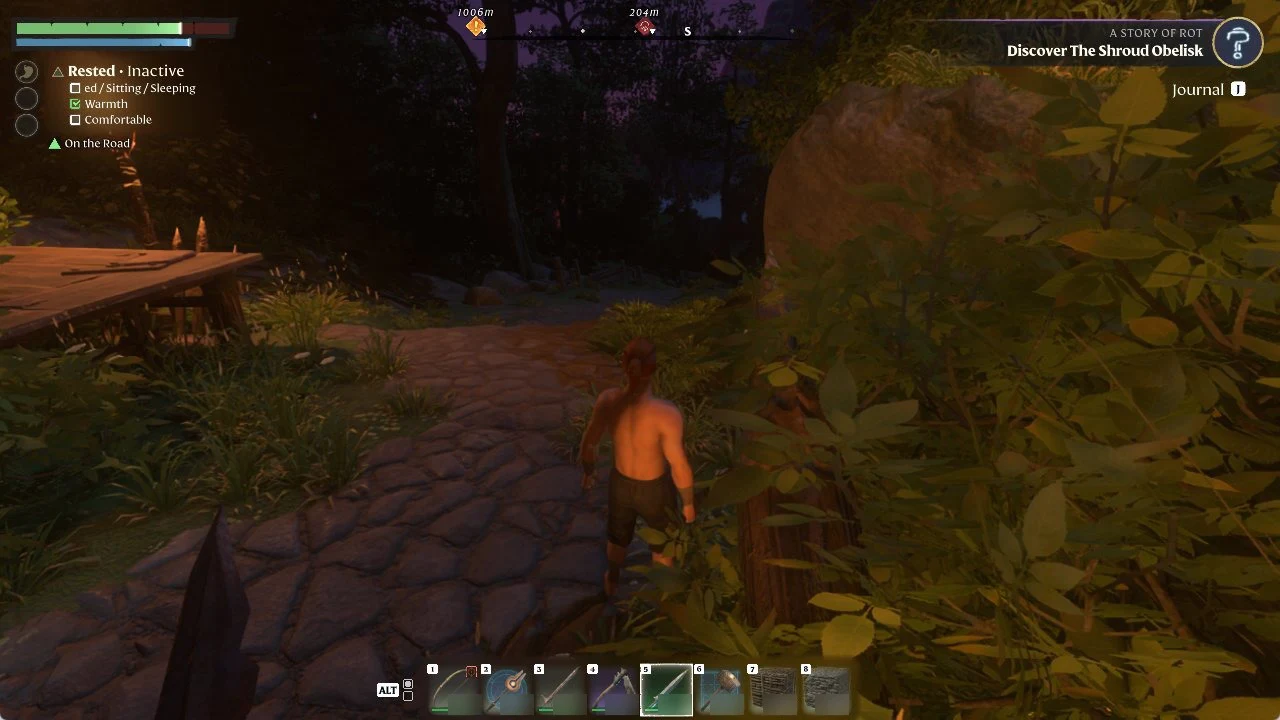
Quick answer: Press N, then R to choose “Customize Appearance,” and select “Hide” for the slot. The item is no longer visible, remains equipped, and your armor values stay the same.
How to hide armor in Enshrouded
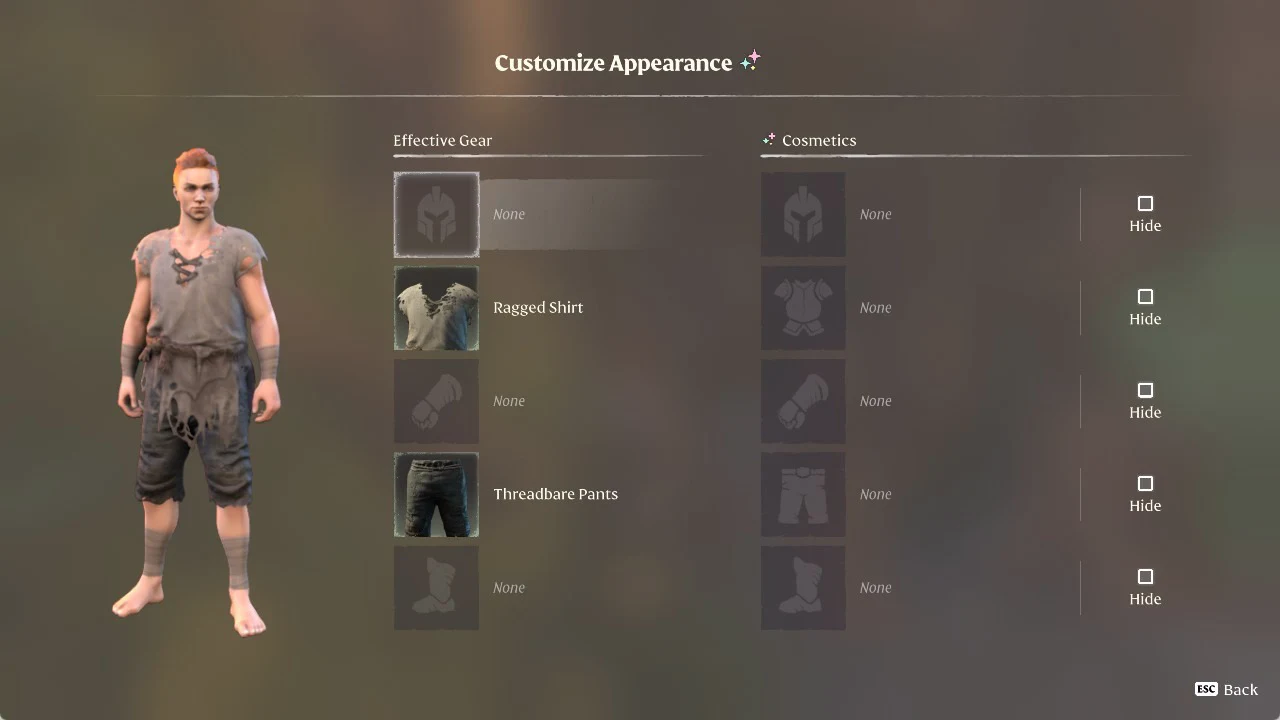
You only need the piece you want to hide equipped. In our example, we hide a Ragged Shirt that our character is wearing together with Threadbare Pants.
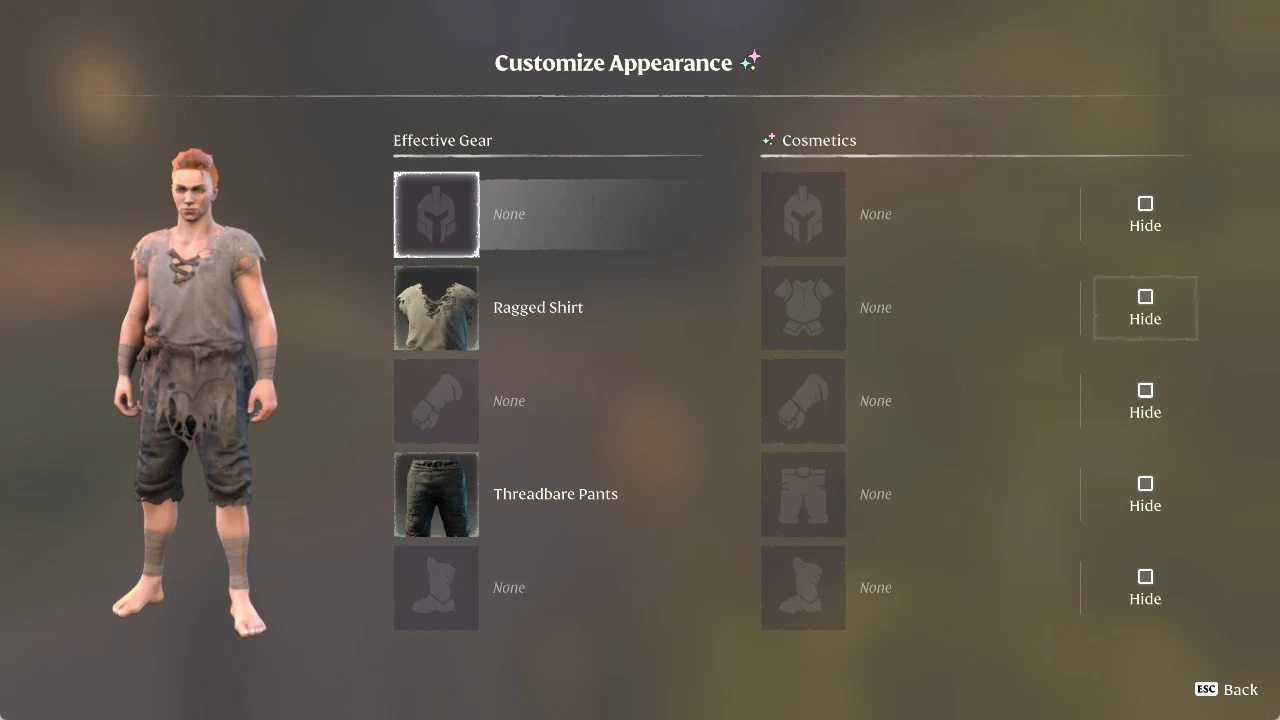
Hiding your helmet and using the Cosmetics column
The head row sits at the top of the “Customize Appearance” screen and has its own “Hide” box, just like the chest, hands, legs and feet rows. We had no helmet equipped in our game, so we only tested hiding on the chest row.
Cosmetic pieces such as the Artificer’s Chest, an “Upper Body Cosmetic”, change how you look, not your stats, and they go in the “Cosmetics” column on the Customize Appearance screen. For other pieces, see where to find every clothing set. Ours started empty, with None in every row, and clicking an empty Cosmetics slot opened nothing, so you add a piece to that column from your backpack instead.
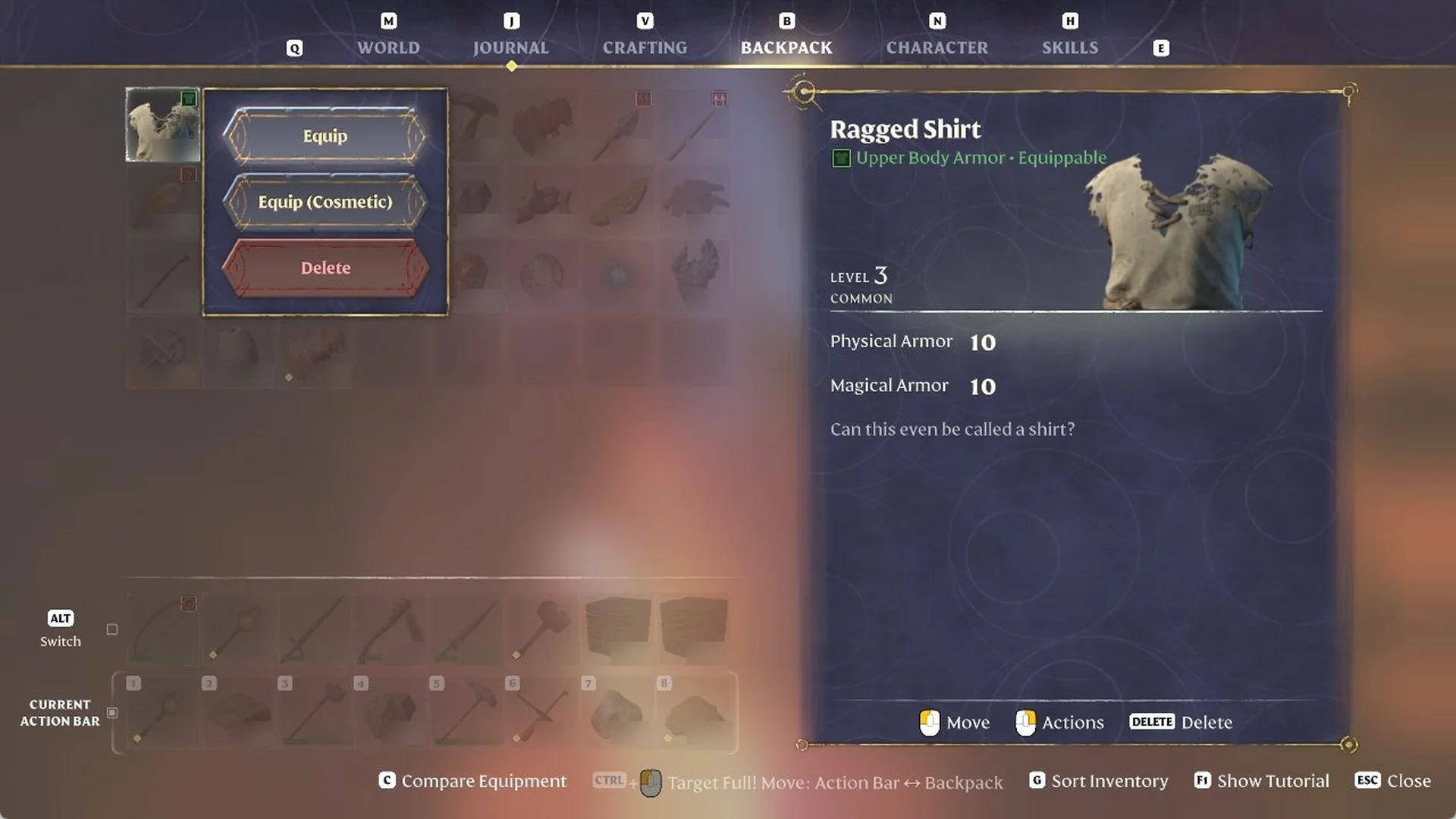
To fill a Cosmetics slot, press B to open the BACKPACK tab and right-click a spare armor piece you are not wearing. The menu reads “Equip”, “Equip (Cosmetic)” and “Delete”. We chose “Equip (Cosmetic)” on a spare Ragged Shirt, and the shirt left our backpack.
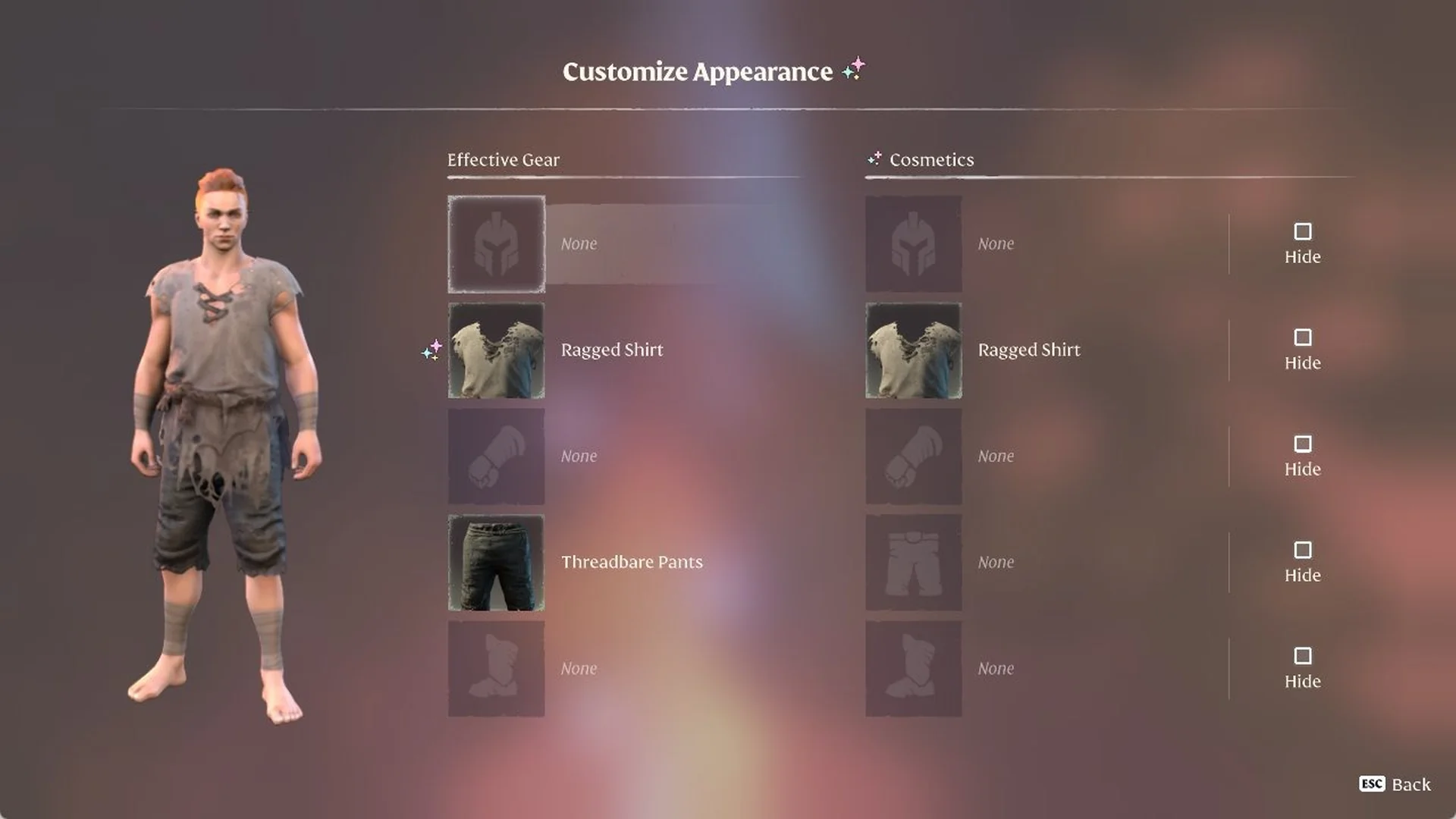
When you go back to Customize Appearance (N, then R), the Cosmetics chest row now reads “Ragged Shirt”. You will also see a sparkle mark beside the shirt in the Effective Gear column.
To take the shirt out, click the filled Cosmetics slot. This opens an “Upper Body” screen with the shirt under EQUIPPED, its card reading “Upper Body Armor • Equipped” and “SPACE Unequip” at the bottom. When we pressed SPACE, the EQUIPPED box emptied, the shirt moved under AVAILABLE with “SPACE Equip” on its card, and it was back in our backpack.