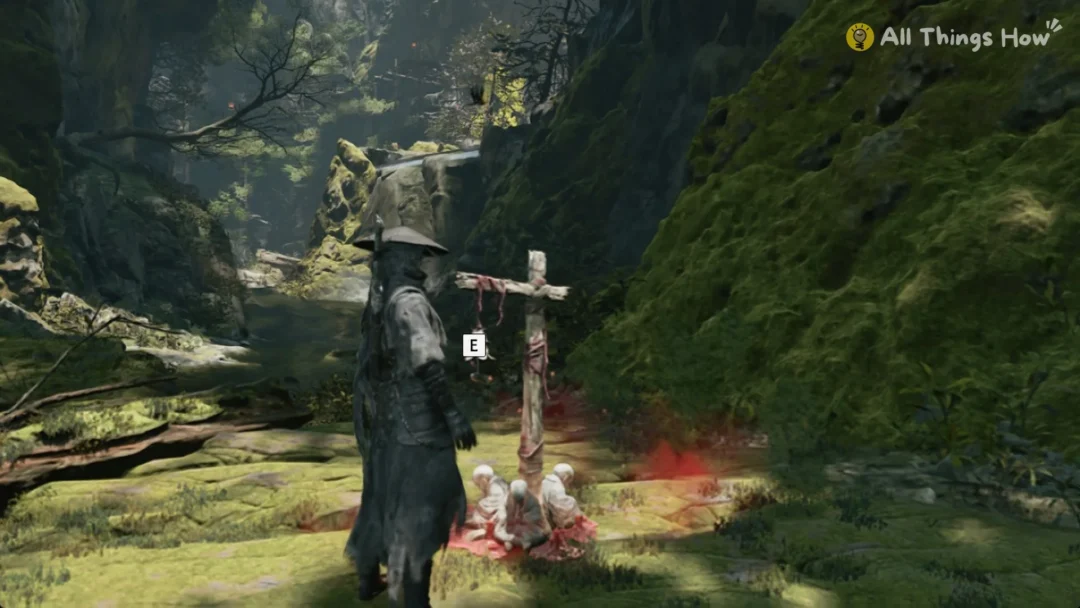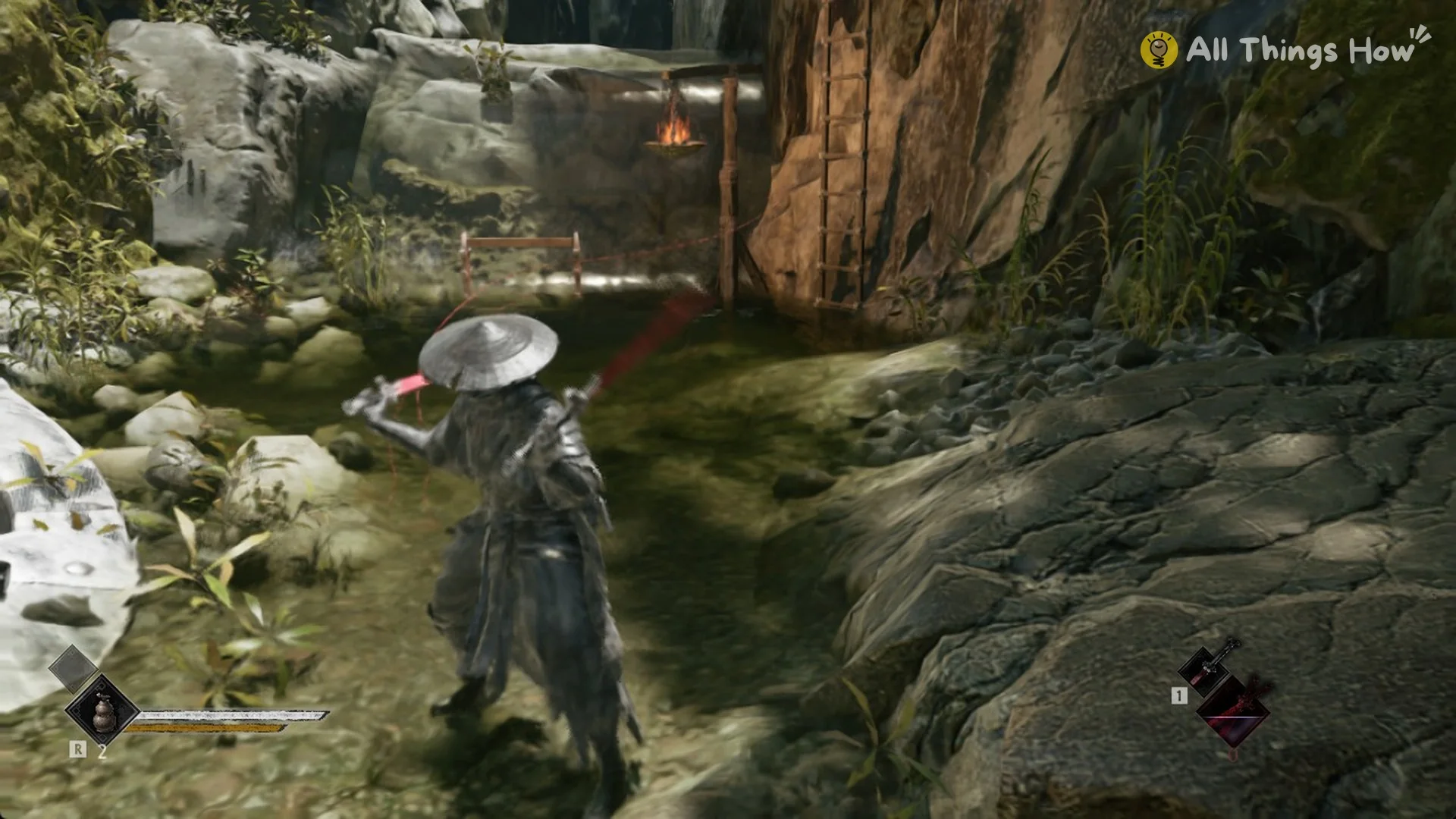
In Phantom Blade Zero, Soul begins Chapter 1, “AGAINST THE FLOW”, with only one weapon, Sanguine. Weapon switching stays locked until you pick up a second weapon. After that, one key swaps between the two, and each swap refills your Sha-Chi.
Quick answer: Once you carry two weapons, press 1 to switch between them. Each switch fully restores your Sha-Chi. A short cooldown follows before you can press 1 again.
When you can switch weapons in Phantom Blade Zero
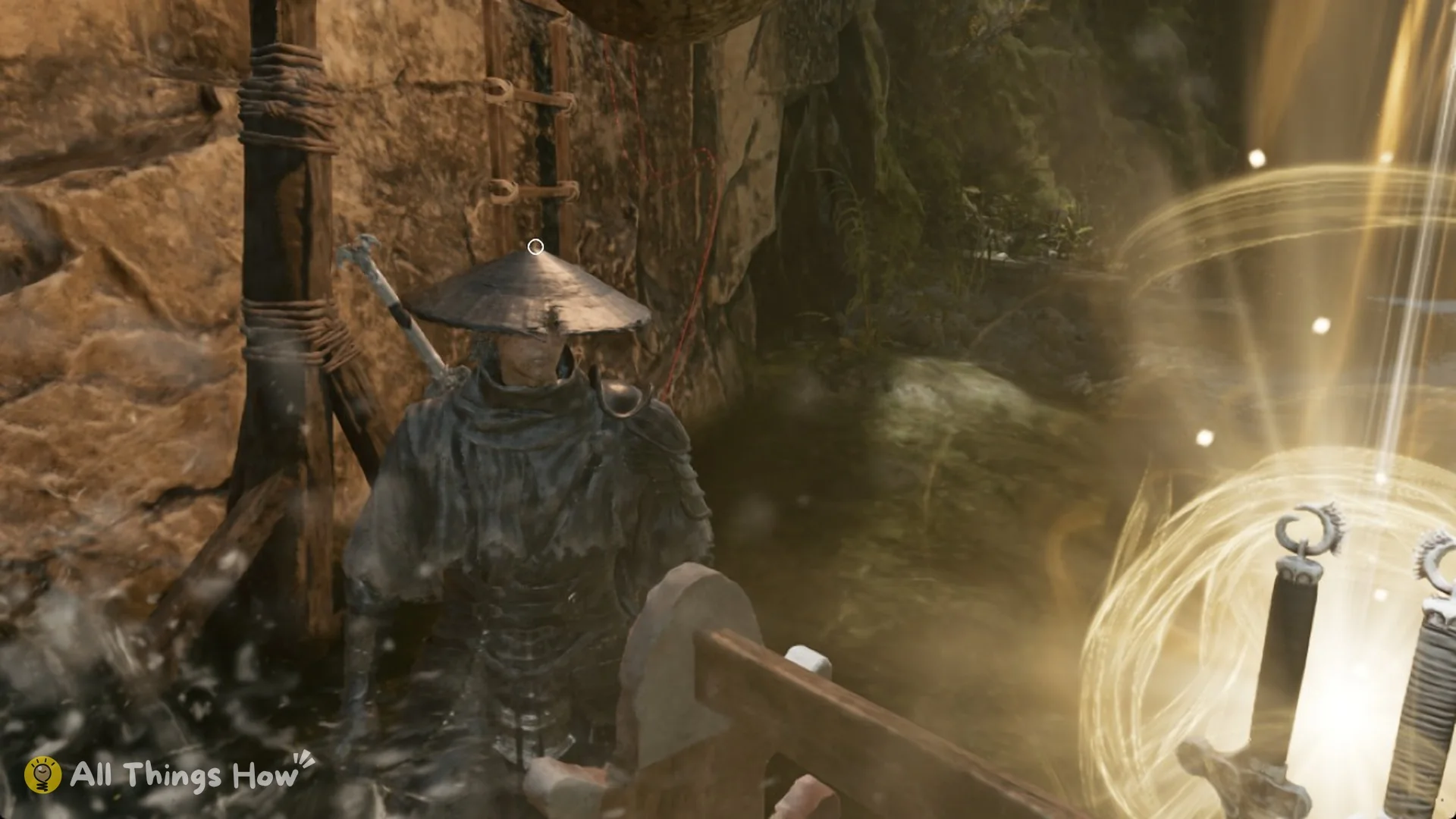
You need a weapon in the second slot first. One early option is the Sanguine Twin dual blades, which sit on a weapon rack in Weeping Creek Valley. The weapons list covers the rest. The weapon switch tutorial begins as soon as you pick up a second weapon.
After you pick up the new weapon and opt to equip it, a weapon-slot menu appears. Sanguine occupies one slot, while the second is marked “EMPTY / Equip a weapon here”.
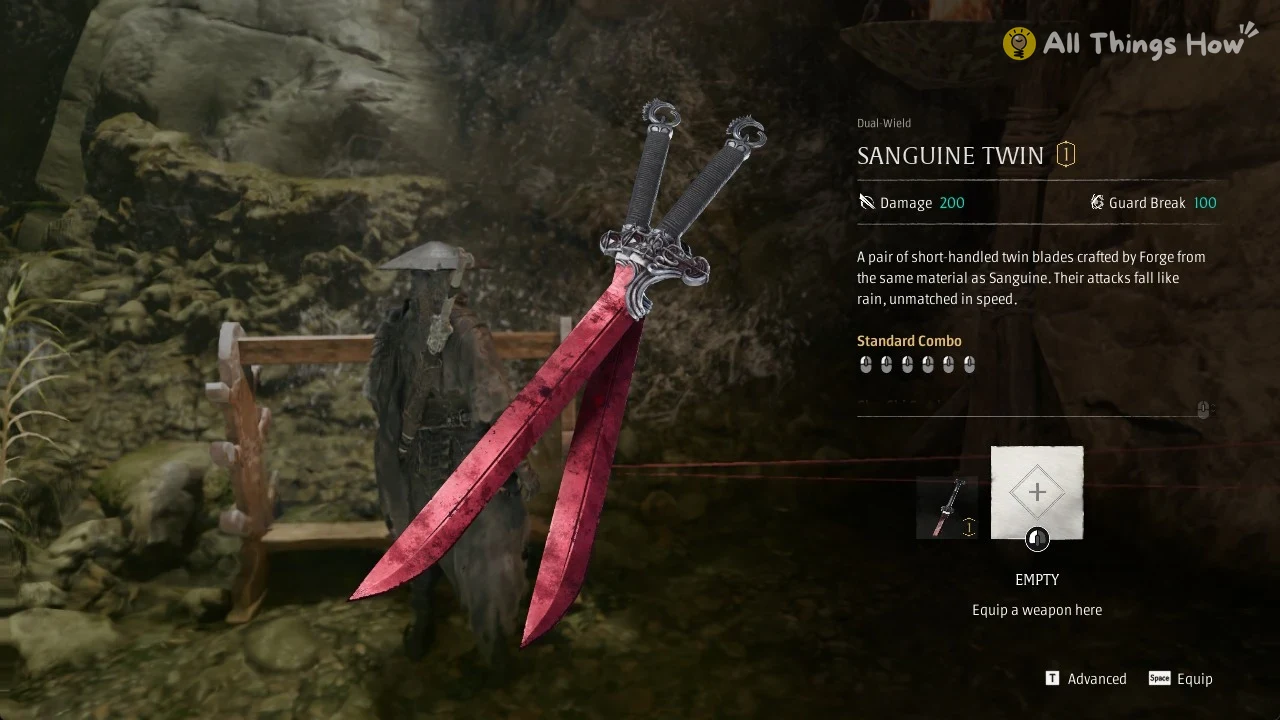
Highlight the vacant slot and keep Space pressed for roughly 2 seconds to equip the weapon; tapping Space does nothing. Afterward, its icon at the screen’s bottom-right has the key “1” beside it.
How to switch weapons (PC key 1)
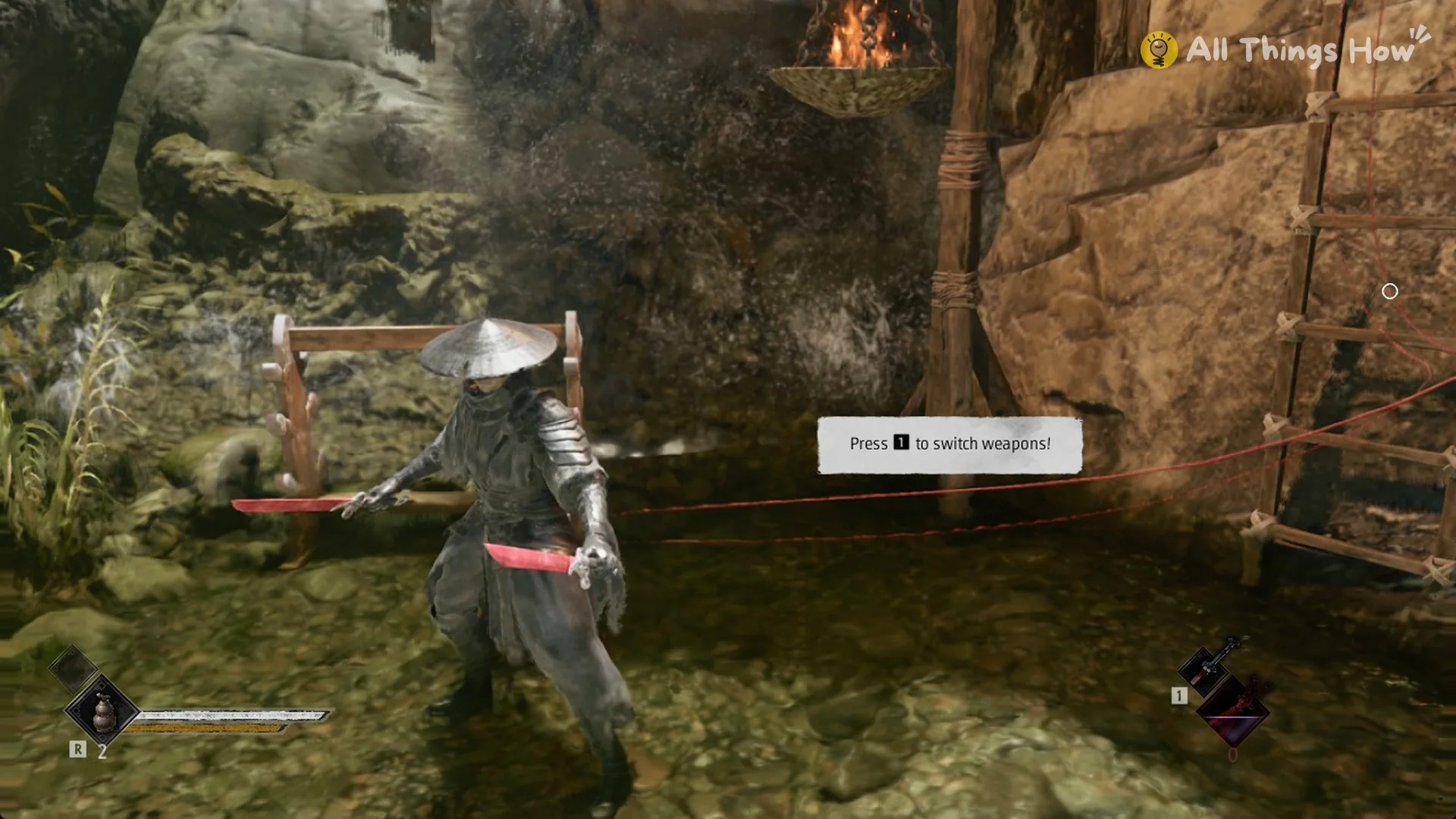
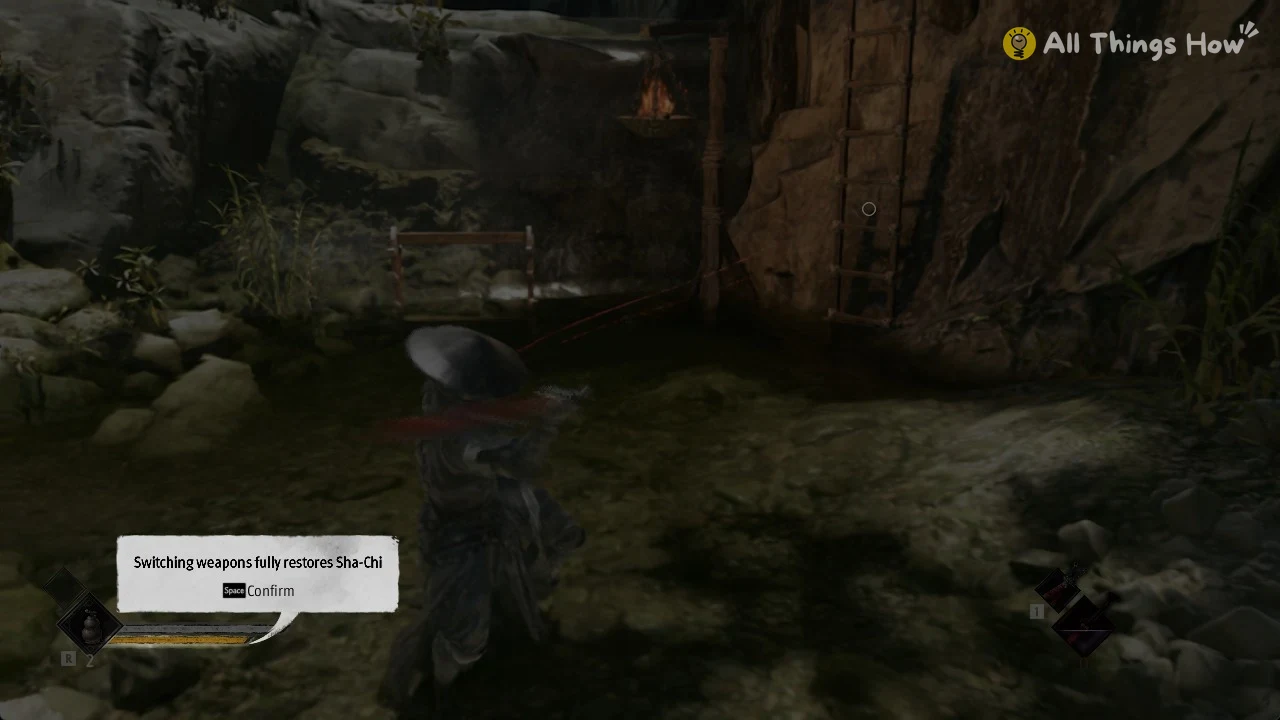
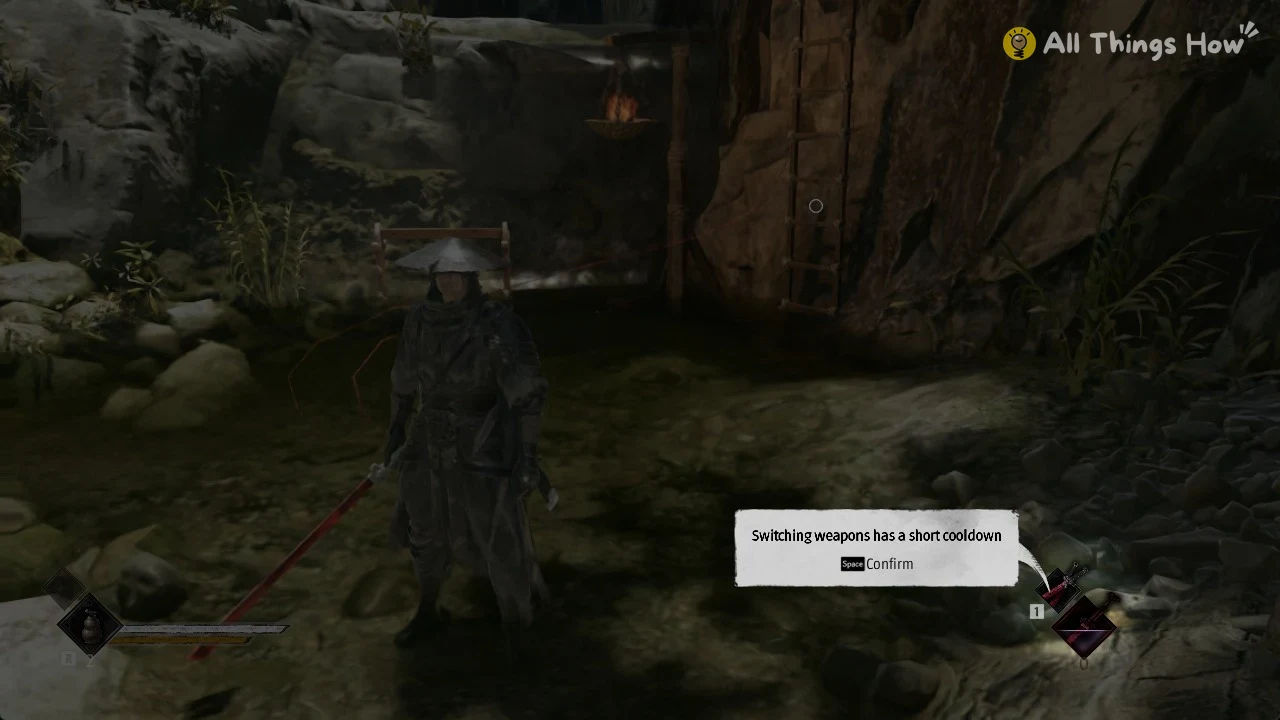
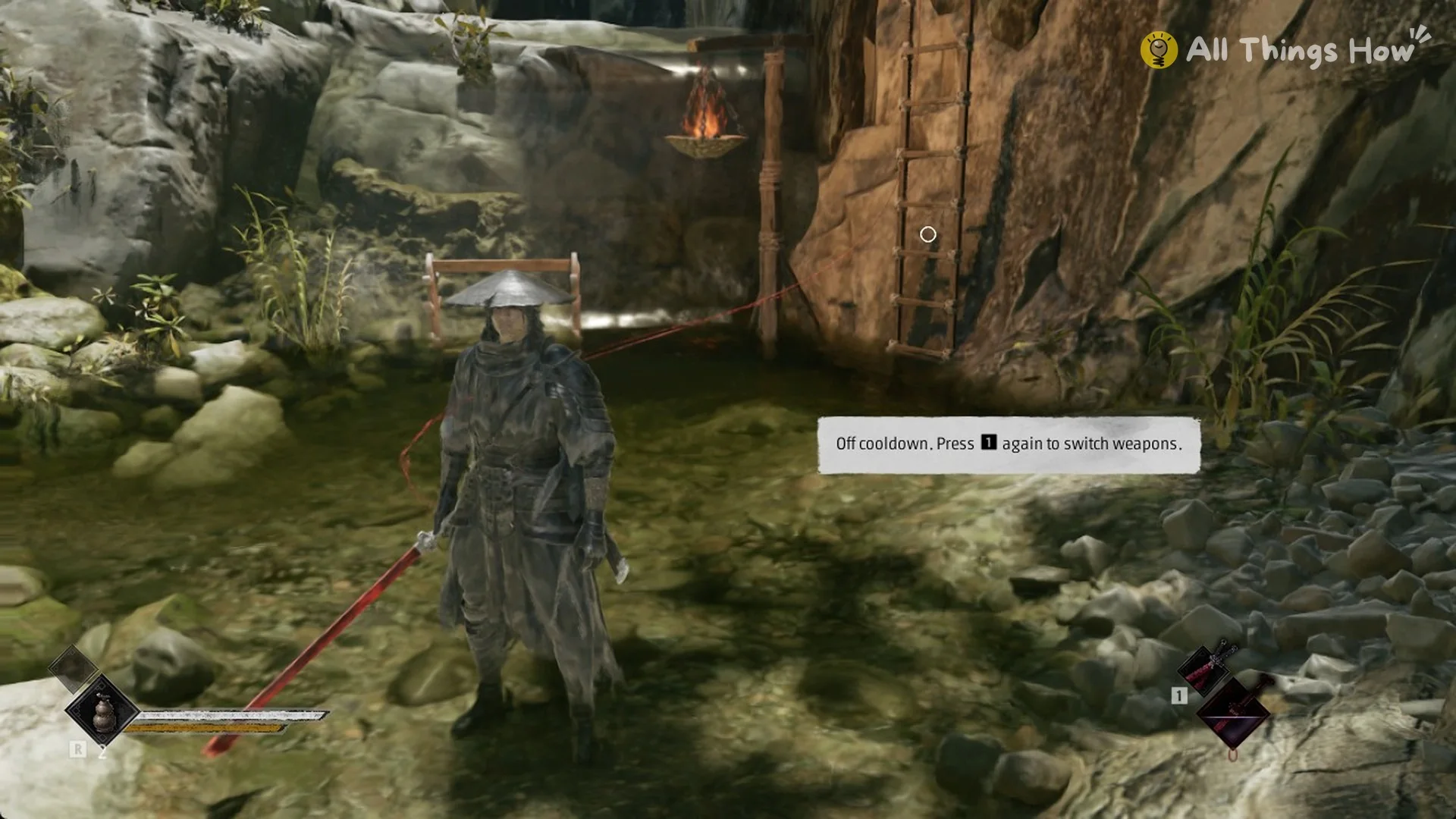
You can tell the swap worked when the weapon in Soul’s hands changes. The “Off cooldown” prompt tells you the key is ready again.
Switching weapons and Sha-Chi
- Every weapon switch fully restores Sha-Chi.
- Each weapon change triggers a brief cooldown before another swap is possible.
- The swap key is 1, both for the first switch and for every switch after it.
One Dual-Wield skill blocks switching for a while. Shadow Execution Lv. 1 is a Sanguine Twin skill tied to weapon level 10. Its description reads: “After performing this move, you cannot switch your main weapon for 15 seconds.”
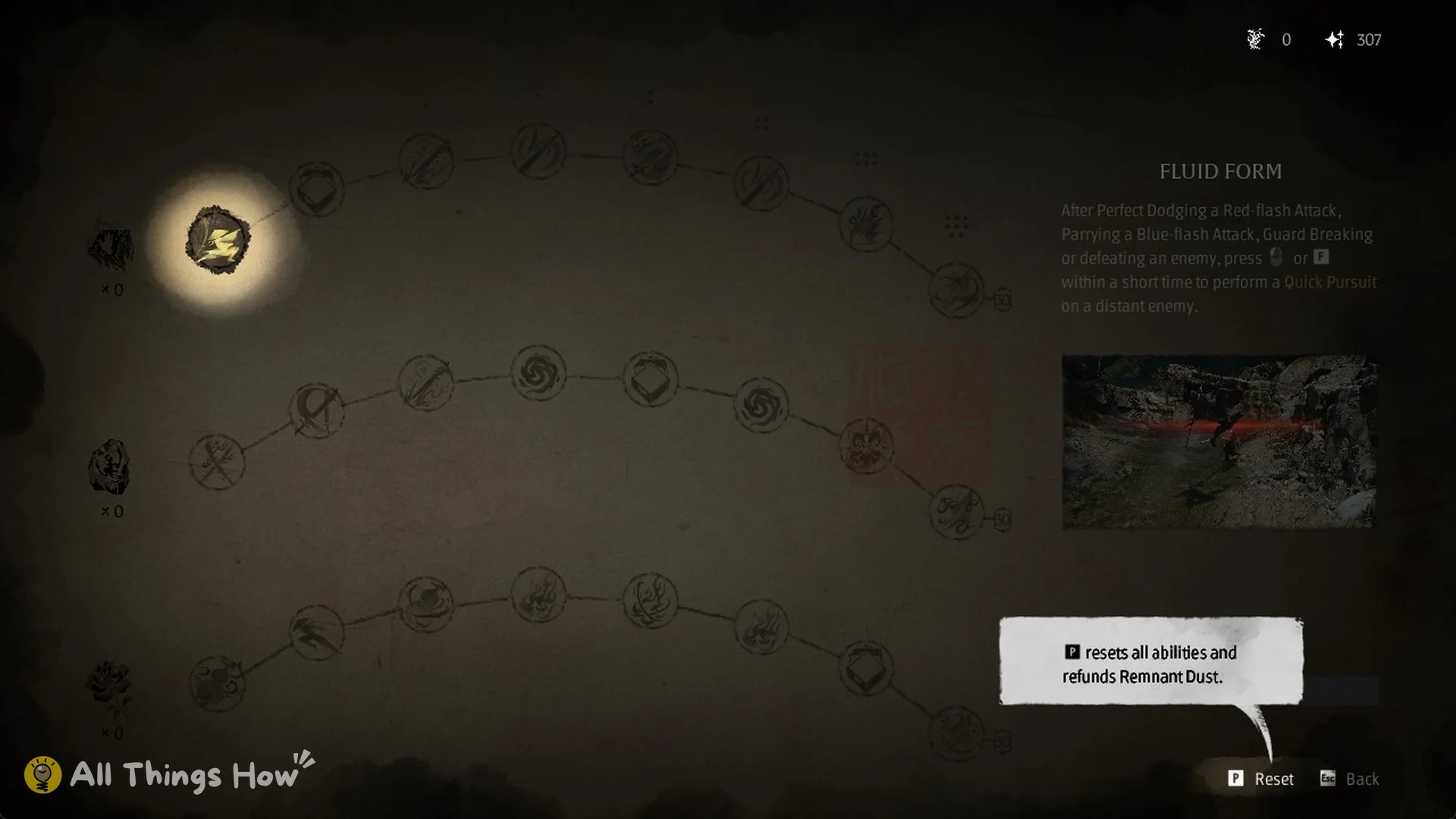
Masterful Flow and Opening Strike alter the swap. Masterful Flow Lv. 1 is priced at 30,000 Remnant Dust, and Lv. 2 at 60,000; both reduce the weapon-switch cooldown by 2 seconds. Opening Strike costs 35,000 and turns the action activated by a weapon switch into a special move.