

Sakshi Garg
-
How to Convert Canva Doc to PDF
Easily convert a Canva Docs document to a PDF file and share it with others, print it, or import it into other apps.
-
How to Insert a YouTube Video in Canva Docs
Easily insert a YouTube video in a Canva Docs document whether you’re using the app on your computer or your phone.
-
How to Find and Replace in Canva Docs
Use the Find and Replace feature in Canva Docs so you can easily fix any mistakes you might have made, no matter the length…
-
How to Use Canva PDF Editor
The easiest guide to learn how to use the Canva PDF editor to import and edit your PDF files without any hassle.
-

How to Download and Save Photos from an iCloud Shared Album on iPhone
Easily download photos or videos from a Shared Album to your personal library and never lose access to them.
-
How to Use Microsoft Edge Password Manager
Learn how to use the in-built password manager for Microsoft Edge and forget your worries about remembering multiple unique passwords.
-

How to Convert Canva Docs into Presentations
Convert your Canva Docs documents into presentations using Canva’s Docs to Decks feature in a matter of seconds.
-
What is Magic Write in Canva Docs and How to Use it Effectively
Use the AI writing assistant, Magic Write, in Canva Docs whenever you need help with producing written content.
-
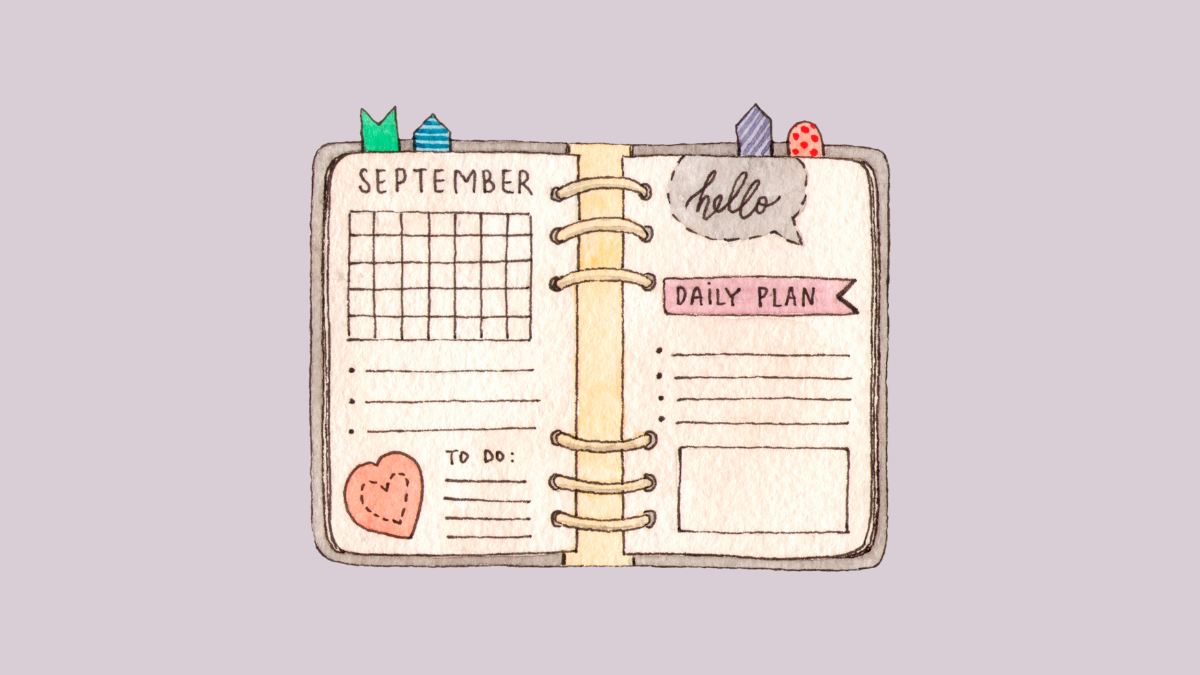
How to Create a Daily, Weekly, or Yearly Planner in Canva
Create your own daily, weekly, or yearly planners in Canva from scratch, or use the countless available templates.
-

How to Redirect a Mastodon Account to Another Account
Easily put a redirect notice on your current account that points to your new account on Mastodon to notify your followers.