
Category
Microsoft Office
-
How to Restart Numbering in Microsoft Word
Clear instructions to reset or restart numbered lists in Microsoft Word for clear, organized documents.
-

How to Fix High CPU or Memory Usage When Using Microsoft OneDrive
Reduce OneDrive’s excessive CPU or RAM consumption in Windows and macOS with targeted troubleshooting steps and configuration changes.
-

How to Fix Microsoft Teams Error Code 500
Resolve Microsoft Teams Error 500 with detailed instructions for clearing credentials, checking your network, and troubleshooting persistent login issues.
-
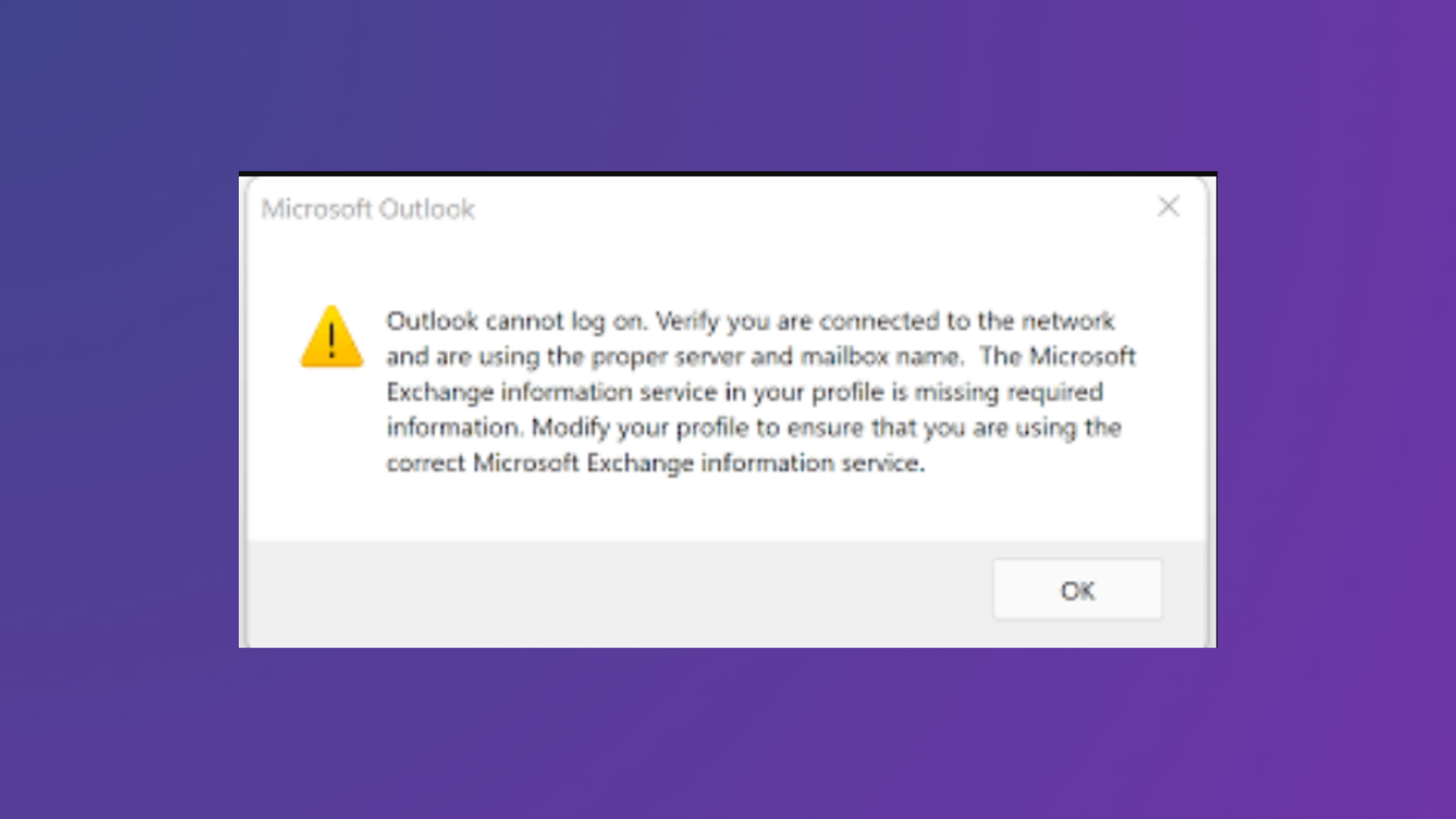
How to Fix Outlook Cannot Log On Verify You Are Connected to the Network Error
Comprehensive solutions to resolve the “Outlook cannot log on. Verify you are connected to the network and are using the proper server and mailbox…
-
How to Add Colors to Sections in Microsoft OneNote
Organizing your OneNote notebooks and sections with colors streamlines navigation and speeds up information retrieval.
-
How to Create a Mouseover Text Effect in Microsoft PowerPoint
Display helpful text when hovering over objects in PowerPoint by using the ScreenTip feature built into hyperlinks.
-
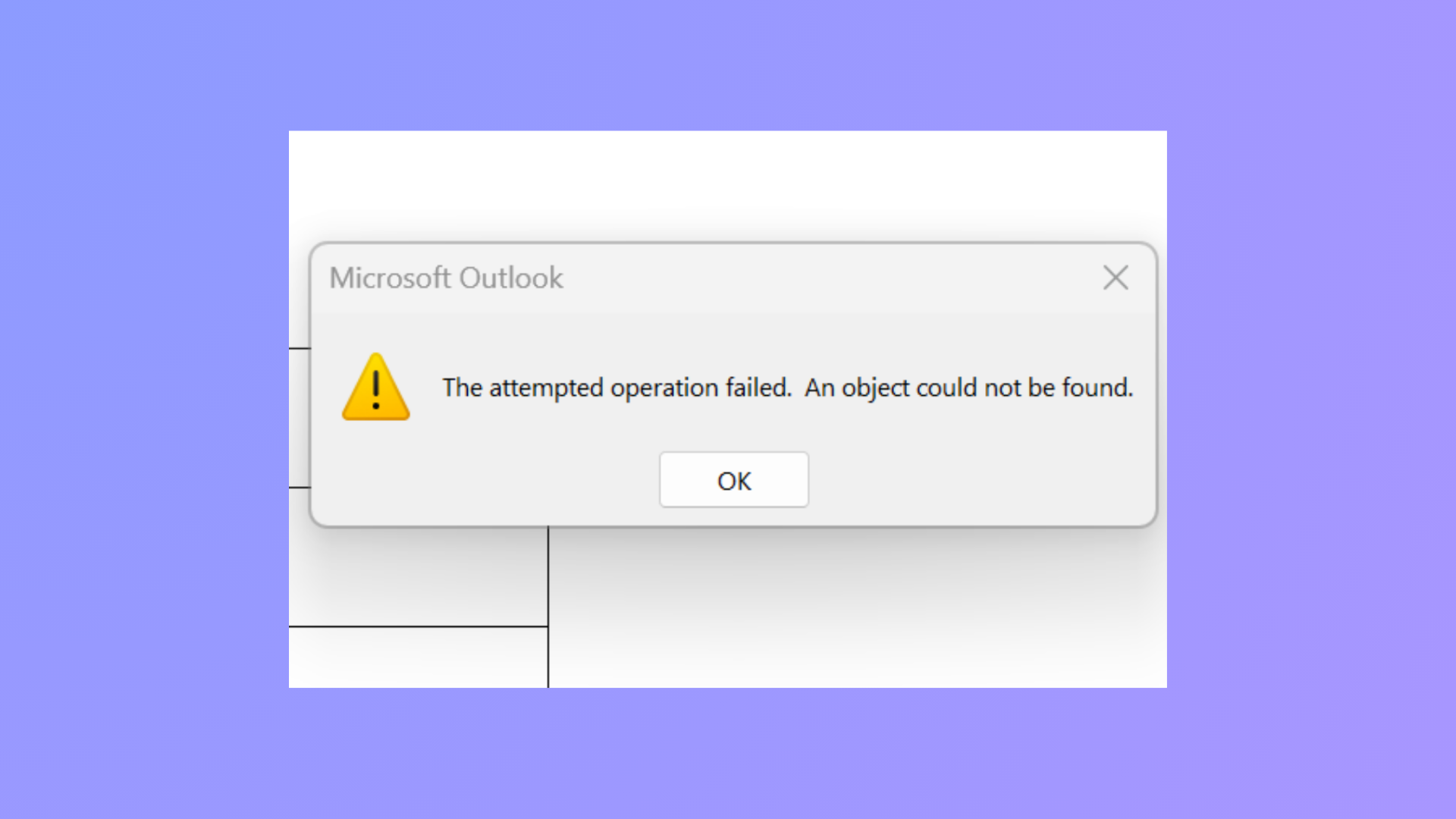
How to Fix the Attempted Operation Failed Outlook Attachment Error
Resolve the “The attempted operation failed. An object could not be found.” error in Outlook and restore normal attachment functionality using proven troubleshooting steps.
-

How to Fix Outlook Error Code 3399811147
Resolve Outlook error code 3399811147 by addressing cached credentials, account configuration conflicts, and Windows authentication service issues with these clear solutions.
-

How to Export Excel Charts as Images
Exporting Excel charts as images allows you to share, present, and reuse your data visualizations with consistent quality across platforms.
-

How to Fix Audio and Video Not Playing in Microsoft PowerPoint
Resolve PowerPoint media playback issues with effective troubleshooting for audio and video that won’t play in your presentations.