
Category
Microsoft Office
-
How to Stop Word from Automatically Creating Horizontal Lines
Prevent Microsoft Word from inserting automatic horizontal lines when typing dashes, underscores, or similar characters, and remove existing lines with precise formatting adjustments.
-
How to Insert a PDF Into a PowerPoint Presentation
Detailed methods for embedding PDF content, linking files, or converting PDFs for seamless use in your PowerPoint slides.
-

How to Create a Silhouette in PowerPoint
Transform any photo or object into a striking silhouette using PowerPoint’s built-in tools and simple steps.
-
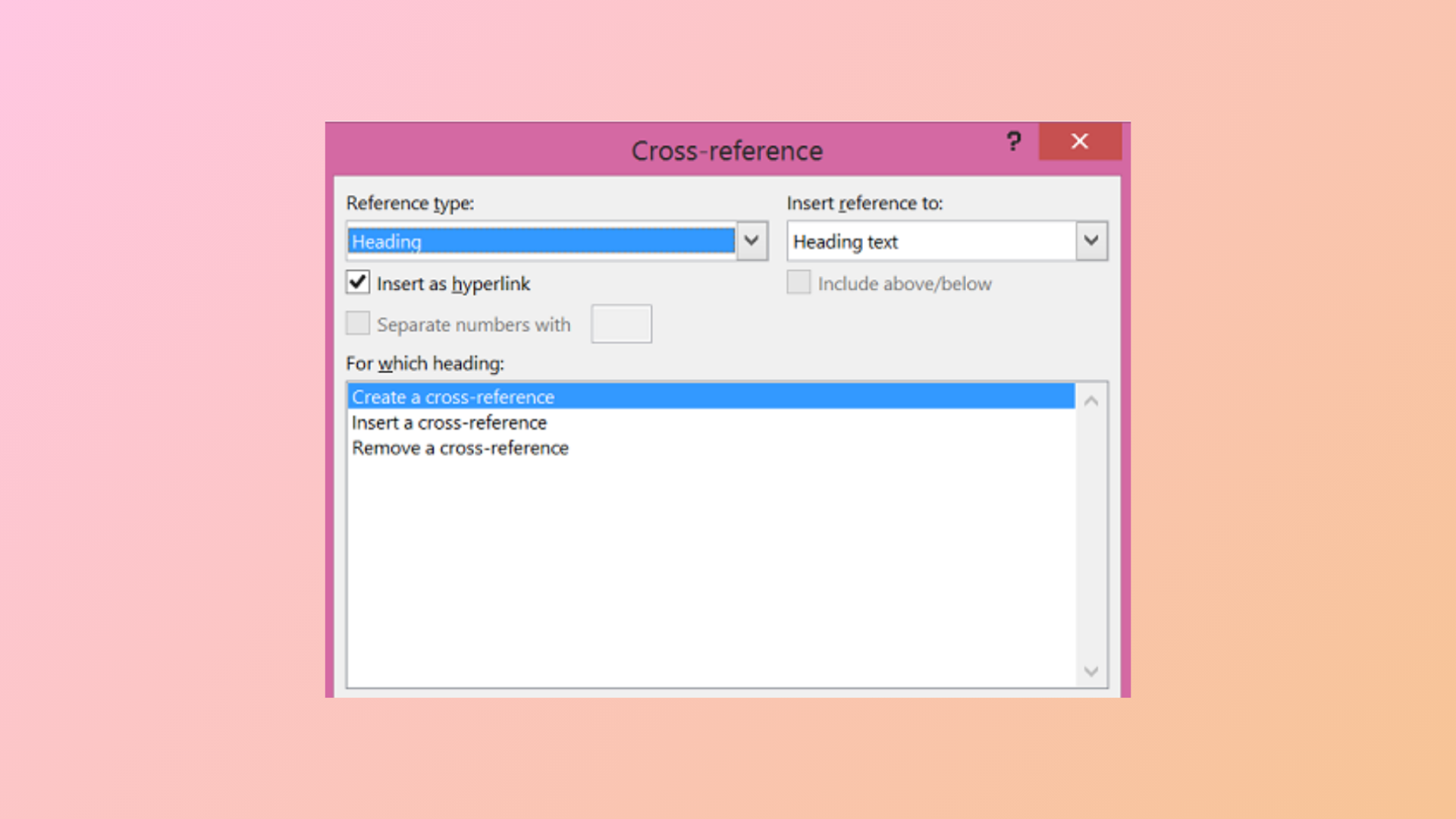
How to Use the Cross-Reference Feature in Microsoft Word
Link different parts of your document and keep references accurate with Microsoft Word’s cross-reference tool.
-

How to Fix Microsoft Teams Error Code 42b
Detailed instructions to resolve Microsoft Teams sign-in issues caused by error code 42b, including cache clearing, account troubleshooting, and advanced fixes.
-
How to Fix “There’s a Problem With Your Office License” Error
Detailed steps to resolve Office license errors and restore full access to Microsoft 365 and Office apps on Windows.
-

How to Fix the Time Limit for Logging On Was Reached Outlook Error
Resolve the Outlook error “The time limit for logging on was reached while waiting for system resources” with clear troubleshooting methods.
-

How to Fix Outlook Error 0x800CCC67
Resolve Outlook error 0x800CCC67 by correcting SMTP settings, adjusting security software, and repairing email files to restore reliable email sending.
-

How to Fix Microsoft Teams Error Code 6
Detailed instructions to resolve Microsoft Teams error code 6, restore desktop app access, and prevent future sign-in failures.
-

How to Change the Normal Template (Normal.dotm) in Microsoft Word
Update your default Word document formatting by modifying the Normal.dotm template to save time and ensure consistent styles in every new file.