
Category
Microsoft Office
-
How to Fix Excel Cannot Create or Add New Cells Error
Learn practical solutions to resolve the “Excel cannot create or add new cells” error and restore full editing capability to your worksheets.
-

How to Fix Outlook Error 0x8007007a
Resolve Outlook’s 0x8007007a error to restore reliable email sending, especially when attachments fail to upload or send.
-
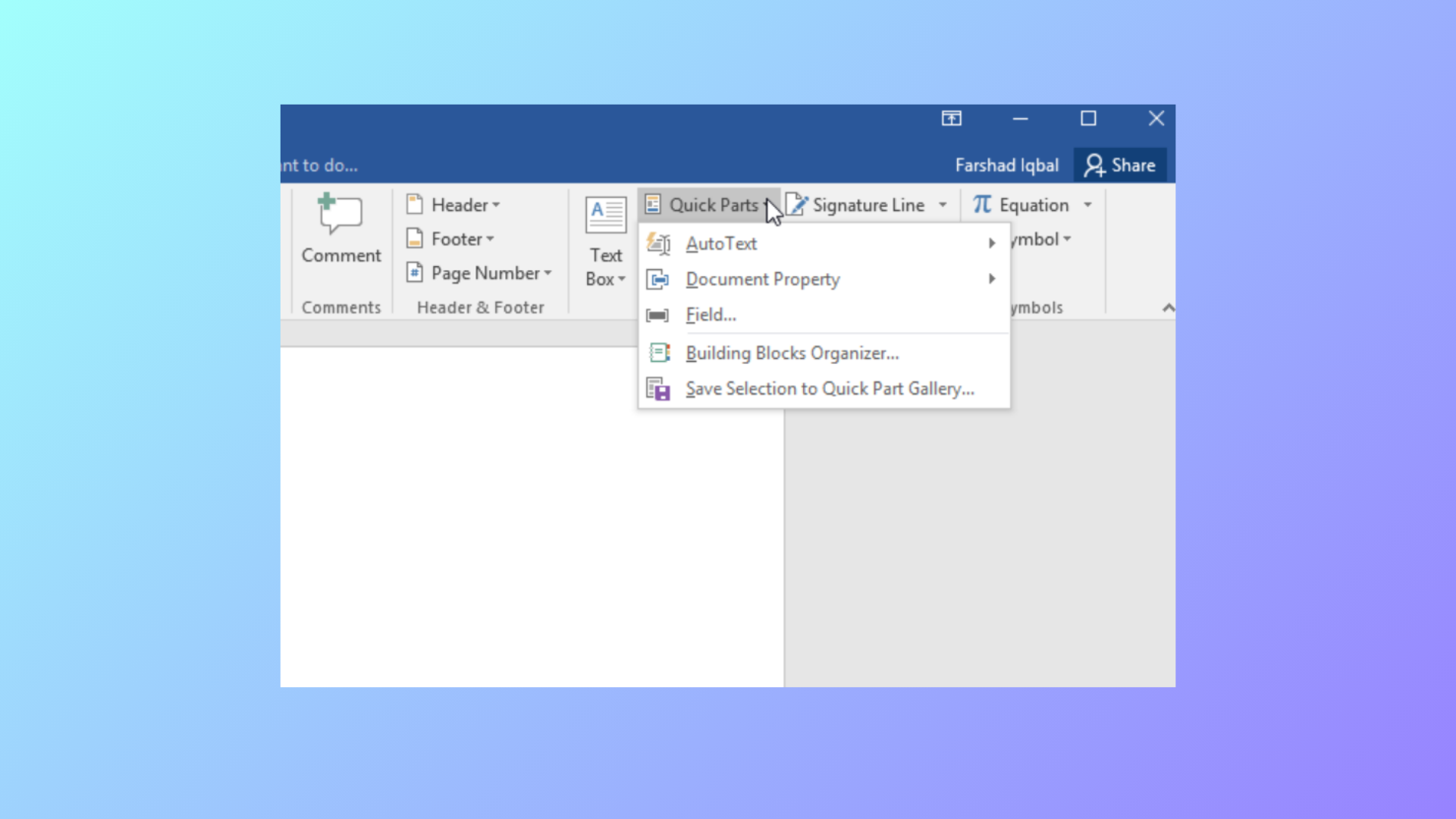
How to Use Document Property Quick Parts in Microsoft Word
Learn how to insert, manage, and update document property Quick Parts in Word to automate repeated information and streamline document editing.
-
How to Fix PowerPoint Can’t Open This Type of File Error
Effective solutions to resolve the “PowerPoint can’t open this type of file” error and regain access to your presentations.
-

How to Change Document Theme Colors in Microsoft Office Apps
Update and customize theme colors in Word, Excel, PowerPoint, and other Office apps to create visually consistent and branded documents.
-

How to Make a Flowchart in Microsoft PowerPoint
Learn multiple methods for building clear, effective flowcharts in PowerPoint using SmartArt and manual shapes, plus tips for customization and exporting.
-
How to Fix Outlook Crashing When Sending Emails
Proven solutions to resolve Outlook crashes triggered by sending emails, including recent update issues, profile corruption, and delivery location errors.
-
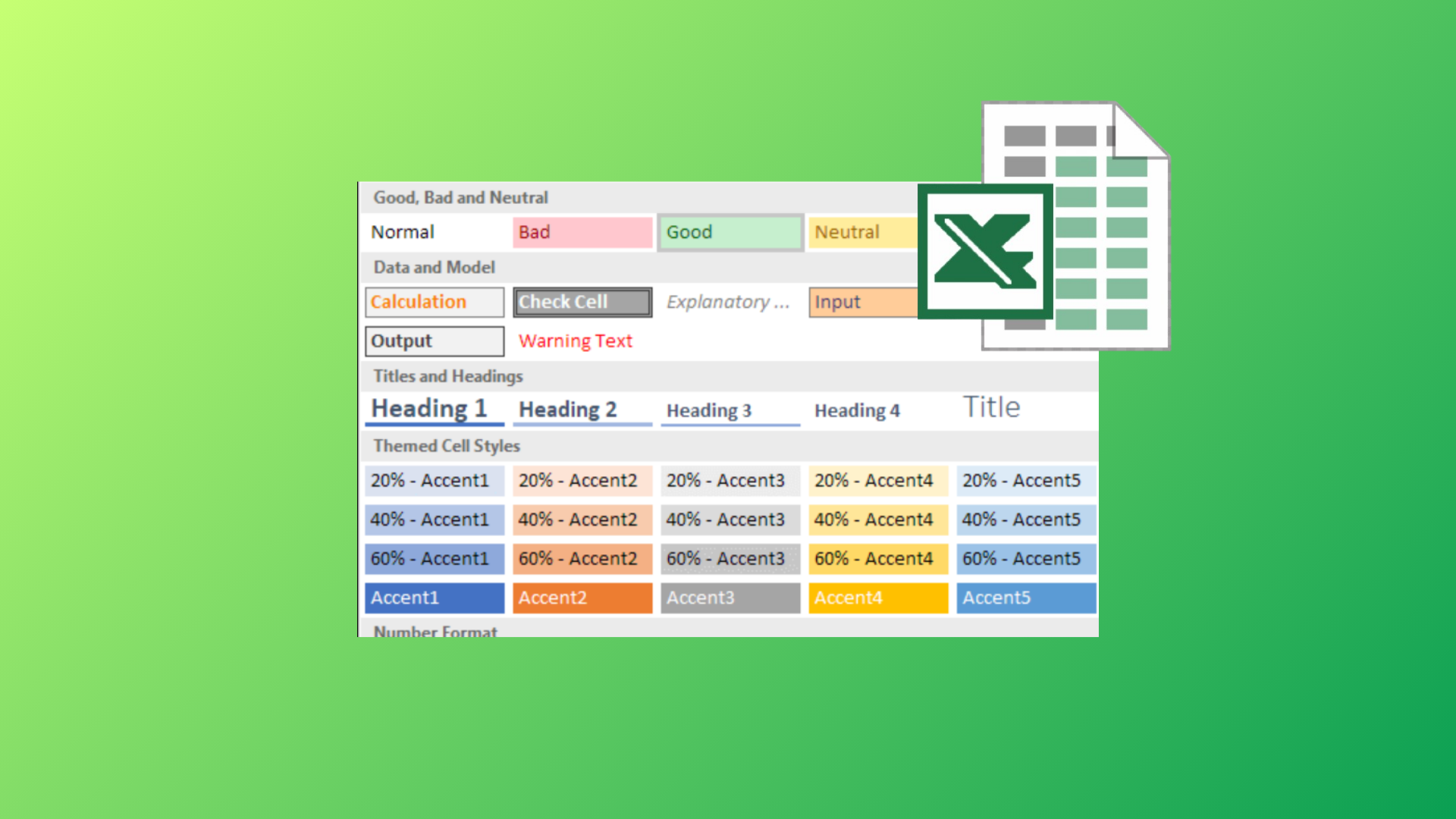
How to Use the Cell Style Feature in Microsoft Excel
Apply, customize, and manage cell styles in Excel to streamline formatting, maintain consistency, and save time across your spreadsheets.
-

How to Create a Custom Fillable Form in Microsoft Word
Build interactive, fillable forms in Word to streamline data collection, restrict editing, and control user input with comprehensive instructions.
-

How to Fix the Source and Destination File Names Are the Same OneDrive Error
Resolve the “The source and destination file names are the same” error in OneDrive by addressing path length, sync issues, and file naming conflicts…