
Category
Microsoft Office
-

How to Fix Unable to Add Account in Microsoft Outlook
Comprehensive solutions for resolving account addition issues in the new Outlook for Windows, including supported account types, authentication problems, and troubleshooting tips.
-

How to Create a Radial List in PowerPoint
Learn practical methods to build visually striking radial lists in PowerPoint for clearer, more engaging presentations.
-
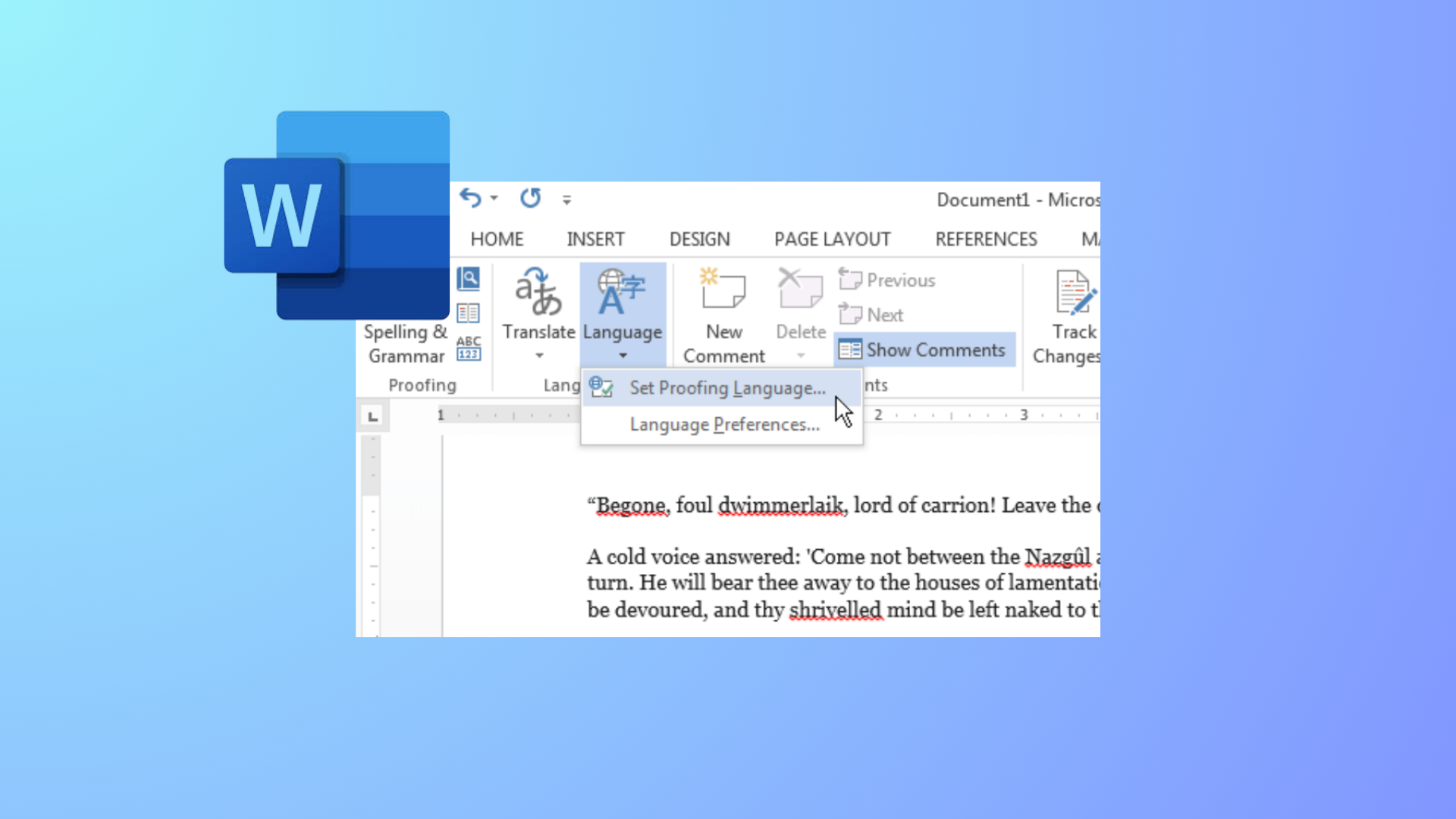
How to Change Colors of Grammar and Spelling Underlines in Microsoft Word
Modify the appearance of Word’s spelling and grammar underlines by editing the Windows Registry or adjusting system settings for better visibility and accessibility.
-

Microsoft Launches Copilot 3D For Creating 3D Models Easily
Microsoft’s new Copilot 3D tool lets anyone turn standard images into downloadable 3D models—no experience or paid software required.
-
How to Create Progress Bars in Microsoft Excel
Learn comprehensive methods to visually track progress in Excel using conditional formatting, formulas, and chart techniques for tasks, projects, or goals.
-

How to Fix Too Many Requests Error When Signing Into Outlook
Concrete steps to resolve the “Too Many Requests” error when logging into your Outlook account, including proven workarounds and official troubleshooting methods.
-

How to Fix Computer Crashing When Using Microsoft Teams
Resolve Microsoft Teams crashes on Windows by addressing graphics driver issues, disabling hardware acceleration, clearing cache, and applying targeted troubleshooting steps for stable meetings…
-
How to Fix Microsoft Word Typing in All Caps Even When Caps Lock Is Off
Resolve the issue where Microsoft Word types only uppercase letters despite Caps Lock being off by adjusting formatting, keyboard shortcuts, and system settings.
-

How to Stop Outlook from Changing the Font for Hyperlinks
Prevent Outlook from automatically switching hyperlink fonts by adjusting style settings and editor options for consistent, professional-looking emails.
-

How to Fix Microsoft Teams Crashing When Sharing Screen
Resolve Microsoft Teams crashes during screen sharing with these detailed troubleshooting steps that address software updates, cache issues, display settings, and more.