
Category
Windows
Windows 11, Windows 10, troubleshooting, and tips for power users.
-
How to Fix Error code 0xc000000e in Windows 10
Windows errors occur when there is a hardware failure or any system file is corrupted. In that case, we can only see the error…
-
How to Put Programs to Sleep on Windows 10
When you are working on a system, many programs continue to function in the background, thus slowing down the system and draining the battery.…
-

How to Merge Videos in Windows 10
If you are a videographer or edit videos, you know the importance of merging videos. For any major event, small videos are shot individually…
-
How to Transfer iTunes Library to Another Computer on Windows 10
iTunes is a sought-after media player across the globe that offers users a wide range of movies, songs, podcasts, and TV shows. Its app…
-

How to Move Taskbar in Windows 10
The taskbar is an important element of the operating system which allows a user to launch programs through the Start menu and also see…
-
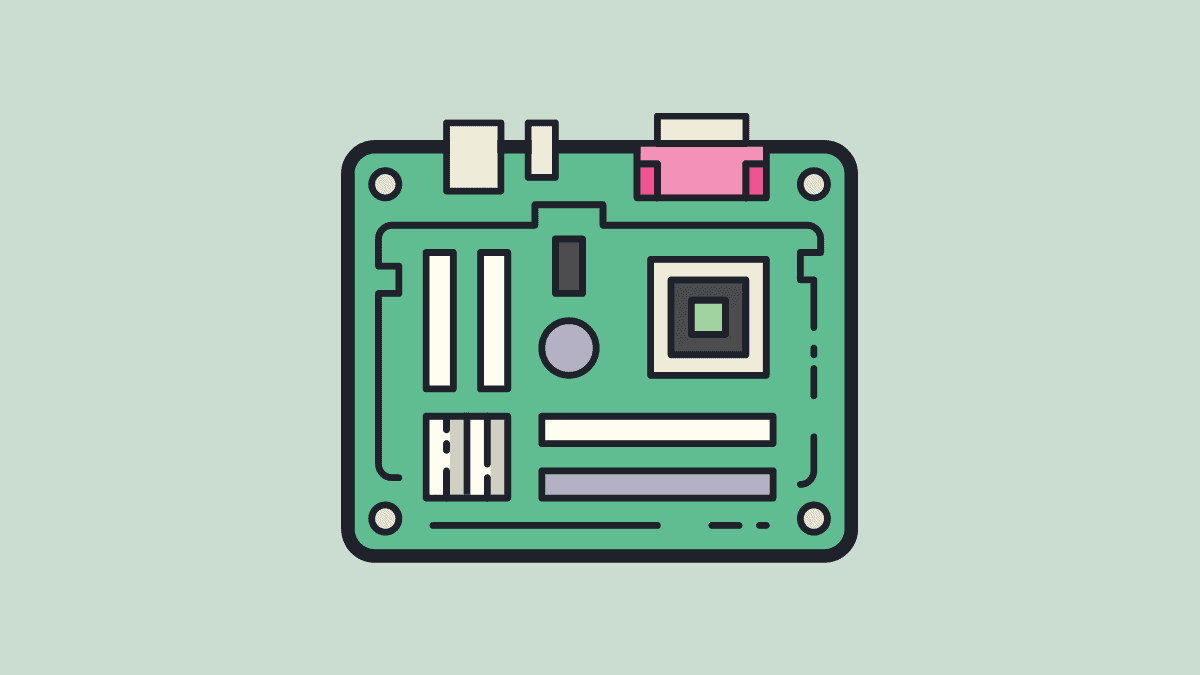
How to Find Motherboard Model on Windows 10
Many a time, a user wants to find the motherboard model on Windows 10. It could be due to multiple reasons, say to check…
-

How to Block Websites on Microsoft Edge
Microsoft Edge lacks built-in options to block specific websites, which can be a challenge for users who want to restrict access to certain sites…
-
How to Roll Back a Windows 10 Update
Windows 10 regularly comes up with updates to fix errors and bugs in the last one. These can be categorized into two parts, major…
-

How to Disable Touchpad on Windows 10
The touchpad on your laptop helps you navigate the cursor on the screen and is an essential part. It is a replacement for a…
-

How to Change Drive Letter in Windows 10
If you are a Windows user, you must have at some point wanted to change the drive letter assigned to a particular drive. Windows…