
Category
Windows
Windows 11, Windows 10, troubleshooting, and tips for power users.
-
FIX: Error 0x80070643 for Windows 10 update KB4023057
Microsoft has re-released the KB4023057 update on 16th Jan 2019 for the Windows 10 devices running the Windows 10 version 1803 or older. This is a…
-
Chrome Dark Mode: How to Enable it on a Windows 10 PC
Google Chrome doesn’t have a built-in dark theme like the Microsoft Edge and Mozilla Firefox do. Last year, the company announced its intention of rolling…
-

FIX: Windows 10 Black Screen Issue after Login
The black screen issue is possibly one of the worse errors you can come across on your Windows 10 PC. If you see only…
-
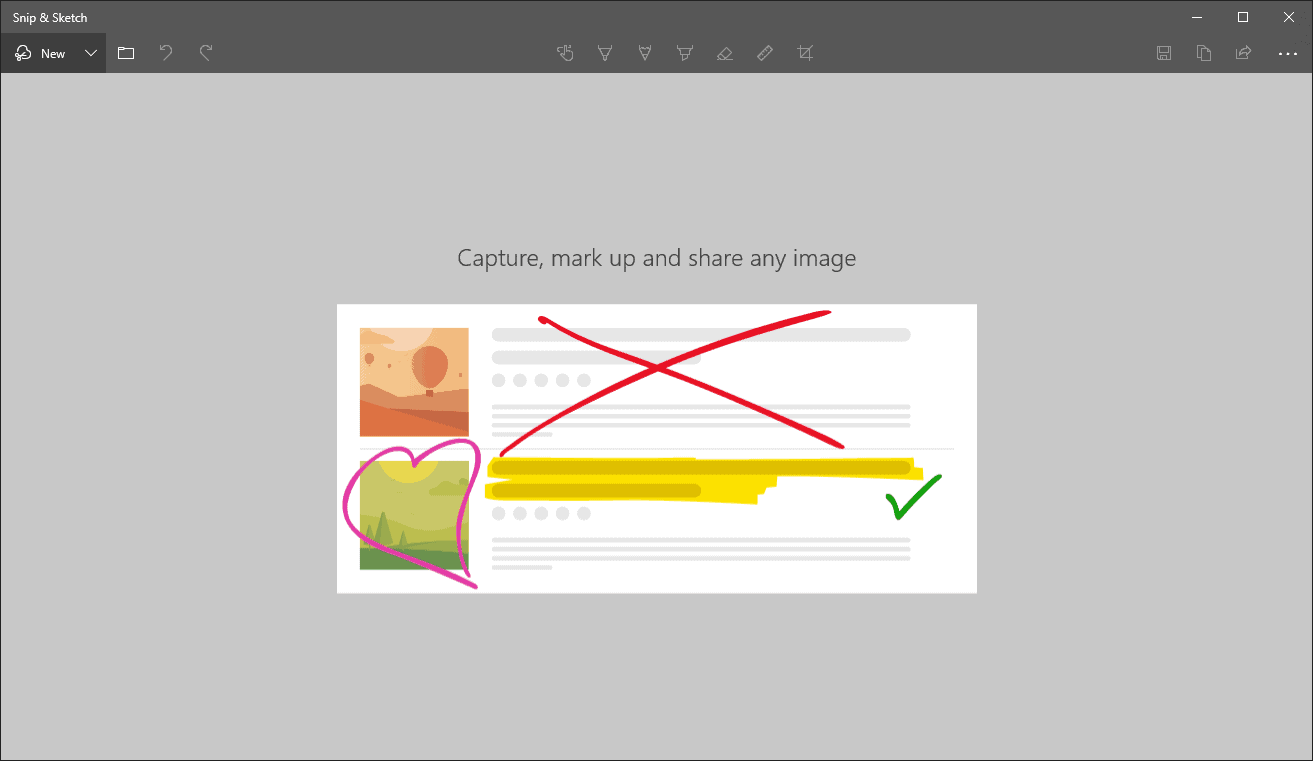
How to Take a Screenshot on Windows 10 using Snip & Sketch Tool
Starting with the October 2018 Windows update, Microsoft has combined the “Snipping Tool” and the “Screen Sketch” tools to build a powerful all-in-one tool called…
-
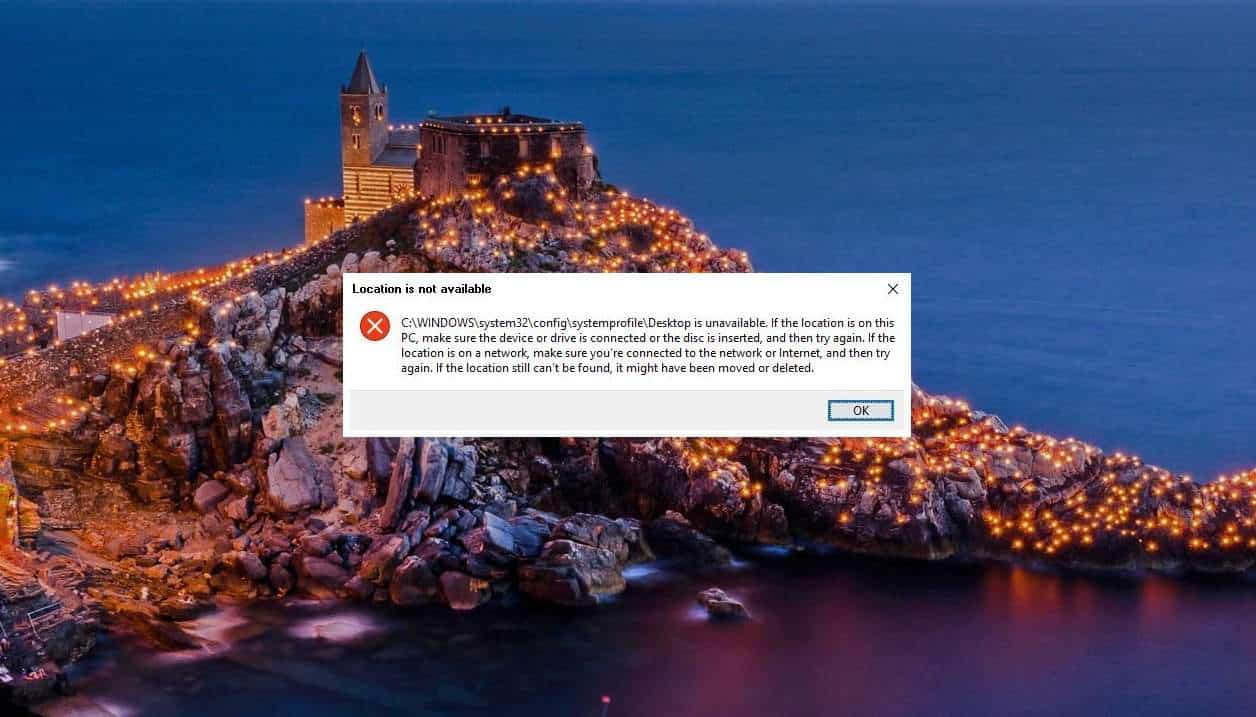
FIX: Windows 10 Desktop is Unavailable Issue
Although Windows updates are meant to make things better on your PC, it often does the opposite. Off lately, many Windows 10 users who…
-
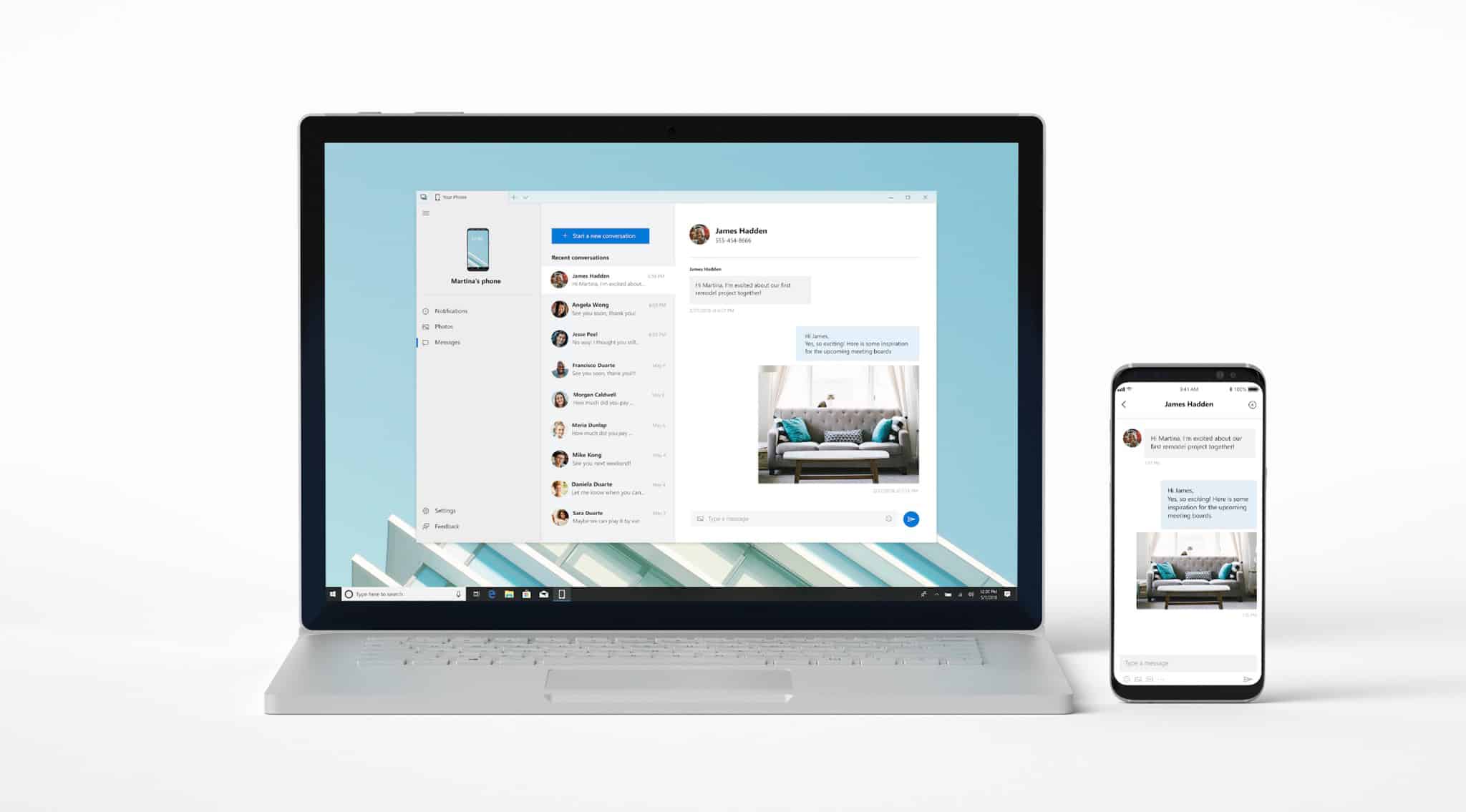
How to Stop YourPhone.exe on Windows 10
Microsoft rolled out the Your Phone app for Windows 10 users last year to let Android and iPhone users sync their devices to their PCs.…
-
How to stop Windows 10 Update Assistant from running on your PC
Microsoft introduced the Windows 10 Update Assistant feature to let the Windows users get the latest updates effortlessly. However, many users complain that the…
-
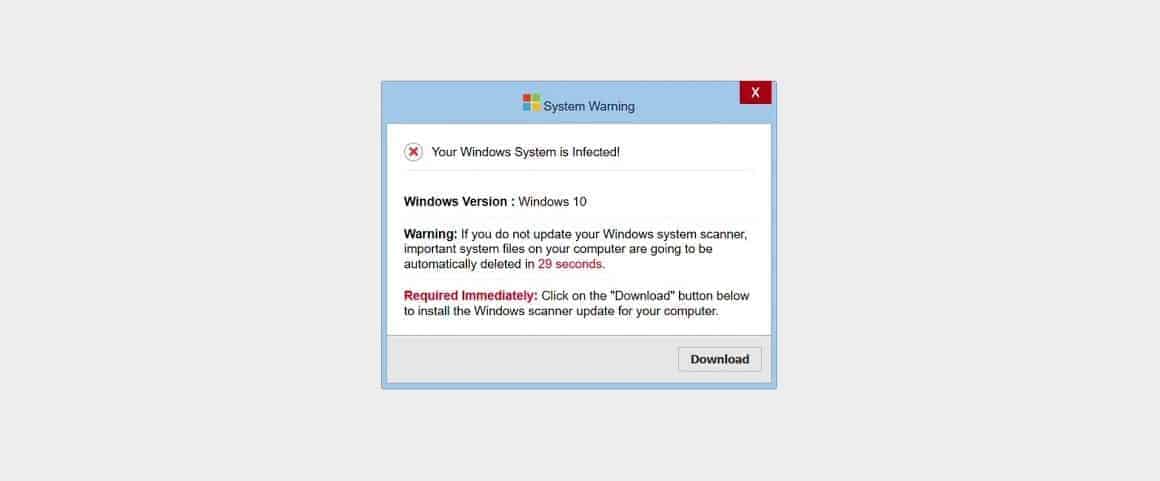
Message 000029 on Windows is a tech scam, don’t download anything it offers
Tech scam or a false technical error notice is not a new thing for Windows users. Recently, another such scam has been making rounds…
-
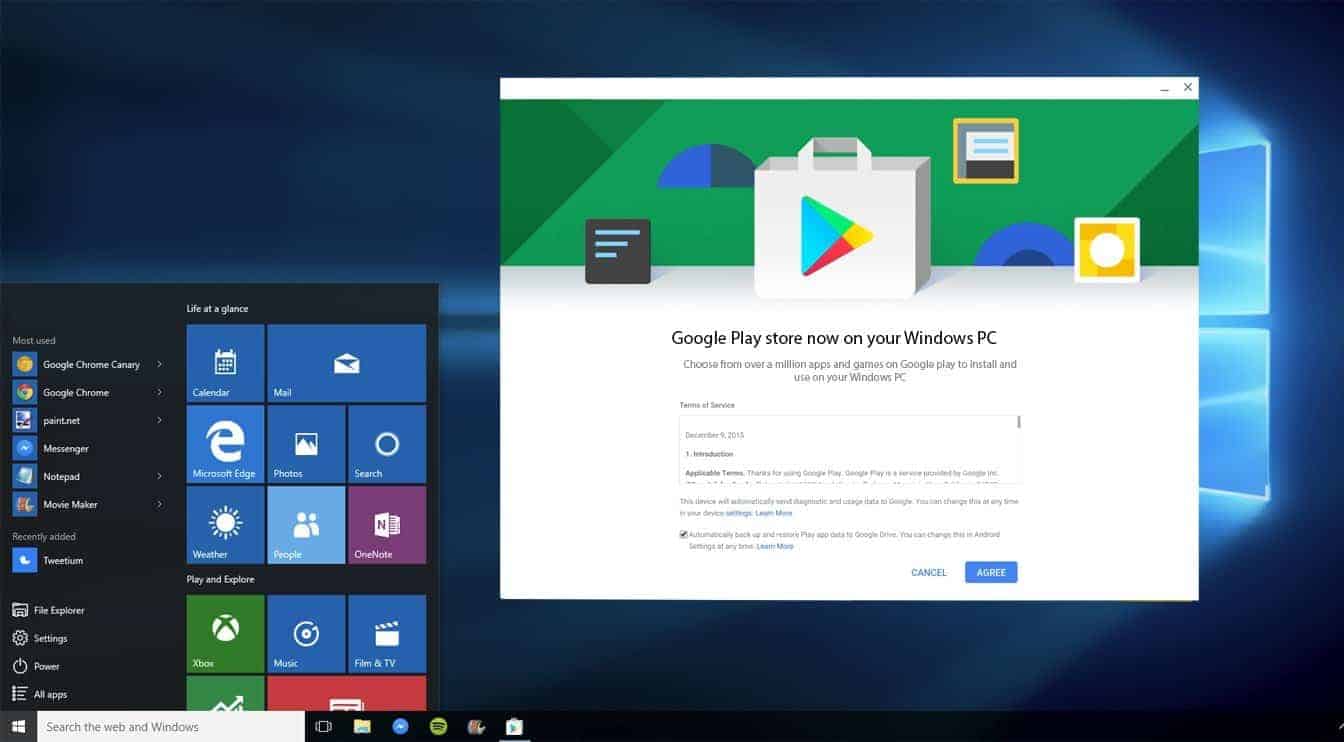
How to download Google Play Store on Windows 10
Android apps aren’t directly supported on Windows, but you can use an Android emulator software like BlueStacks to get Google Play Store on your…
-
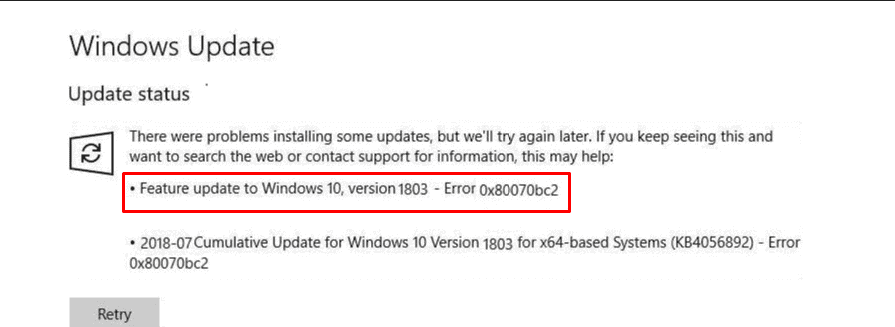
FIX: Error 0x80070bc2 while installing a Windows Update
Are you getting the “Error 0x80070bc2” while trying to update your PC to the latest Windows 10 version? You’re not alone. The Microsoft community…