
Category
Windows
Windows 11, Windows 10, troubleshooting, and tips for power users.
-
What’s new in Windows 10 July 2018 version 1709 Update [Changelog]
Windows 10 recently received an update for the 1709 version on July 10, 2018 with build number 16299.547. You can identify this update with…
-
![[PSA] Start Menu backup not possible in Windows 10 Fall 2018 (September) Update](https://static.allthings.how/wp-content/uploads/ghost-featured/wordpress/2018/04/bbf6d-windows-10.jpg)
[PSA] Start Menu backup not possible in Windows 10 Fall 2018 (September) Update
Not many users care to customize the Start Menu in Windows 10, but the pro among us do. And those who take the pain…
-
FIX: KB4338819 Windows 10 Cumulative Update Failed Error 0x80070020
Unable to install the Microsoft Cumulative update for Windows 10 Version 1803 (KB4338819)? Does the update throw error 0x80070020 or 0x800f0922 every time you try to install…
-
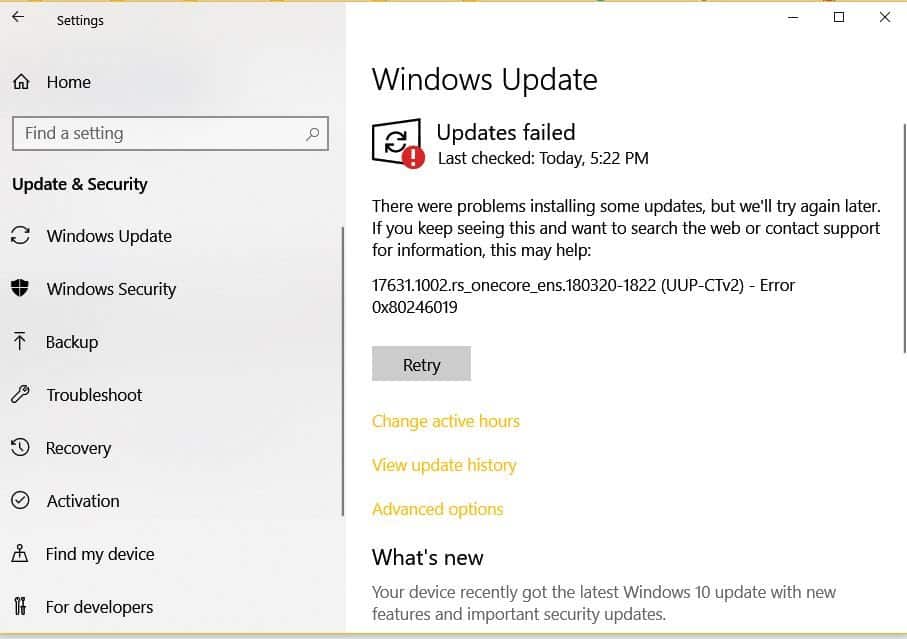
How to Fix Windows 10 17631.1002 Update Failed Error 0x80240034
Encountering error codes 0x80240034 and 0x80246019 while updating Windows 10 can be frustrating. These errors often occur when trying to install specific updates, such…
-
How to fix Windows 10 no sound problem
So, you just upgraded your computer to Windows 10, only to find that it ultimately went into the silent mode. It’s not producing any…
-
How to Resize Photo in Windows 10
Resizing photos on Windows 10 can be challenging since the default Photos app lacks a direct resizing feature. Fortunately, there are straightforward methods available…
-

How to Install Microsoft Store back on Windows 10 after you’ve mistakenly removed it
Mistakenly removed Microsoft Store from your Windows PC? It’s okay. Many users do it. But what’s freaking is that you don’t have a clue…
-
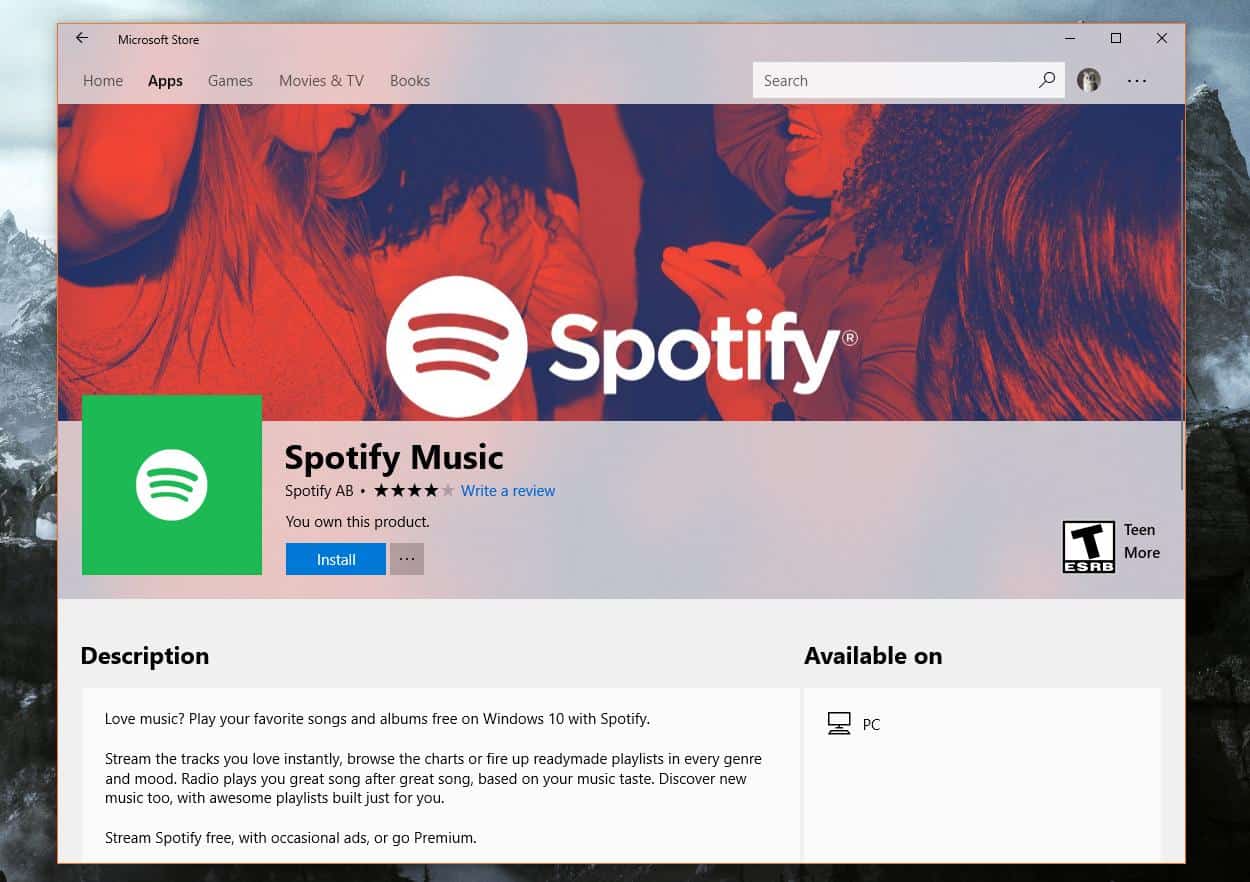
Can’t Download Apps from Microsoft Store? Here’s a fix
Microsoft introduced the Windows 10 1803 version a few months back and ever since its arrival; many users are complaining about not being able…
-

Gutenberg Keyboard Shortcuts for Windows and Mac
Do you know why most of the bloggers, content writers and marketers prefer writing on Google Docs, Microsoft Word over WordPress? The answer is simple,…
-

WSL Ubuntu “%localappdata%lxss” root directory missing on Windows 10? Here’s how to access it
If you have installed Ubuntu from the Windows Store, chances are you won’t find the Ubuntu installation folder on your Windows 10 PC under…