
Category
Windows
Windows 11, Windows 10, troubleshooting, and tips for power users.
-
FIX: Windows 10 1809 User Profile and Files Deletion Problem
The Microsoft Windows 10 1809 update has been mysteriously deleting user profiles and data after installation on some Windows 10 machines. Microsoft hasn’t released…
-
PSA: Windows 10 1809 (October 2018) Update might delete all files on your PC
Microsoft began rolling out the much awaited Windows 10 October 2018 Update earlier this week. While most of us have it installed on our…
-
FIX: Windows 10 1809 Update Failed to Install Error 0xc1900101
Time needed: 30 minutes. Microsoft started rolling out Windows 10 October Update earlier this week to Windows 10 users. The update installs fine for most…
-
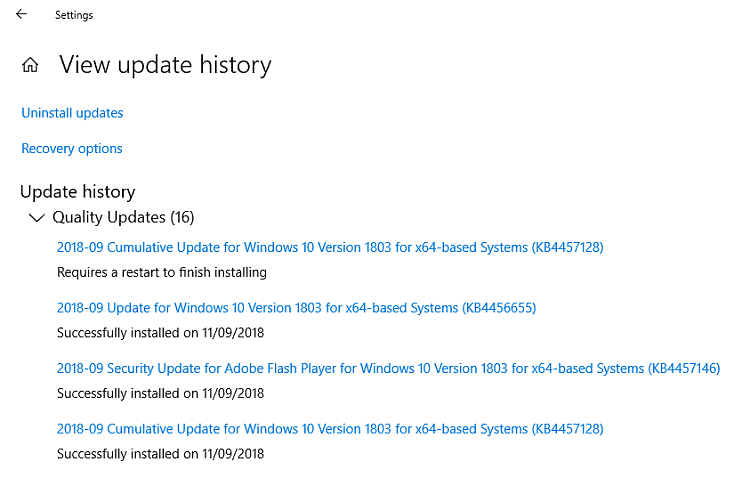
FIX: Windows 10 Cumulative Update KB4457128 (17134.285) Failed to Install Error 0x80073712
Microsoft recently rolled out a Cumulative Update for Windows 10 Version 1803 with KB number KB4457128. The update installs fine for most people, but if your…
-
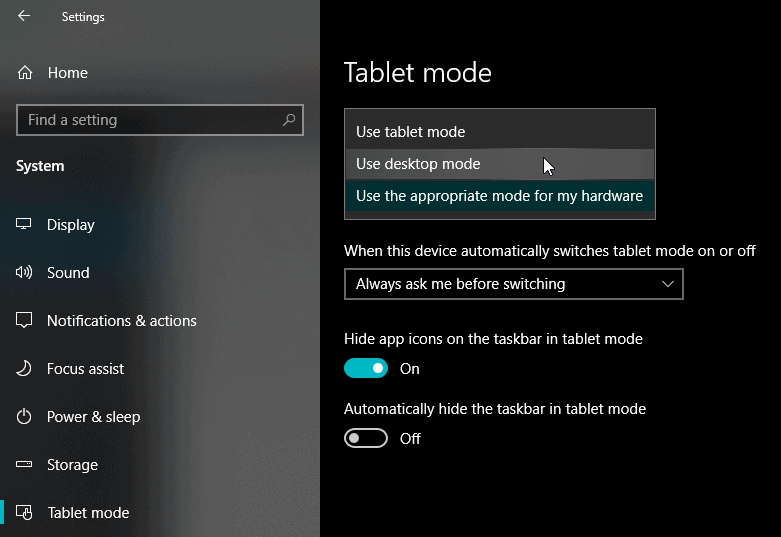
FIX: Can’t move or resize Windows and Apps on Windows 10
Unable to move or resize Windows/Apps on your Windows 10 system? You’re not alone. Many users have complained about this problem on their Windows…
-
FIX: Battery icon missing from Taskbar after Windows 10 Update
The battery icon has suddenly gone missing on your Windows 10 Laptop? Well, the issue is likely with one of the recent update to your…
-
FIX: Windows 7 KB4345590 Update Failed to Install
Microsoft released the Security and Quality Rollup update (KB4345590) for .NET Framework for Windows 7 and Windows Server 2008 systems earlier in August 2018.…
-
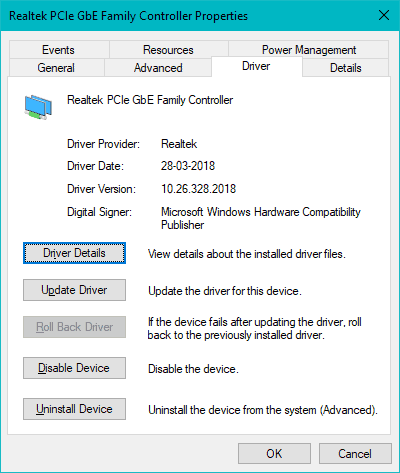
FIX: No Internet (Network Issue) after updating Windows 10
If a recent Windows 10 update has disabled the internet access on your PC, your best bet to resolve the issue is to either…
-
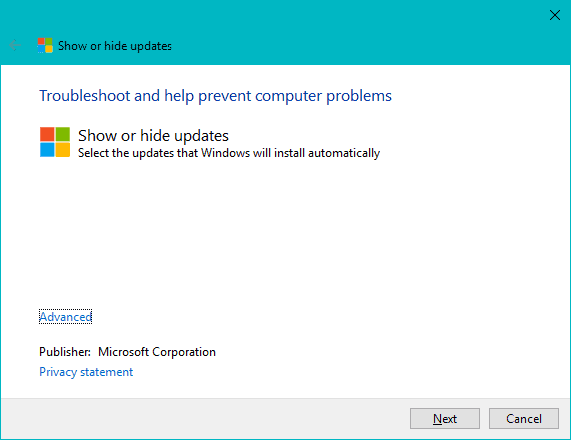
How to Hide Windows 10 Updates
Want to hide an update from Windows 10? Thankfully, there’s an easy way to do this. Microsoft distributes a “Show or hide update” troubleshooter…
-
How to Clear Cache for Windows Update
If you’re unable to download or install a recent update for Windows on your computer, then clearing the Windows update cache might fix the…