
Category
Windows 10
-
How to Stop a Windows 10 Update in Progress
Windows 10 automatically downloads and installs the updates to the system, thus ensuring a good user experience and higher security. With each update, multiple…
-
How to Check Monitor Refresh Rate in Windows 10
The monitor refresh rate is the rate at which the image displayed on the monitor can refresh per second. It is measured in Hertz(Hz).…
-
How to Fix Error code 0xc000000e in Windows 10
Windows errors occur when there is a hardware failure or any system file is corrupted. In that case, we can only see the error…
-
How to Put Programs to Sleep on Windows 10
When you are working on a system, many programs continue to function in the background, thus slowing down the system and draining the battery.…
-
How to Merge Videos in Windows 10
If you are a videographer or edit videos, you know the importance of merging videos. For any major event, small videos are shot individually…
-
How to Transfer iTunes Library to Another Computer on Windows 10
iTunes is a sought-after media player across the globe that offers users a wide range of movies, songs, podcasts, and TV shows. Its app…
-

How to Move Taskbar in Windows 10
The taskbar is an important element of the operating system which allows a user to launch programs through the Start menu and also see…
-
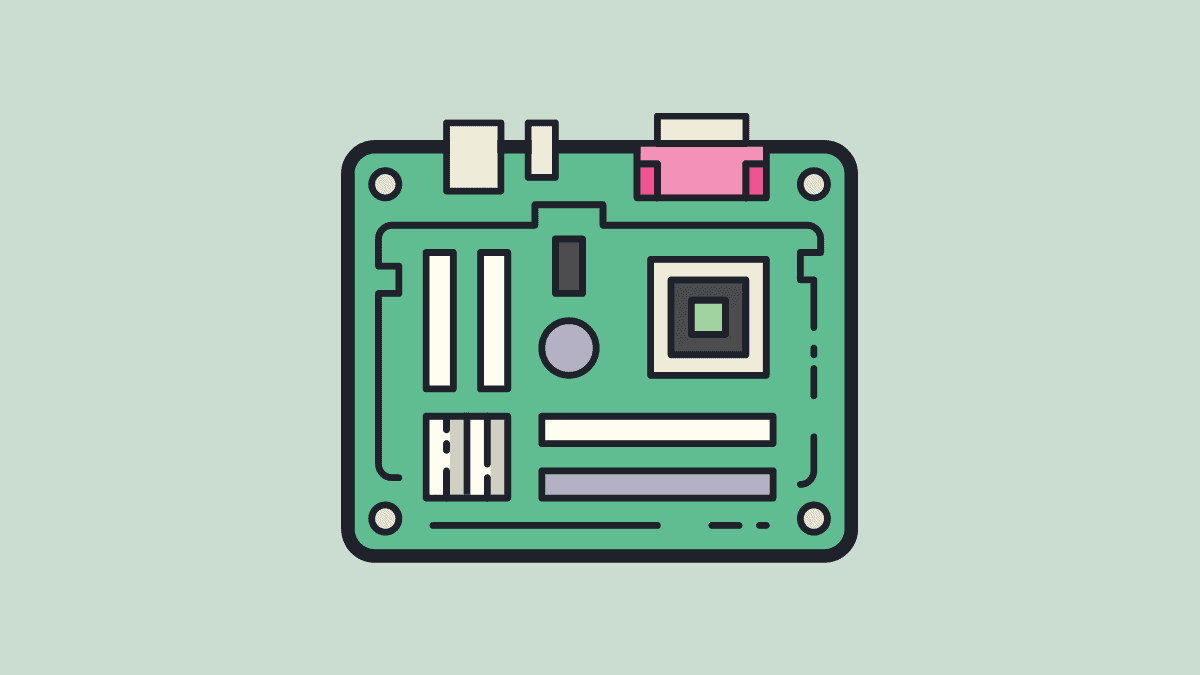
How to Find Motherboard Model on Windows 10
Many a time, a user wants to find the motherboard model on Windows 10. It could be due to multiple reasons, say to check…
-
How to Block Websites on Microsoft Edge
Microsoft Edge lacks built-in options to block specific websites, which can be a challenge for users who want to restrict access to certain sites…
-
How to Roll Back a Windows 10 Update
Windows 10 regularly comes up with updates to fix errors and bugs in the last one. These can be categorized into two parts, major…