
Topic
Games
Games span every style of play, from fast-paced shooters and sprawling RPGs to strategy, simulation, puzzle, horror, and narrative-driven experiences. This tag covers the genres, trends, and standout ideas shaping how people play and how developers build new experiences.
-
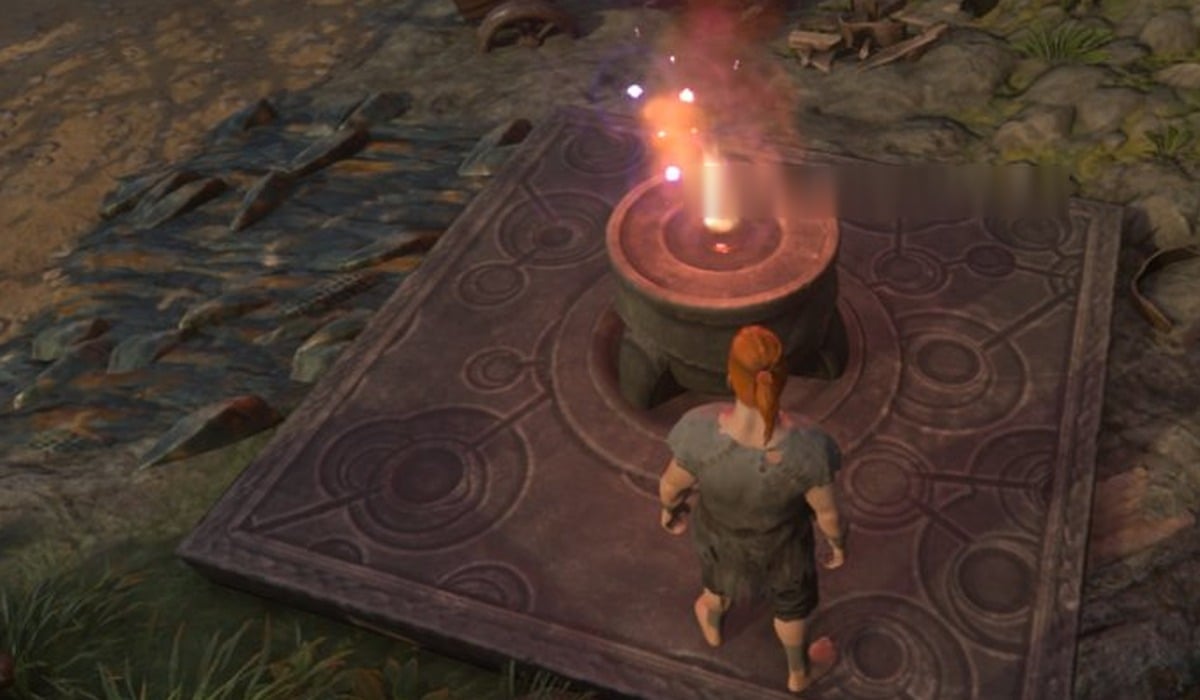
Enshrouded: How to Place a Second Flame Altar (Recipe and Altar Limit)
Craft another Flame Altar for Stone x5, place it on a blue preview away from your base, and check how many altars your Flame…
-
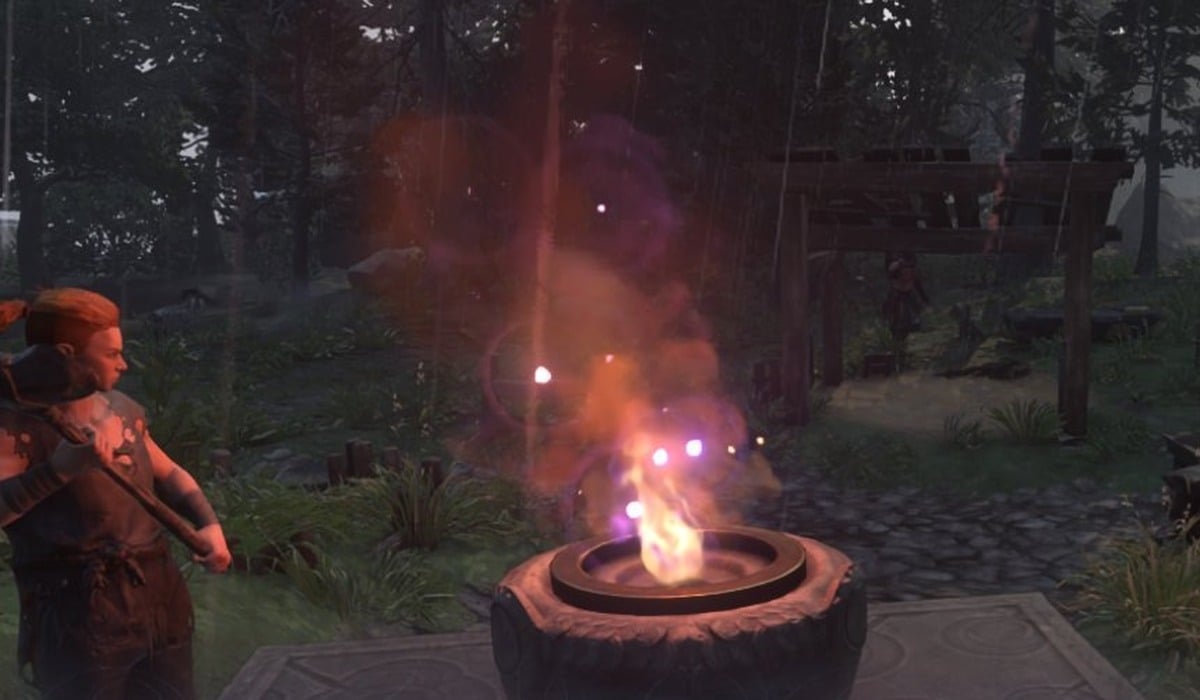
Enshrouded: How to Strengthen the Flame to Level 2
The Flame Level 2 material list, where to spend it at the Flame Altar, and what Flame Level 3 asks for next.
-
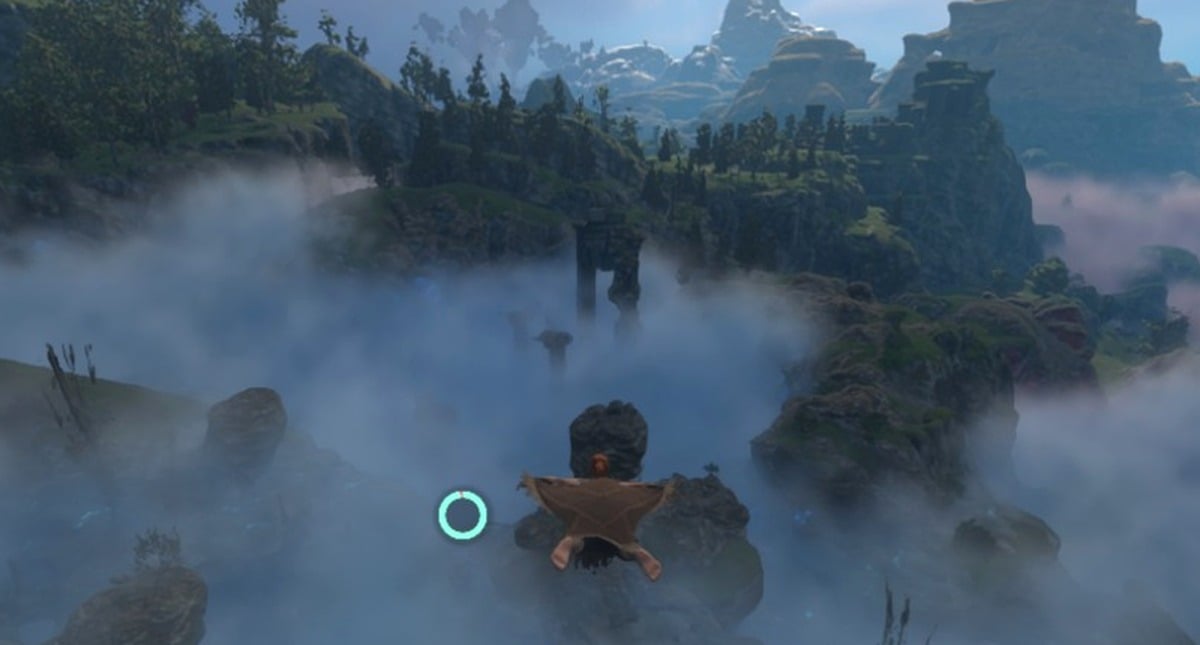
Enshrouded 1.0 Controls: Full Default Keybind Tables for PC and Controller
Every keyboard, mouse and controller binding in Enshrouded 1.0, plus the keys for double jump, gliding, interacting and fast travel.
-
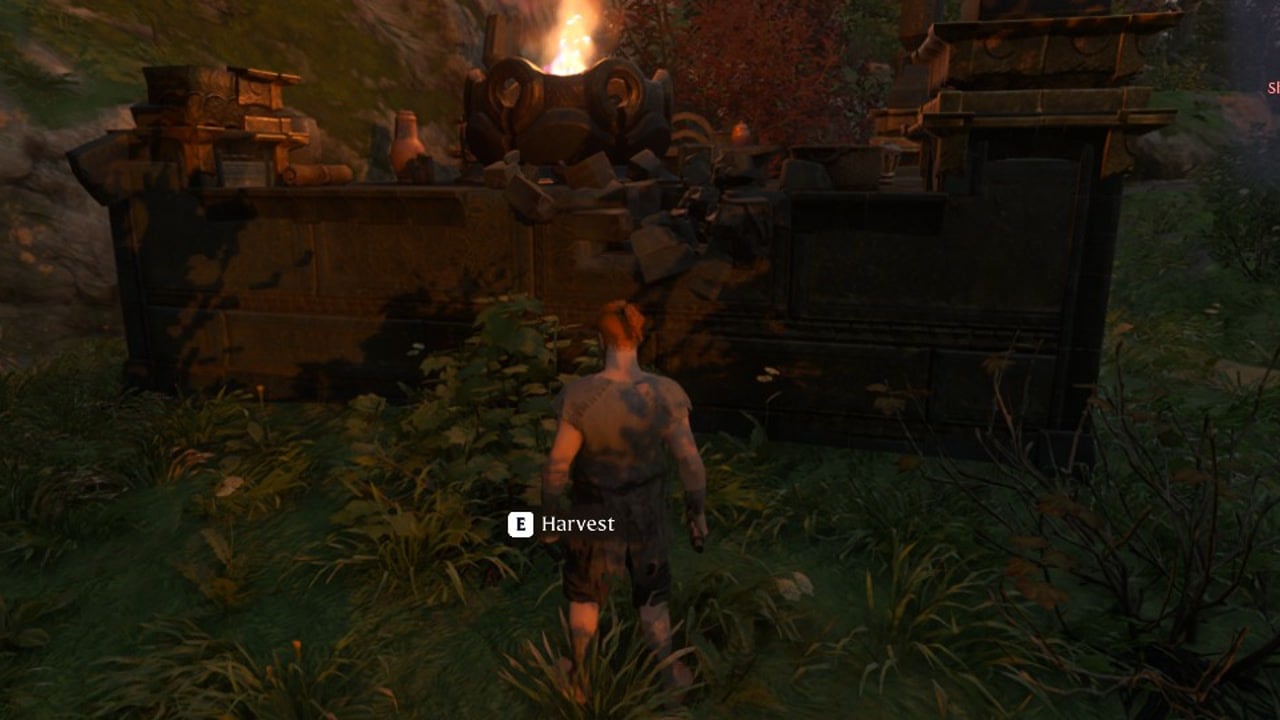
Enshrouded 1.0: How to Unlock Double Jump and Airborne Architect
Both are neutral skills in the center of the tree, costing 5 skill points together and bound to Space and Z + Space.
-
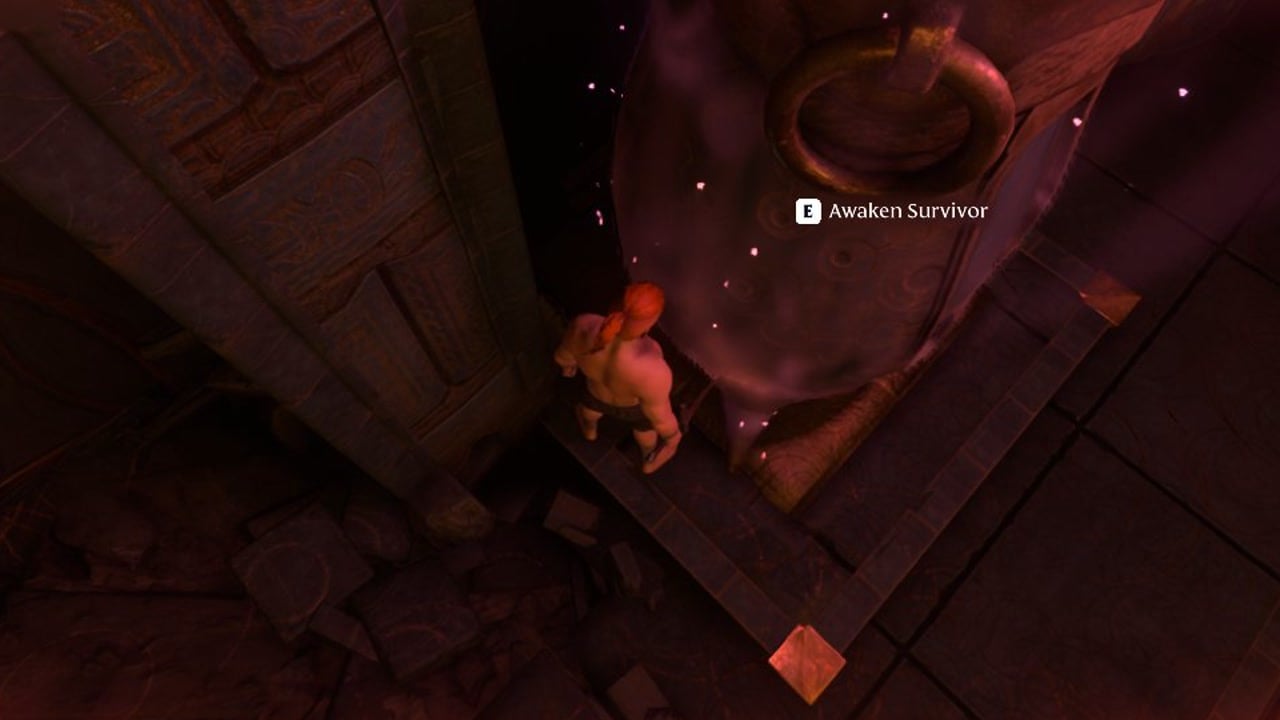
Enshrouded 1.0: How to Level Up Fast and Where XP Comes From
Exact XP payouts for every source, plus copper, iron and Shroud Root loops that refill on a schedule.
-
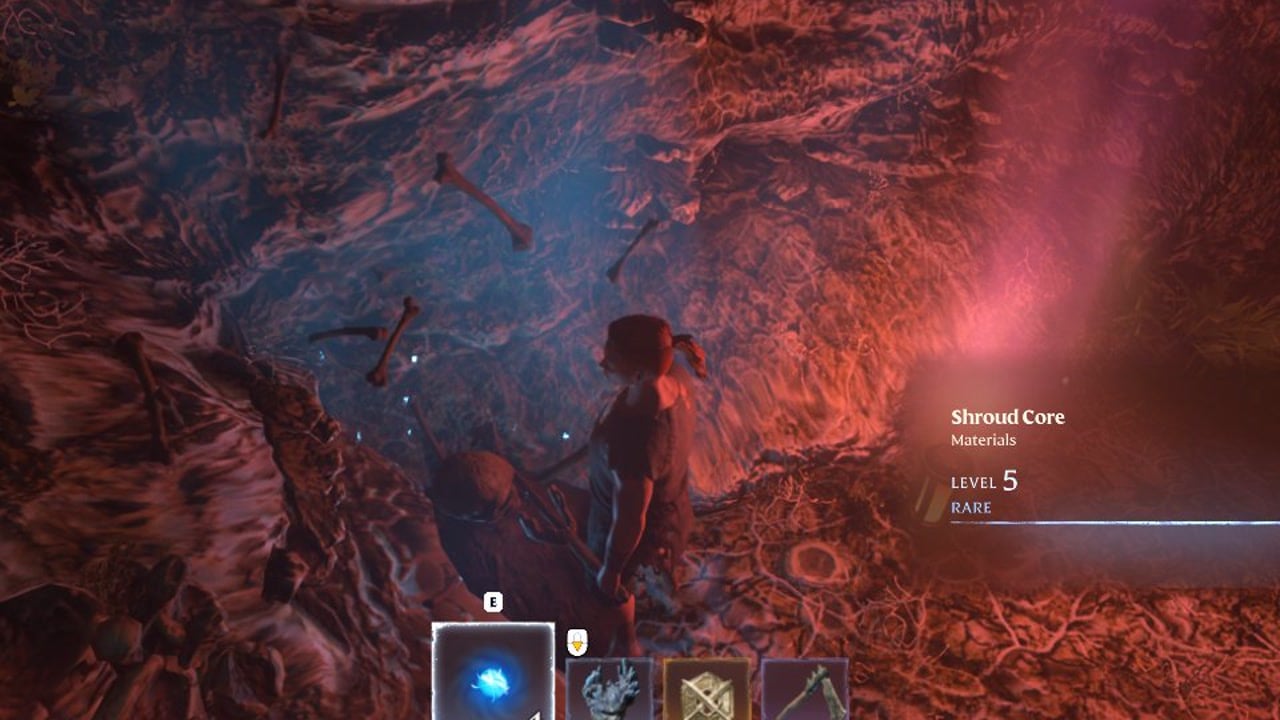
Enshrouded 1.0: All 58 Achievements and How to Unlock Them
Every achievement name, Steam description and unlock percentage, from the first elixir well to the Cinder’s Cradle set.
-
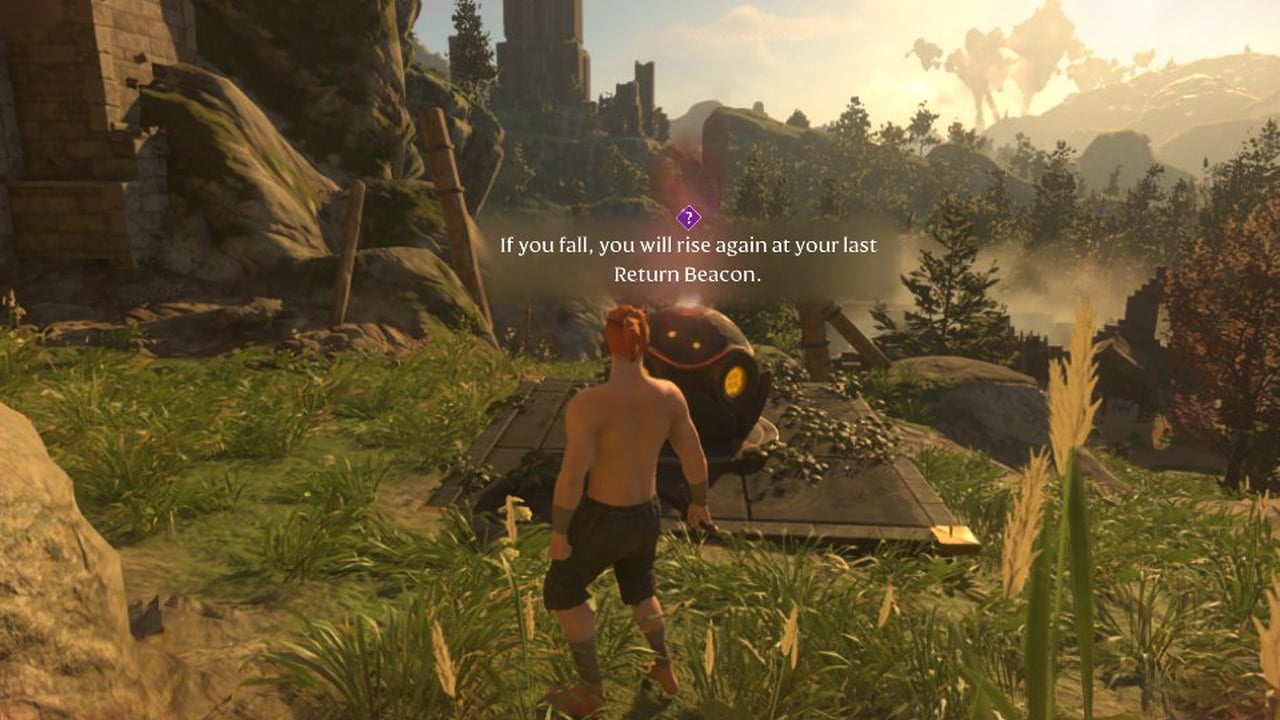
Enshrouded 1.0: What Return Beacons Do and Where to Find Them
Return Beacons set your respawn point and refill Time in the Shroud. There are 295 across the map, and 44 of them are indoors.
-
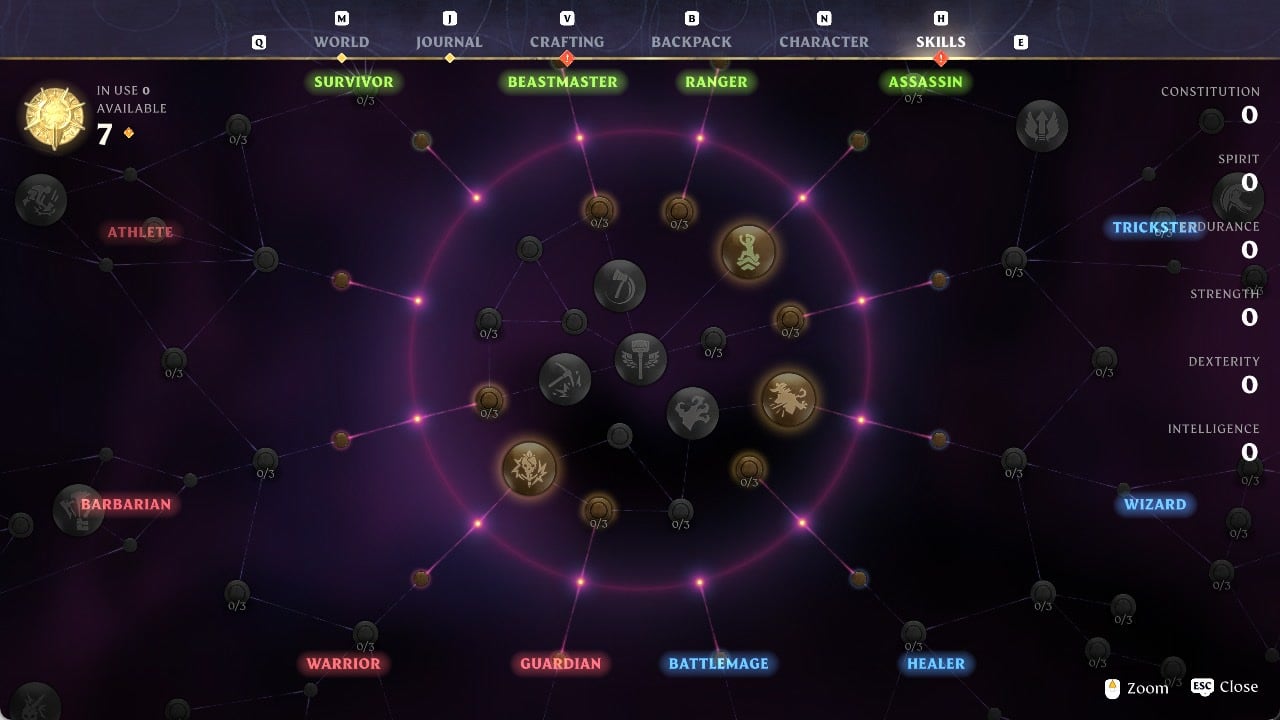
Enshrouded 1.0: How to Get Skill Points
Level-ups give 2 skill points each, Shroud Roots give 1, and Elixir Well roots give 3. You spend them on the Skills screen.
-
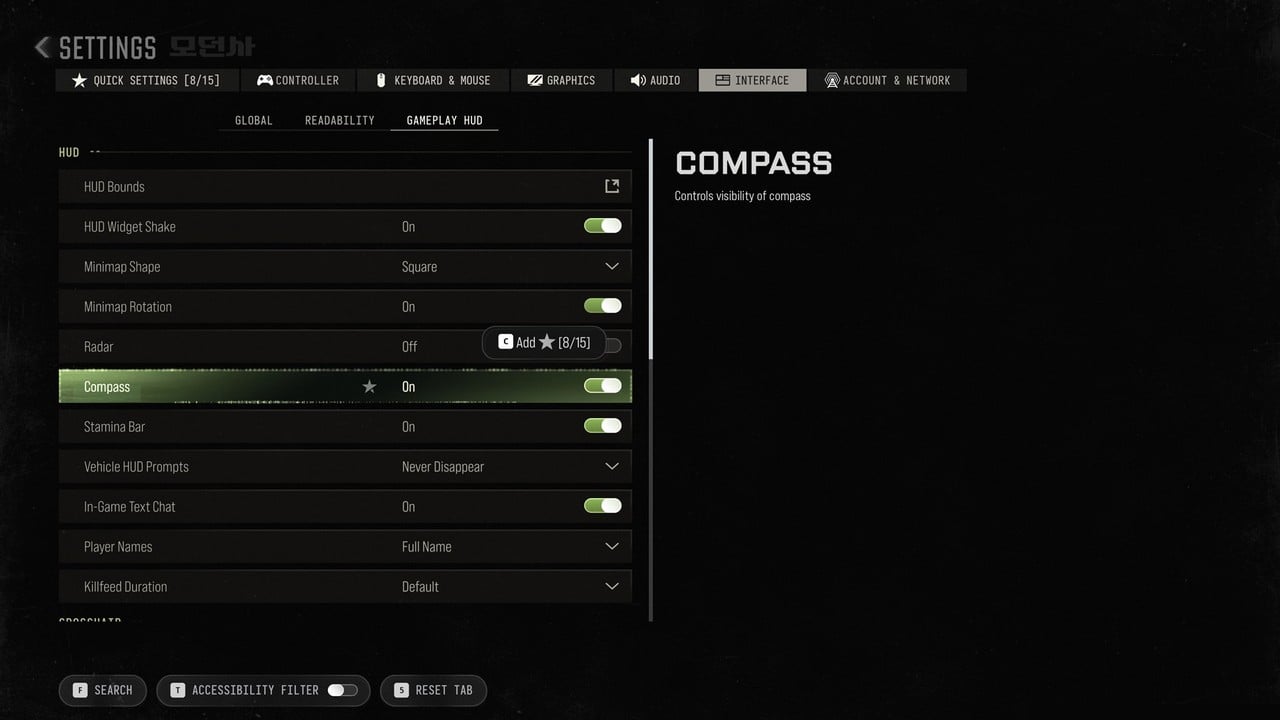
Modern Warfare 4: How to Turn On Subtitles and Colour Settings
Subtitles, subtitle size and Color Customization sit together under Interface, with five accessibility presets one screen away.
-
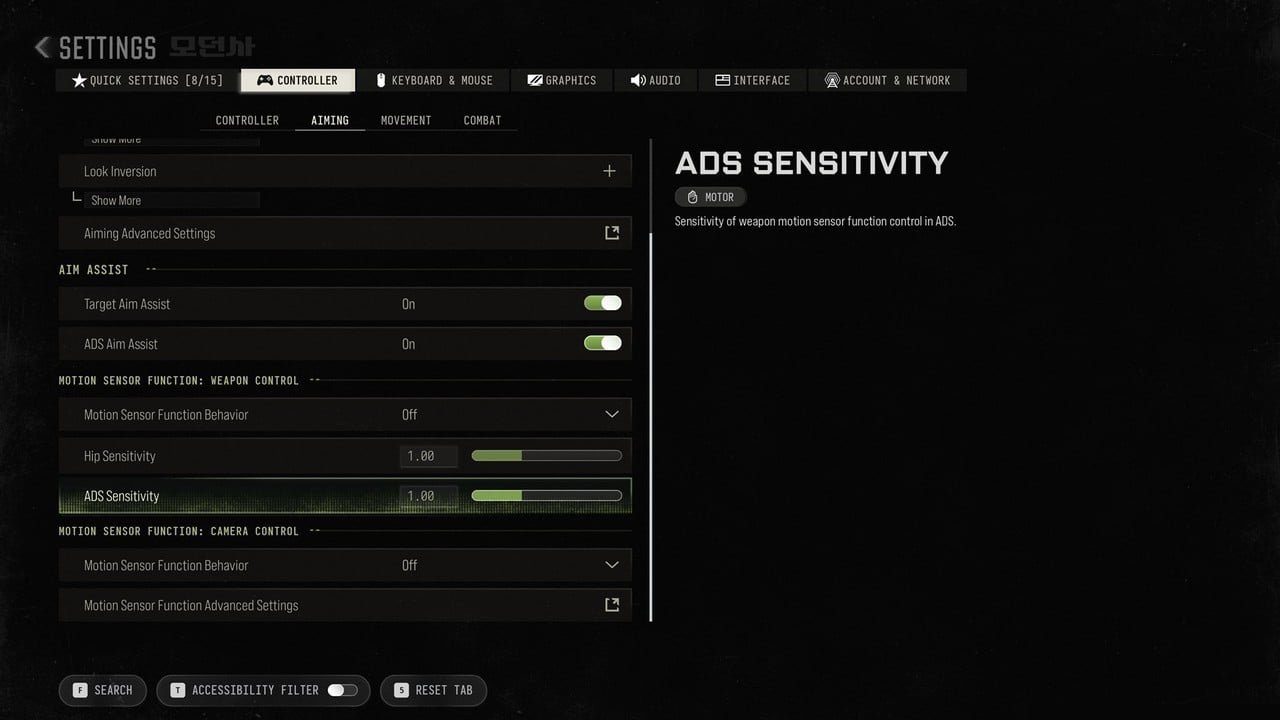
Modern Warfare 4 Mouse Sensitivity and ADS Multiplier Settings (PC Defaults)
Where each mouse aiming option sits in the PC Settings menu, its default value, and what the game says it does.