
Topic
Google Chrome
-
Where are Google Chrome Bookmarks Stored on a Windows PC and How to Back Up Them
Keep track of your Google Chrome bookmarks and make sure you don’t lose them easily.
-
How to Create and Save Tab Groups in Chrome
🌐 Declutter your browser with Chrome’s Tab Groups! Easily create, save, and access groups for a seamless browsing experience. Get organized today! 🎯
-

How to Take a Screenshot on Google Chrome
Take a screenshot in Chrome using either a third-party extension or natively using Developer Tools offered by the browser.
-
How to Enable Cookies on Chrome
Unable to keep yourself signed on websites when using Chrome? Make sure cookies are enabled in the browser on your device.
-

How to Make Chrome Private (Incognito) by Default on Android and iPhone
Protect your digital privacy by making chrome a privacy-first browser on your Android and iOS devices.
-
How to Turn Off Location on Google Chrome
Learn how to turn off location on Google Chrome on all your devices and protect your privacy online.
-
How to Make Chrome Private (Incognito) By Default
Everything you need to know about making Chrome a privacy-first browser and incognito by default on your desktop computer.
-
How to Enable Enhanced Protection in Google Chrome
Enable Enhanced Protection in Google Chrome to strengthen web security and keep your data secure.
-
How to Auto Refresh Tabs in Chrome
Effortlessly refresh open tabs on Chrome at preset time intervals using these easy instructions.
-
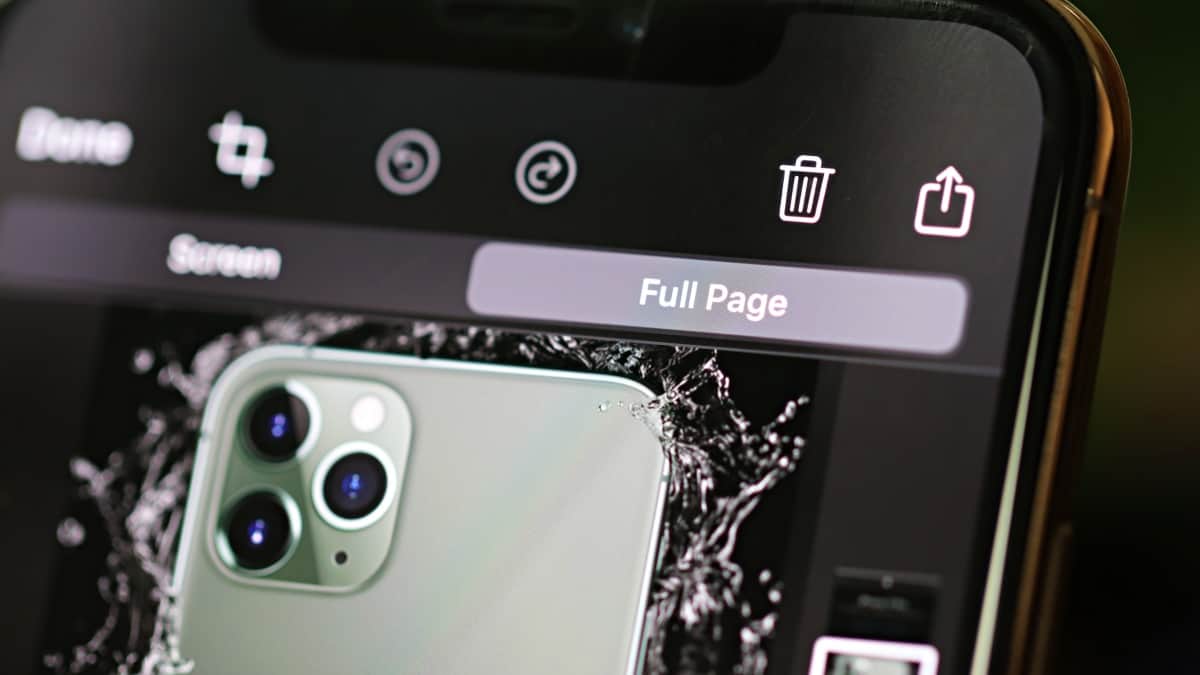
How to Take Full Page (Scrolling) Screenshot in Chrome on iPhone
Seamlessly capture full-page screenshots in Chrome on iPhone and bid farewell to any workaround that you have been using until now.