
Topic
iOS 16
-
How to Set up Multiple & Different Home Screens on iPhone with iOS 16
2 simple and easy-to-follow ways to quickly set up multiple and different Home Screens on your iPhone using iOS 16.
-
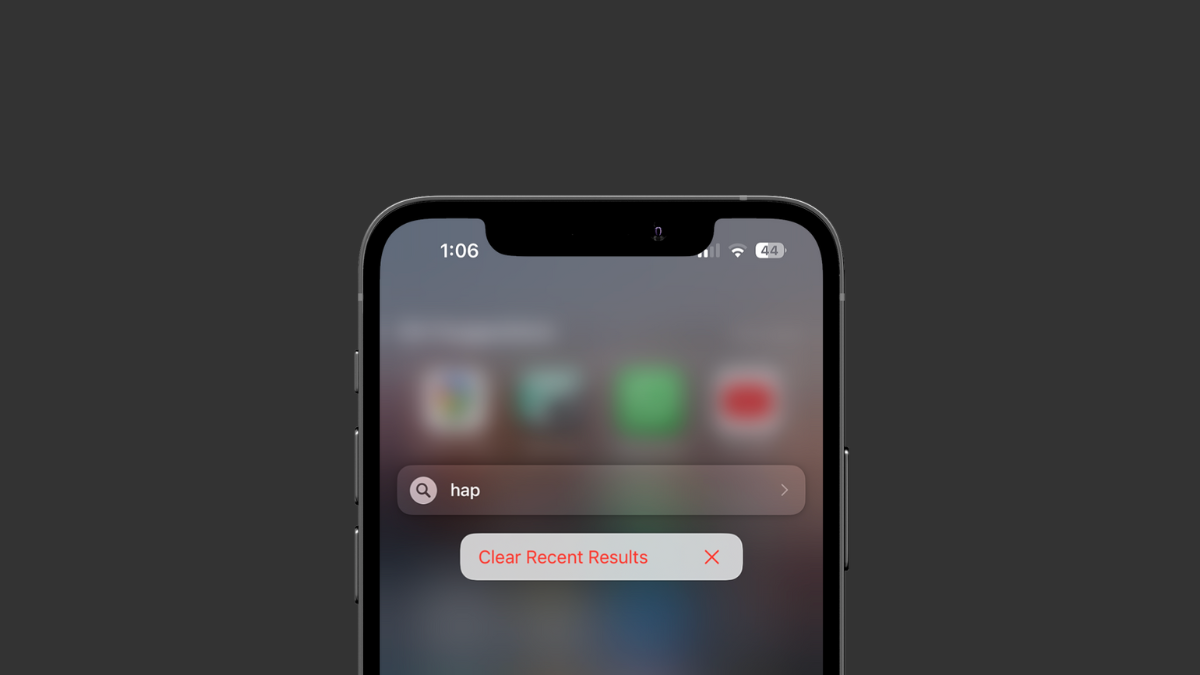
How to Clear All Recent Searches at Once on iPhone
If you don’t like that all your recent searches on Spotlight Search are available for everyone to peek at, you can now delete them…
-

How to Use Apple Freeform App on iPhone
A guide to learning how to use Freeform – the collaborative whiteboard from Apple on your iPhone running iOS 16.2
-
How to Set Up an iCloud Shared Photo Library on iPhone
The complete guide for setting up and using the iCloud Shared Photo Library on your iPhone running iOS 16.
-
How to Turn Off Medications Reminders on iPhone and Apple Watch
Whether you no longer wish to receive reminders for all your medications or you only want to remove some medications, this guide will help.
-
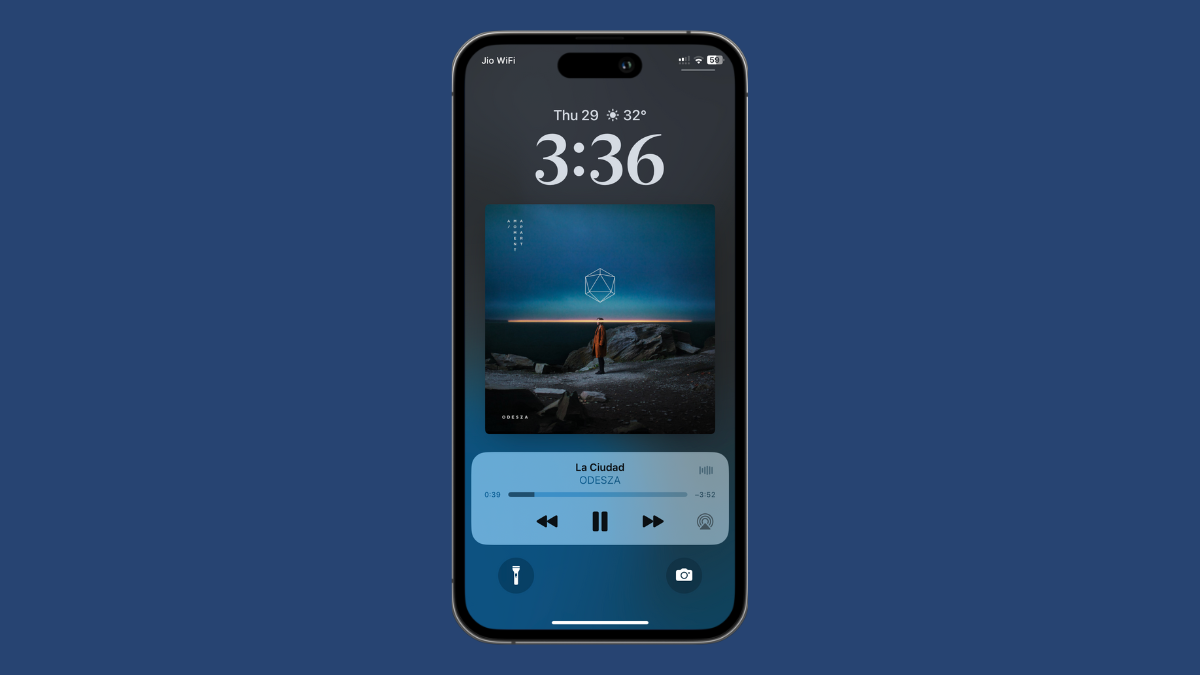
How to Make Music Album Art Full Screen on iPhone Lock Screen with iOS 16
Make album art appear full screen on the iPhone Lock Screen with just a single tap with iOS 16!
-
You Can’t Turn Off Report Junk on iPhone But Here’s How to Avoid Accidentally Reporting a Message
The addition of a ‘Report Junk’ pop-up the delete message process has many users furious. Now, while you can’t disable it, you can avoid…
-
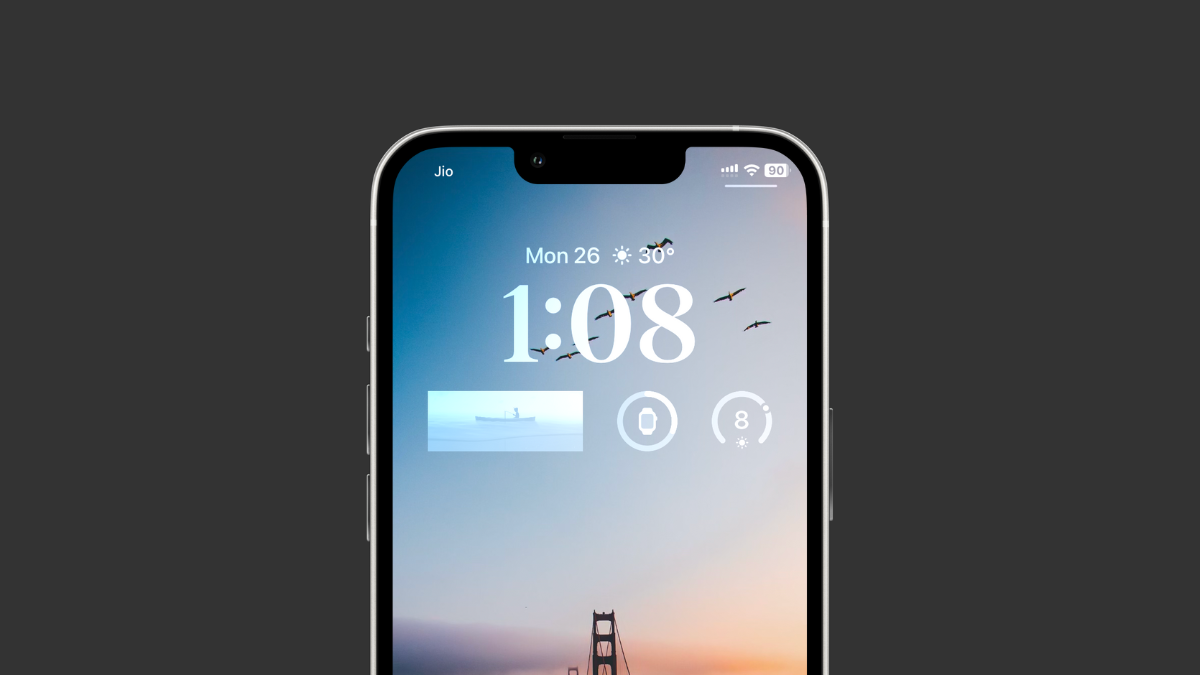
How to Add a Photo Widget to iPhone Lock Screen
Add a photo widget on your lock screen for aesthetics or to get quick access to an album you might wish to visit frequently.
-
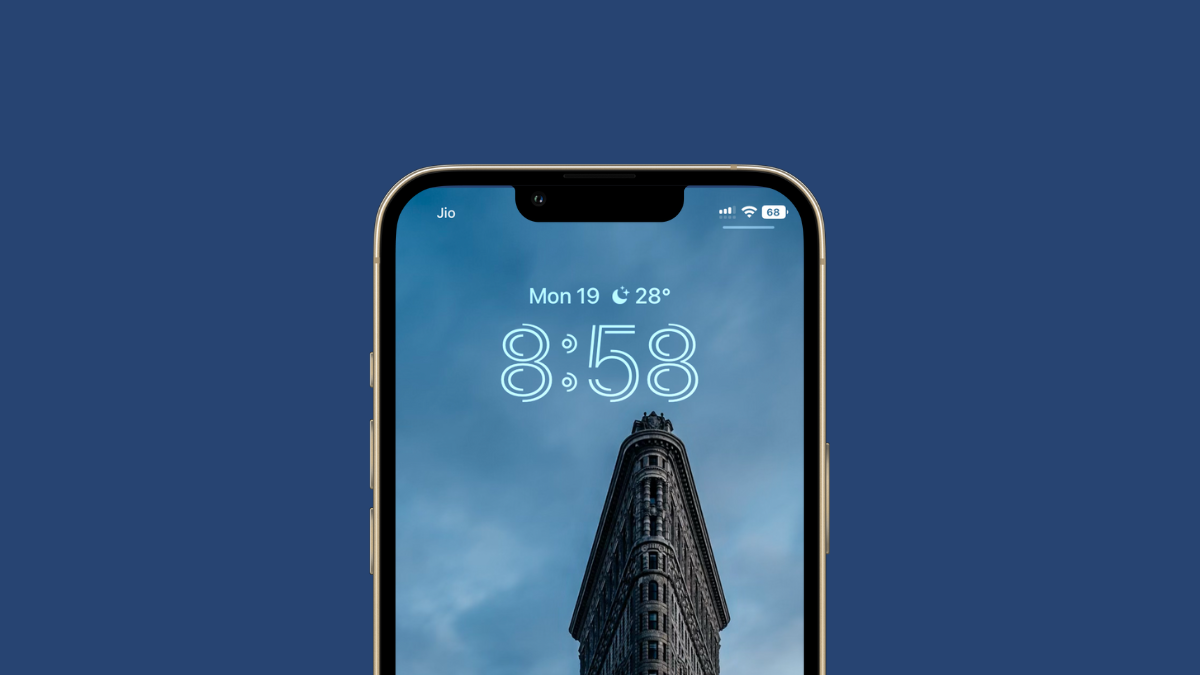
How to Change the Time Font Style on iPhone Lock Screen
Change the time font style, color, and shade to give a unique look to your iPhone’s lock screen with iOS 16.
-
How to Enable or Disable Live Activities on iPhone Lock Screen
Live Activities are one of the most exciting features of iOS 16, and it’s extremely easy to enable or disable them.