
Topic
iOS 16
-
How to Set up and Use Photo Shuffle on iPhone Lock Screen
Setup Photo Shuffle on your iOS 16 device and get multiple pictures as your lock screen wallpaper that randomly change to keep things fresh.
-
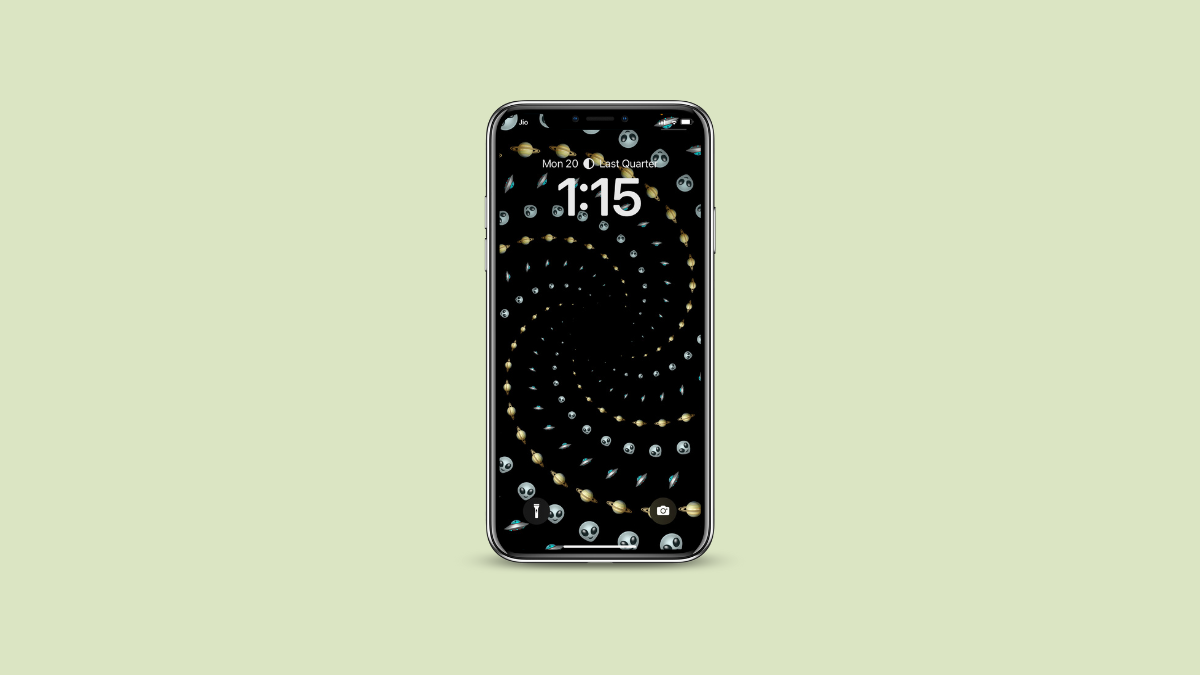
How to Create and Set an Emoji Wallpaper on iPhone Lock Screen with iOS 16
Love the unicorns or just about any other emojis? With iOS 16, you can quickly convert a bunch of your favorite emojis into wallpapers.
-
How to Use Safety Check on iPhone with iOS 16
Whether you love or hate their products, you have got to applaud Apple for its tireless efforts to protect user privacy. In a world…
-

How to Automatically Share Photos with Someone on iPhone with iOS 16
Tired of sharing photos with everyone in the family after a trip? Turn on iCloud Photo Sharing Library and let your iPhone do it…
-

How to Undo an Email in Mail App on iPhone
Recall back that email you accidentally sent while it was unfinished or sent to the wrong person using the ‘Undo Send’ option in Mail.
-
How to Find Your WiFi Password on iPhone with iOS 16
Want to quickly find the password for the current or any previously connected Wi-Fi network on your iPhone? It’s a child’s play with iOS…
-
How to Enable or Disable Haptic Keyboard on iPhone with iOS 16
Want haptic feedback when you type? Or turned it on accidentally and wish to turn it off? It’s a piece of cake to toggle…
-
How to Hide and Show Notifications Count on iPhone Lock Screen With iOS 16
Don’t like notifications occupying space on the lock screen? Switch to the Count layout to only see their number instead.
-
How to Copy Text and Code from Video on iPhone with iOS 16
Want to quickly grab lines of code or text off of a video? With Live Text extending to videos in iOS 16, you can…
-

How to Show or Remove Search Button from iPhone Home Screen on iOS 16
Don’t like the new search button on the home screen on iOS 16? Remove it by heading to the Settings app and get the…