
Topic
Windows 11
Windows 11 is Microsoft’s modern PC operating system, built to deliver a refreshed interface, stronger productivity tools, gaming features, enhanced security, and deep integration with services like Copilot. It launched as the successor to Windows 10 and supports a wide range of desktops, laptops, and compatible hardware configurations for work, play, and everyday computing. | Release Date: October 5, 2021 | Developer: Microsoft | Platforms: x86-64 PCs, Arm64 PCs | Genre: Operating System
-
How to Fix the Destination Already Has a File Error in Windows 11
Resolve file transfer interruptions in Windows 11 by addressing hidden files, system file errors, long file paths, and OneDrive sync issues.
-
How to Fix Windows 11 Desktop Freezing or Not Responding
Resolve Windows 11 desktop freezes and unresponsive behavior with clear troubleshooting methods targeting both software and hardware causes.
-
How to Fix “You Have Been Denied Permission to Access This Folder” on Windows 11
Regain access to restricted files and folders in Windows 11 by adjusting permissions, taking ownership, and troubleshooting account issues.
-
How to Fix Microsoft Store Not Installed or Missing on Windows 11
Restore the Microsoft Store app on Windows 11 using proven methods, including PowerShell commands and the Xbox app workaround.
-
How to Turn Off Automatic Screen Rotation in Windows 11
Stop your display from switching orientation by disabling auto-rotate using Windows 11 settings, Quick Settings, or advanced methods.
-
How to Fix Device Manager Blinking or Flickering in Windows 11
Resolve persistent Device Manager flickering and refreshing issues in Windows 11 with targeted troubleshooting steps to restore stable system performance.
-
How to Fix Phone Link Error 0x80190001 in Windows 11
Resolve the 0x80190001 error when connecting your Android phone to Windows 11 with clear troubleshooting and proven solutions.
-
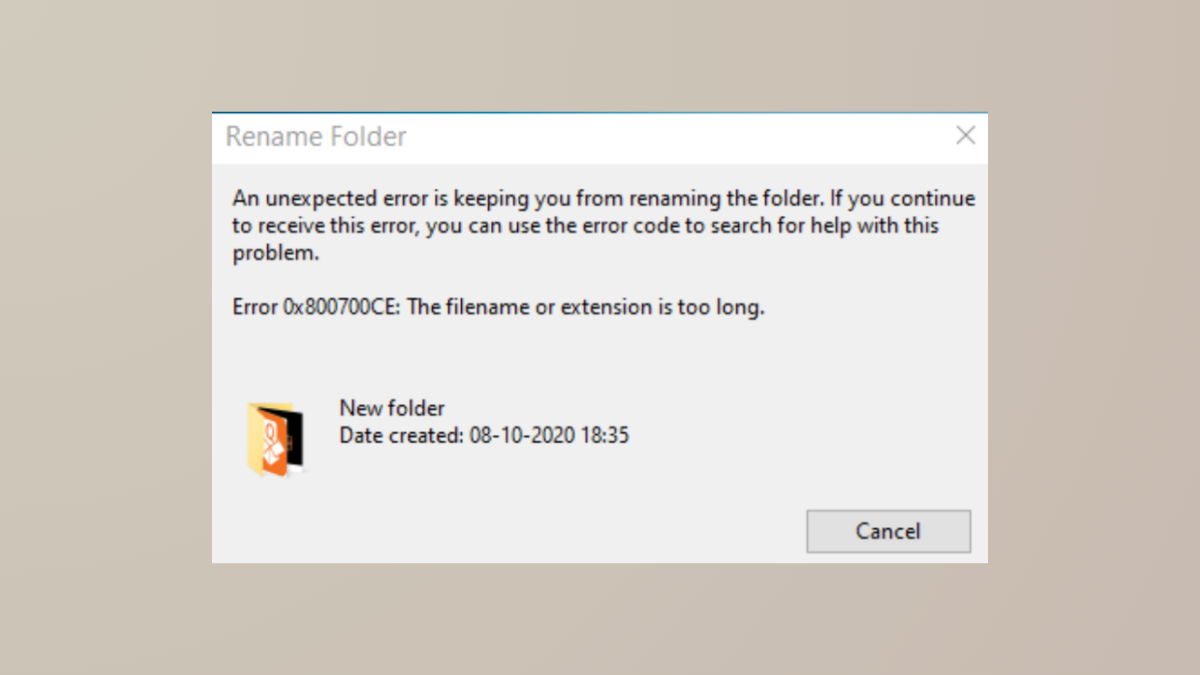
How to Fix Error 0x800700CE The Filename or Extension Is Too Long in Windows 11
Resolve the 0x800700CE error in Windows 11 by addressing long path issues, system glitches, and third-party conflicts, using proven methods.
-
How to Fix Activation Error 0xC004F078 in Windows 11
Resolve Windows 11 activation error 0xC004F078 by addressing product key issues, network problems, or license mismatches using these proven solutions.
-
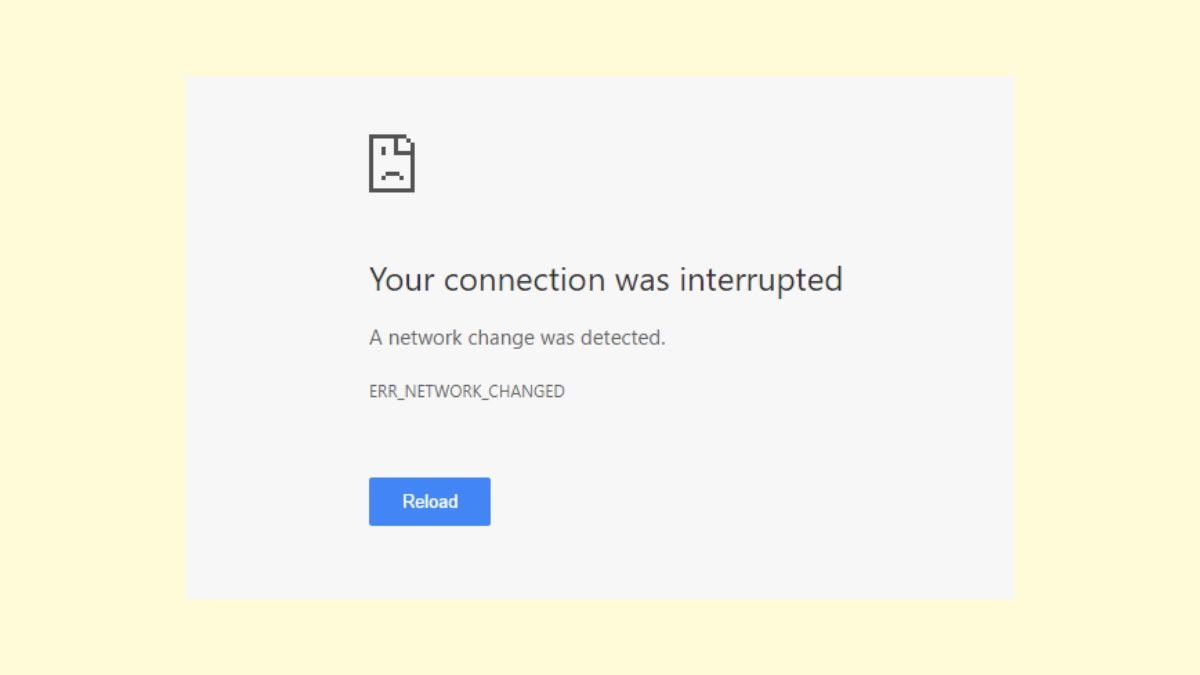
How to Fix “Your Connection Was Interrupted” Error in Windows 11
Resolve the “Your Connection Was Interrupted, A Network Change Was Detected” error in Windows 11 with practical solutions to restore stable internet access.