
Topic
Windows 11
Windows 11 is Microsoft’s modern PC operating system, built to deliver a refreshed interface, stronger productivity tools, gaming features, enhanced security, and deep integration with services like Copilot. It launched as the successor to Windows 10 and supports a wide range of desktops, laptops, and compatible hardware configurations for work, play, and everyday computing. | Release Date: October 5, 2021 | Developer: Microsoft | Platforms: x86-64 PCs, Arm64 PCs | Genre: Operating System
-
Fix the Attributes Are Inconsistent Error on Windows 11
Resolve “The extended attributes are inconsistent” error on Windows 11 by repairing system files, adjusting account settings, and restoring normal system operations.
-
Reclaim Space After Upgrading Windows 11 to a New Version
Free up disk space by removing leftover files from previous Windows 11 installations and updates using built-in system tools.
-
Fix Monitor Not Turning Off During PC Sleep on Windows 11
Resolve persistent issues where monitors stay on during sleep by applying command-line fixes, updating drivers, and addressing device or software conflicts in Windows 11.
-
Turn Windows 11 PC into a Mobile Hotspot
Share your Windows 11 PC’s internet connection with other devices by configuring and troubleshooting mobile hotspot features, including options for sharing without an active…
-
Fix You Need a WIA Driver to Use This Device Error on Windows 11
Resolve scanner connectivity issues and restore scanning functionality by addressing WIA driver errors in Windows 11.
-

Change Ownership of Folder or File in Windows 11
Gain full control over files or folders in Windows 11 by transferring ownership, resolving permission issues, and managing access rights effectively.
-
Whitelist or Blacklist a Program in Windows 11
Control which applications can run or be blocked on Windows 11 using built-in security policies, AppLocker, and other management tools.
-
Set Custom Notification Sound in Windows 11
Personalize your Windows 11 notifications by assigning custom sounds to system events and alerts using built-in options and advanced methods.
-
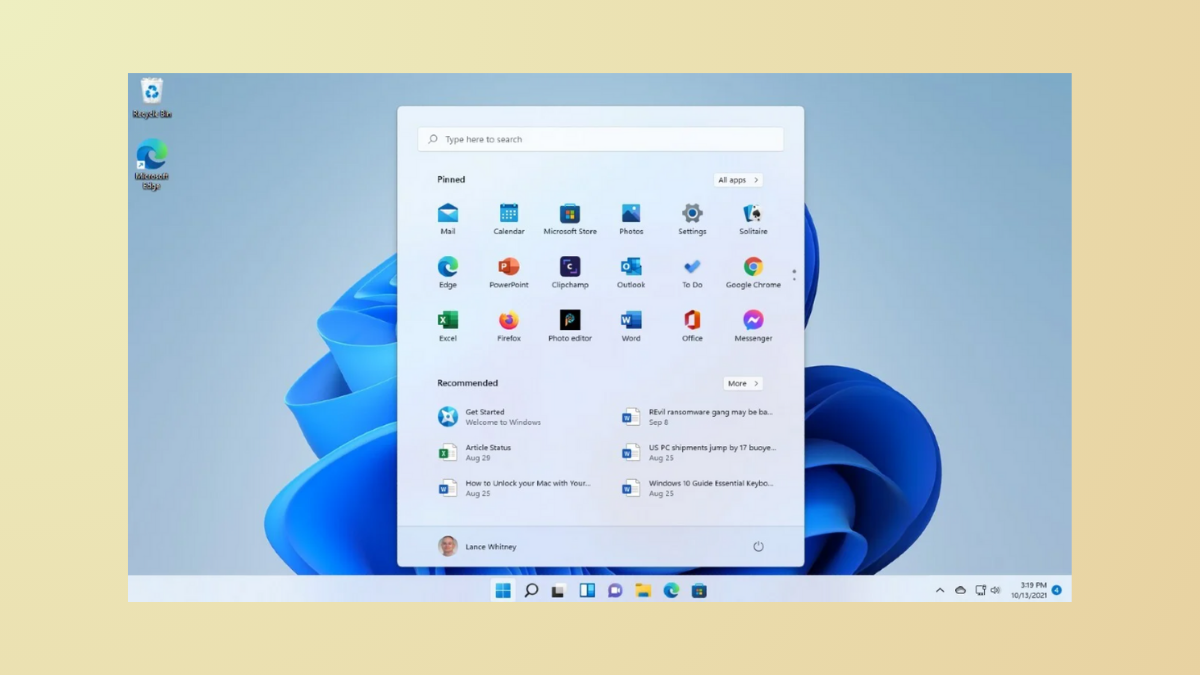
Lock Start Menu Layout in Windows 11
Prevent users from modifying the Start menu layout in Windows 11 using Group Policy, Registry Editor, and configuration files.
-
Fix Yellow Tint on Screen in Windows 11
Resolve yellowish display issues in Windows 11 by adjusting system settings, color profiles, and drivers for accurate screen colors.