
Topic
Windows 11
Windows 11 is Microsoft’s modern PC operating system, built to deliver a refreshed interface, stronger productivity tools, gaming features, enhanced security, and deep integration with services like Copilot. It launched as the successor to Windows 10 and supports a wide range of desktops, laptops, and compatible hardware configurations for work, play, and everyday computing. | Release Date: October 5, 2021 | Developer: Microsoft | Platforms: x86-64 PCs, Arm64 PCs | Genre: Operating System
-
Force Close Program Which Task Manager Cannot Terminate
Learn multiple proven methods to shut down stubborn or unresponsive apps on Windows 11 when Task Manager fails to end the process.
-
Fix Windows 11 Stuck on Preparing Security Options
Resolve Windows 11 freezing at the “Preparing Security Options” screen by applying targeted troubleshooting methods, from disabling Fast Startup to repairing system files and…
-
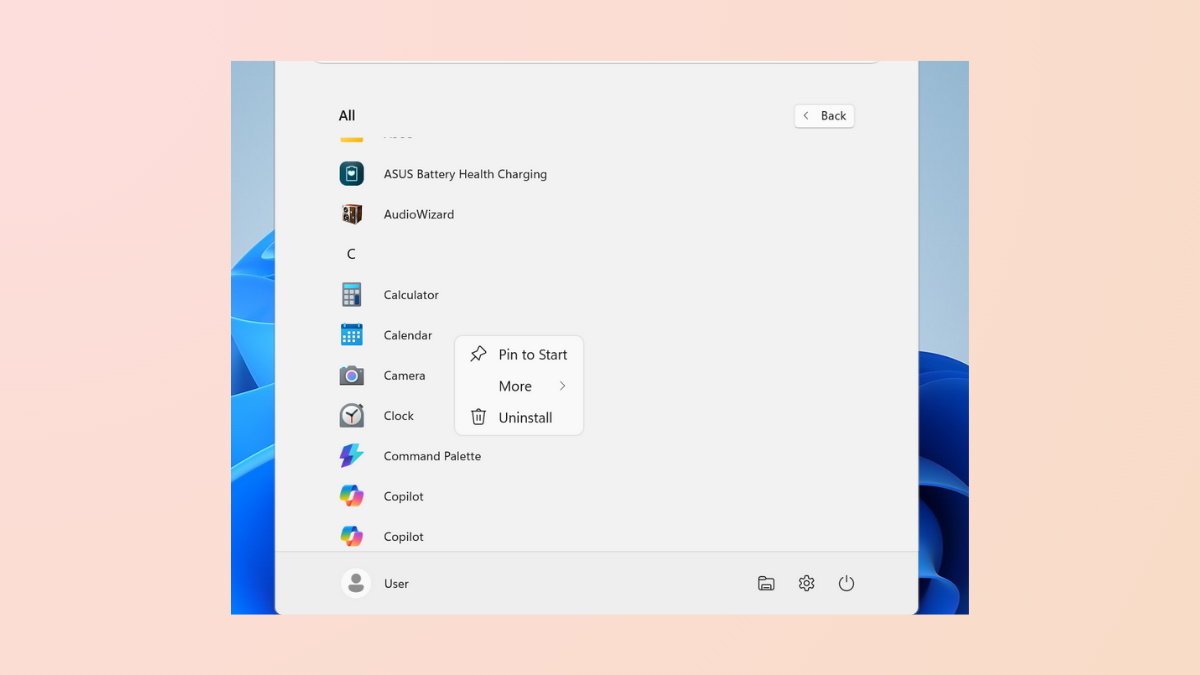
Fix Pin to Start Missing or Not Working on Windows 11
Resolve issues where the Pin to Start option is missing or not functioning in Windows 11 by adjusting system policies, registry settings, and repairing…
-

Pause Updates for 20 Years on Windows 11
Extend the Windows 11 update pause period up to two decades with a registry modification, plus explore alternative ways to control automatic updates.
-

View Saved Passwords on Windows 11
Unlock and manage your stored login credentials in Windows 11 using built-in tools and browser settings.
-
Resolve Error 0x80070026 in Windows 11
Effective solutions for fixing Windows 11 update failures and file copy issues caused by error 0x80070026.
-
Use the DNS Over HTTPS Privacy Feature in Windows 11
Encrypt DNS requests in Windows 11 to improve privacy, bypass censorship, and prevent network snooping.
-
Fix “An Unexpected Error Is Preventing You From Renaming the Folder” Error
Resolve the 0x80004005 “Unspecified Error” that blocks folder renaming in Windows by correcting malformed user shell folder paths in the registry and applying targeted…
-
Extend or Boost Bluetooth Signal Range in Windows 11
Detailed steps and proven methods to improve Bluetooth signal range and reliability on Windows 11 devices.
-
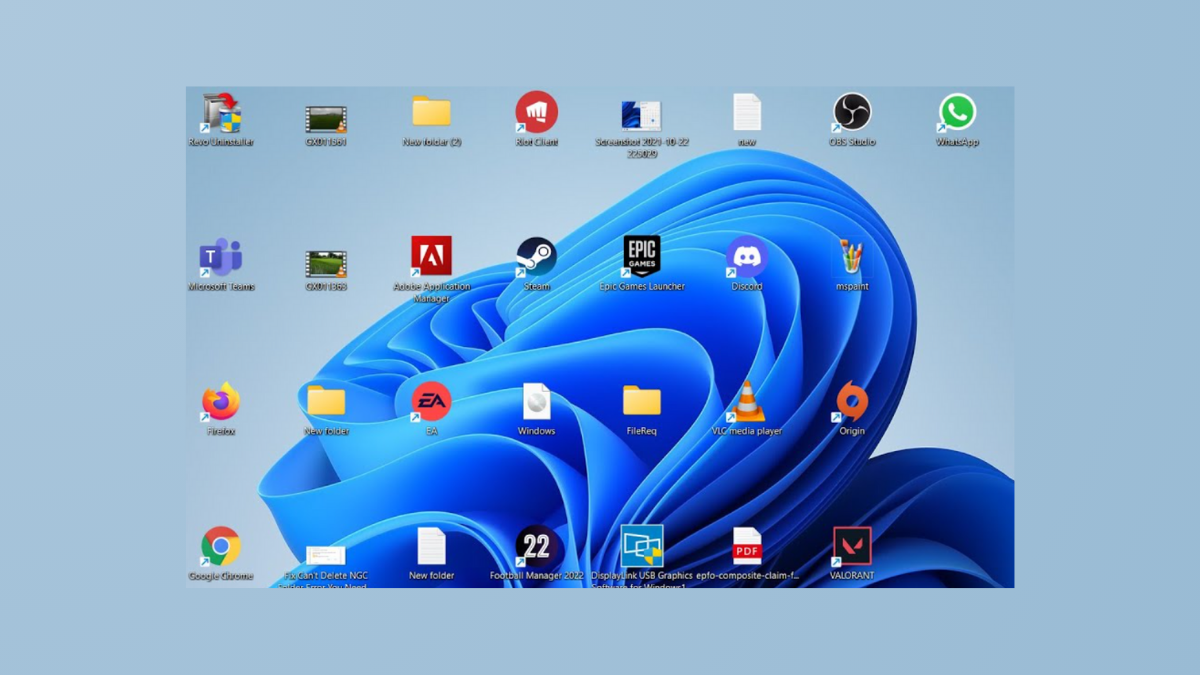
Fix Desktop Icons Rearranging Themselves After Reboot
Resolve persistent issues with desktop icons moving or resetting positions after restarting Windows 11 by following targeted steps that address common causes and long-term…