
Topic
Windows 11
Windows 11 is Microsoft’s modern PC operating system, built to deliver a refreshed interface, stronger productivity tools, gaming features, enhanced security, and deep integration with services like Copilot. It launched as the successor to Windows 10 and supports a wide range of desktops, laptops, and compatible hardware configurations for work, play, and everyday computing. | Release Date: October 5, 2021 | Developer: Microsoft | Platforms: x86-64 PCs, Arm64 PCs | Genre: Operating System
-
Fix Services.msc Not Opening on Windows 11
Resolve issues preventing Services.msc from launching in Windows 11 and restore access to essential system services.
-
Check Network Adapter Speed in Windows 11
Learn various methods to view and troubleshoot your network adapter connection speed in Windows 11 using Settings, Control Panel, PowerShell, and Task Manager.
-
Disable Windows Hello Prompt on Windows 11
Stop Windows 11 from prompting users to set up Windows Hello by adjusting Group Policy, Registry settings, or account sign-in options.
-
Check Which Apps Are Accessing the Mic and Camera on Windows 11
Learn reliable ways to find out which applications are using or have recently accessed your microphone and camera in Windows 11, and how to…
-
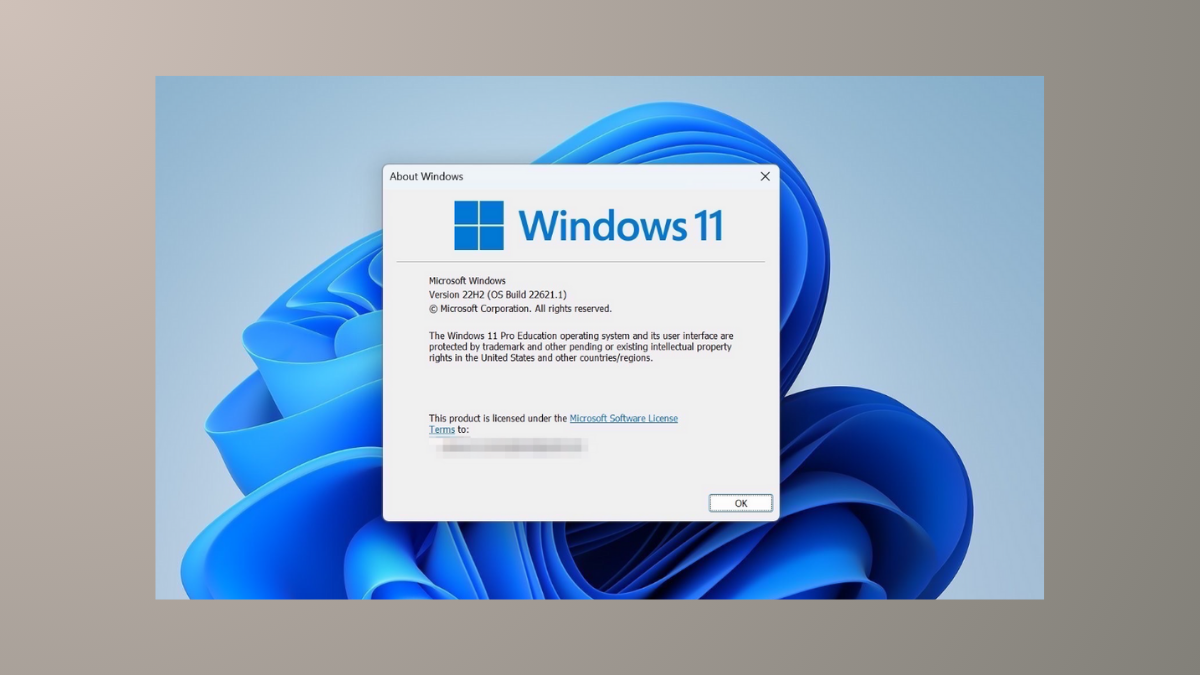
Check Version and Build on Windows 11
Identify your exact Windows 11 version, build number, and edition using built-in tools and commands for accurate troubleshooting and update management.
-
Stop Mouse Wheel from Changing the Volume on Windows 11
Direct solutions for when your mouse wheel controls system volume instead of scrolling pages in Windows 11.
-

Enable or Disable Developer Mode in Windows 11
Learn multiple methods to turn Developer Mode on or off in Windows 11 for software testing, app development, or restoring standard security settings.
-
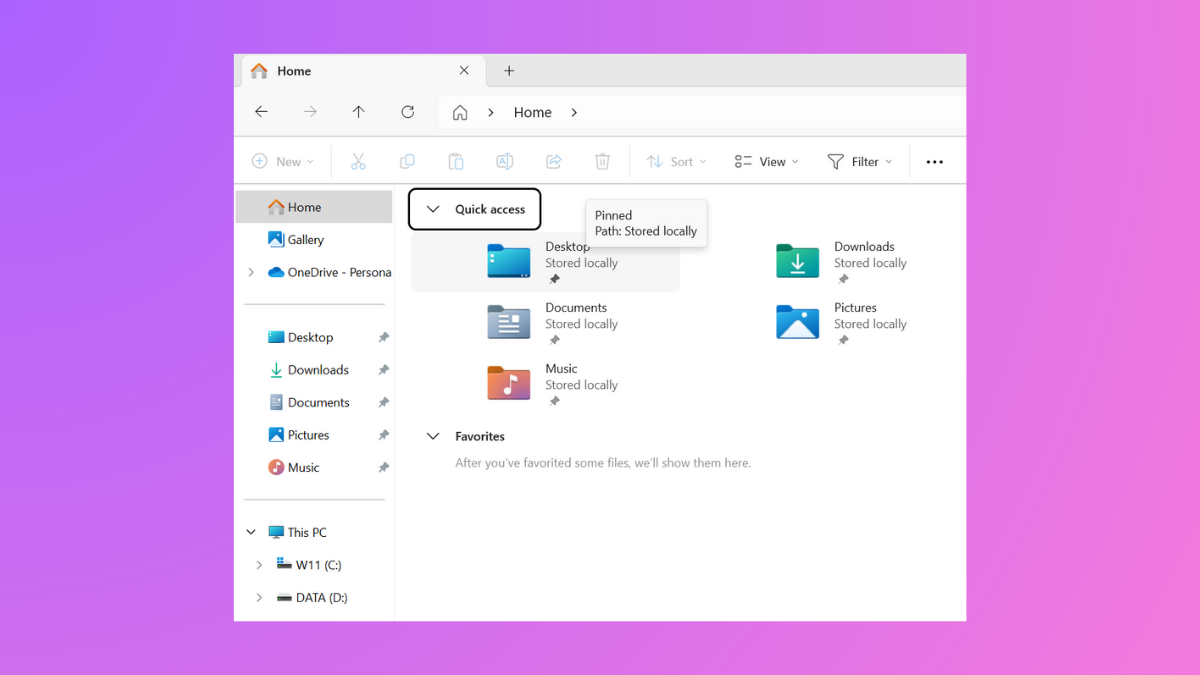
Turn Off Pop-up Descriptions for Desktop and Folder Items in Windows 11
Learn how to disable the pop-up descriptions (infotips) that appear when you hover over files, folders, and desktop items in Windows 11 using Folder…
-
Fix Universal Print Error 0x8086000c on Windows 11
Resolve Universal Print authentication failures and repetitive event log errors on Windows 11 by addressing service misconfigurations, Azure AD issues, or unnecessary service activation.
-
Install a USB Printer Manually in Windows 11
Simple instructions for manually setting up a USB printer in Windows 11 when automatic installation fails or drivers are unavailable.