
Topic
Windows 11
Windows 11 is Microsoft’s modern PC operating system, built to deliver a refreshed interface, stronger productivity tools, gaming features, enhanced security, and deep integration with services like Copilot. It launched as the successor to Windows 10 and supports a wide range of desktops, laptops, and compatible hardware configurations for work, play, and everyday computing. | Release Date: October 5, 2021 | Developer: Microsoft | Platforms: x86-64 PCs, Arm64 PCs | Genre: Operating System
-

Resolve No Internet Access Despite Connection on Windows 11
Diagnose and fix the “No Internet” status on Windows 11 when your device is connected to Wi-Fi or Ethernet but cannot access online services…
-

Fix Slow Boot Times in Windows 11
Accelerate Windows 11 startup by disabling unnecessary startup apps, updating drivers, and applying targeted system optimizations.
-

Resolve External Monitor Not Detected on Windows 11
Get your second display working on Windows 11 with step-by-step troubleshooting for connection, settings, and driver issues.
-

Fix Error 0x800705aa in Windows 11
Resolve Windows Update failures caused by error 0x800705aa with detailed troubleshooting steps for system file repair, update component resets, and configuration fixes.
-
Fix Error 0x800f0831 on Windows 11
Resolve Windows 11 update failures caused by error 0x800f0831 with various repair, cache clearing, and manual installation methods.
-

Install Openshift Local on Windows 11 Without Using the C-Drive
Set up Openshift Local on a different drive in Windows 11 to manage disk space and optimize system performance.
-

Bypass OOBE During Windows 11 Packer Build on AVD
Streamline Windows 11 image creation for Azure Virtual Desktop by skipping the Out-of-Box Experience (OOBE) using Packer automation.
-
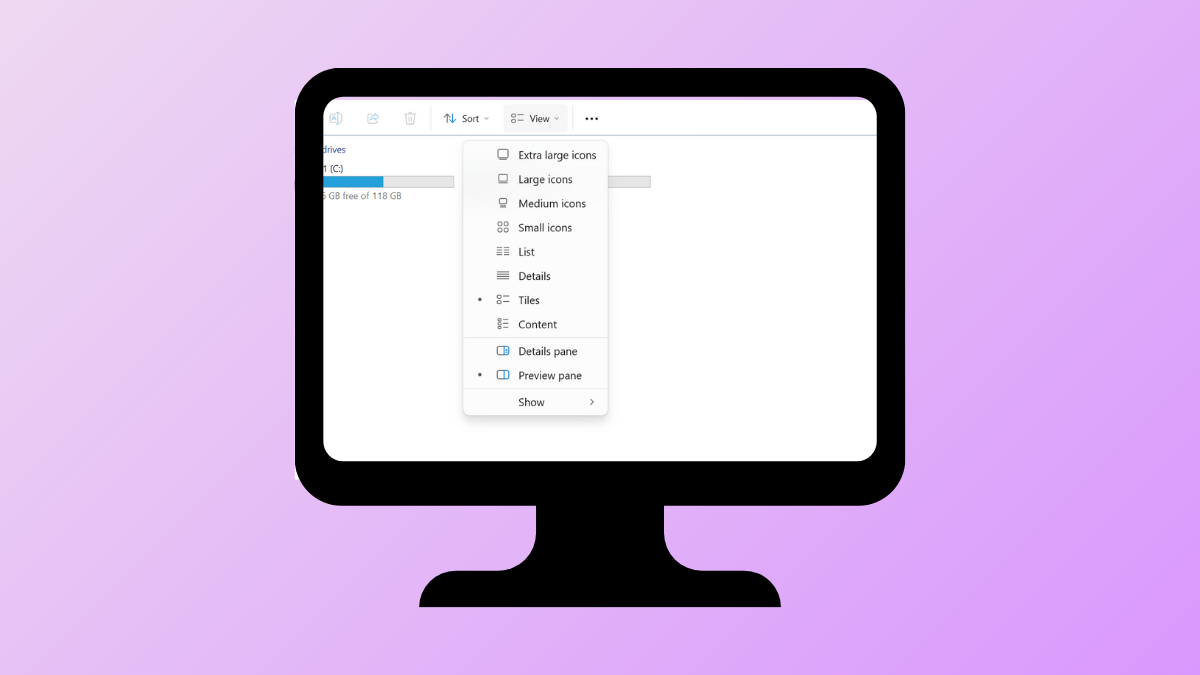
Fix Dropdown Menus Not Working in Windows 11
Resolve unresponsive or missing dropdown menus in Windows 11 with multiple troubleshooting and repair methods.
-
Fix Missing Codec Error 0xc004f011 in Windows 11
Resolve playback issues caused by missing codecs in Windows 11 with detailed solutions to restore video and audio functionality.
-

Resolve Windows 11 Folder Access Denied for Administrators Group
Effective solutions to fix denied folder access on Windows 11, even when using an account in the Administrators group.