
Topic
Windows 11
Windows 11 is Microsoft’s modern PC operating system, built to deliver a refreshed interface, stronger productivity tools, gaming features, enhanced security, and deep integration with services like Copilot. It launched as the successor to Windows 10 and supports a wide range of desktops, laptops, and compatible hardware configurations for work, play, and everyday computing. | Release Date: October 5, 2021 | Developer: Microsoft | Platforms: x86-64 PCs, Arm64 PCs | Genre: Operating System
-
Fix SSH Key Generation Failure in Git Bash on Windows 11
Resolve SSH key creation issues in Git Bash on Windows 11 by addressing common permission and environment conflicts.
-
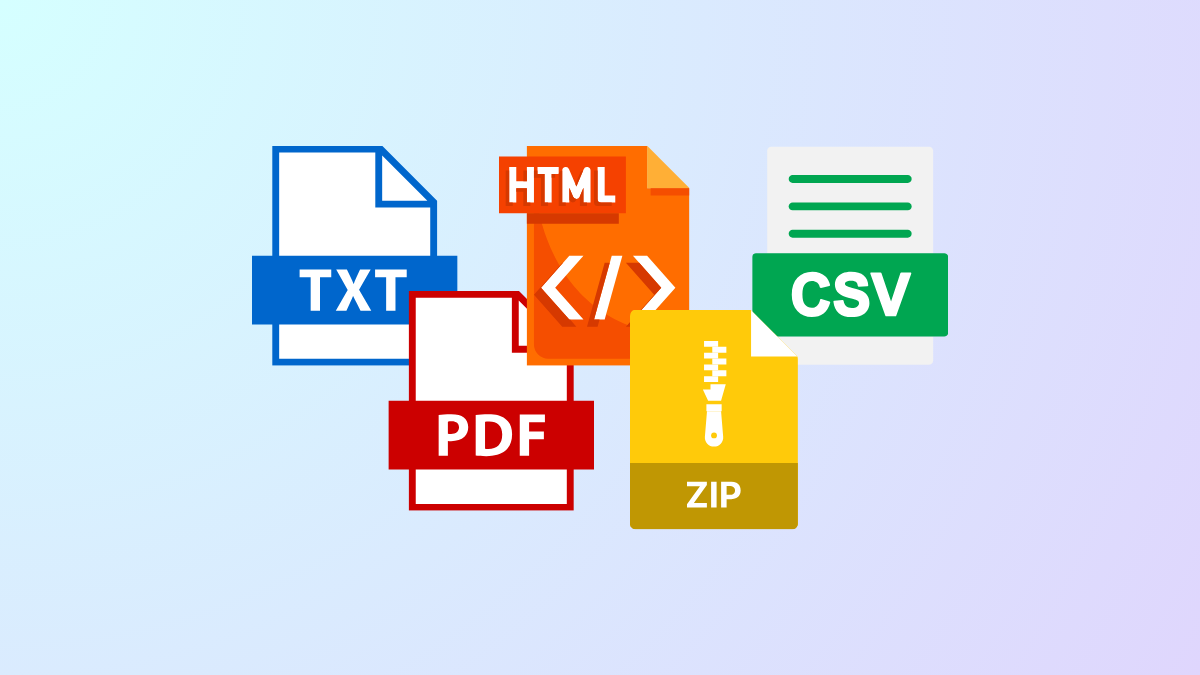
Change File Extension in Windows 11 Directly
Quickly rename and modify file extensions in Windows 11 to control how files are recognized and opened.
-
Resolve Unable to Map a Drive Between Two Windows 11 Computers
Multiple solutions to fix network drive mapping issues between Windows 11 systems, including permissions, SMB protocol, and network discovery settings.
-
Fix Touchpad Gestures Not Working on Windows 11
Resolve missing or malfunctioning touchpad gestures in Windows 11 by adjusting system settings, updating drivers, and checking hardware configurations.
-
Fix Error 0x80242007 in Windows 11 Updates
Resolve Windows Update failures caused by error code 0x80242007 with various solutions that address service issues, cache corruption, and installation conflicts.
-
Move Your Windows 11 Installation To Another Drive
Transferring your Windows 11 setup to a new drive boosts storage capacity and speeds up system performance without requiring a full reinstall.
-
Fix ERROR_PNP_RESTART_ENUMERATION (636) on Windows 11
Resolve the ERROR_PNP_RESTART_ENUMERATION (636) code in Windows 11 by addressing driver issues, hardware problems, and system file corruption with targeted troubleshooting steps.
-
Adjust SysMain To Speed Up Your Windows 11 PC
Discover how adjusting or disabling SysMain can resolve high disk and CPU usage, streamline memory management, and deliver faster performance on your Windows 11…
-
Fix Error 0x8024800C in Windows 11
Resolve Windows Update error 0x8024800C with proven troubleshooting steps to restore update functionality in Windows 11.
-
Delete Files From Media Player in Windows 11
Learn multiple ways to remove recent media history and files from the Windows 11 Media Player app to keep your library organized and your…