
Topic
Windows 11
Windows 11 is Microsoft’s modern PC operating system, built to deliver a refreshed interface, stronger productivity tools, gaming features, enhanced security, and deep integration with services like Copilot. It launched as the successor to Windows 10 and supports a wide range of desktops, laptops, and compatible hardware configurations for work, play, and everyday computing. | Release Date: October 5, 2021 | Developer: Microsoft | Platforms: x86-64 PCs, Arm64 PCs | Genre: Operating System
-
Fix Office Installation Problems With Get Help in Windows 11
Resolve Microsoft 365 and Office setup errors on Windows 11 using the built-in Get Help app and its automated troubleshooters for fast, reliable solutions.
-
Fix Error 0x80246005 on Windows 11
Resolve Windows Update error 0x80246005 in Windows 11 by following proven troubleshooting methods that restore update functionality and system reliability.
-
Fix Error 0x00000bc4 No Printers Were Found on Windows 11
Resolve the 0x00000bc4 printer error in Windows 11 by adjusting Group Policy or Registry settings to restore network printer connectivity.
-
Fix Error 0x8024A000 on Windows 11
Resolve Windows Update Error 0x8024A000 with easy-to-follow solutions to restore update functionality and system reliability on Windows 11.
-
Quick Machine Recovery Setup and Usage for Windows 11 Boot Failures
Learn how Quick Machine Recovery automates fixing critical Windows 11 boot issues and follow detailed instructions to configure and test it for reliable system…
-
Update Apps Using Winget on Windows 11
Streamline application updates on Windows 11 by using the Winget command-line tool to quickly upgrade individual programs or all apps at once.
-
Fix Search Bar Not Working on Windows 11
Resolve issues with the Windows 11 search bar by applying proven fixes that restore fast, reliable search functionality across your system.
-
Reset Network Settings on Windows 11
Restoring network settings to default in Windows 11 removes connection errors by reinstalling adapters, clearing Wi-Fi profiles, and wiping custom configurations.
-
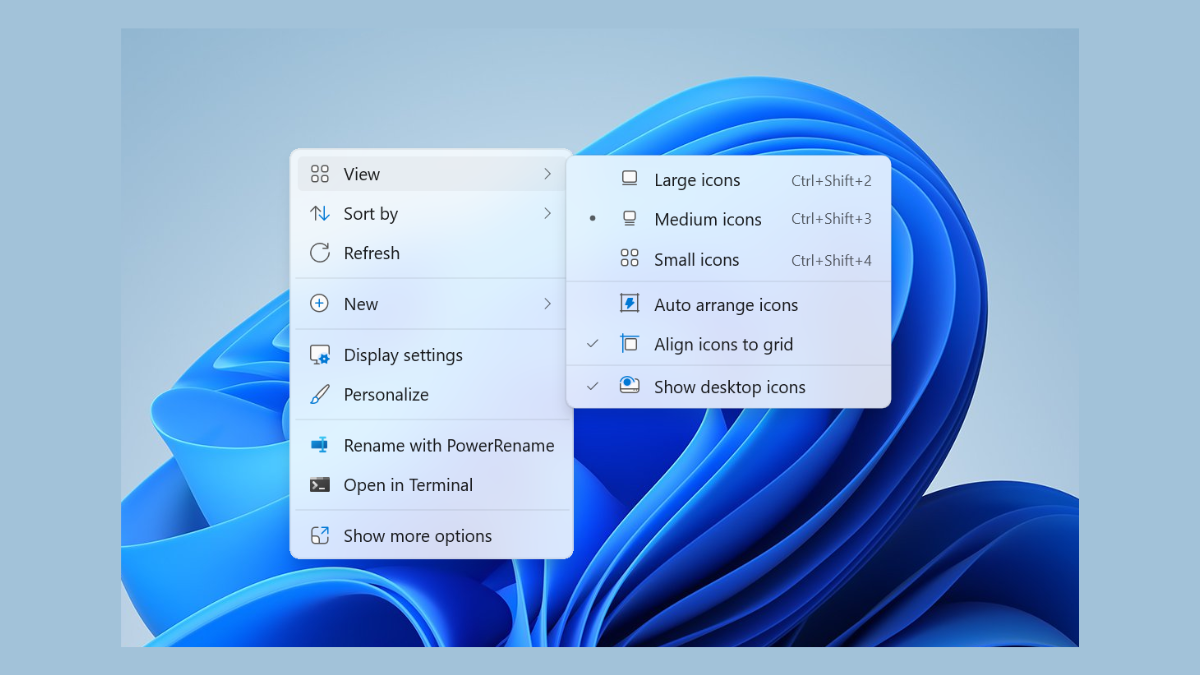
Fix Right-Click Context Menu Showing Up on Other Screen in Windows 11
Resolve the issue where the right-click context menu appears on the wrong monitor in Windows 11 multi-display setups.
-
Install Google ADK to Build Multi Agents on Windows 11
Set up the Google Android Development Kit (ADK) on Windows 11 to create and manage multi-agent systems efficiently.