
Topic
Windows
Windows is Microsoft’s long-running graphical operating system family for personal computers, known for broad hardware support, a massive software library, and deep compatibility across productivity, creative, and gaming use cases. First launched as a graphical shell for MS-DOS, it evolved into the dominant PC platform and a core destination for modern PC gaming through DirectX and widespread developer support. | Release Date: November 20, 1985 | Developer: Microsoft | Platforms: PC | Genre: Ope
-
How to Fix Error 1962: No Operating System Found on Lenovo Laptop
Resolve the “Error 1962: No Operating System Found” issue on Lenovo computers and recover your data safely.
-
How to Fix Lenovo BIOS Key Not Working
Follow these instructions to access BIOS when standard keys fail on your Lenovo laptop
-
How to Fix Install Error 0x80070103 in Windows 11
Resolve the 0x80070103 update error in Windows 11 with these eight solutions.
-
How to Fix Hard Drive Not Installed Error on Dell Laptop
Follow these detailed steps to resolve the “Hard Drive Not Installed” error on your Dell laptop.
-
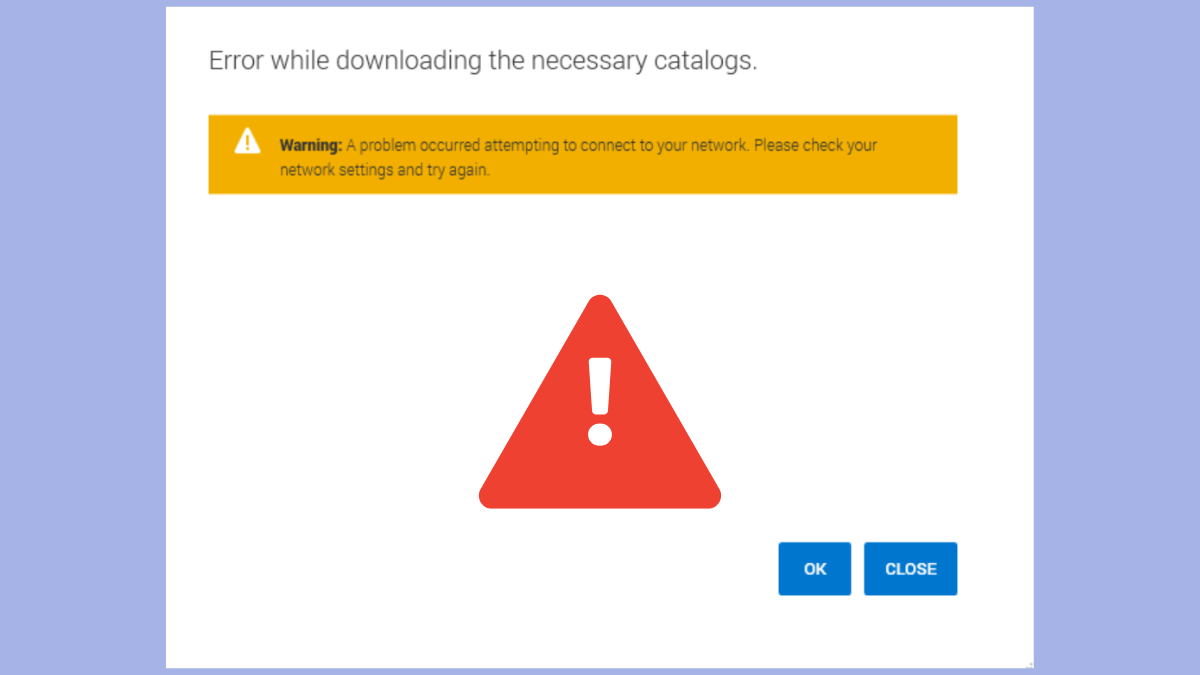
How to Fix Dell Command Update Error While Downloading the Necessary Catalogs
Resolve the Dell Command Update catalog download error with simple, actionable methods.
-
How to Fix Dell Error Code 2000-0141: No Drive Detected
Resolve the “No Drive Detected” issue on your Dell PC with these actionable troubleshooting steps.
-
How to Identify and Fix Dell LED Error Codes on Latitude Laptops and Tablets
A comprehensive guide to identifying and resolving Dell LED diagnostic indicators
-

How to Fix Dell Monitor Entering Power Save Mode Error
Resolve the issue of your Dell monitor repeatedly entering power save mode with these effective troubleshooting methods.
-
How to Restart Dell Laptop Using Keyboard
Quickly reboot your Dell laptop using simple keyboard shortcuts.
-

How to Factory Reset Dell Laptop Without Password
Follow these clear steps to reset your Dell laptop to factory settings, even if you’ve forgotten your password.