
Topic
Windows
Windows is Microsoft’s long-running graphical operating system family for personal computers, known for broad hardware support, a massive software library, and deep compatibility across productivity, creative, and gaming use cases. First launched as a graphical shell for MS-DOS, it evolved into the dominant PC platform and a core destination for modern PC gaming through DirectX and widespread developer support. | Release Date: November 20, 1985 | Developer: Microsoft | Platforms: PC | Genre: Ope
-
Open or Explore an .adi File Created With AOMEI Backupper
Access files and data stored in .adi disk image backups using AOMEI Backupper’s built-in tools or alternative methods.
-

Delete Folder in C:\Users via PowerShell When Standard Methods Fail
Resolve issues preventing folder deletion in the C:\Users directory using effective PowerShell commands and troubleshooting steps.
-
Programmatically Add Folders to the Windows 10/11 Quick Access Panel in Explorer
Discover multiple methods to programmatically pin folders to the Quick Access panel in Windows Explorer, streamlining access to frequently used directories.
-
Modify Custom Scaling Using PowerShell
Adjust display scaling settings directly through PowerShell to fine-tune screen appearance and readability on Windows devices.
-
Run RHEL or Fedora on Windows Subsystem for Linux (WSL)
Set up and use Red Hat Enterprise Linux or Fedora within Windows using Windows Subsystem for Linux for streamlined development and testing.
-
Upgrade Windows 10 (MBR) to Windows 11 (GPT) Without Data Loss
Switch from Windows 10 on an MBR disk to Windows 11 on a GPT disk while keeping your files and applications intact.
-
How to View Windows NDIS Traces or Logs
Learn how to access and analyze NDIS logs to troubleshoot network issues on Windows.
-
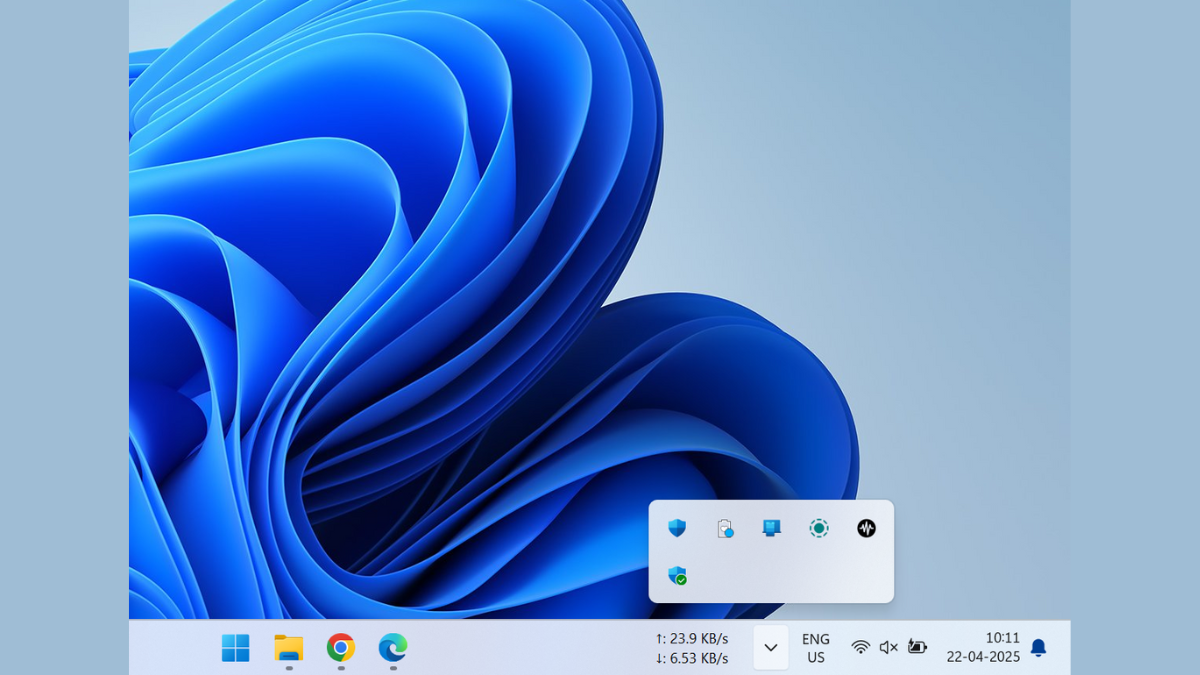
How to Fix System Tray Icon Area Needlessly Taking Up Space
Learn how to reclaim valuable taskbar space by managing your system tray icons effectively
-
Show AM/PM on the Lock Screen of Mobile and Windows PC
Display the 12-hour clock format with AM and PM indicators on your device’s lock screen by adjusting system settings.
-
Hide Specific Folders From Another User on Windows PC
Learn practical methods to prevent other users on your Windows computer from viewing or accessing selected folders.