
Topic
Windows
Windows is Microsoft’s long-running graphical operating system family for personal computers, known for broad hardware support, a massive software library, and deep compatibility across productivity, creative, and gaming use cases. First launched as a graphical shell for MS-DOS, it evolved into the dominant PC platform and a core destination for modern PC gaming through DirectX and widespread developer support. | Release Date: November 20, 1985 | Developer: Microsoft | Platforms: PC | Genre: Ope
-

How to Disable Descriptors That Appear When Hovering Over Close, Maximize, and Minimize Buttons
Stop tooltips from showing up when hovering over window control buttons in Windows.
-

How to Block Outbound Internet Access per App on Windows
Learn how to restrict specific Windows applications from connecting to the internet.
-

How to Mount and Format Drives with exFAT File System
Learn how to easily mount and format drives using the exFAT file system on various operating systems
-
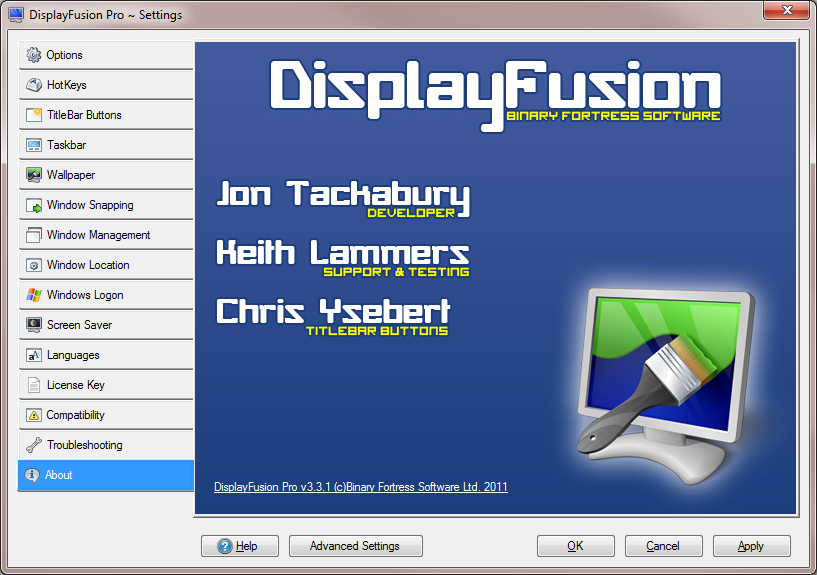
How to Pin Different Apps on the Secondary Display’s Monitor Using Third-Party Software
Keep your apps organized by assigning them permanently to your second monitor.
-
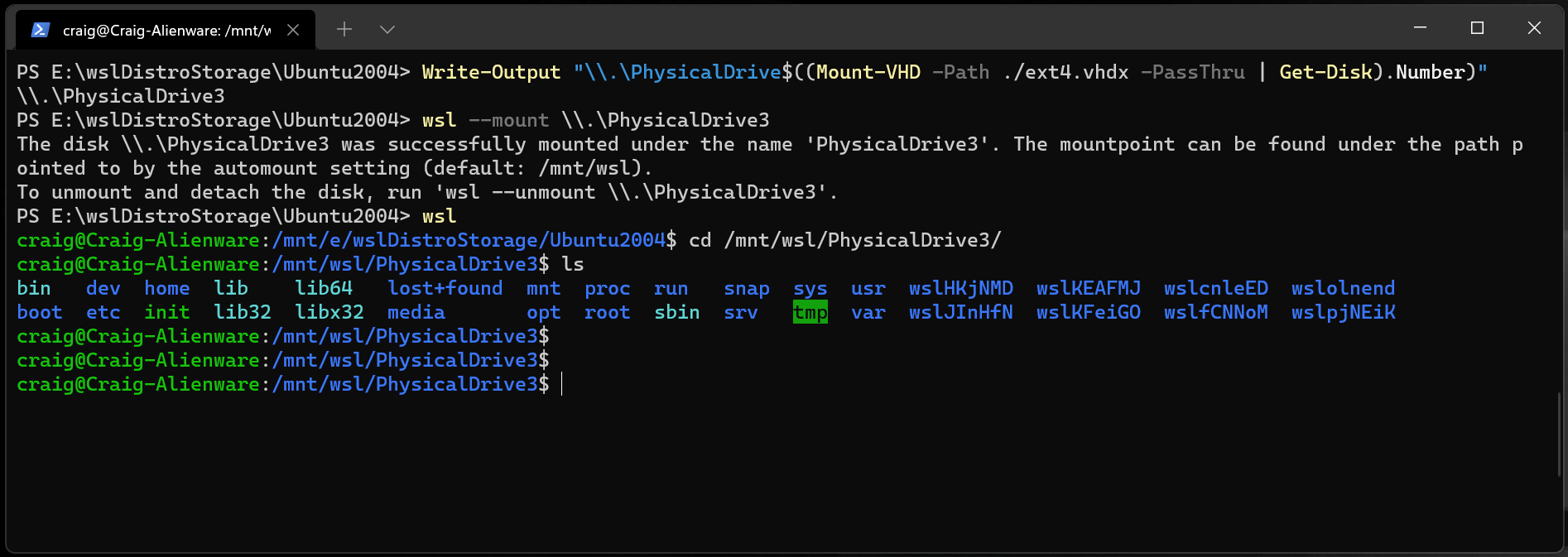
How to Mount a Raw .VHDX File into WSL2
Learn the exact steps to attach and access a raw .VHDX disk image within your WSL2 environment
-
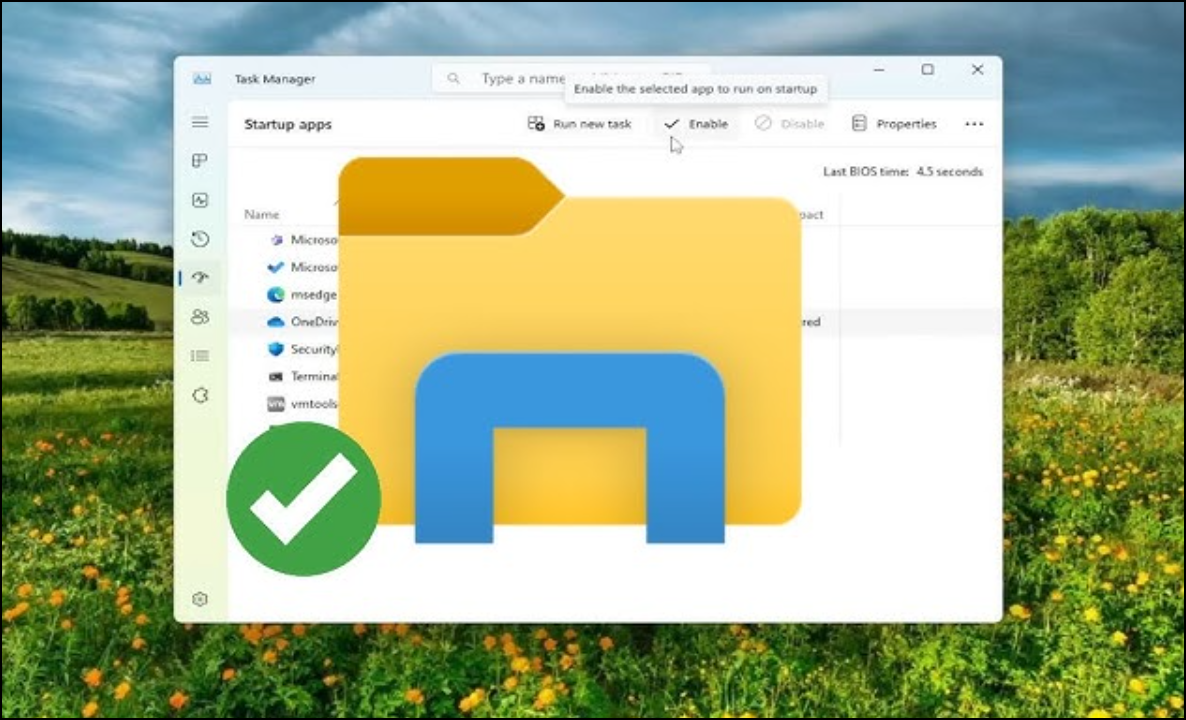
What Is the Green Icon Below the C Drive in Windows?
Understanding the meaning behind the green checkmark icon on your C drive and what it signifies about file synchronization.
-
How to Change the Default File Explorer in Windows
This process will help you replace Windows’s built-in File Explorer with your preferred alternative.
-

How to Fix Driver Download Failed Error in NVIDIA GeForce Experience
Resolve the issue preventing NVIDIA drivers from downloading through GeForce Experience.
-
How to Troubleshoot ASUS Motherboard Error Codes
Detailed guide to identifying and resolving ASUS motherboard Q-CODE errors
-

How to Update BIOS on ASUS Motherboard
A comprehensive guide to safely updating your BIOS using EZ Flash, EZ Update, and USB BIOS FlashBack methods