
Instructional, step-by-step articles.
Content Type: How-To
-
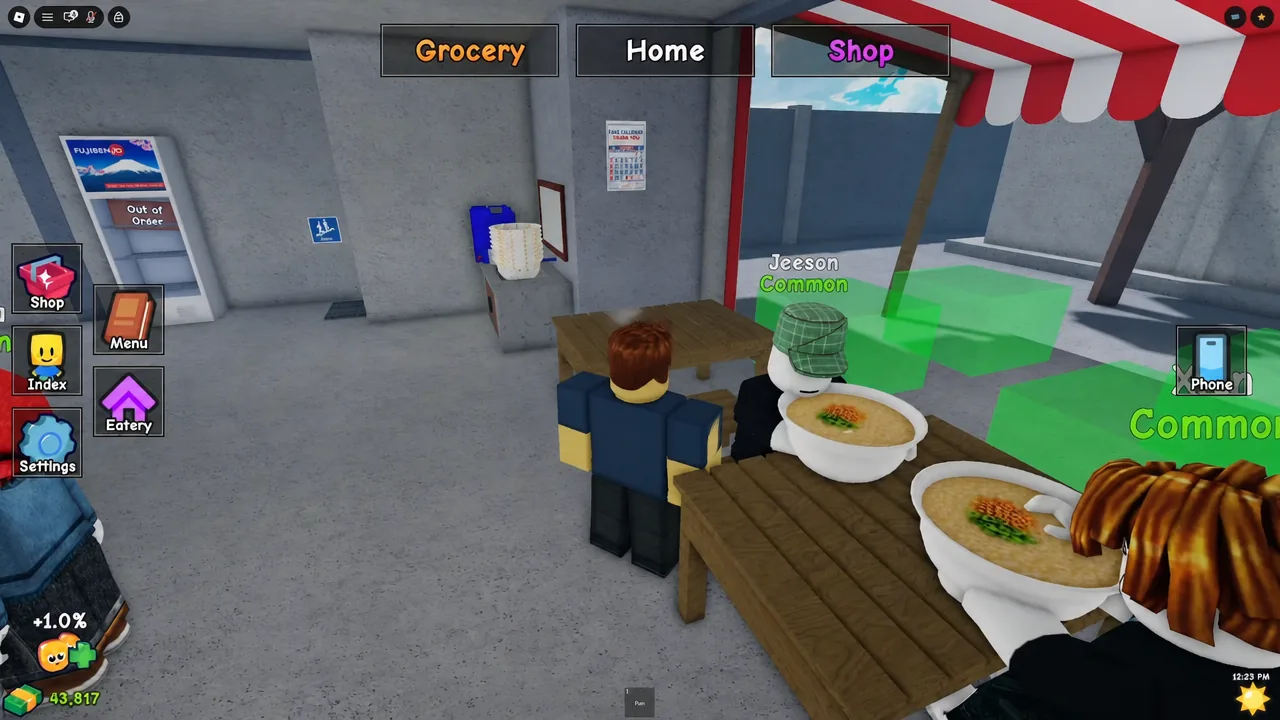
Karinderya on Roblox: How to Make Money Fast
Codes, thief customers to reject, menu tweaks, and the upgrades that raise cash per order in Karinderya.
-
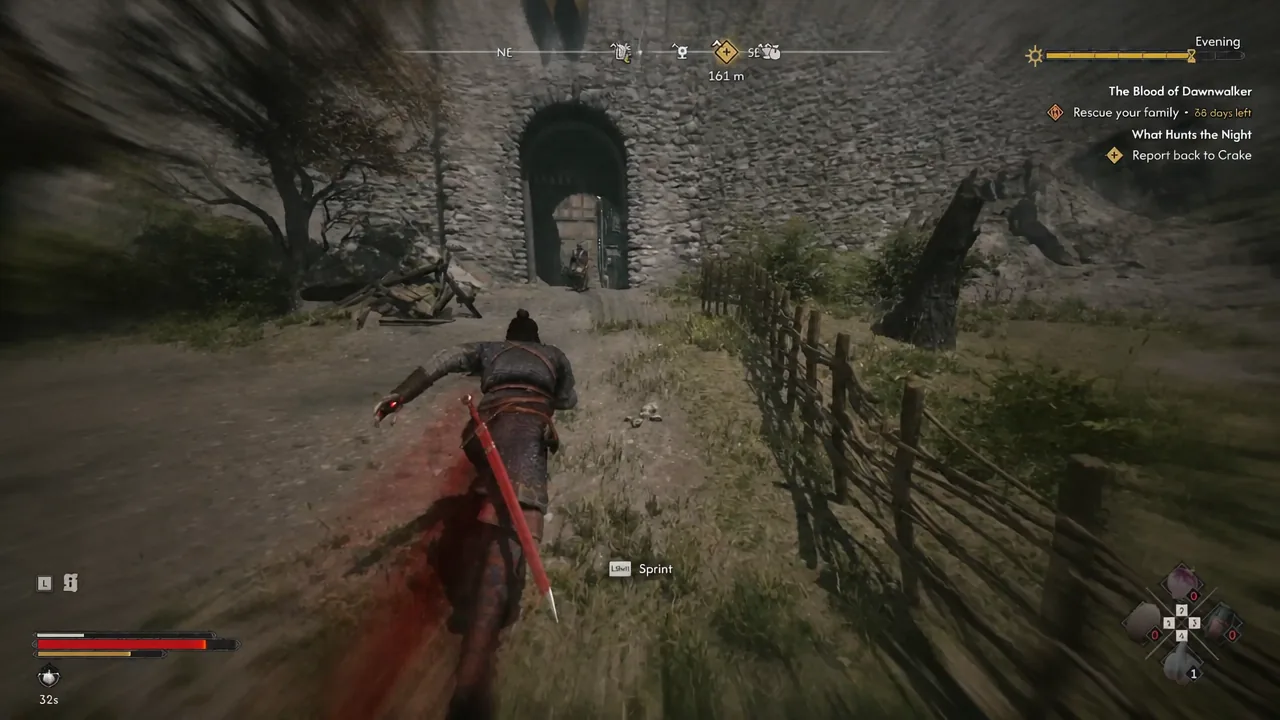
The Blood of Dawnwalker: How to Report Back to Crake in What Hunts the Night
Crake waits in the cellar beneath the Silberstein General Trader, a short uphill sprint from the ruined warehouse.
-
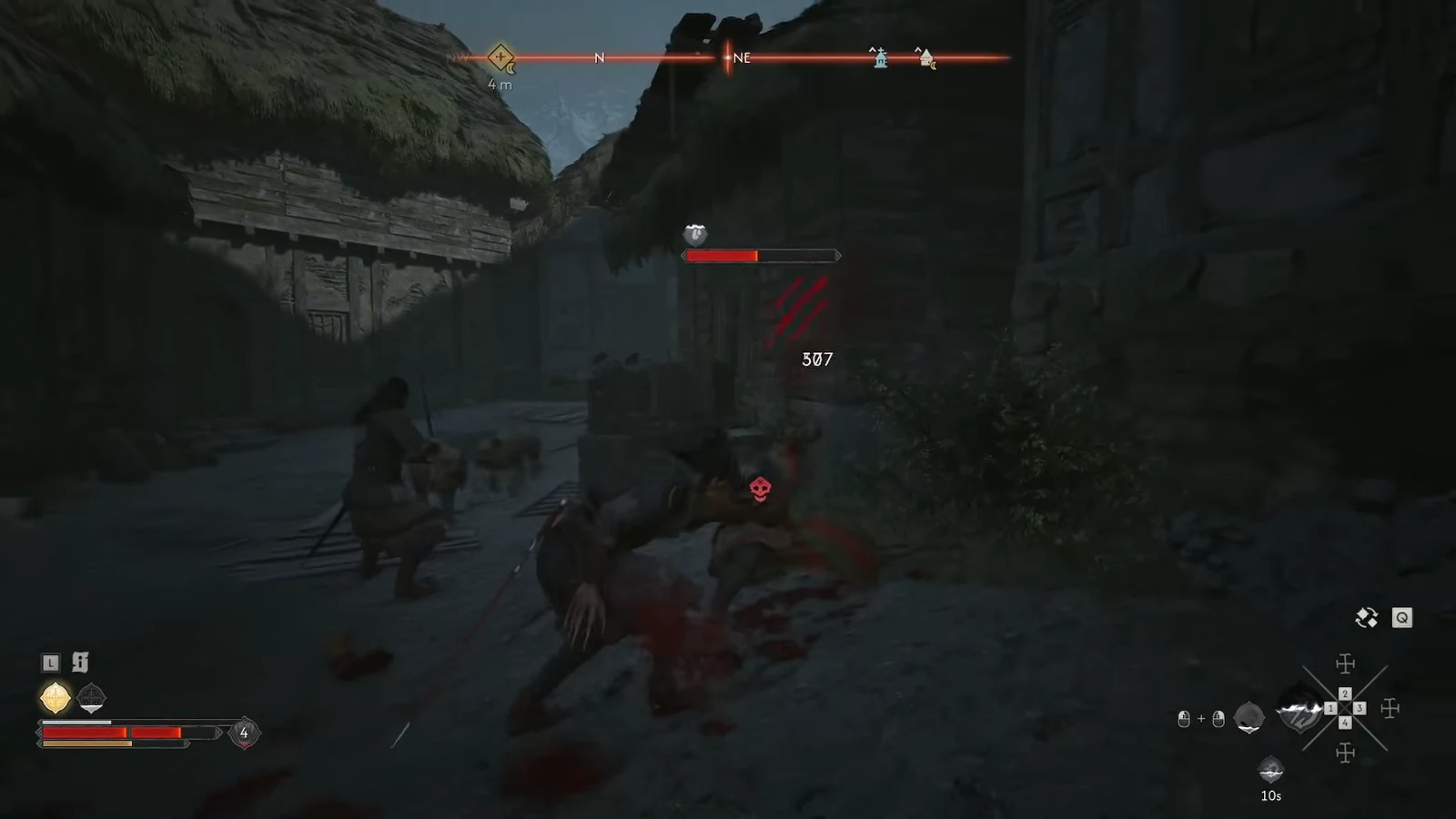
The Blood of Dawnwalker: How to Help Crake Escape the Ambush
Clear the three guard waves, then vault the locked gate to finish this stage of What Hunts the Night.
-
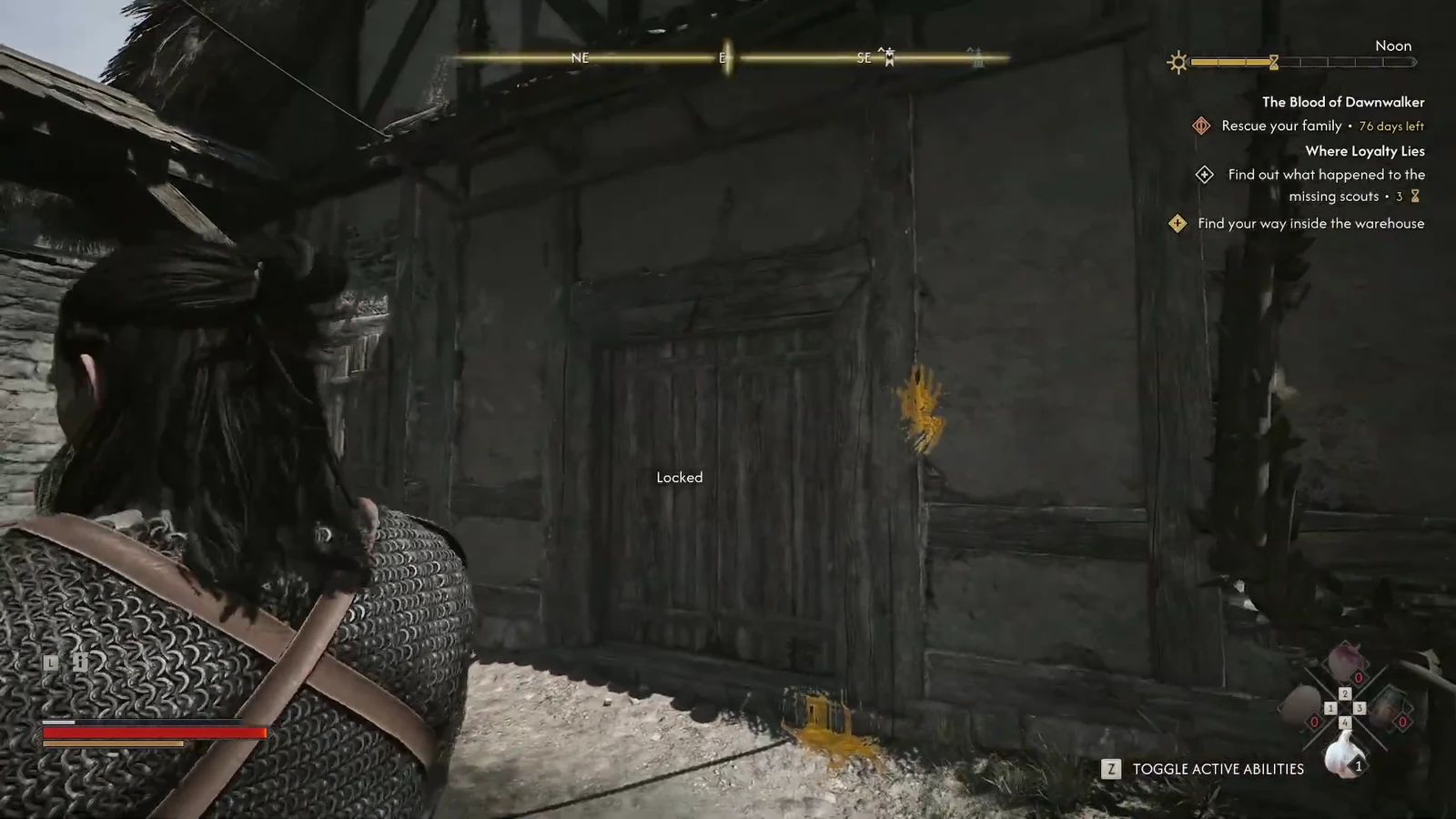
Where Loyalty Lies: How to Find Your Way Into the Warehouse (The Blood of Dawnwalker)
The warehouse door stays locked for good, so the only way in is a crate climb and a gap in the thatched roof.
-
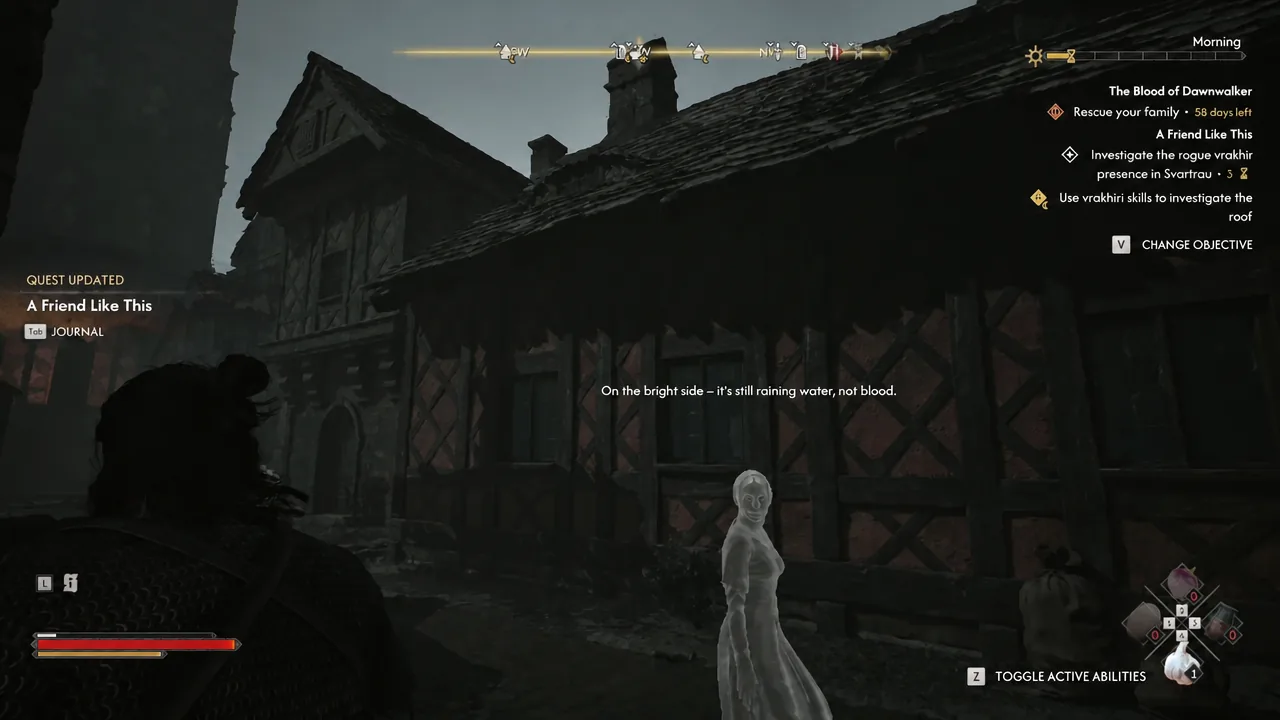
A Friend Like This: How to See Where the Damage Leads in The Blood of Dawnwalker
The exact spot in Svartrau City where the fallen roof tile sits, and what has to happen next before the trail continues.
-
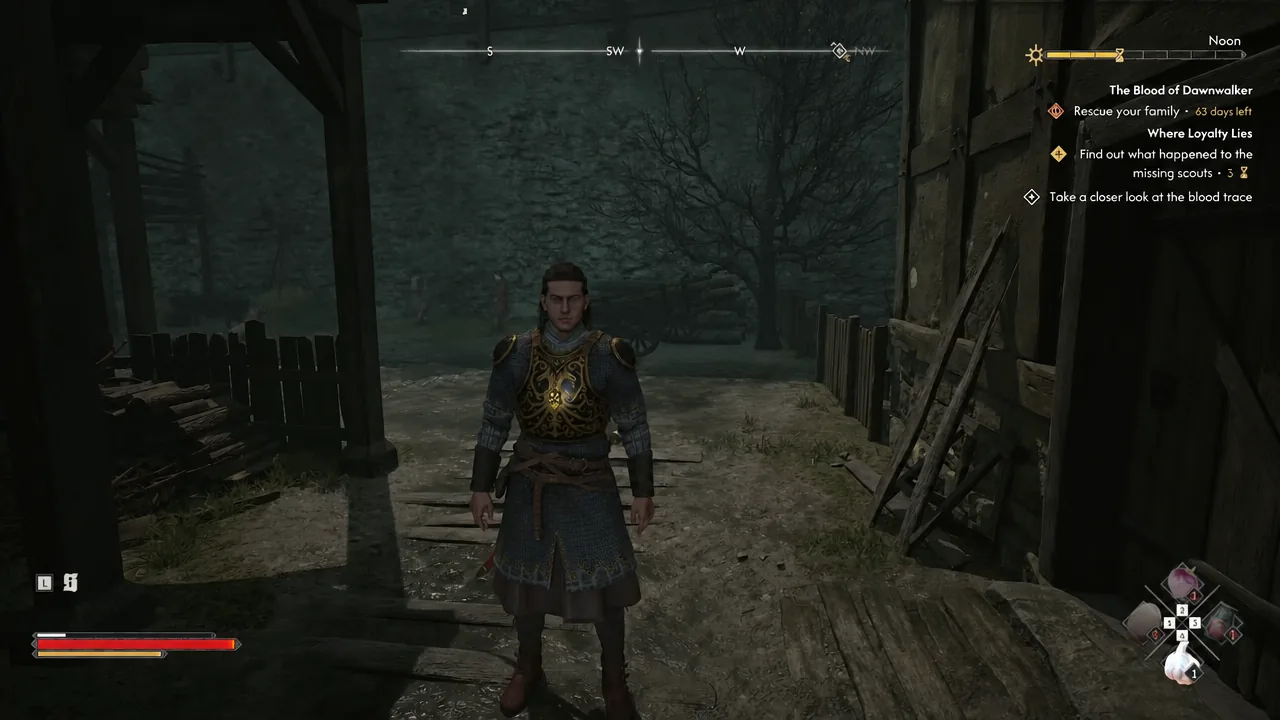
The Blood of Dawnwalker: How to Follow the Blood Trail in Where Loyalty Lies
Inspect the blood trace in Neustadt, track it through Svartrau City, and reach the locked warehouse in The Middens.
-
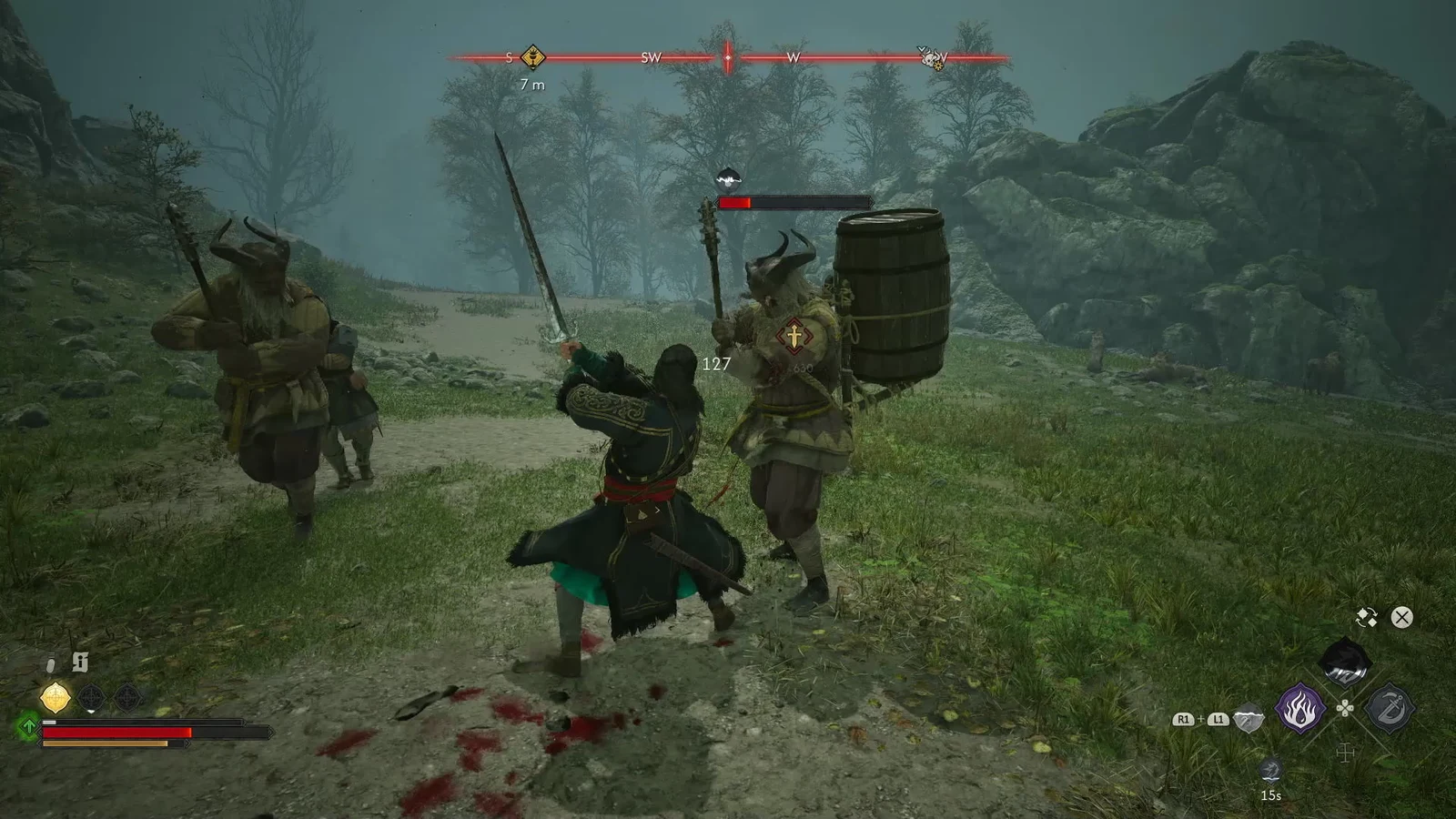
Xanthe’s Transports: Past Glory Walkthrough in The Blood of Dawnwalker
Intercept the artifact convoy, clear the escort, and loot the Legendary Ring of the Night in one short trip.
-
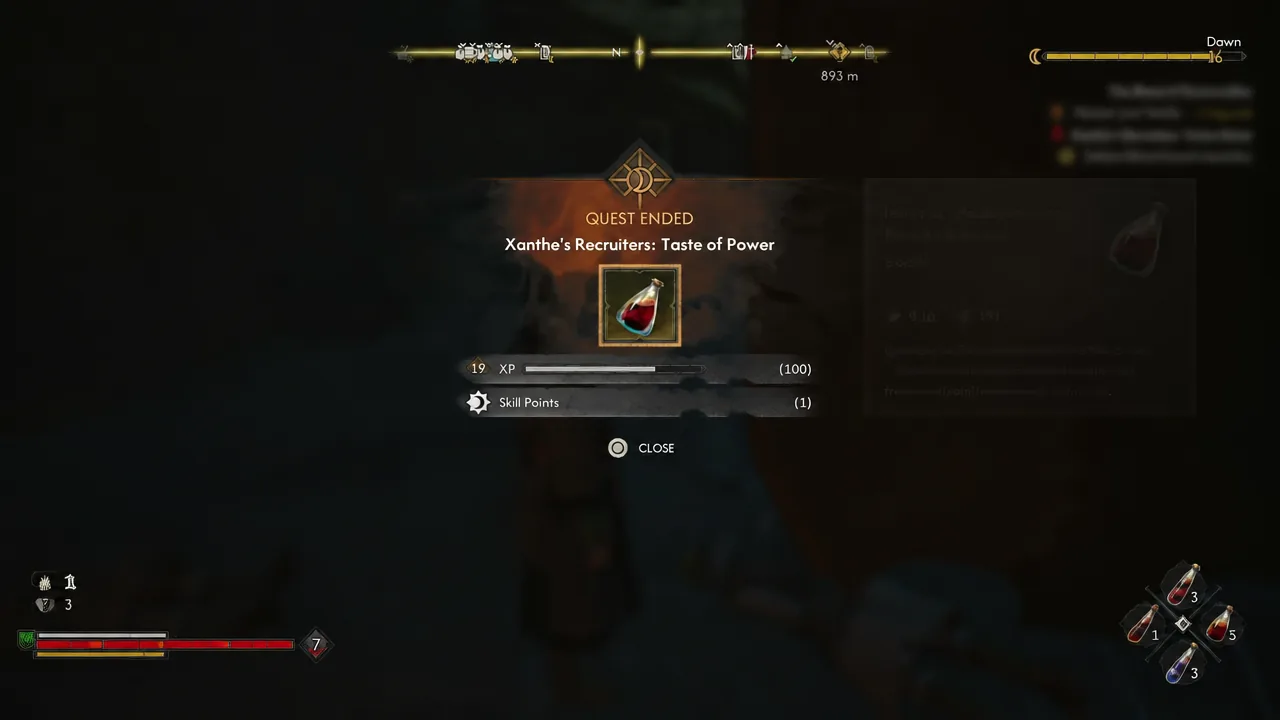
The Blood of Dawnwalker: How to Complete Xanthe’s Recruiters Taste of Power
Clear the courtyard in Svartrau City, pick the right reliquary option, and walk away with the Legendary Phial of Brencis’s Blood.
-
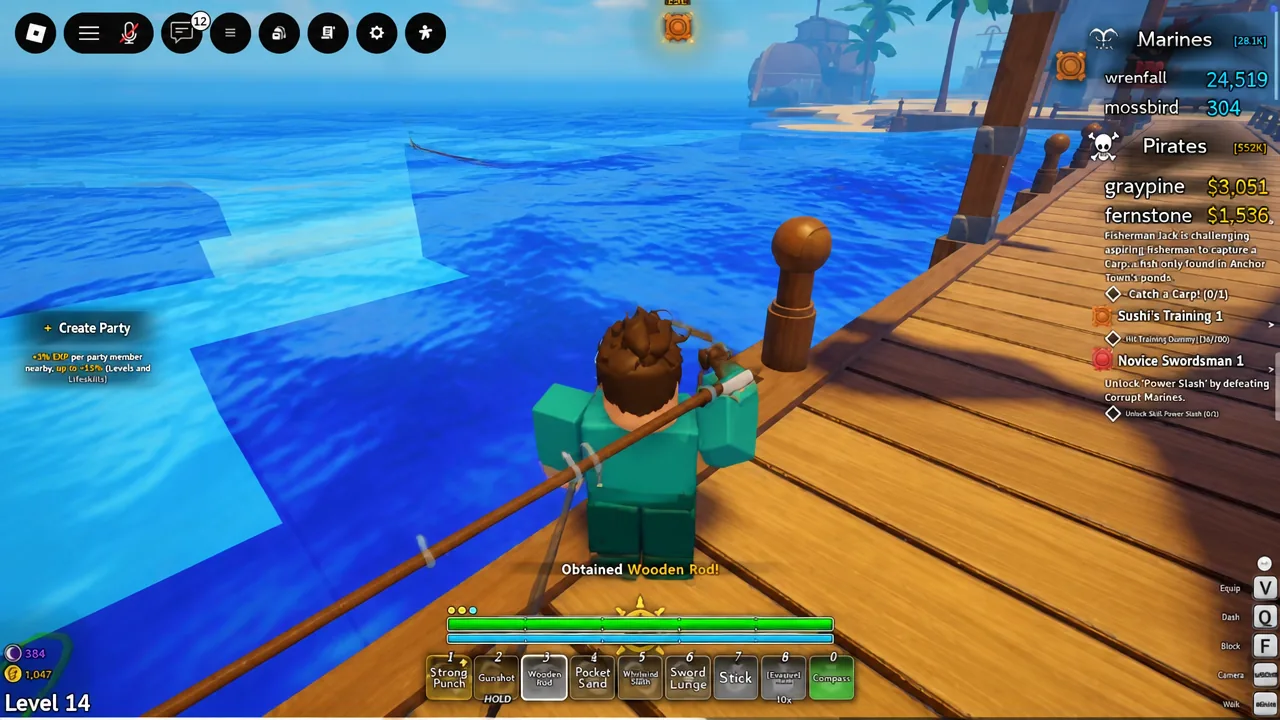
Grand Blue Fishing: All Rods, Bait, and Best Skills
Rod prices, quest requirements, bait vendors, and the skill nodes worth your points first.
-
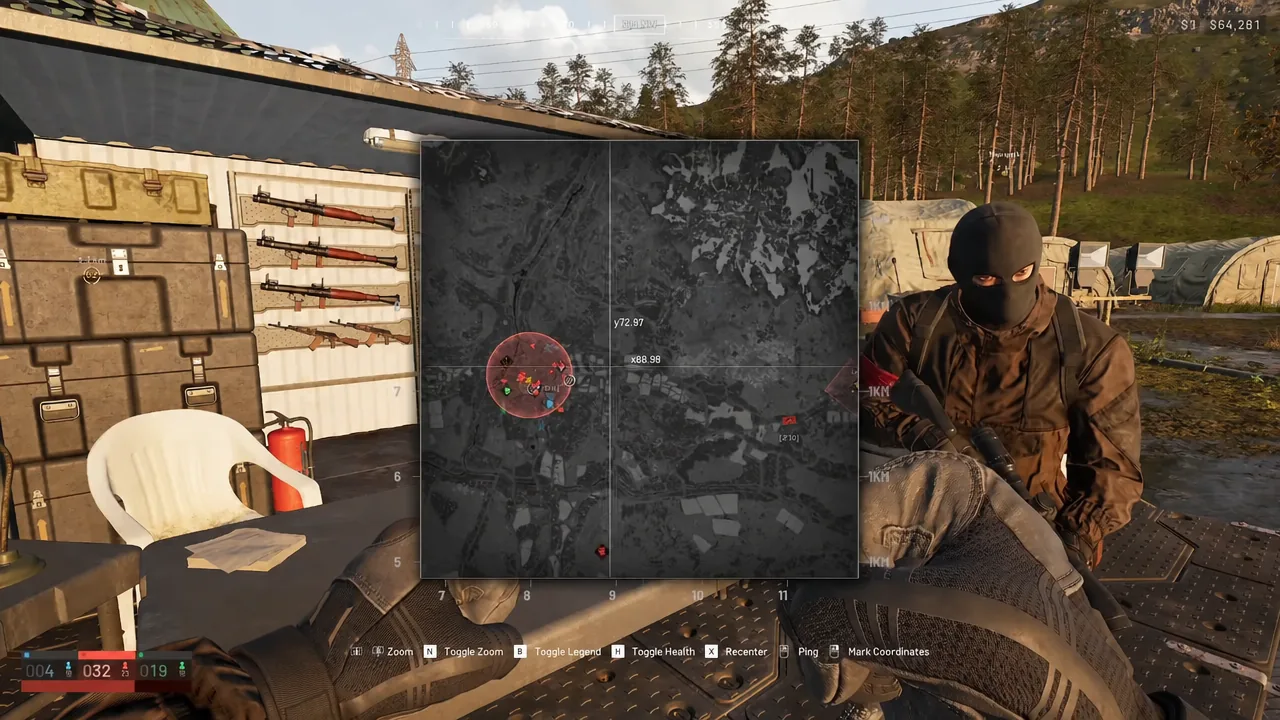
WARDOGS: How to Level Up Fast Across All Six Role Tracks
Spread your play across every role, chase the cheap early levels, and pair each unlock with the cash you need to use it.