
Instructional, step-by-step articles.
Content Type: How-To
-
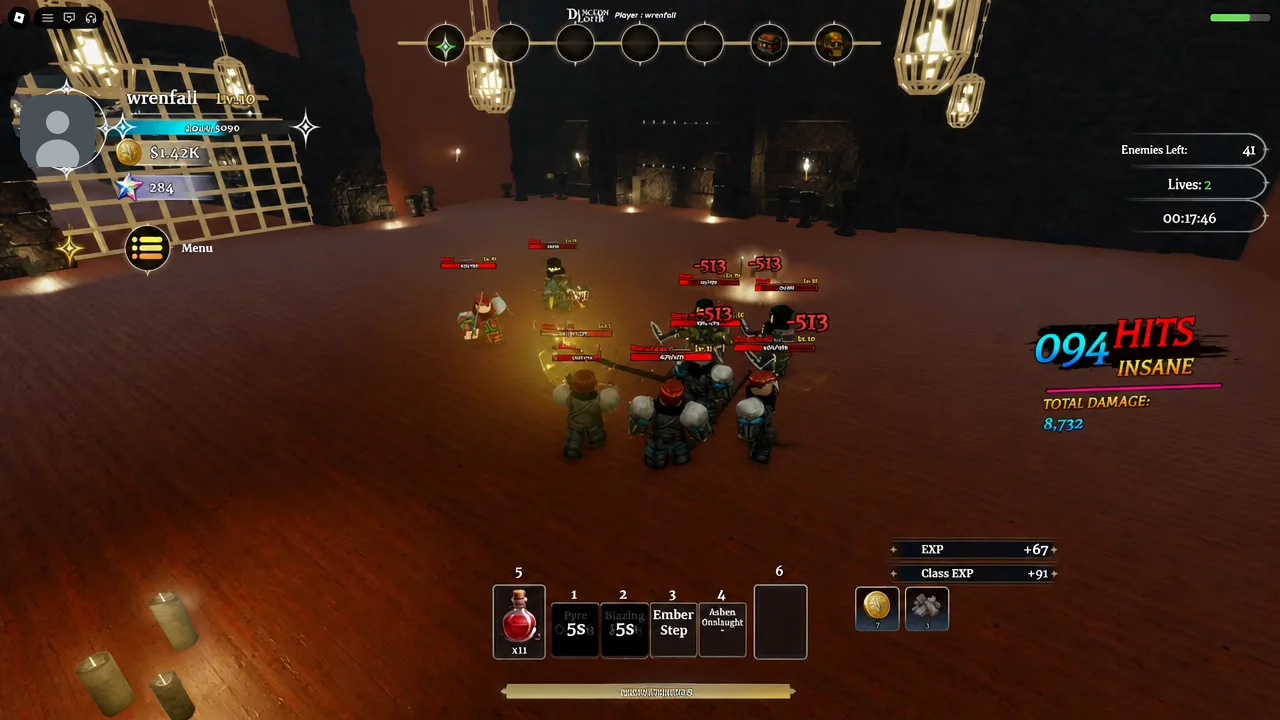
Dungeon Lootr: How to Get Honored One and Unrestricted Classes
The exact fragment counts, coin cost, level gates, and NPC location needed to lock in both Exotic-tier classes.
-
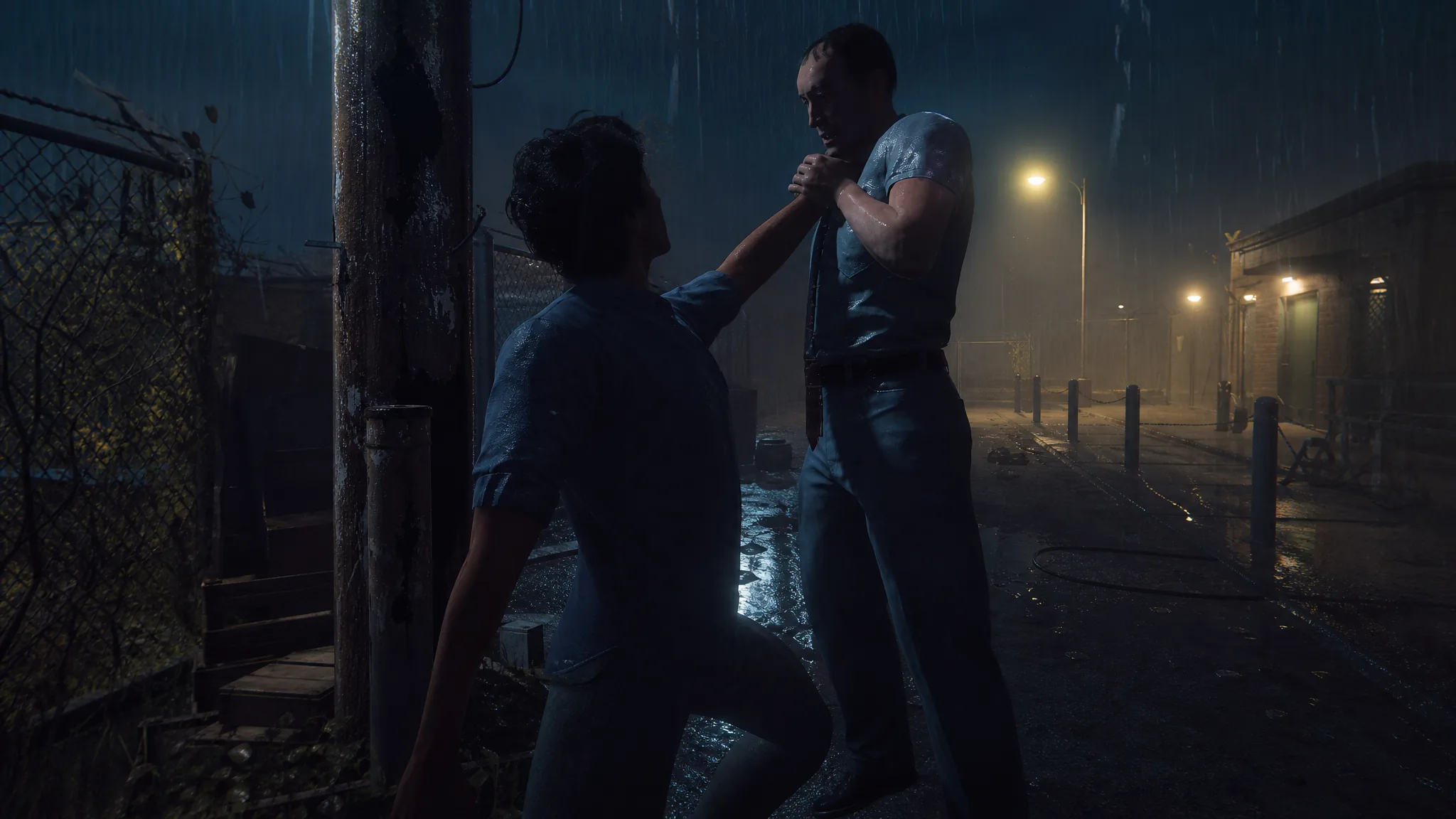
Halloween: The Game Prologue: How to Execute an Orderly with the Telephone Pole
The exact spot and inputs to finish the Prologue’s third challenge and unlock the Dark and Stormy title.
-
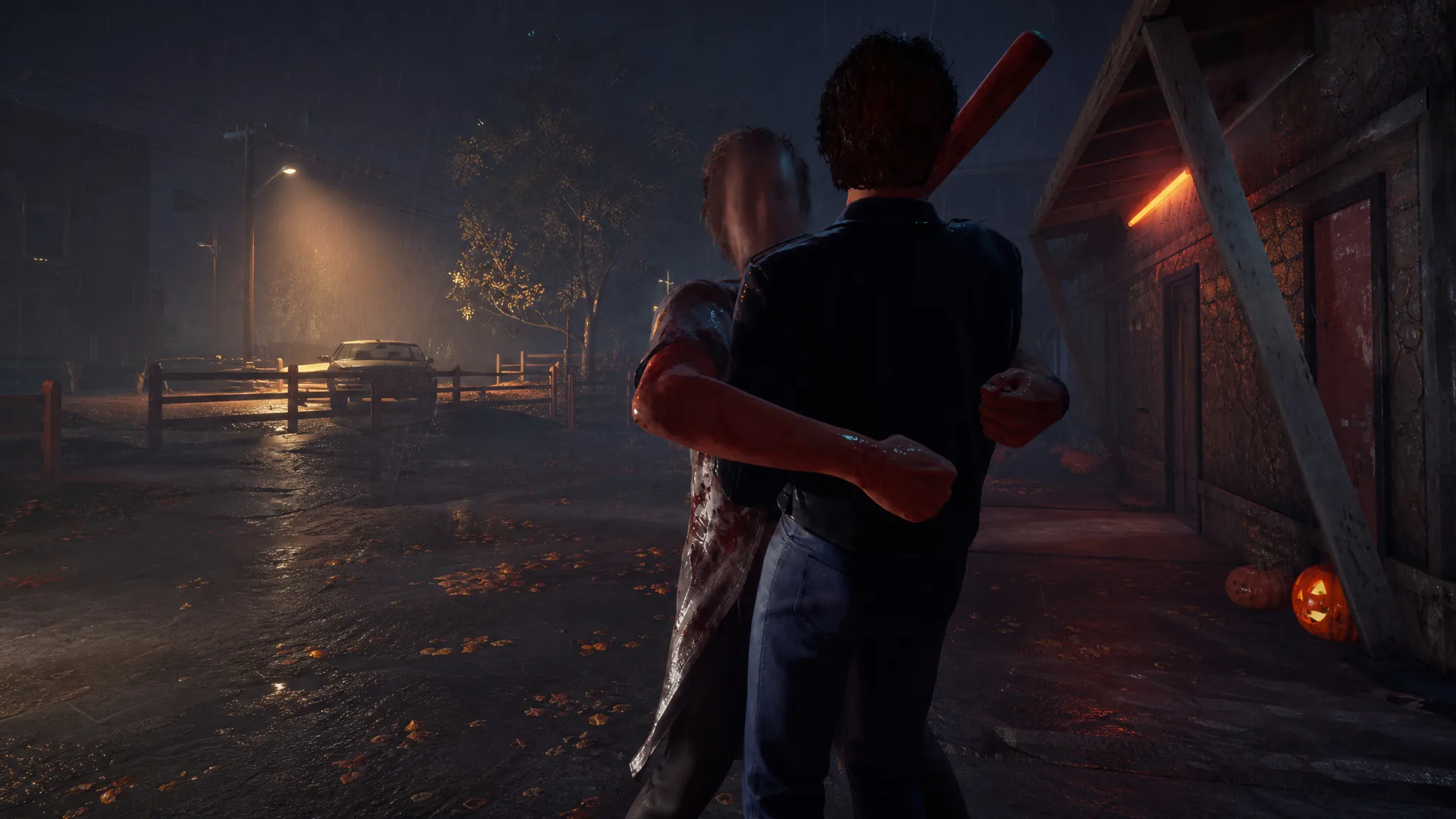
Halloween: The Game: How to Execute as Michael Myers
Grab a target, trigger the finisher, and hit the input sequence in the right order to land a clean kill.
-
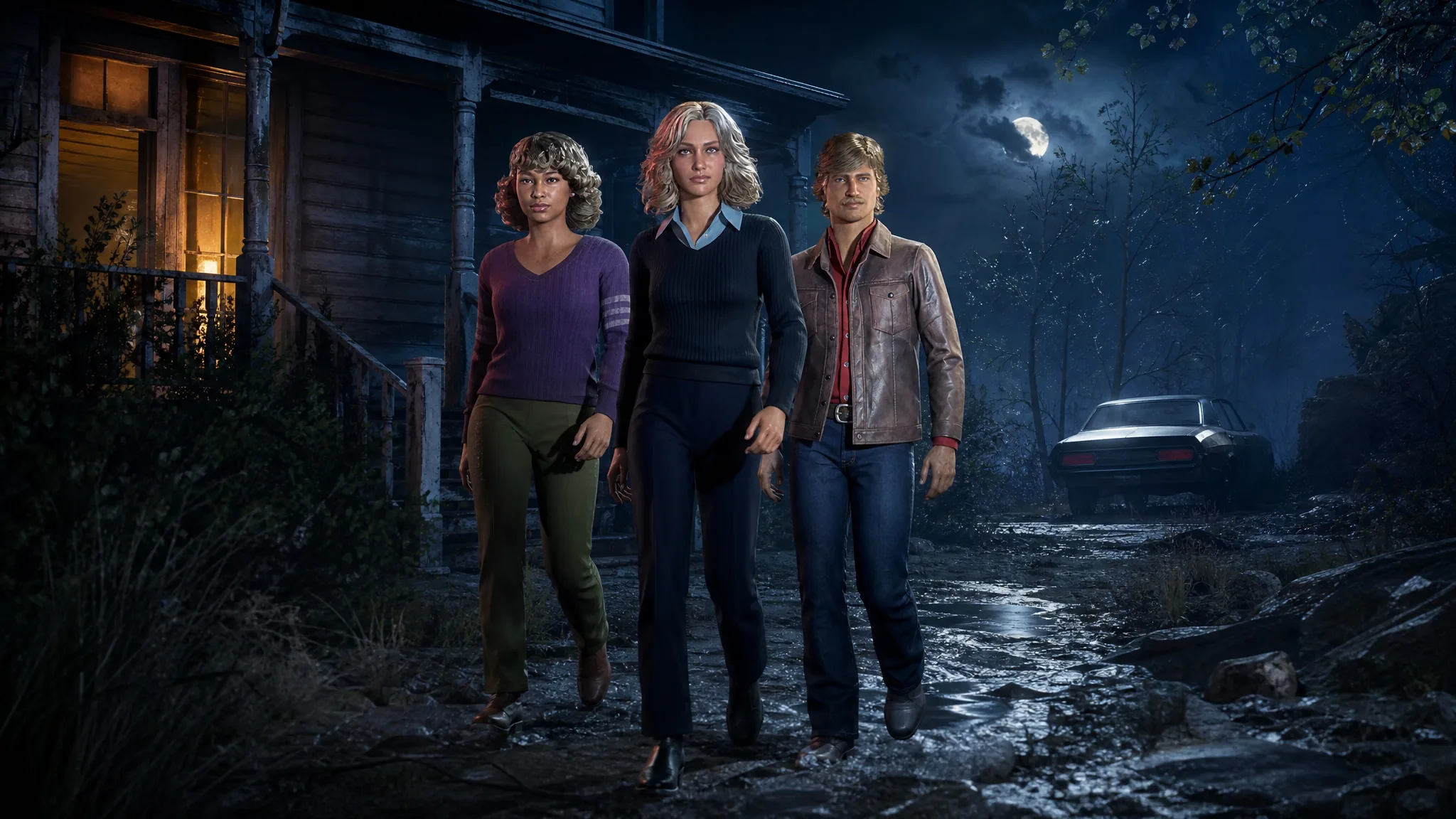
How to Invite Friends and Use Crossplay in Halloween: The Game
Party up through matchmaking or a private match, and connect across PlayStation, Xbox, and PC using friend codes.
-
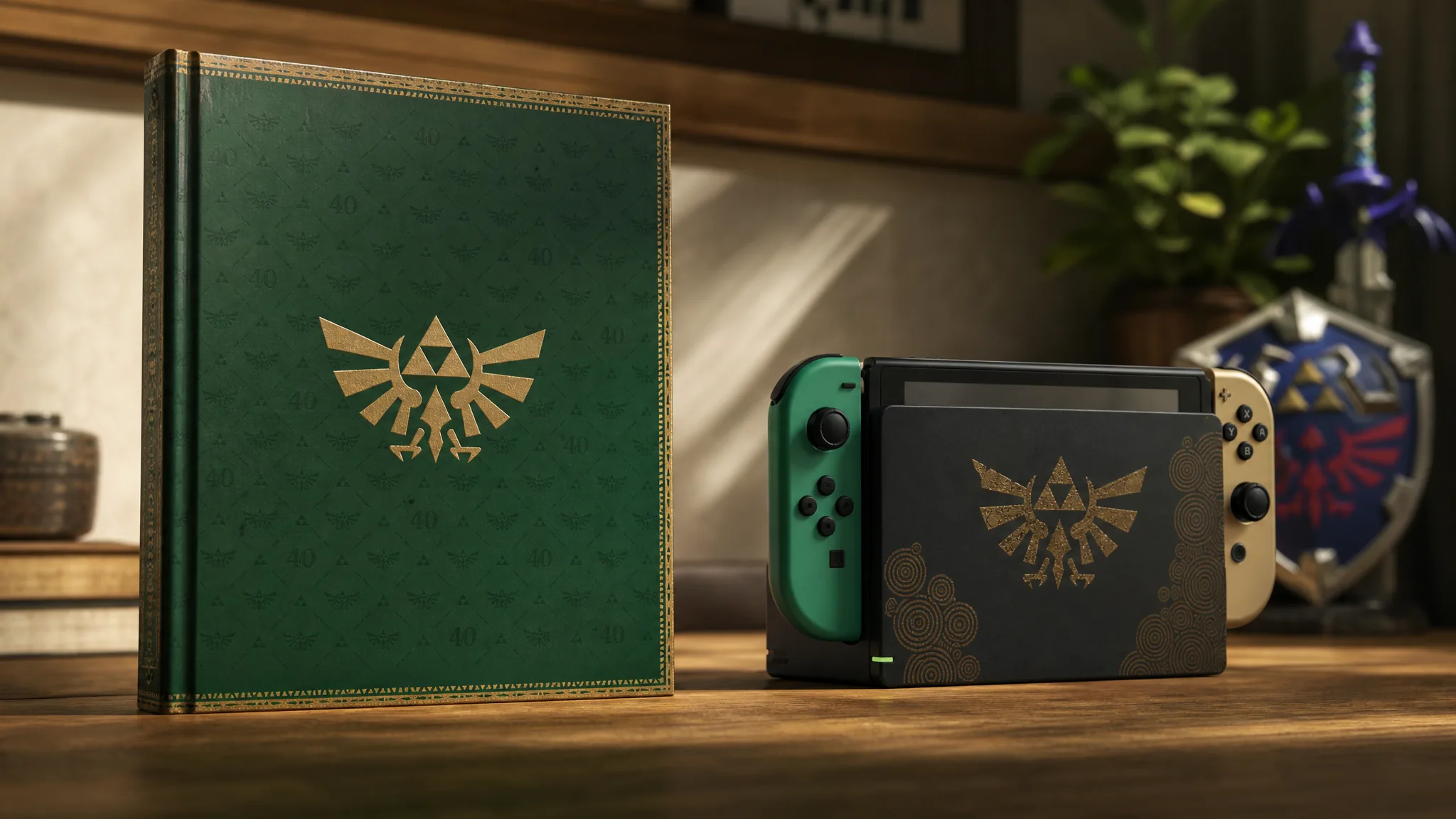
How to Watch the Zelda 40th Anniversary Direct and Nintendo Direct (Sept 8–9)
Two back-to-back Nintendo livestreams run September 8 and 9 at 7 a.m. PT, followed by a Treehouse: Live session.
-
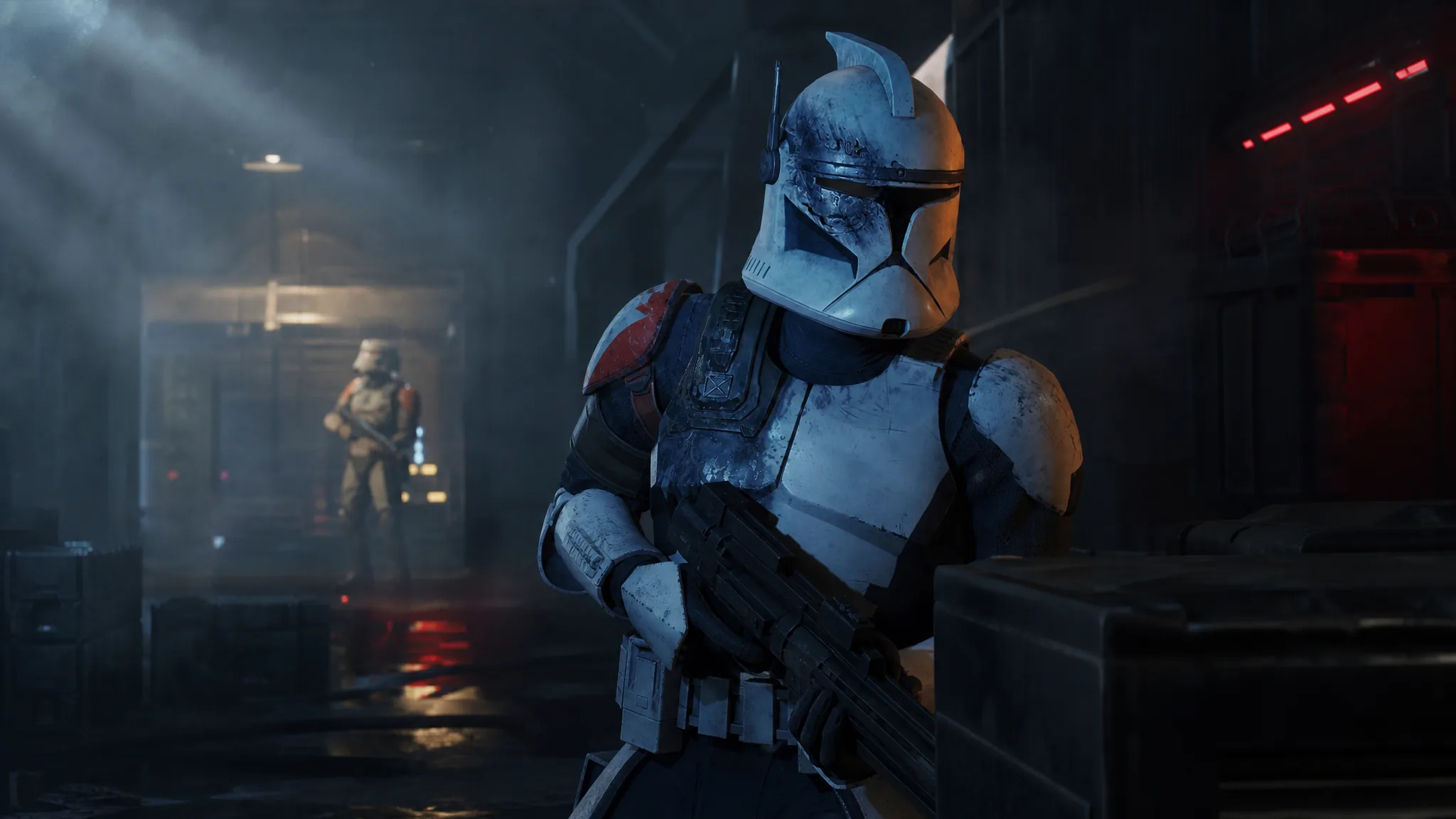
Star Wars Zero Company Aftermath Mod: How to Install the Fan-Made DLC
The community-made expansion reopens the Den after the credits, adds 48 skirmish missions, and brings in four new operators.
-
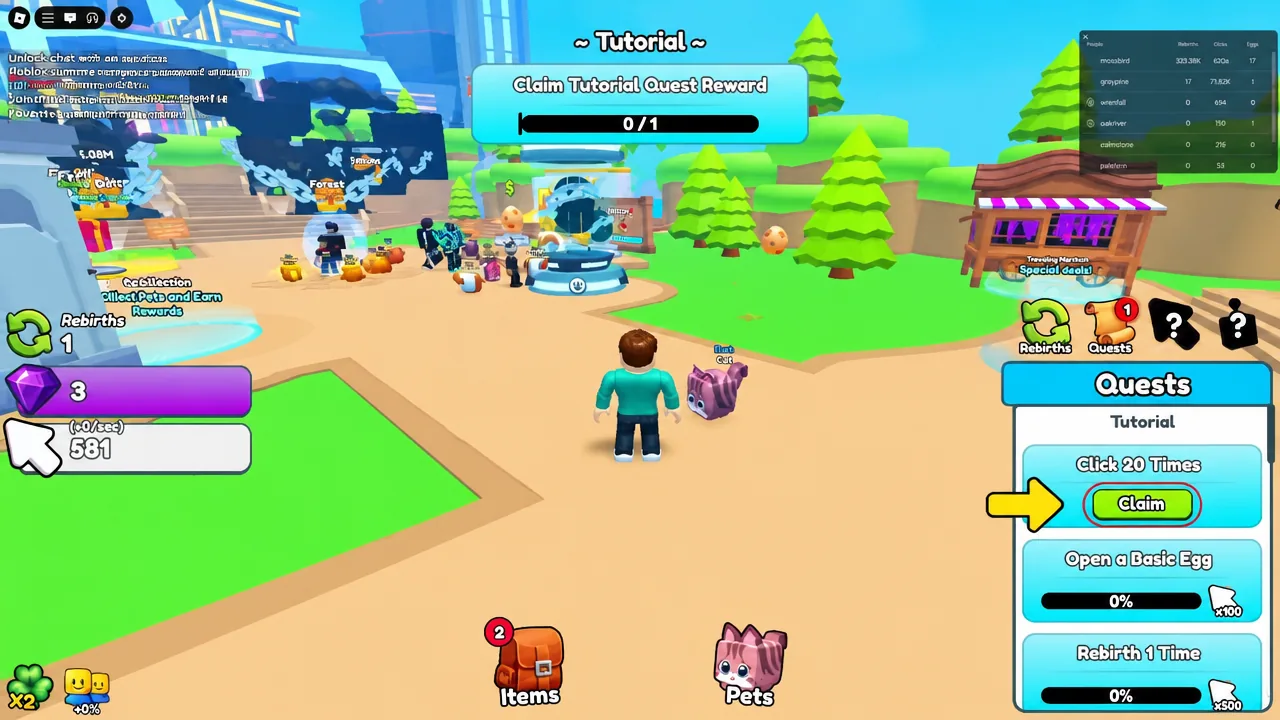
Roblox Auto Clicker: How to Set One Up Free on Windows and Mac
What a Roblox auto clicker does, which click intervals suit each game type, and where automation crosses the line.
-
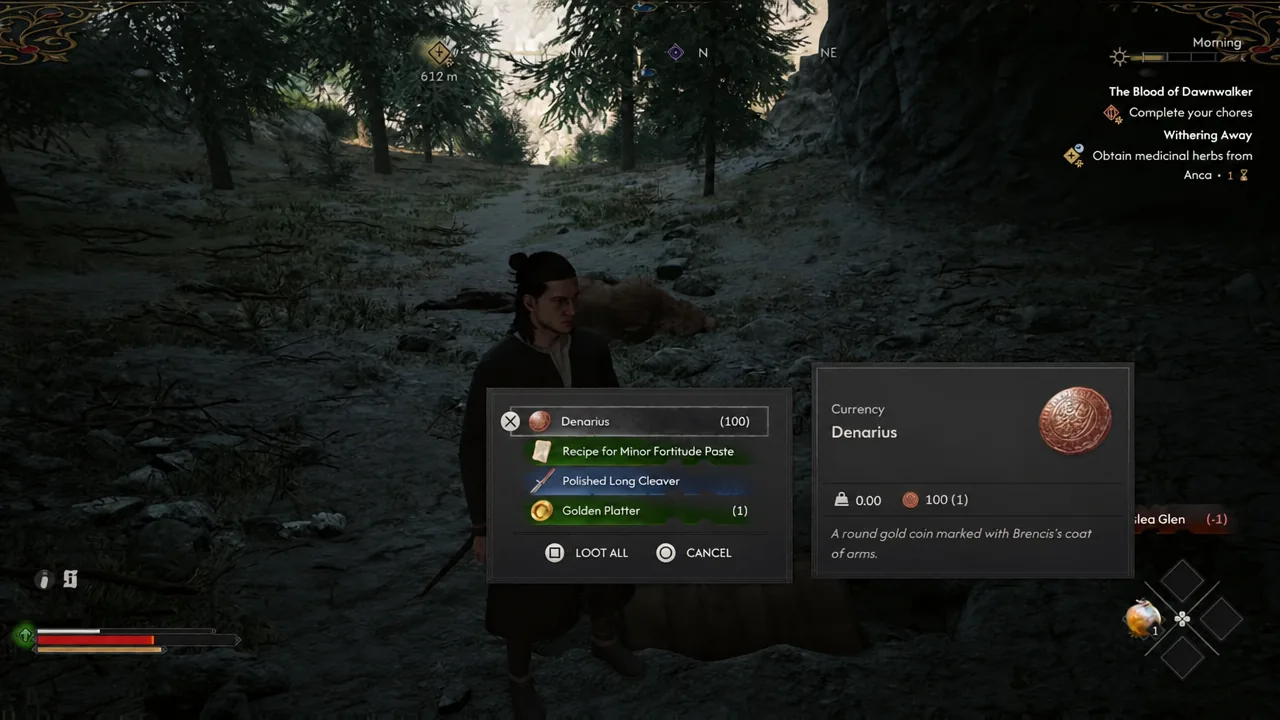
Blood of Dawnwalker: How to Get the Polished Long Cleaver in the Prologue
The bandit hut treasure map, the bear cave dig site, and the two Time Segments the whole detour costs you.
-
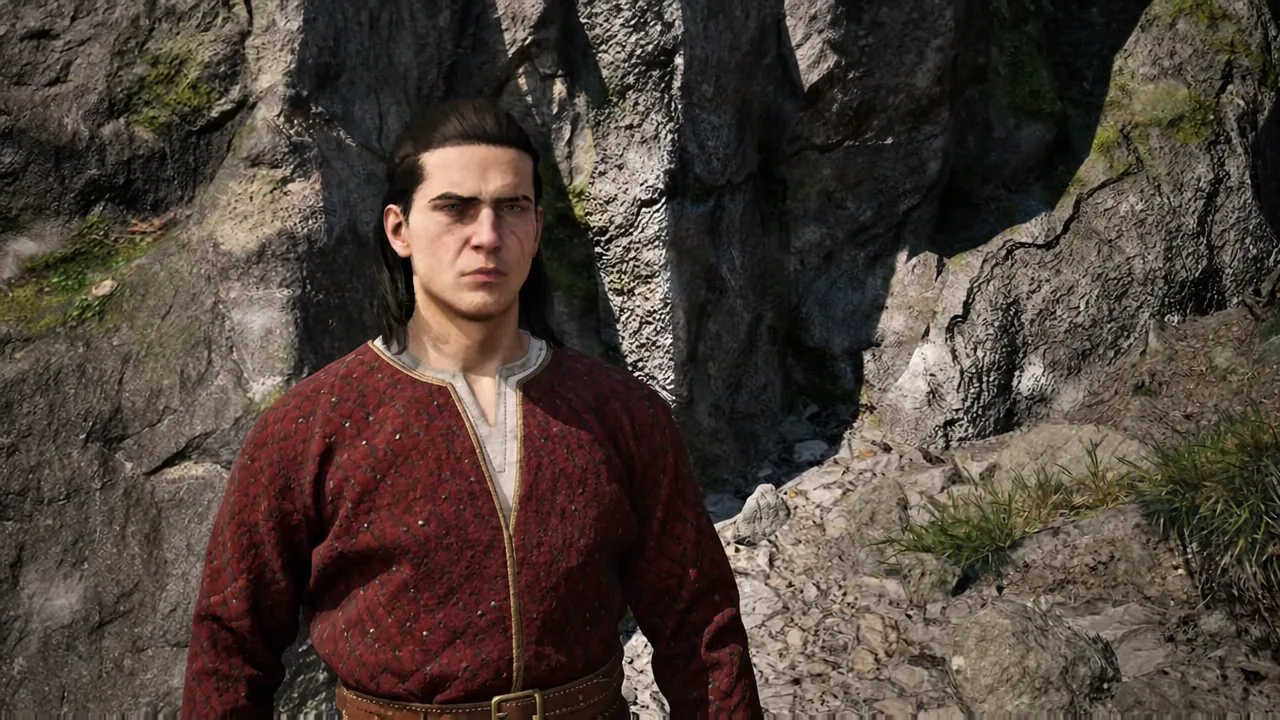
The Blood of Dawnwalker: How to Get the Scarlet Knightly Gambeson Early
The Silver Mines chest holds a Level 4, 61 Armour chestpiece you can wear during the prologue.
-
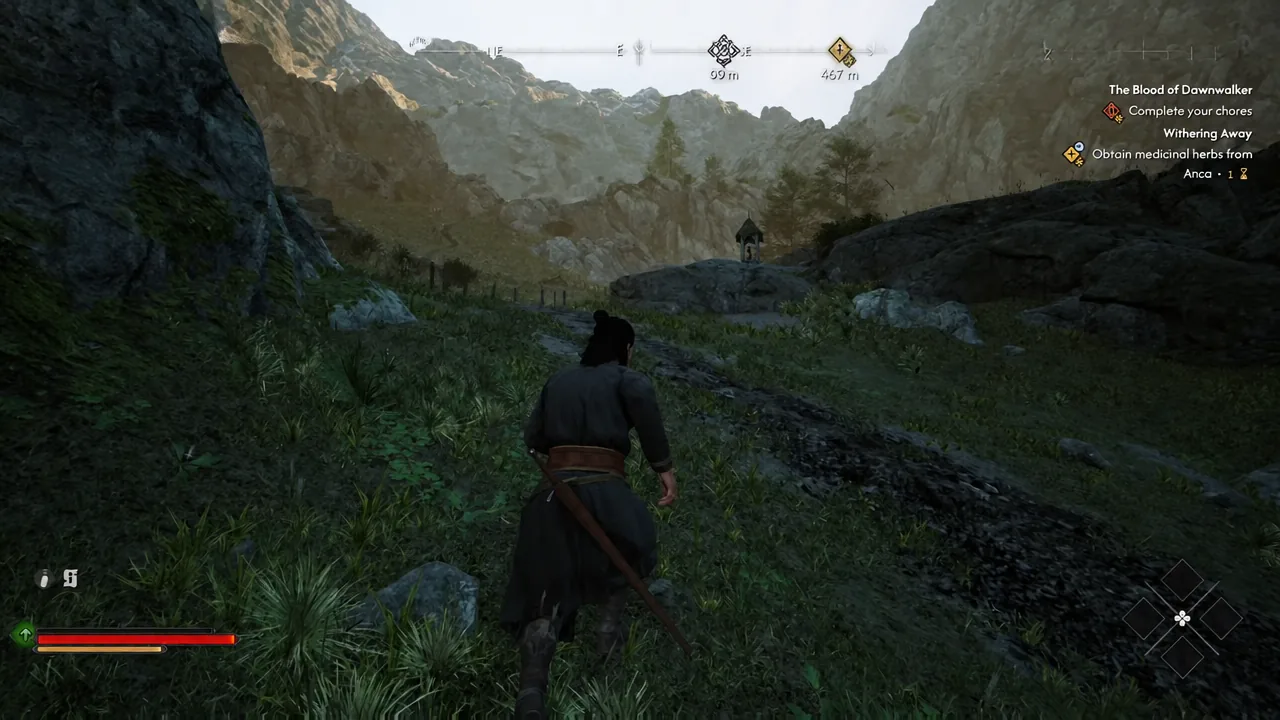
The Blood of Dawnwalker: How to Get the Broad Swing Manual Early
Clear the Bandit Camp in Outlaw’s Gorge during the prologue to unlock a 300% weapon damage area attack.