
Instructional, step-by-step articles.
Content Type: How-To
-
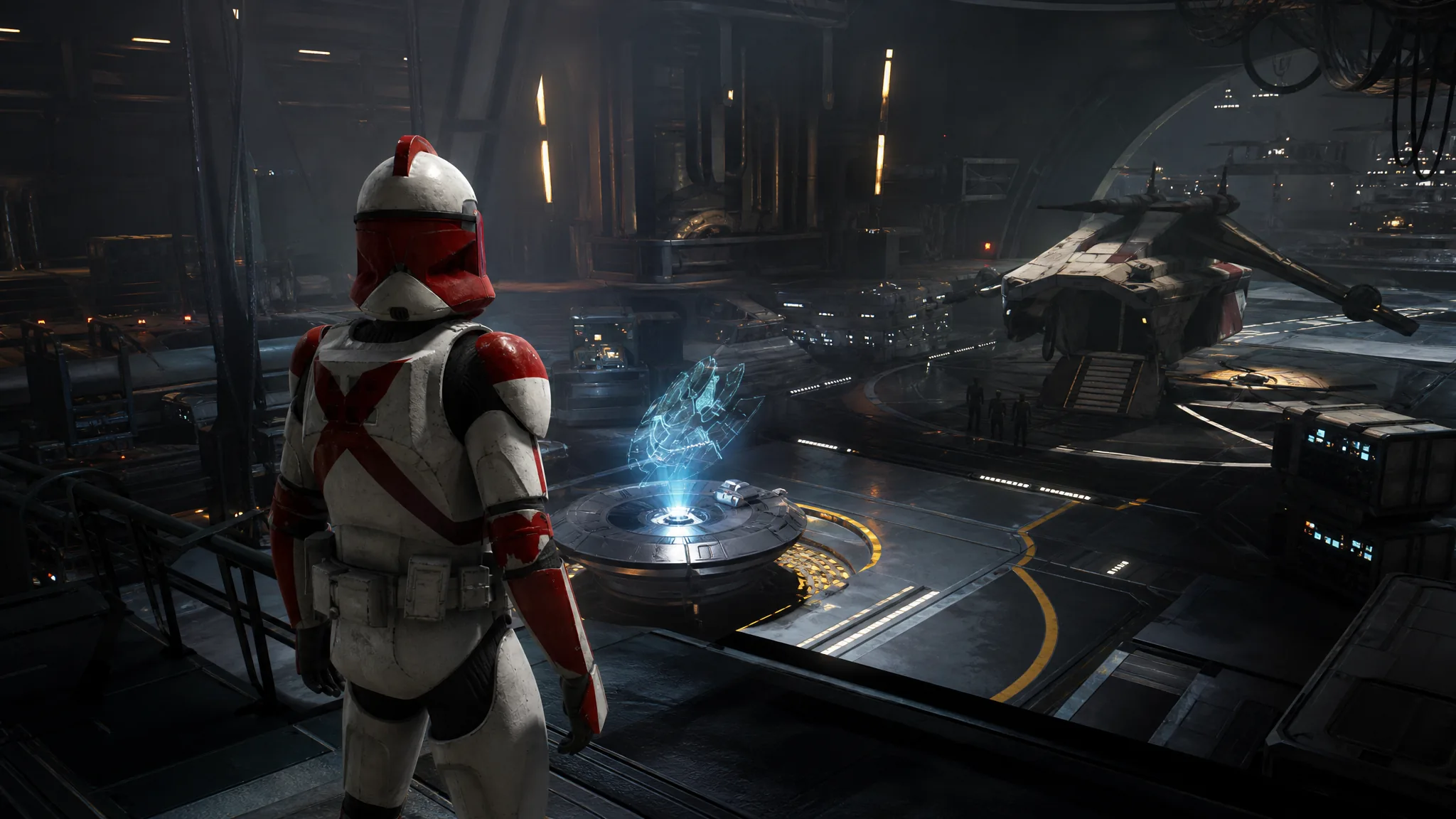
Star Wars Zero Company: How to Launch Casualties of War
The mission hides under Bespin on the Holotable, behind the stacked Serolonis entries that cover it.
-
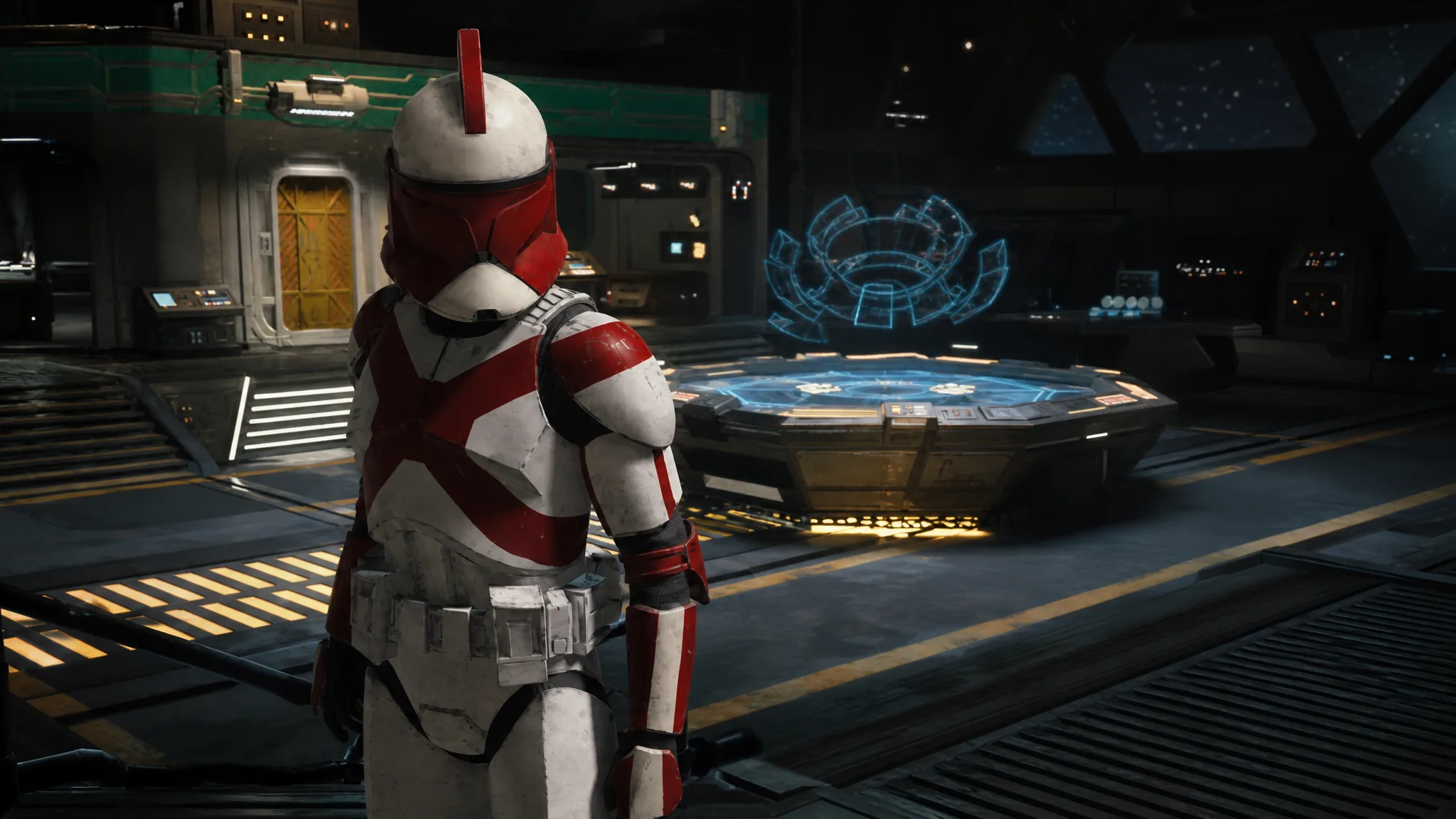
Star Wars Zero Company: How to Refund Focus Points
Reclaim spent Focus Points from any operator’s tree at the Den and rebuild their talents and specialization from scratch.
-
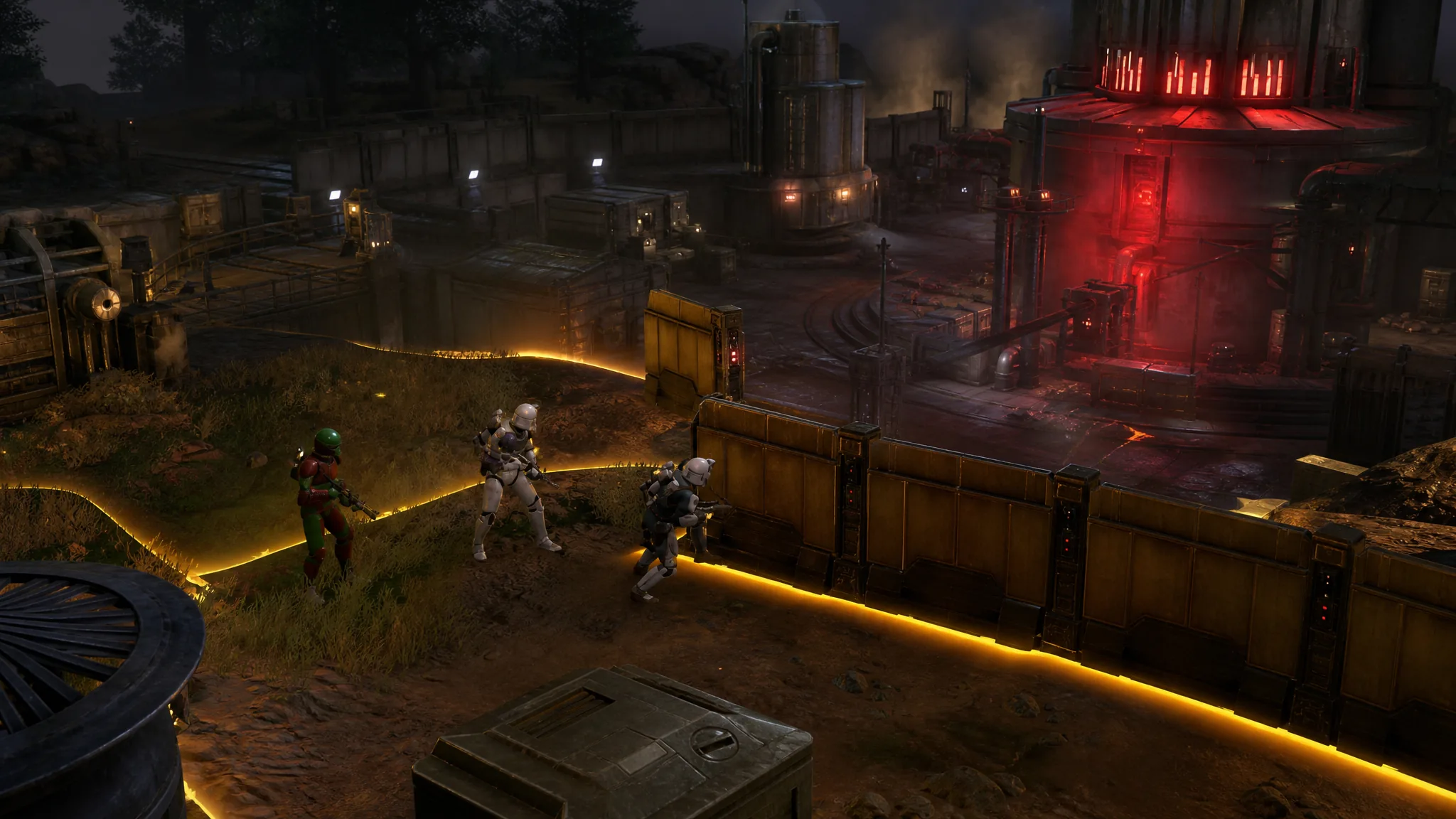
Star Wars Zero Company: How to Destroy the Experimental Reactor
A clean route through the reactor sabotage, from the opening advance to getting all four operators out alive.
-
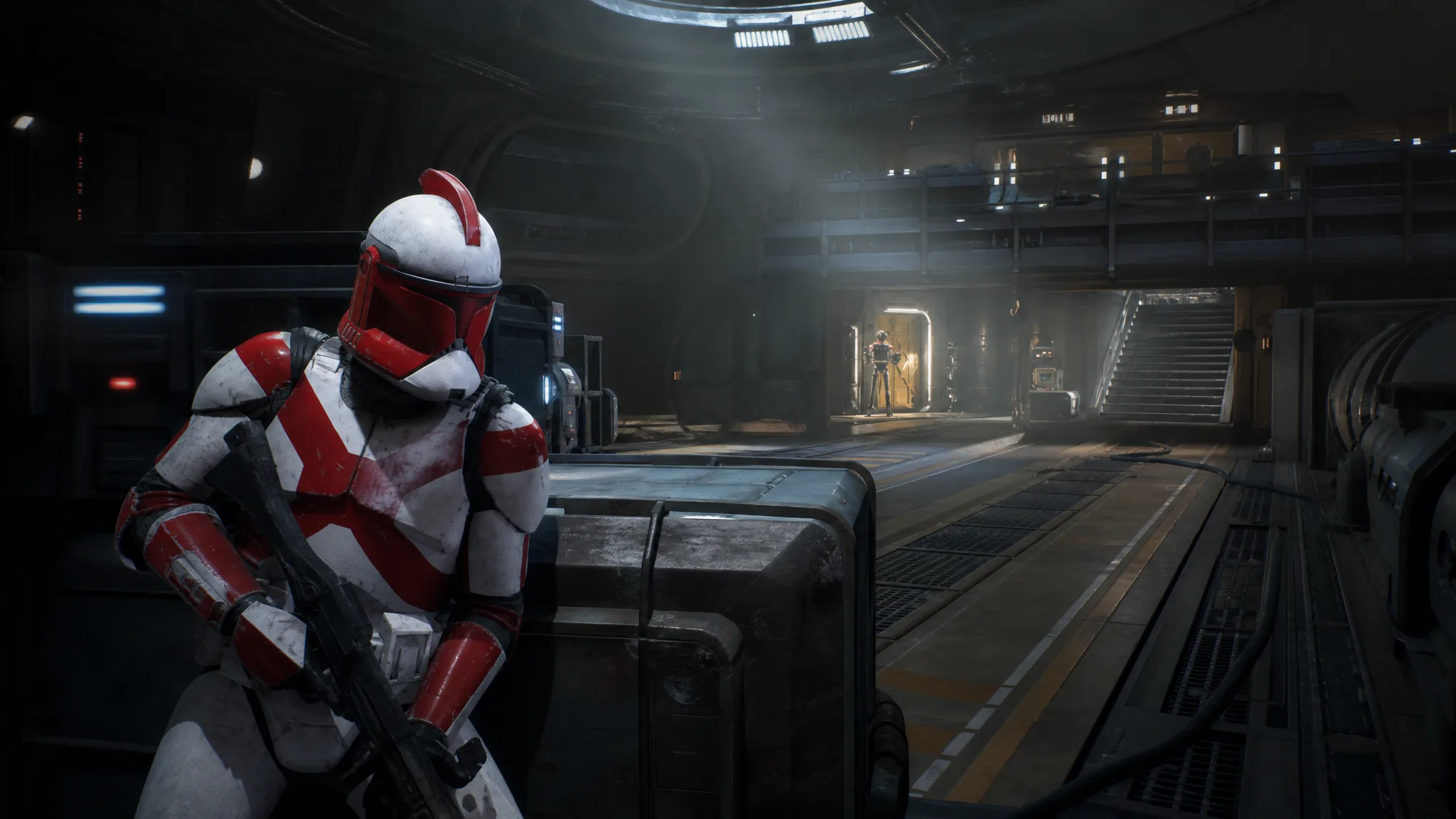
Star Wars Zero Company: How to Heal Injured Hawks in the MedBay
Assign Hawks to a MedBay bed, then push the campaign forward one Cycle with a squad that leaves him behind.
-
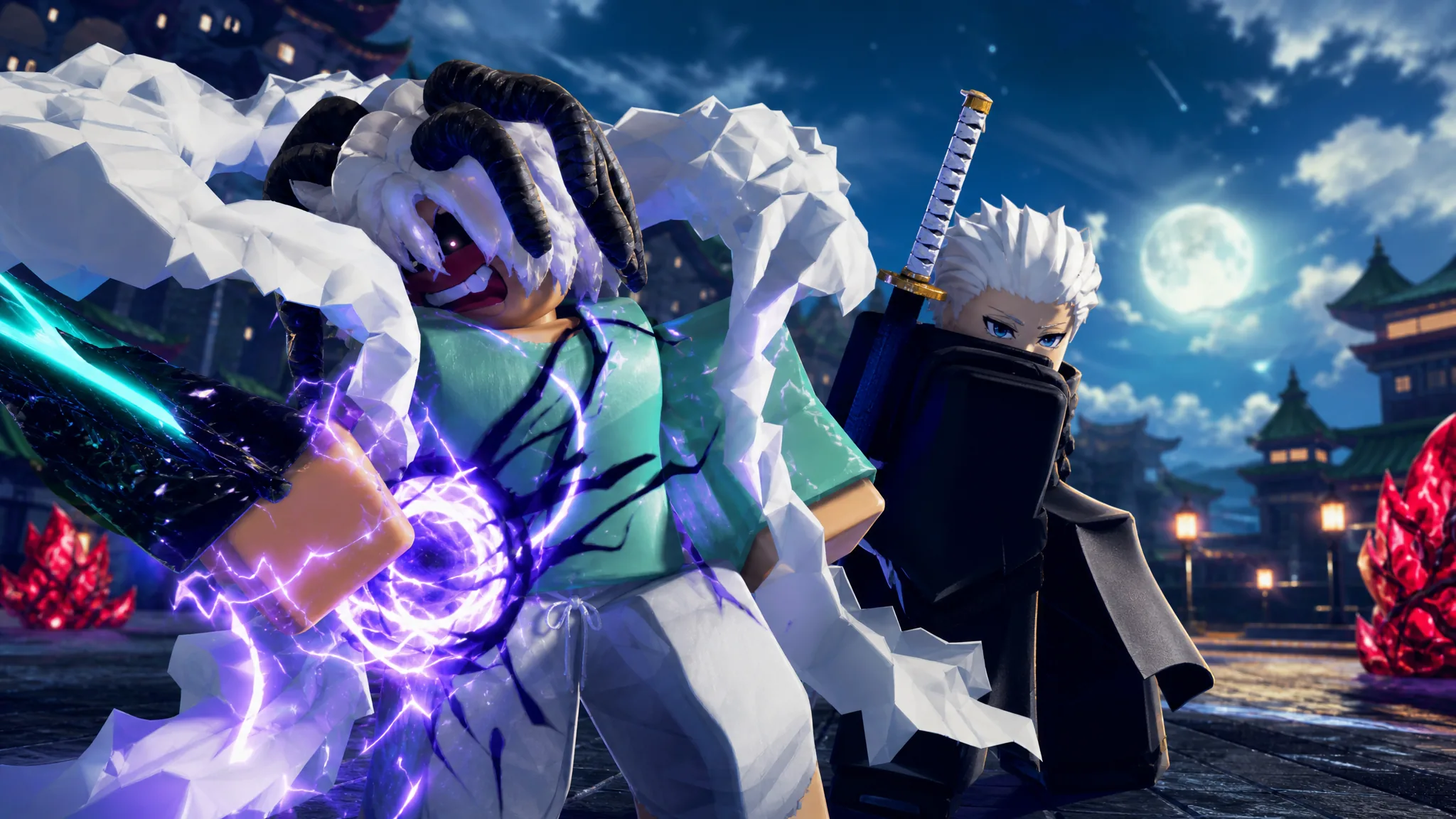
How to Unlock Awakened Devil EX in Dungeon Lootr (Roblox)
Every requirement, the Devil Heart farm, and how to confirm the Exotic-tier evolution actually went through.
-

Anime Vanguards: How to Get the Monkey King’s Circlet Gogeta Familiar
Farm the 1,000,000 Gems in Wartorn Warfront, then buy the Rogita (Super 4) exclusive from the Gold Merchant.
-
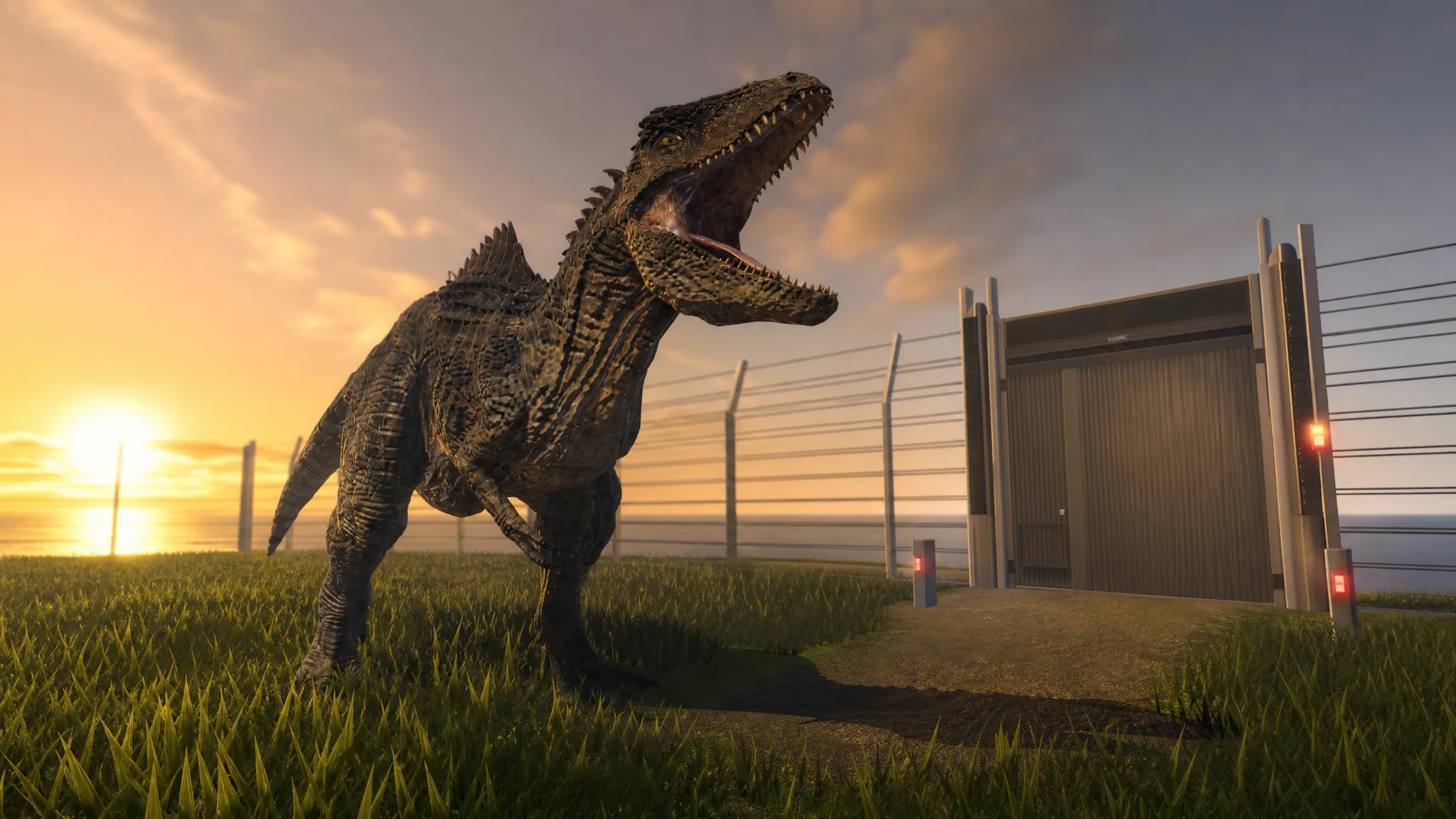
Jurassic Genesis: How to Get Giganotosaurus With the Dominion Unleashed Badge
Locate the hidden T. rex skull, take down the boss Zeb, and add the 1,800-health carnivore to your roster.
-
+1 Speed Keyboard Escape: How to Ascend and Get the Broken Mask
Exact Rebirth and trophy requirements for Tier 1 Ascension, what resets, and how to confirm it worked.
-
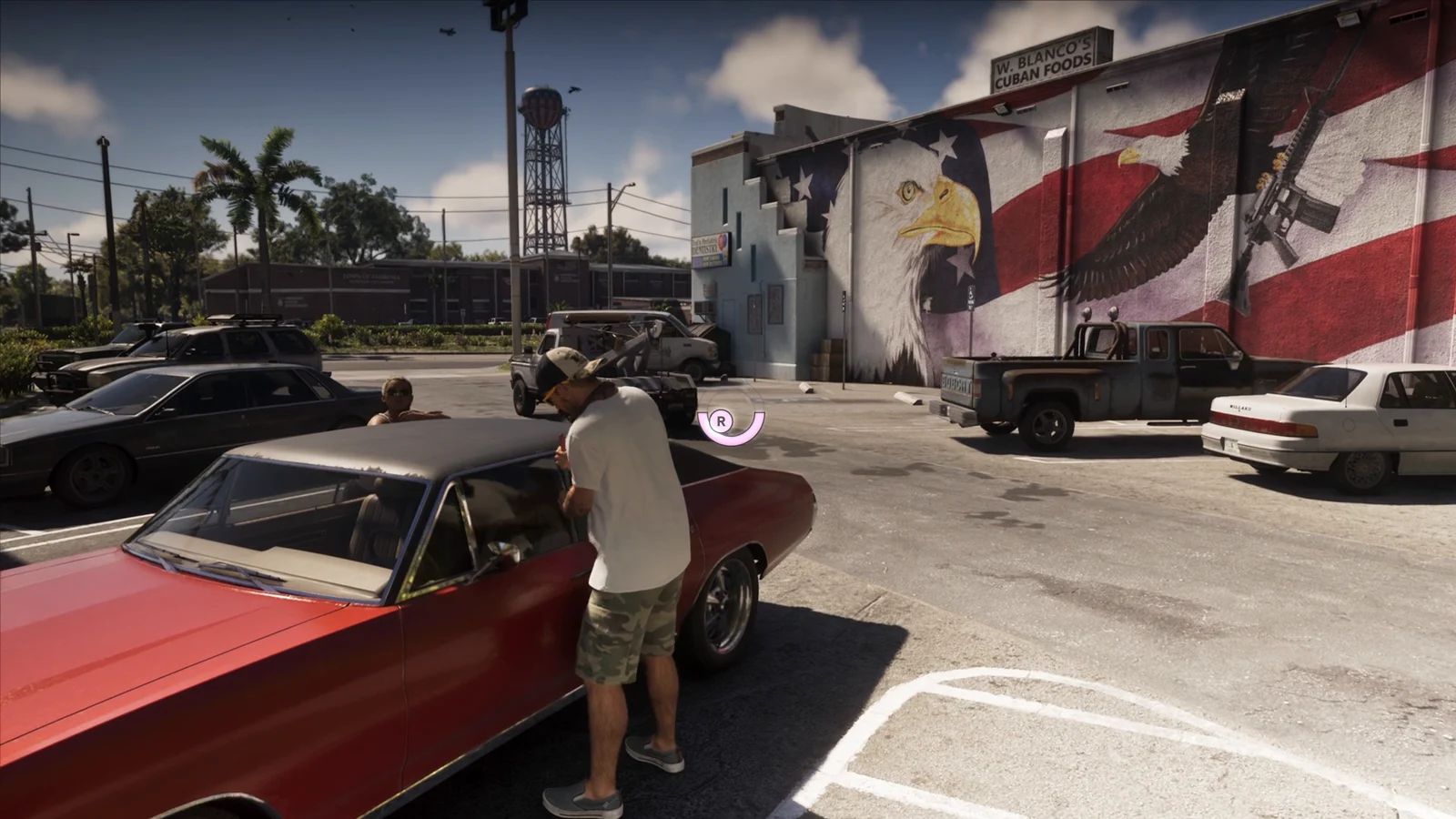
GTA 6: How to Steal Cars With a Slim Jim and Get Away Clean
How the Slim Jim minigame, key cloners, trackers, and the car-swap getaway work in Grand Theft Auto VI.
-
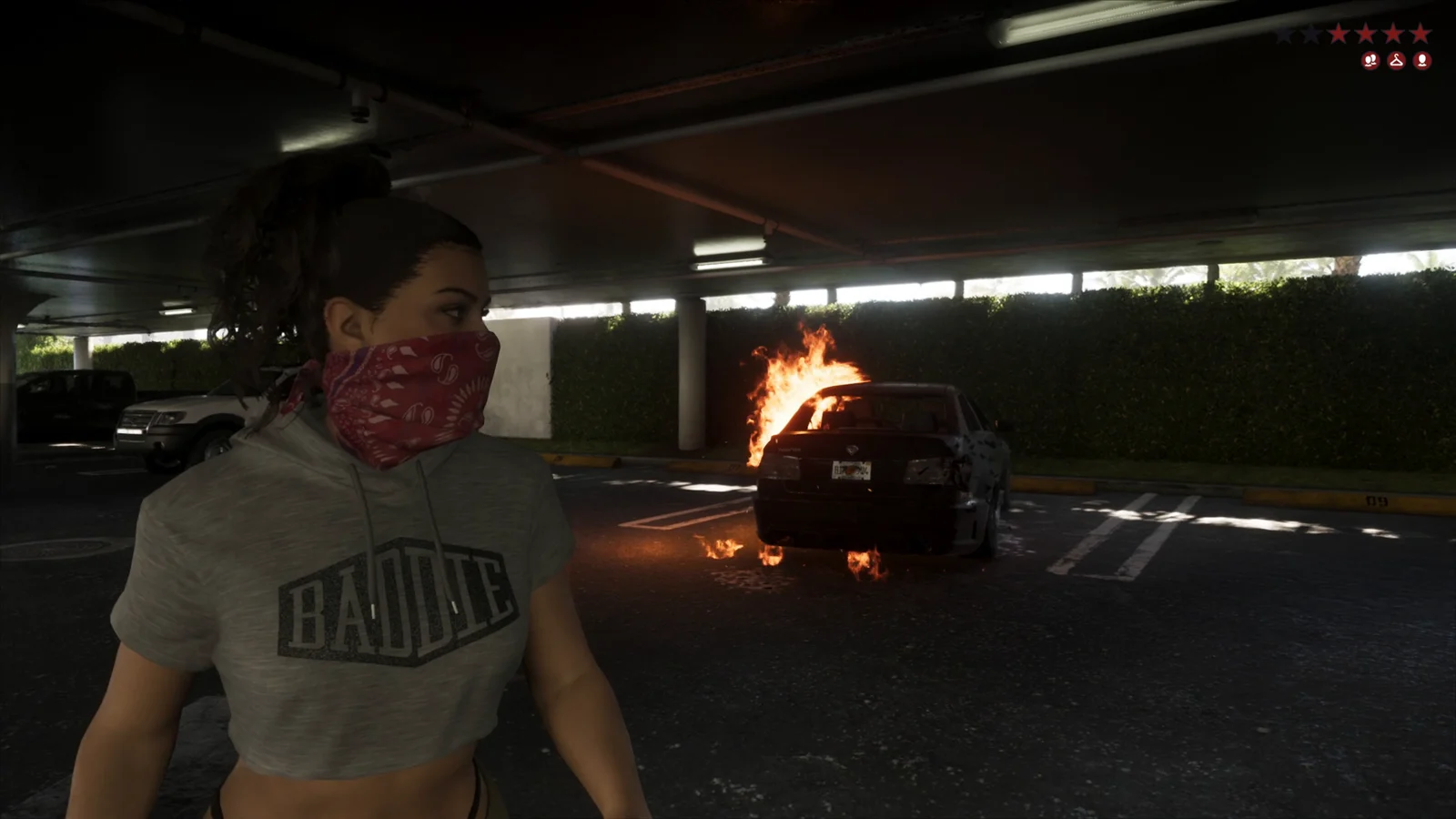
GTA 6: How to Lower Your Wanted Level
The escape routine Rockstar demonstrated in Vice City, from breaking line of sight to ditching the car that got you caught.