
Instructional, step-by-step articles.
Content Type: How-To
-
Grow a Garden: How to Get the Sand Wyrm Divine Pet
Reach Level 47 in the Season 7 Season Pass to claim this Divine pet built around Sandy mutations and pet cooldowns.
-

Adopt Me: How to Get the Chihuahua Pet
Every egg, hatch chance, and combine requirement for the Ultra-Rare Chihuahua added in the Tux & Shepherd on the Stray Case update.
-

Hell Let Loose: Vietnam – How to Shoot Down Helicopters as NVA
The exact role, supplies, and weapons that let Vietnamese forces bring down US choppers.
-

PEAK: How to Handle Frogs in the Gloom Biome
Escape the tongue grab, cook frogs into food, or ride them across the fog to THE CITADEL.
-

Peak: How to Find Three Clown Luggages in One Expedition for the Jester Badge
Everything that unlocks the Jester Badge, from where the colorful cases hide to why some of them explode.
-

Madden 27: How to Turn Off Timing-Based Catching
Disable the new catch meter for every mode or just Franchise, plus the slider fix for CPU interceptions.
-

Grow a Chicken Fighter: How to Get the Reaper x Voodoo Fusion
Fuse the Reaper Rooster with the Doll Hen, lock the Voodoo skill, and farm Haunt Eggs the fast way to build this Tower and…
-

Grow a Chicken Fighter: How to Get the 404 x Ash Fusion (Cycle of Ash)
The full egg-farming path to pair the 404 Chick with Cycle of Ash and why locking the skill matters.
-

Jump to Steal Soccer Players: How to Steal Blocks and Earn Cash
A plain-language breakdown of the steal loop, floor rarity, base slots, and crafting in the Roblox simulator.
-
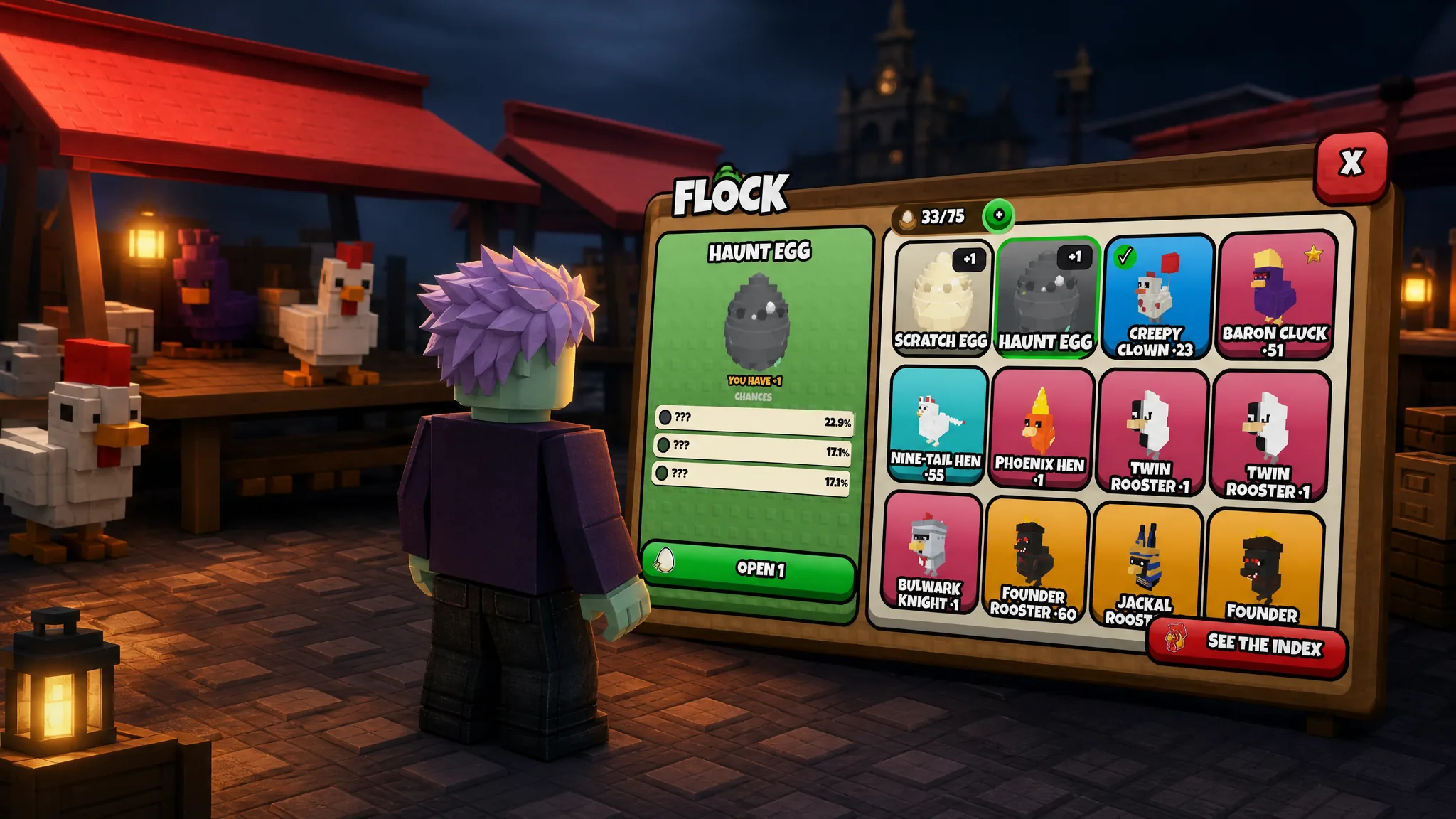
How to Get the Reaper x Voodoo Fusion in Grow a Chicken Fighter
Fuse a Reaper Rooster with a Doll Hen and lock the Voodoo skill to build one of the strongest Tower and PvP fighters.