
Instructional, step-by-step articles.
Content Type: How-To
-
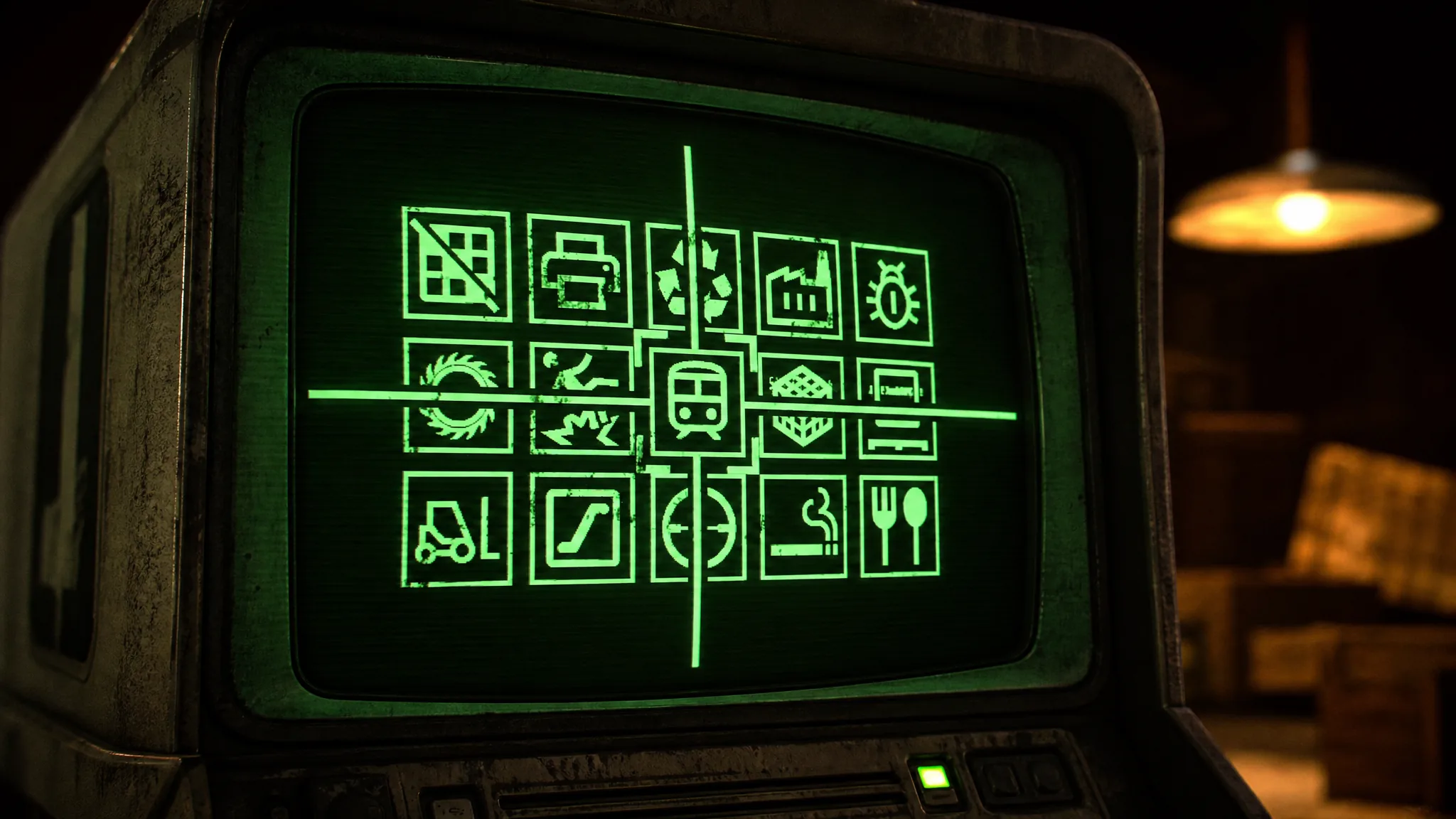
Machine Party: How to Win All 15 Minigames
The exact win condition for every lethal round, from Minefield to The Filter, in one place.
-
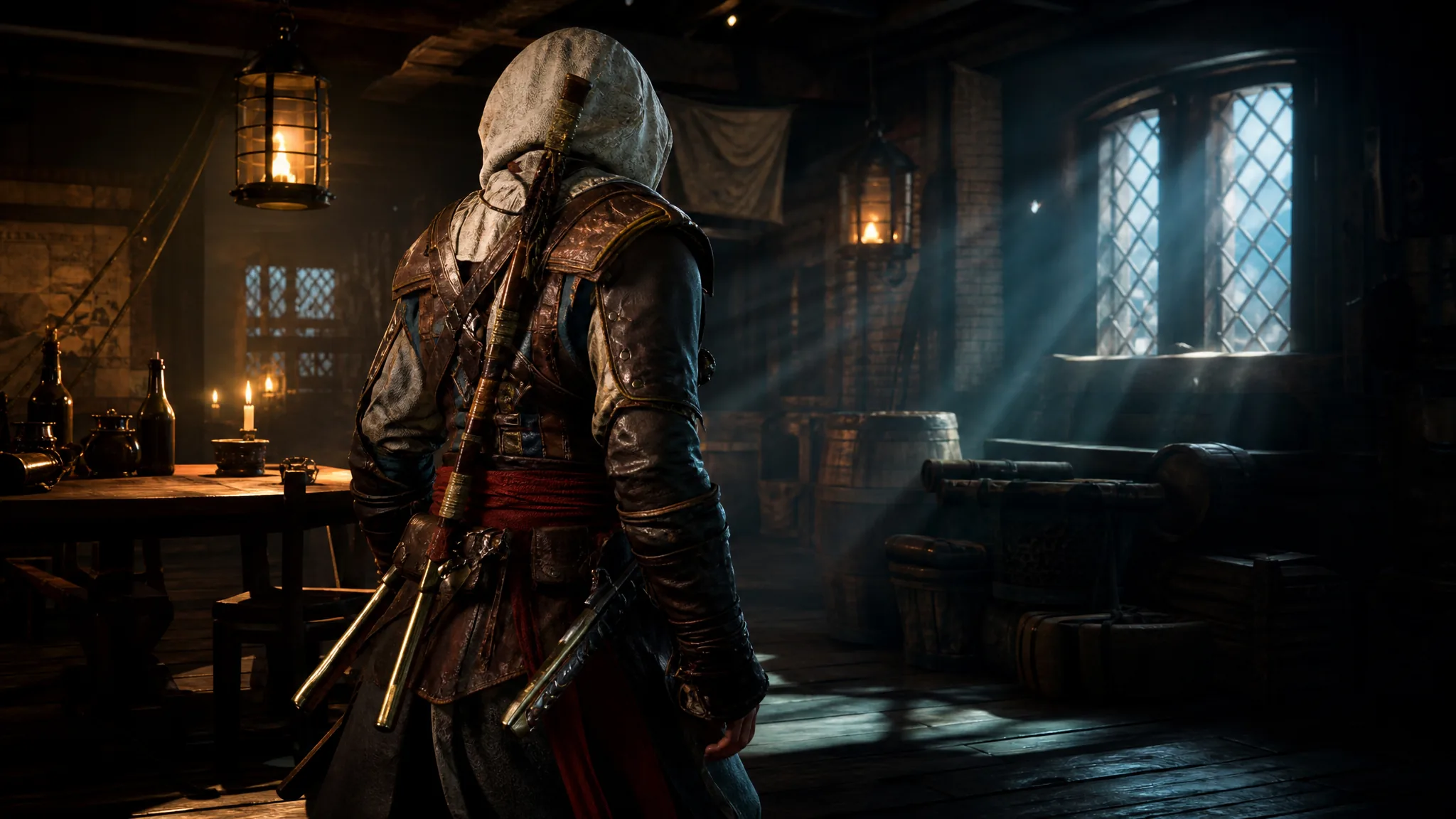
Assassin’s Creed Black Flag Resynced: How to Hide the Blow Pipe on Edward’s Back
Patch 1.0.6 adds a per-outfit toggle that removes the Blow Pipe from view without touching how it works in combat.
-
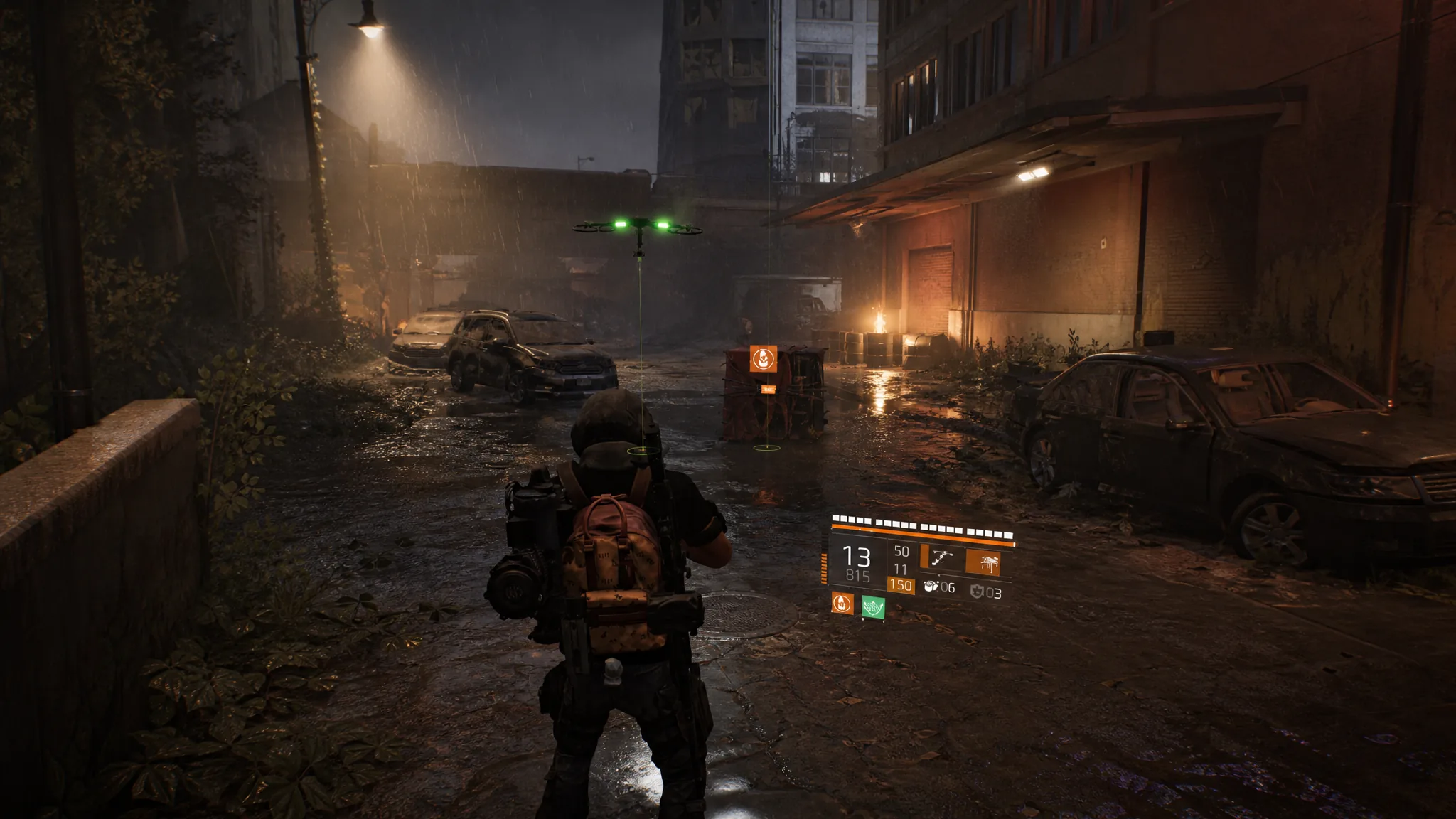
The Division 2 Into the Dark Scout 8: How to Complete the Week 8 Manhunt
Clear all three Scout 8 objectives in East Mall to finish Week 8 and set up the final Into the Dark climax.
-
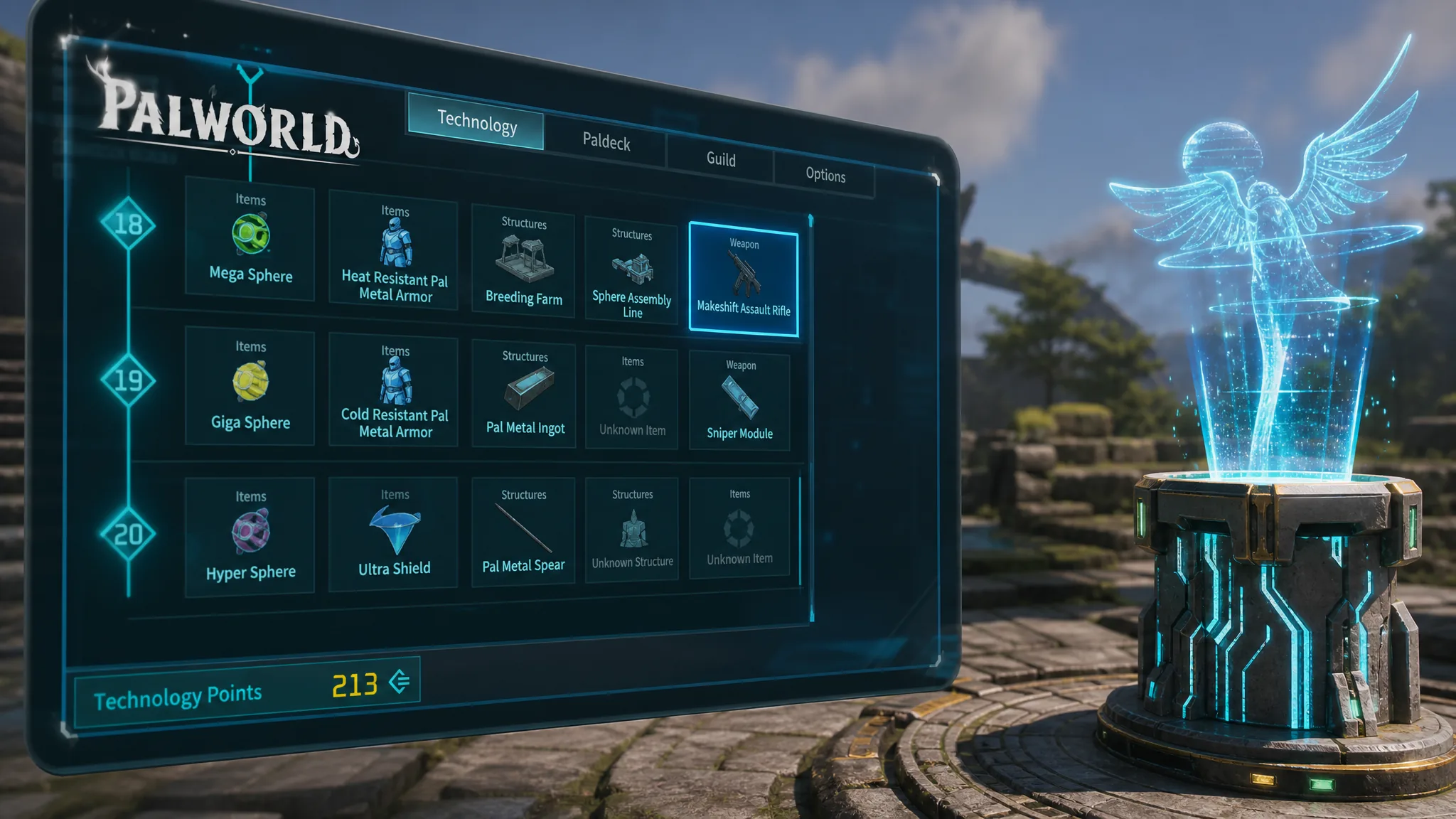
Palworld: How to Get More Technology Points
Level up, unlock fast travel statues, and farm Technical Manuals from dungeons and fishing to keep the tech tree moving.
-
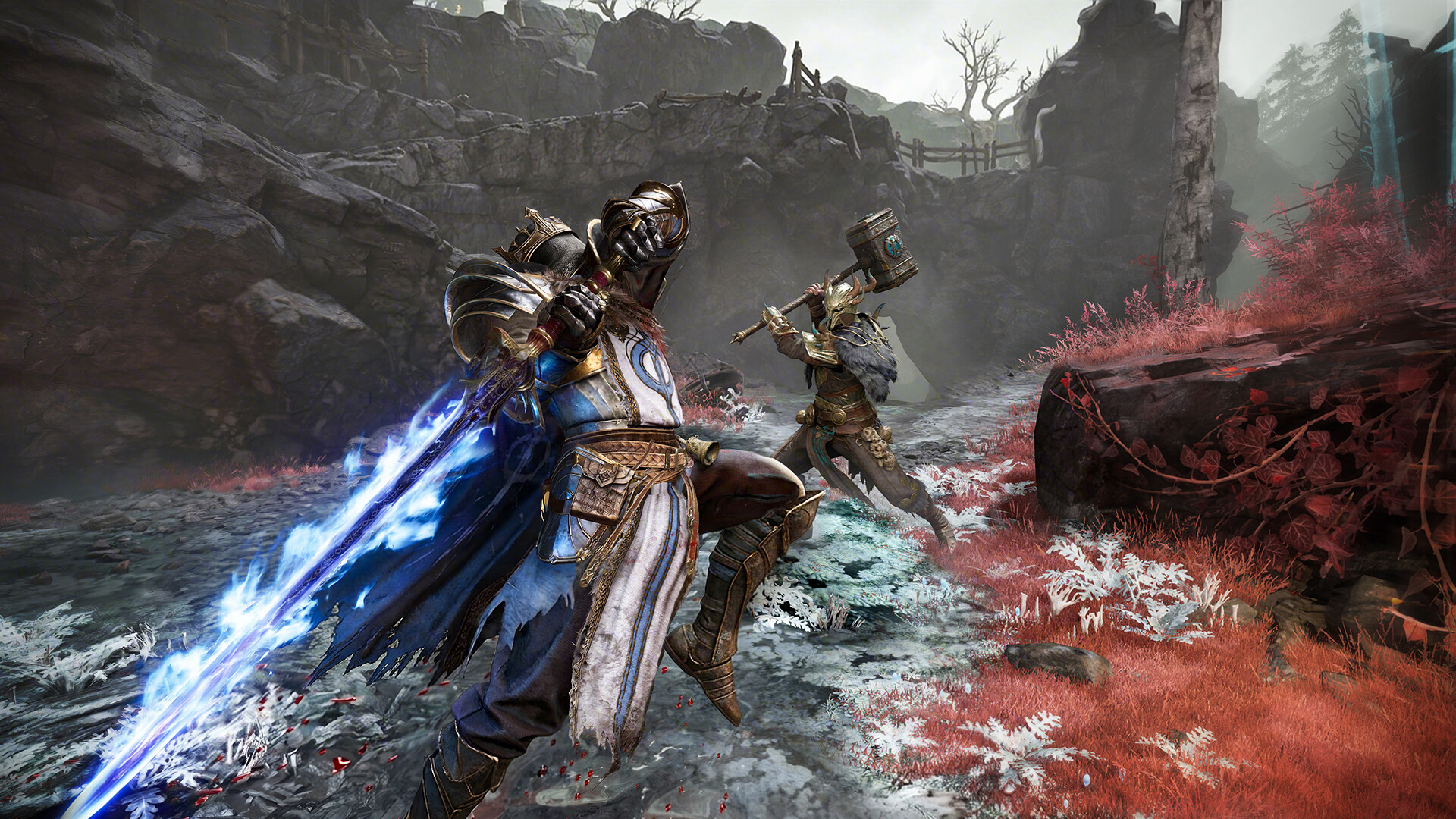
How to Get Combat Bags in Mistfall Hunter (All Tiers and Sources)
Every reliable way to stock preset loadouts, plus which tiers each map mode will let you carry.
-
How to Finish Dig & Clean Fast in Roblox
The shovel-first upgrade order that speeds up every run, plus how Shipwreck Cove’s 2X luck doubles your profit.
-
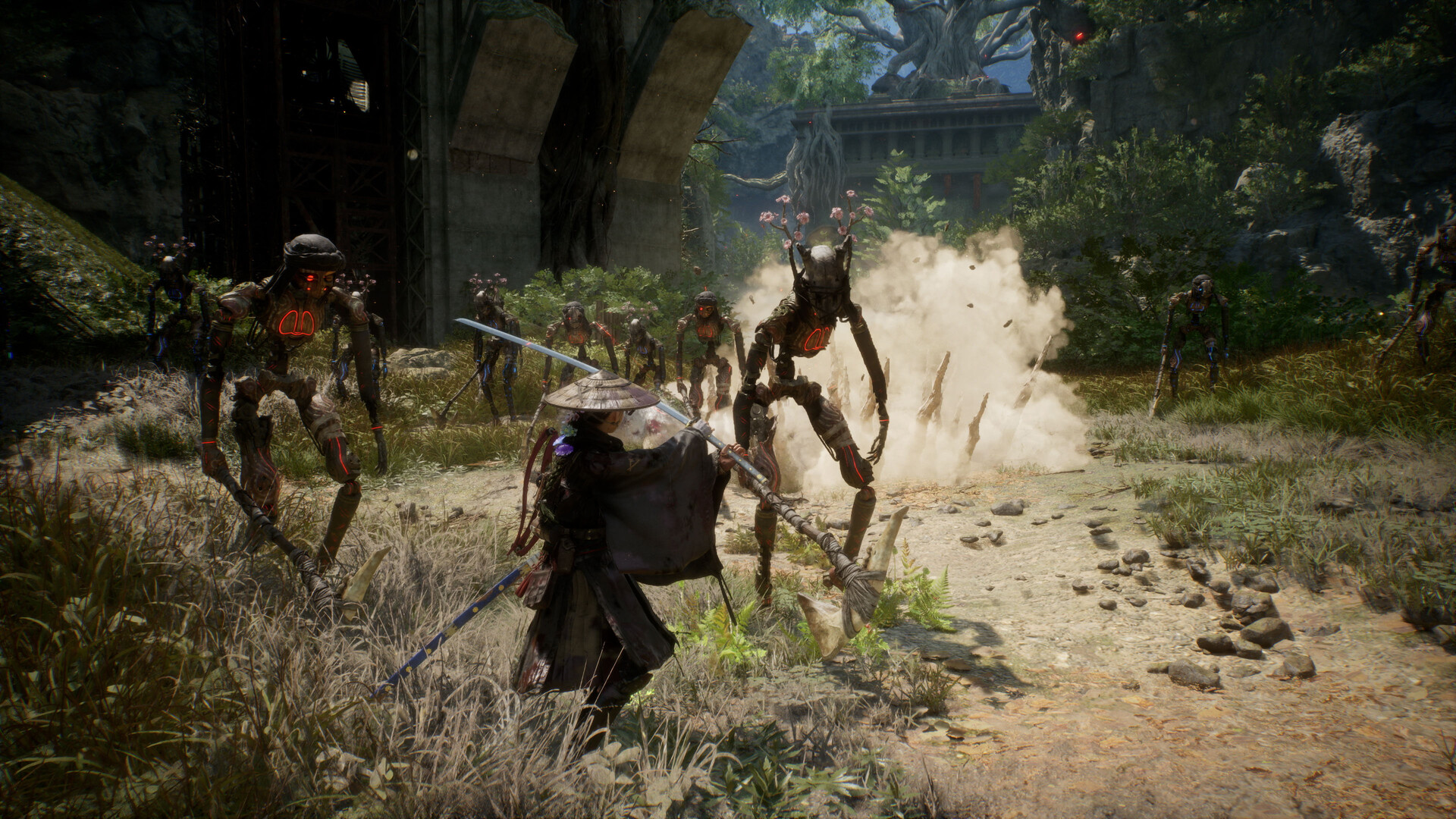
Beast of Reincarnation Difficulty Settings: All Three Modes and How to Change Them
What Story, Normal, and Hard change, whether you can switch mid-run, and how difficulty affects rewards.
-
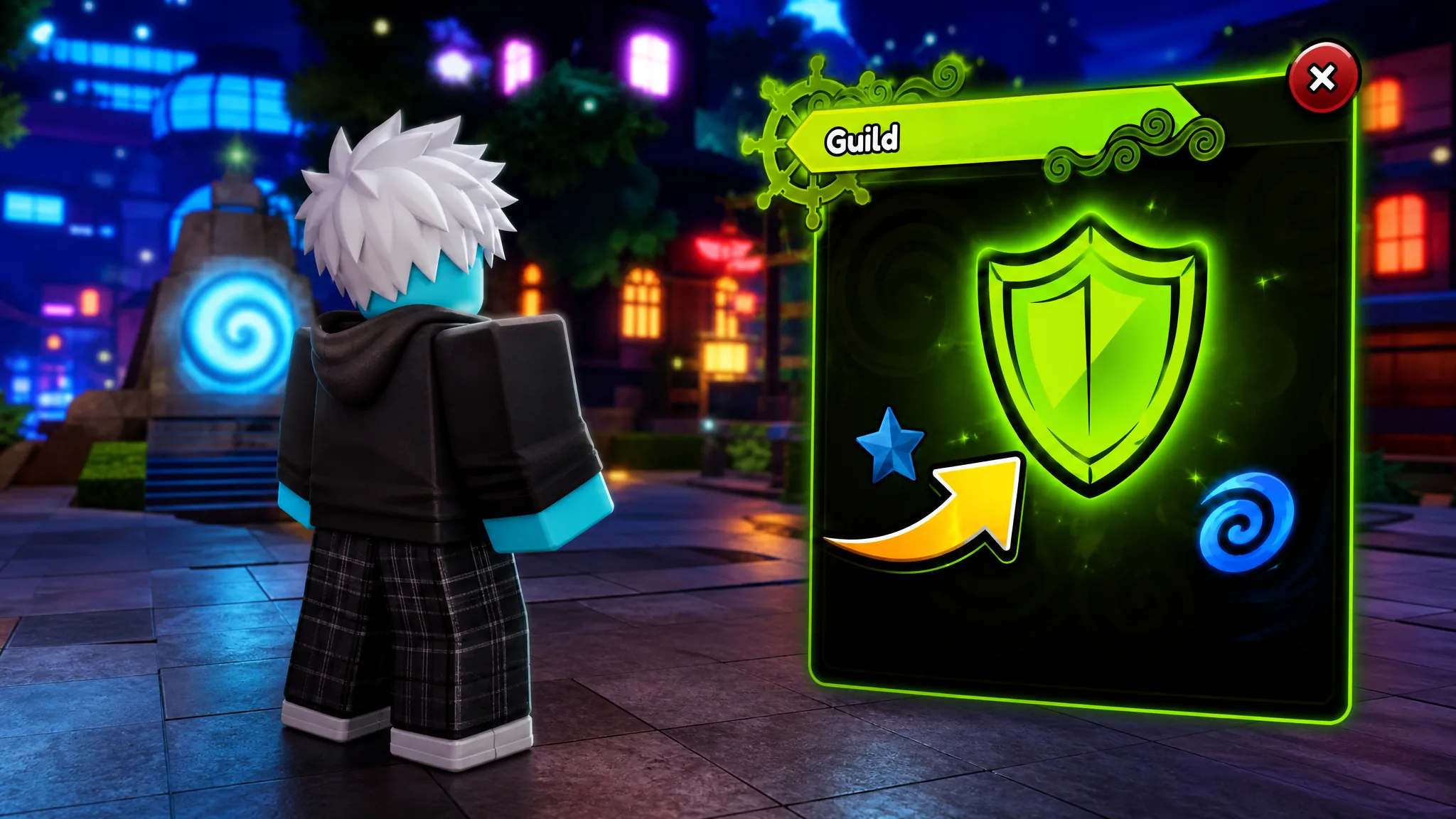
Anime Expeditions: How to Create a Guild and Set a Custom Image ID
Reach Level 20, spend 10,000 Gold, and paste a Roblox decal asset ID to give your guild a custom icon.
-
Grow a Garden: How to Get the Moon Dragon
The Moon Dragon is a Prismatic pet that hatches from the Moon Egg at a 0.5% rate during the Harvest Moon Event.
-
How to Farm Blood Shards Fast in Survive Zombie Arena (Bloodmoon Event)
The exact run setup, safe map spots, and the artifact that doubles your Bloodmoon currency drops.