
Instructional, step-by-step articles.
Content Type: How-To
-
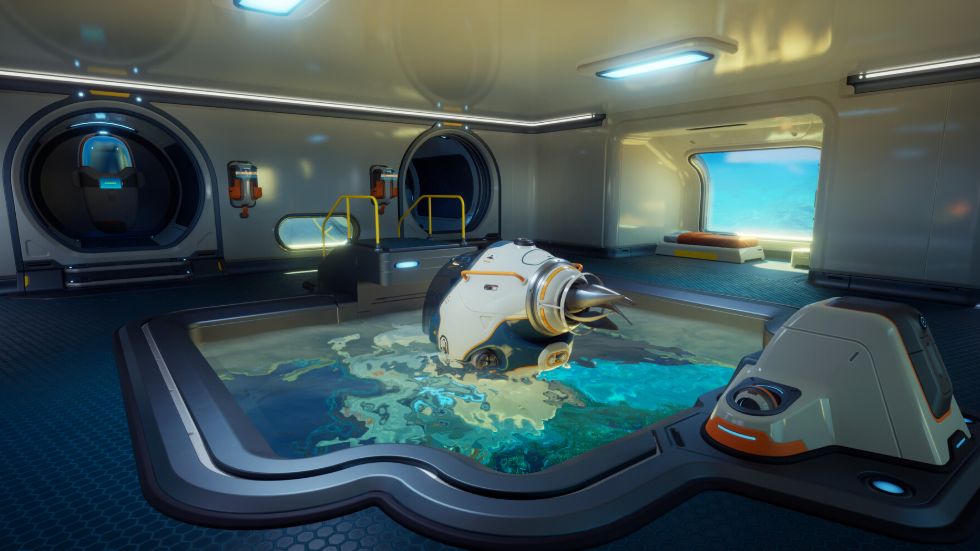
Subnautica 2 Reaper Leviathan Statue: How to Claim the Free Base Decoration
Every Early Access player gets the Reaper Leviathan Statue blueprint for free after Unknown Worlds hit 5 million wishlists.
-
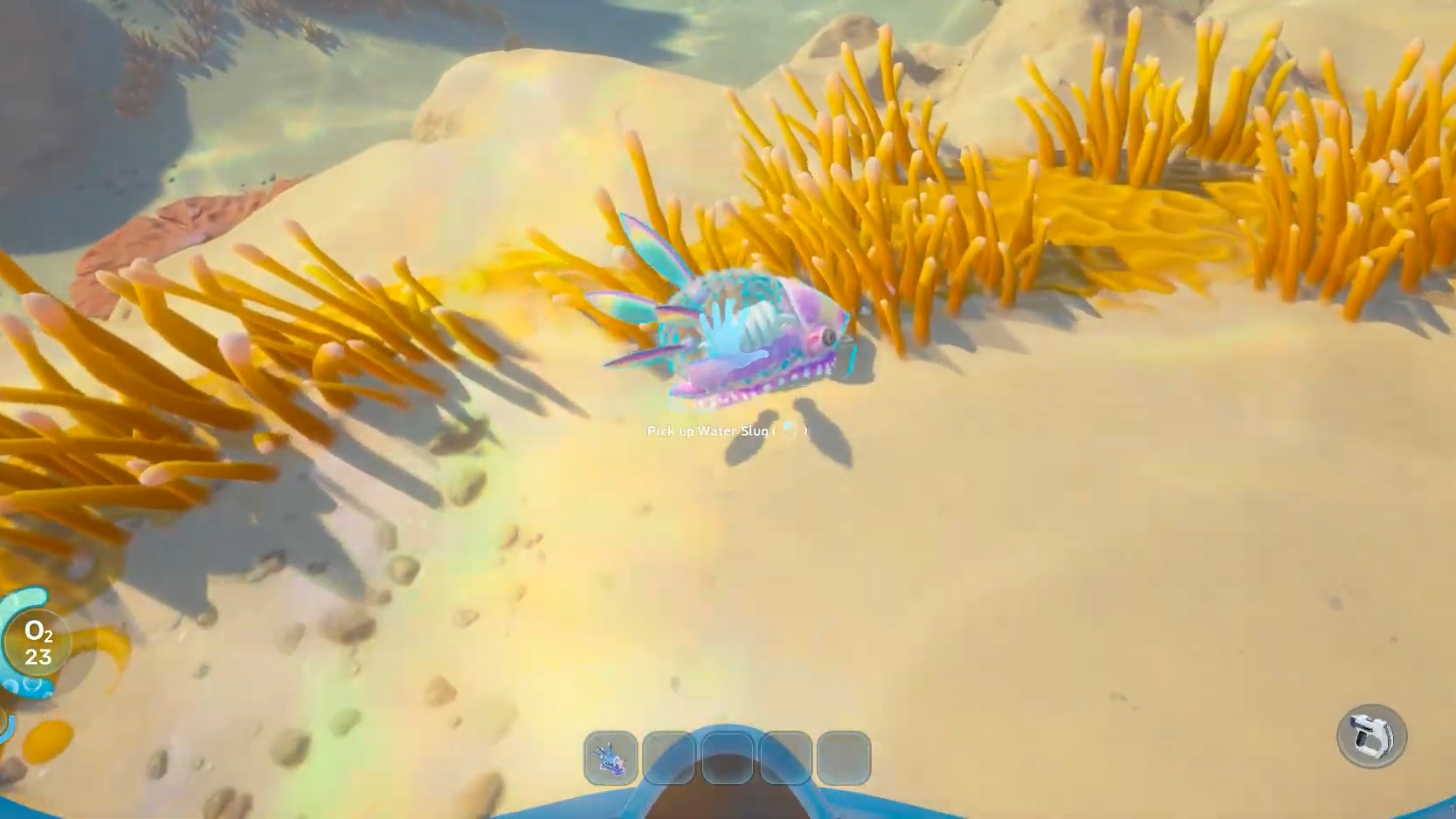
How to Craft Water in Subnautica 2 using Water Slugs
Catch Water Slugs near the Lifepod and turn them into bottled water at the Fabricator to keep your thirst meter full.
-
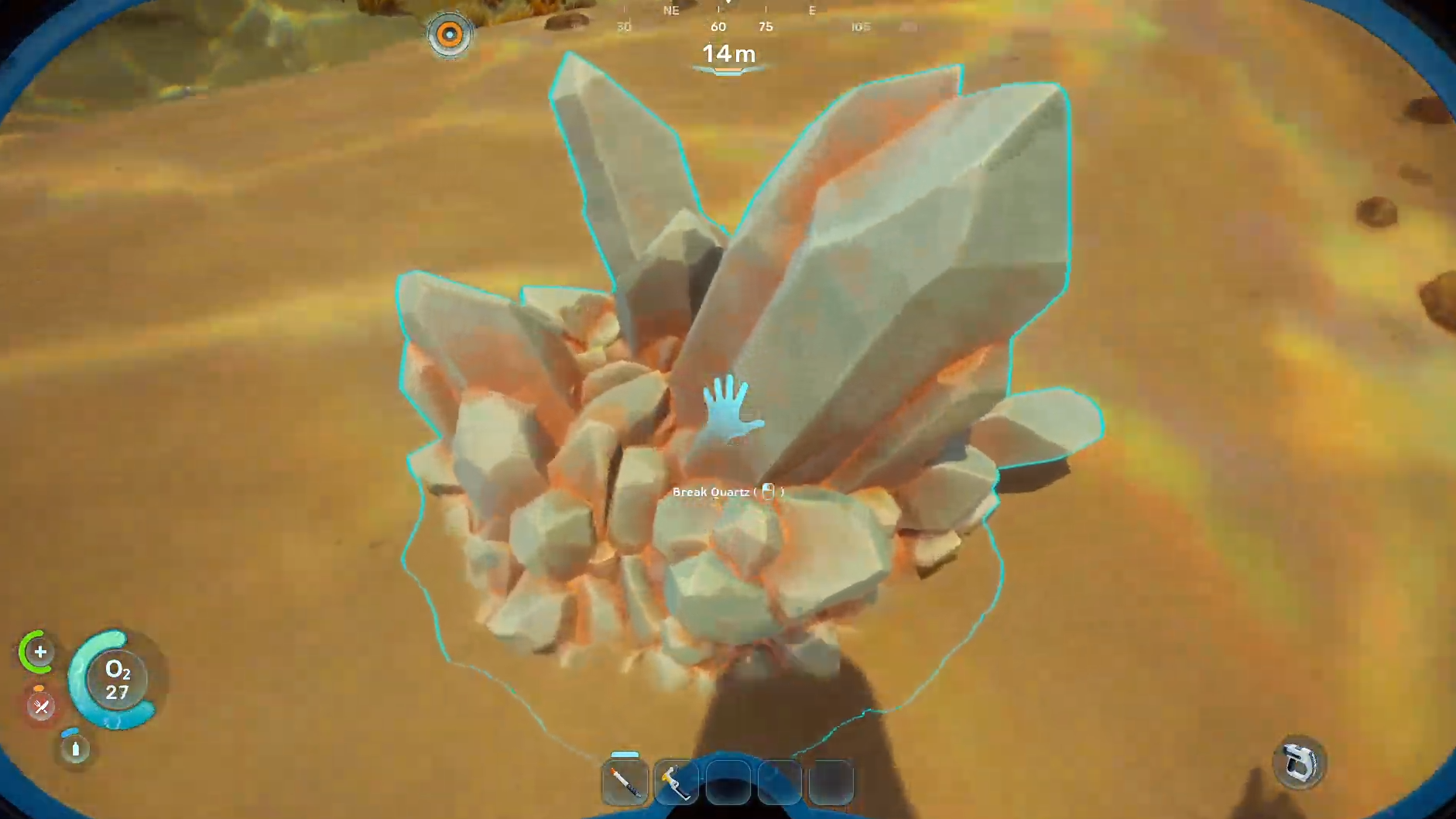
How to Get Quartz in Subnautica 2 (Early Access)
Where quartz spawns, how to spot it on the seabed, and what it crafts in the Early Access build.
-
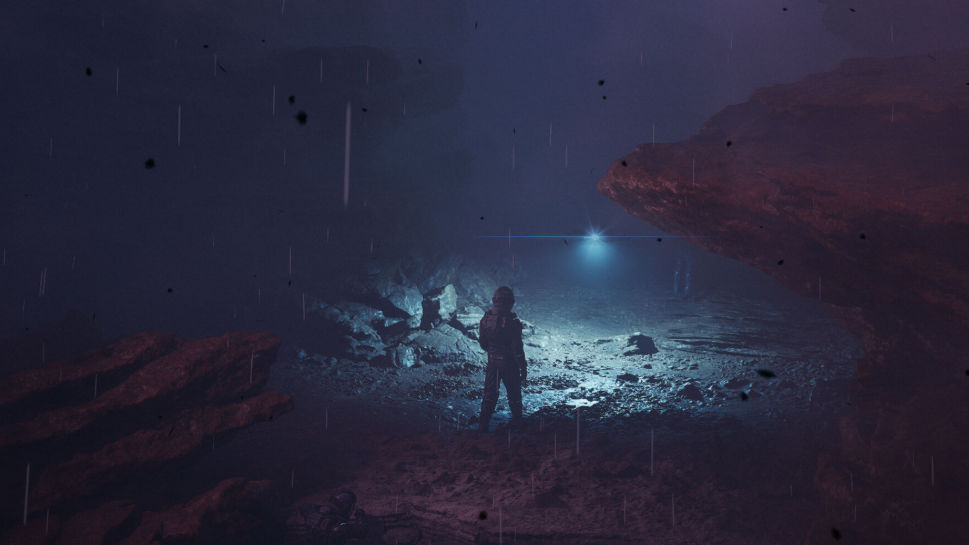
Zoe Anders in Directive 8020: Role, Choices, and How to Save Her
A focused breakdown of the science technician Anders, her place in the Cassiopeia crew, and the decisions that decide her fate.
-

Is the Curator in Directive 8020? How to Unlock Him
The man in the bowler hat returns, but only after you find five hidden secrets across specific chapters of the Cassiopeia.
-

How to Escape Prison in NTE: All Methods for Hethereau Detention Center
Every escape route from the Hethereau Detention Center, the items each one needs, and how to confirm the breakout worked.
-

How to Collect Furniture in Neverness to Everness (NTE)
The exact City Tycoon menu path to claim furniture, plus where to find pieces and how Anomaly Furniture unlocks.
-
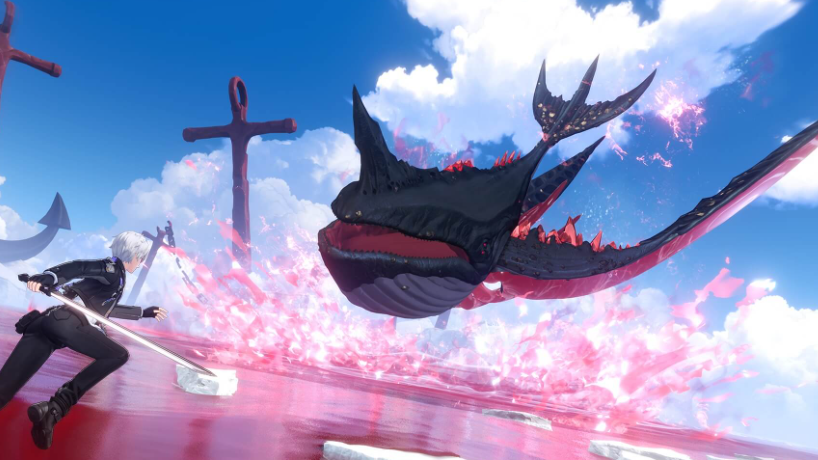
How to Raise Appraisal Level in Neverness to Everness (NTE)
The exact Hunter Level thresholds, ascension quests, and EXP sources that push your Appraisal Level higher in NTE.
-
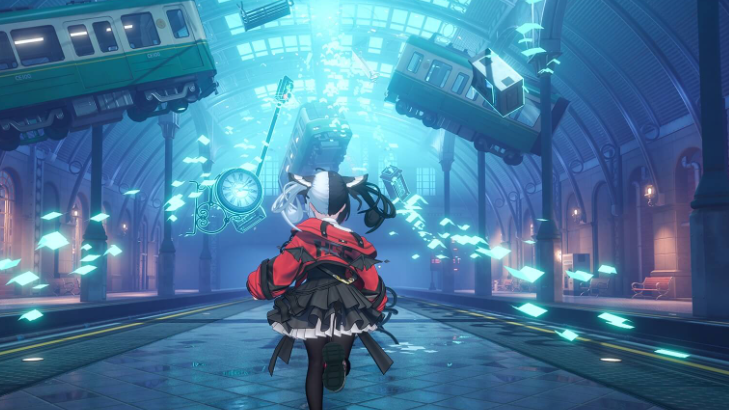
Fluff of Fleetness in Neverness to Everness – Stats, Effect, and How to Get It
A full breakdown of the S-Rank Liquid Arc’s Motor Candy passive, ascension costs, ideal users, and Battle Pass acquisition.
-
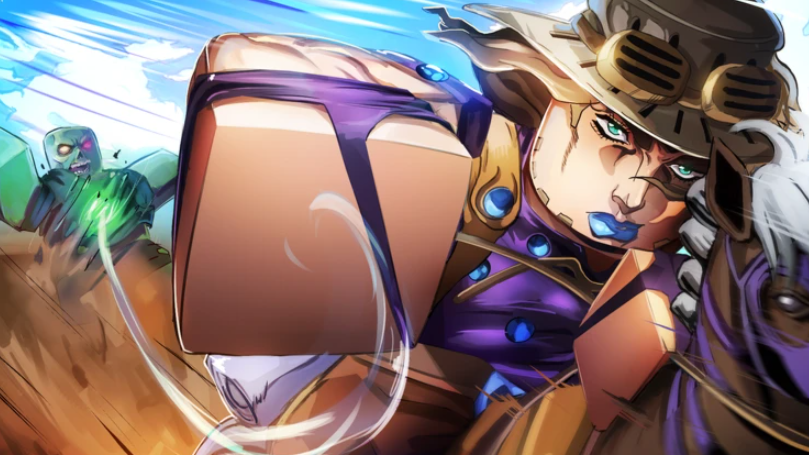
Anime Apocalypse Cosmetics Guide: Stats and How to Get Each
Full breakdown of every cosmetic in Anime Apocalypse, including stat bonuses, crafting materials, and raid shop costs.