
Instructional, step-by-step articles.
Content Type: How-To
-

Anime Apocalypse Cosmetics Guide: Stats and How to Get Each
Full breakdown of every cosmetic in Anime Apocalypse, including stat bonuses, crafting materials, and raid shop costs.
-

Marching Beyond Time Arc in NTE: Stats, Skill, and How to Pull
The S-rank Solid arc loads Ultimate Crit DMG and DEF Ignore through Wastelab stacks for Hotori and Zero.
-

How to Check Tire Pressure in Outbound (Camper Van Guide)
Find the Motor Info panel on your camper van and read pressure values directly from the engine bay.
-

Crimson Desert Sigil of Valor: How to Get Pet Dogs to Attack Enemies
Where to buy the new Abyss Gear from Lacey in Pororin and how to slot it onto a pet dog.
-

WiFi Option Missing in Windows 11: Causes and Fixes
Restore the wireless toggle and network list with adapter, service, driver, and network reset fixes that target each common cause.
-

How to Play Outbound With Friends in Online Co-op
Unlock multiplayer after the tutorial, share a lobby code, and learn how shared progression works in the camper van adventure.
-

Crimson Desert Dark Sky Blue Dye: Experiment Facility Location and How to Preview the Shades
Where to find the Dark Sky Blue Dye in Delesyia, what it unlocks, and which dyer lets you apply the new shades.
-

Windows 11 Precision Touchpad Gestures: Auto, Accelerated, and Single-Finger Scroll
Microsoft is testing four new precision touchpad gesture options in Windows 11 Experimental Build 26300.8376 under Settings.
-

How to Get Ready-Ready Arc in NTE (Tiger Special Banner)
The exact requirement, pull math, and confirmation steps for unlocking Nanally’s signature S-rank Arc in Neverness to Everness.
-
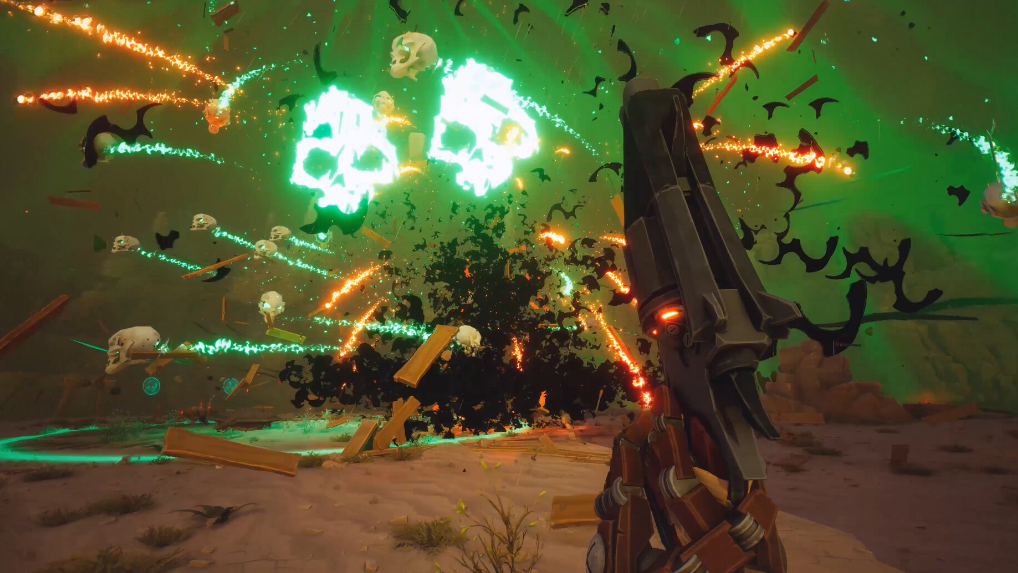
Far Far West Save Editor: Edit Gold, Souls, and Progress on PC
How the Nexus Mods save editor decrypts your .sav file and safely changes player values on PC.