
Instructional, step-by-step articles.
Content Type: How-To
-
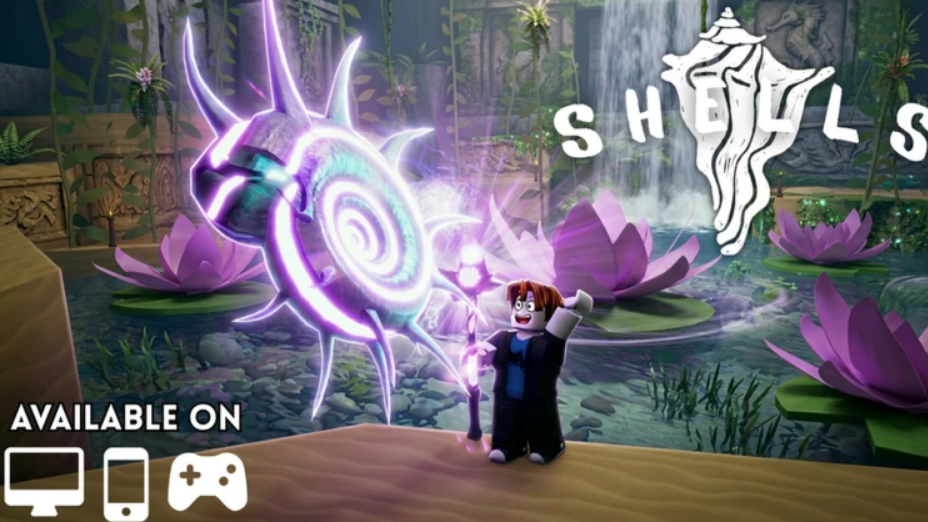
Shells Roblox: All 3 Sacred Relic Locations and How to Unlock Sacred Mountain
Find each relic island, start the Virek quest, and turn in the set to open the high-level Sacred Mountain area.
-

Youthful Fantasy Arc in NTE: How to Get Daffodill’s Free S-Rank
Complete The Book of Post-Adolescence commission in New Herland District to unlock this S-Rank Arc for free.
-
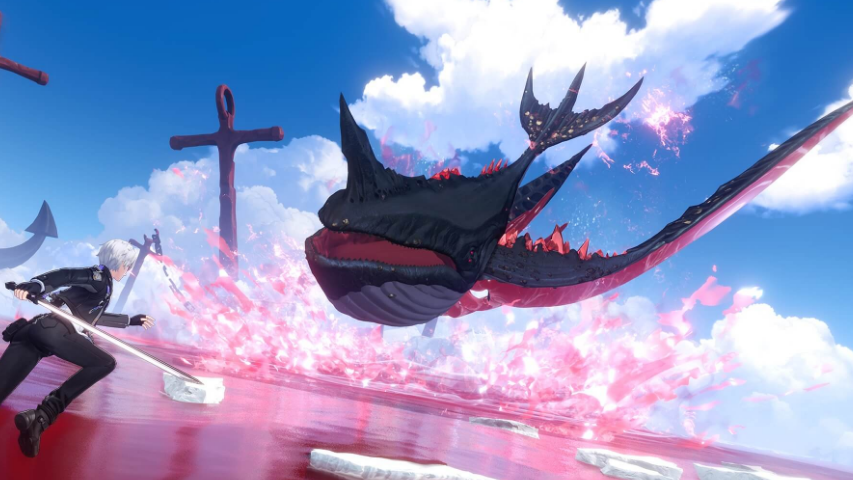
NTE Dreamless Seeds: How to Farm Life Skill Upgrade Material
Where Dreamless Seeds drop in Neverness to Everness, what they upgrade, and the daily routine that keeps a steady supply.
-
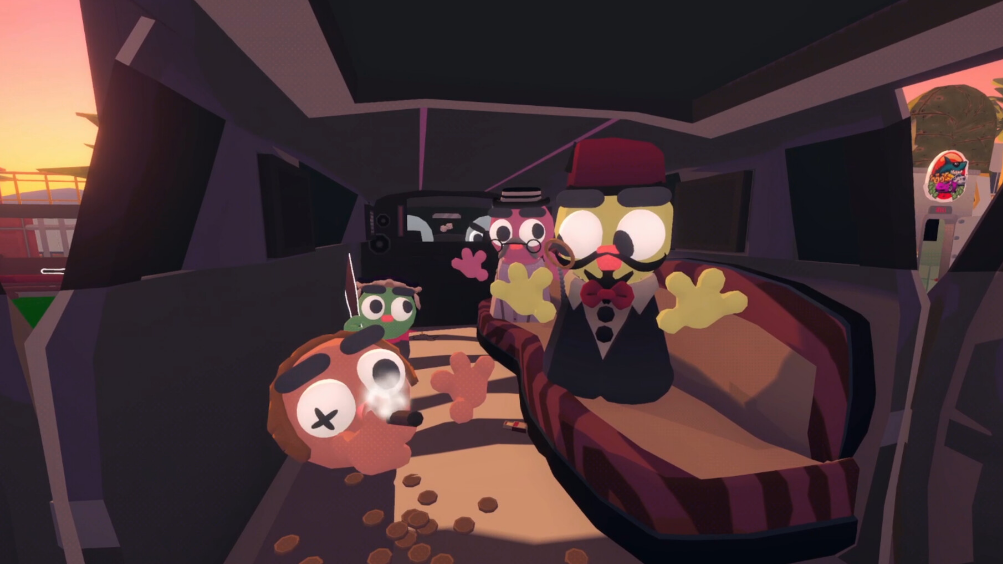
How to Earn Infinite Money in Gamble With Your Friends
The save-and-reload seed trick on Dragon Tower turns predictable bombs into a guaranteed quota every five-minute shift.
-

Lois Griffin Fortnite Skin: How to Unlock the Family Guy Outfit
Pricing, bundle contents, release window, and the exact Item Shop steps to add Lois to your locker.
-
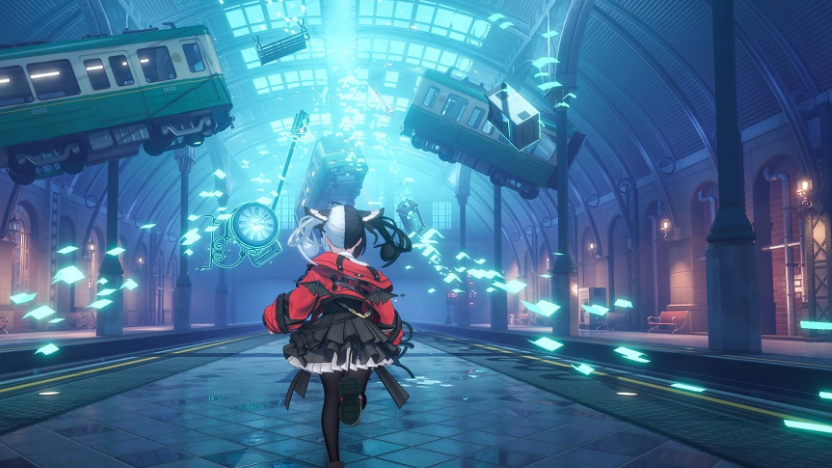
NTE Day Off Arc Disk: How to Unlock the Hidden Eclipse Quest
The exact prerequisites, time and weather settings, and Eclipse locations that grant the S-Rank Day Off Arc in Neverness to Everness.
-
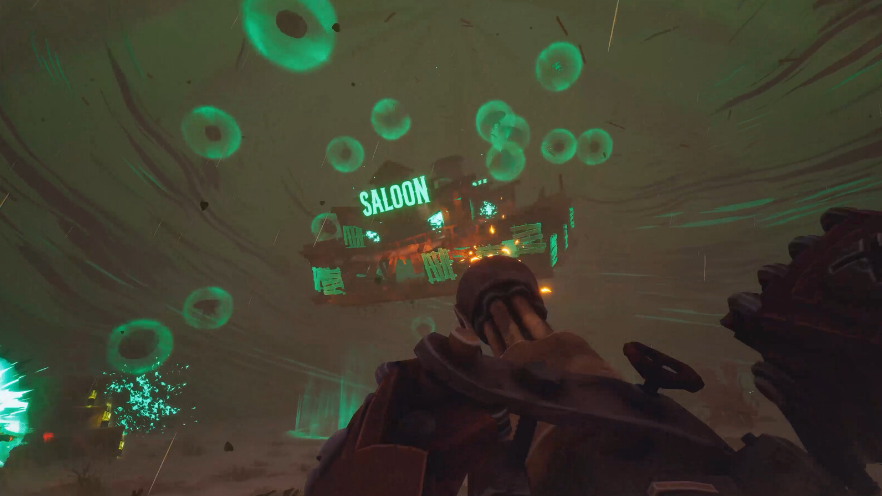
Far Far West: How to Whisper a Code to the Ghost NPC
Where to find the ghost bounty hunter, how to redeem 250KCOWBOYS, and what to do if the reward fails to appear.
-
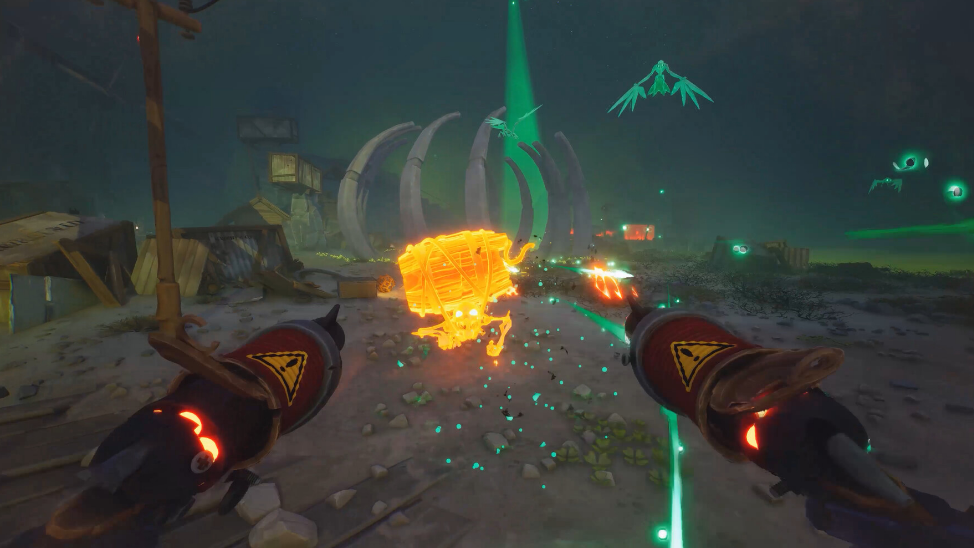
How to Play With Friends in Far Far West (Co-op Setup)
Join or host a session for up to four players using session codes or direct Steam friend invites.
-
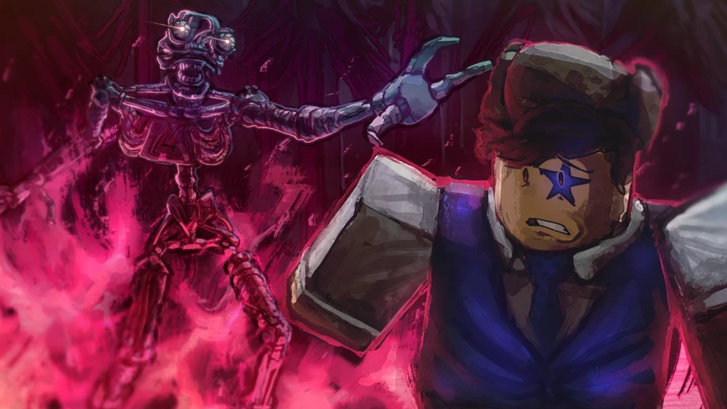
How to get the Golden Springtrap (Golden Rotten) skin in Bite by Night
The rarest skin for The Rotten is locked behind Discord giveaways and creator quests, with no shop purchase option.
-
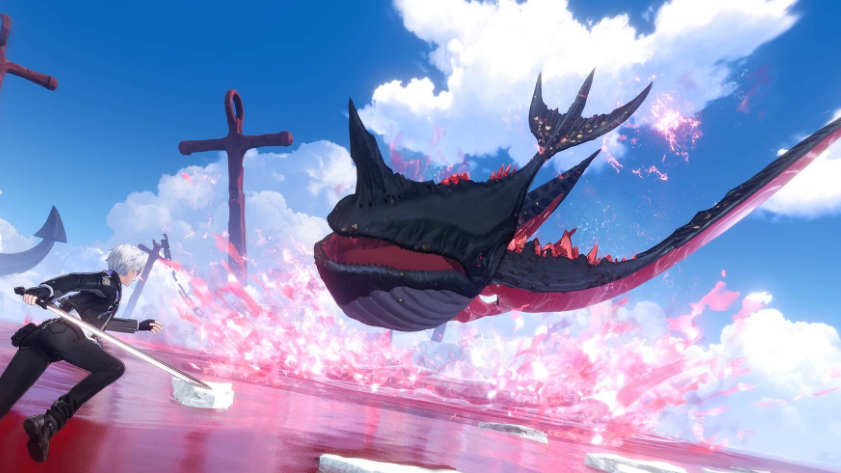
NTE Gluttonous Eye: How to Get It and Activate Mammon
A direct breakdown of where the Gluttonous Eye drops, what it unlocks, and how it powers the Realm of Greed weekly fight in Neverness…