
Instructional, step-by-step articles.
Content Type: How-To
-

Lacrimosa in NTE: Release Window and How to Pull Her
What is known about adding the Chaos S-Rank DPS Lacrimosa to your roster in Neverness to Everness.
-

Fluff of Fortitude in Neverness to Everness – Stats, Skill, and How to Get It
A free S-rank Plasma Arc with a flat damage buff that scales harder against low-HP enemies.
-
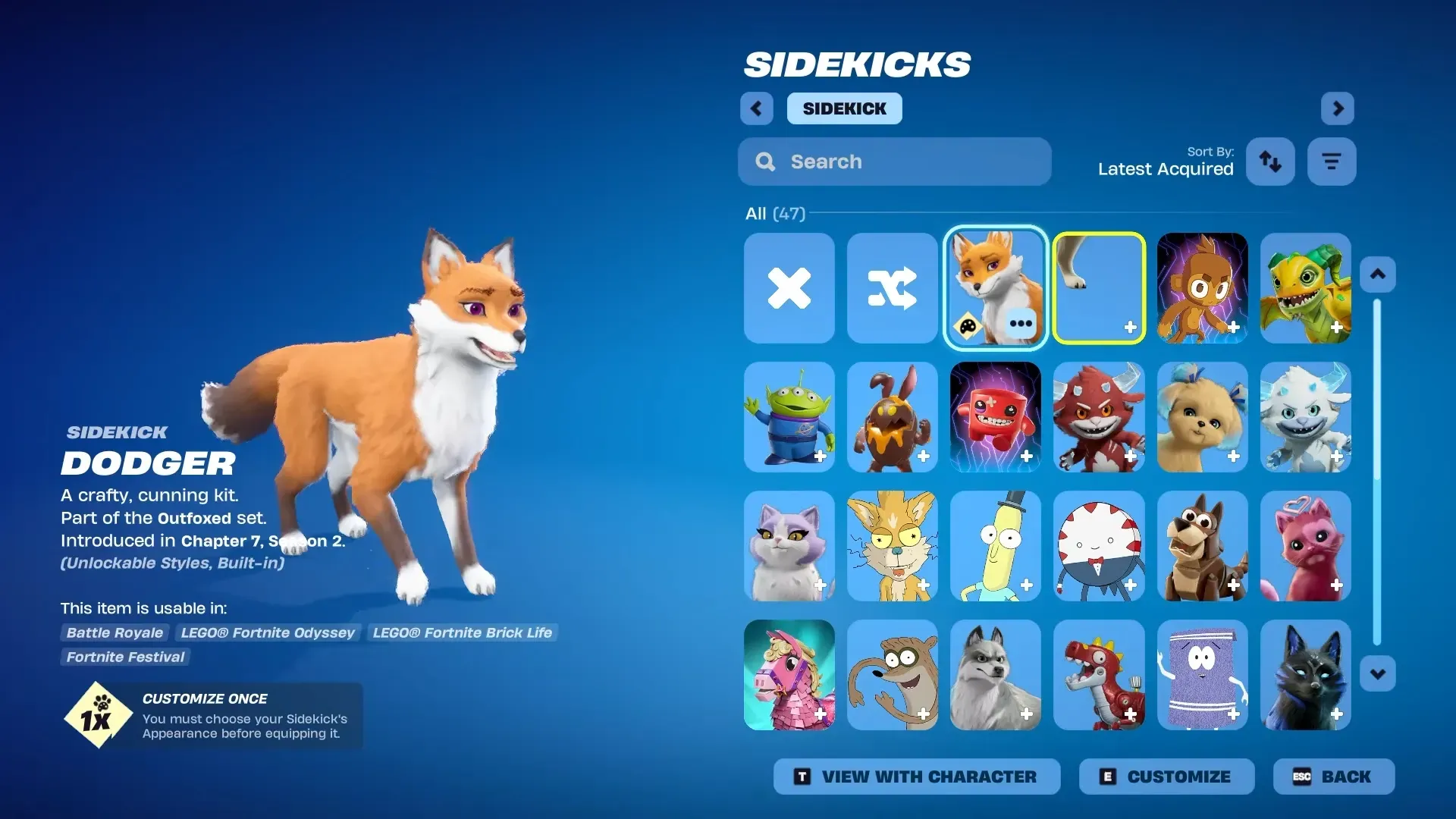
Dodger Sidekick in Fortnite: Who Gets It Free and How to Verify
Eligibility hinges on owning the original Dodger pet back bling, with delivery handled automatically through your Locker.
-

How to Switch Between First and Third Person in NTE (Neverness to Everness)
The exact key, menu path, and sensitivity options for swapping camera perspectives in Hethereau.
-
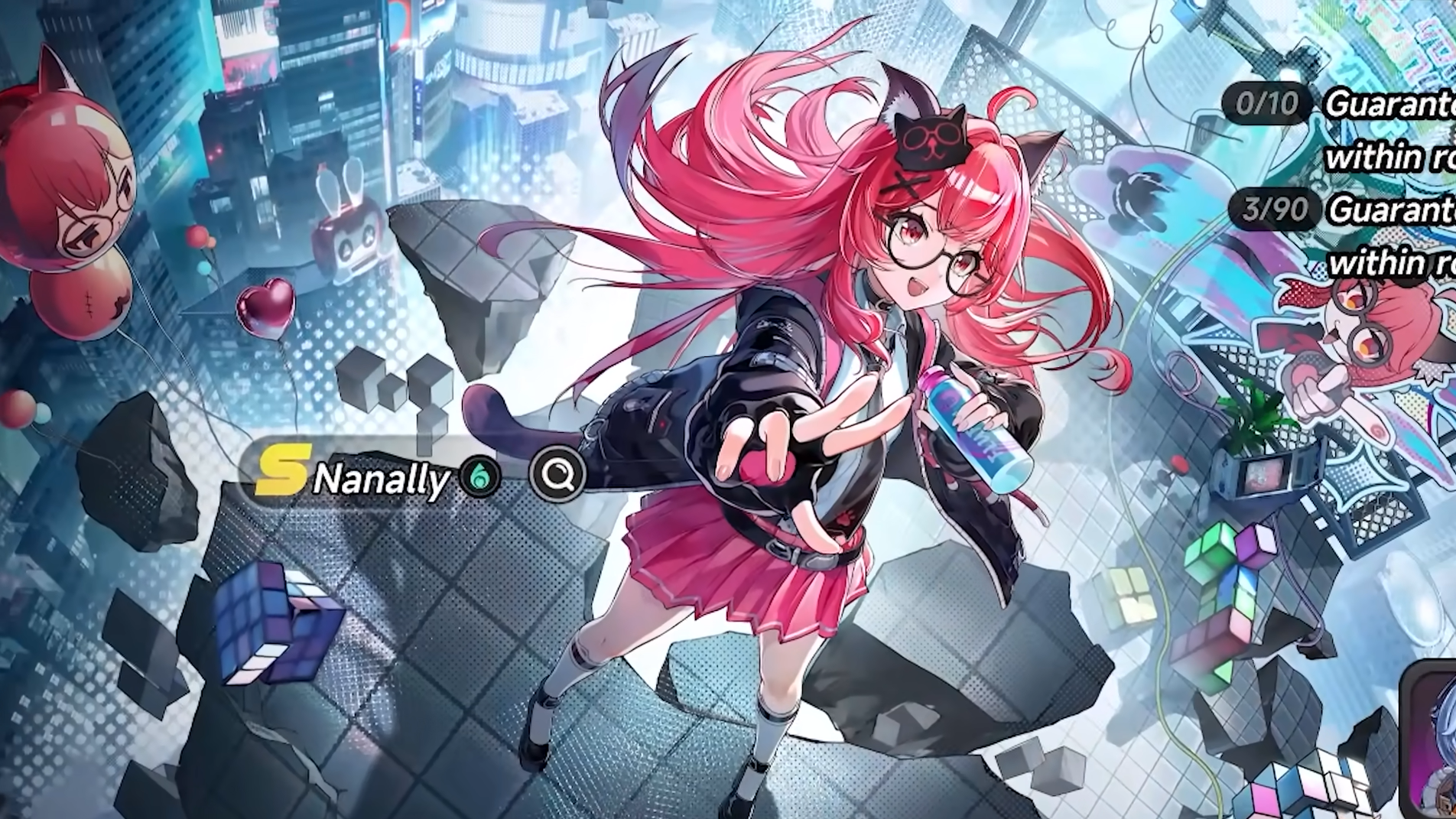
How to buy a car in NTE (Neverness to Everness)
Reach Tycoon Level 3, visit a dealership, and spend Fons to unlock bikes and cars across Hethereau.
-
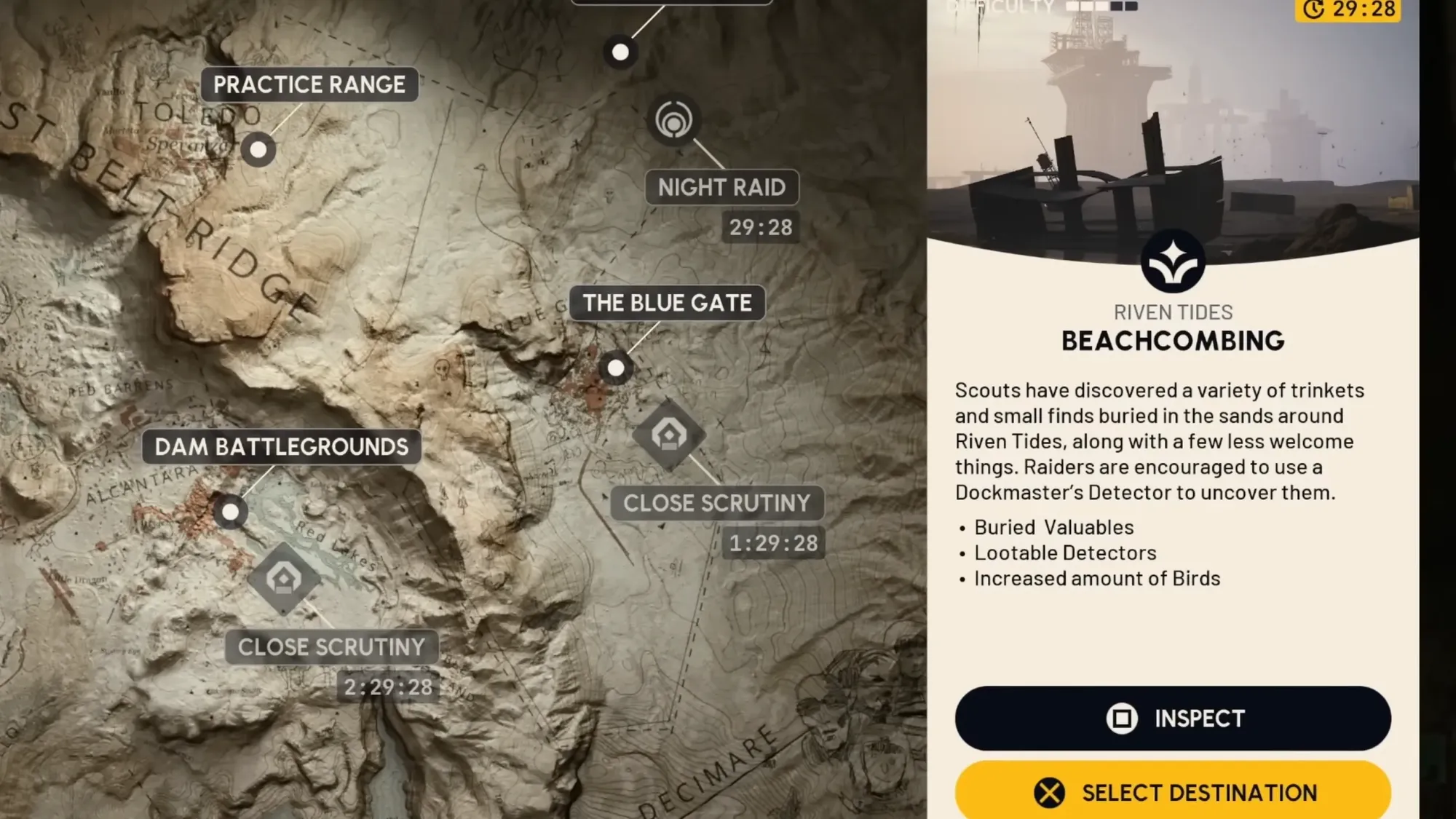
Beachcombing in Arc Raiders: How to Dig Up Buried Loot in Riven Tides
Everything you need to know about the new minor map condition, the Dockmaster’s Detector, and where to sweep for treasure.
-

Fix NTE Stuttering on PC: Settings That Actually Help
Concrete graphics tweaks, hardware checks, and in-game options that reduce frame hitches in Neverness to Everness.
-
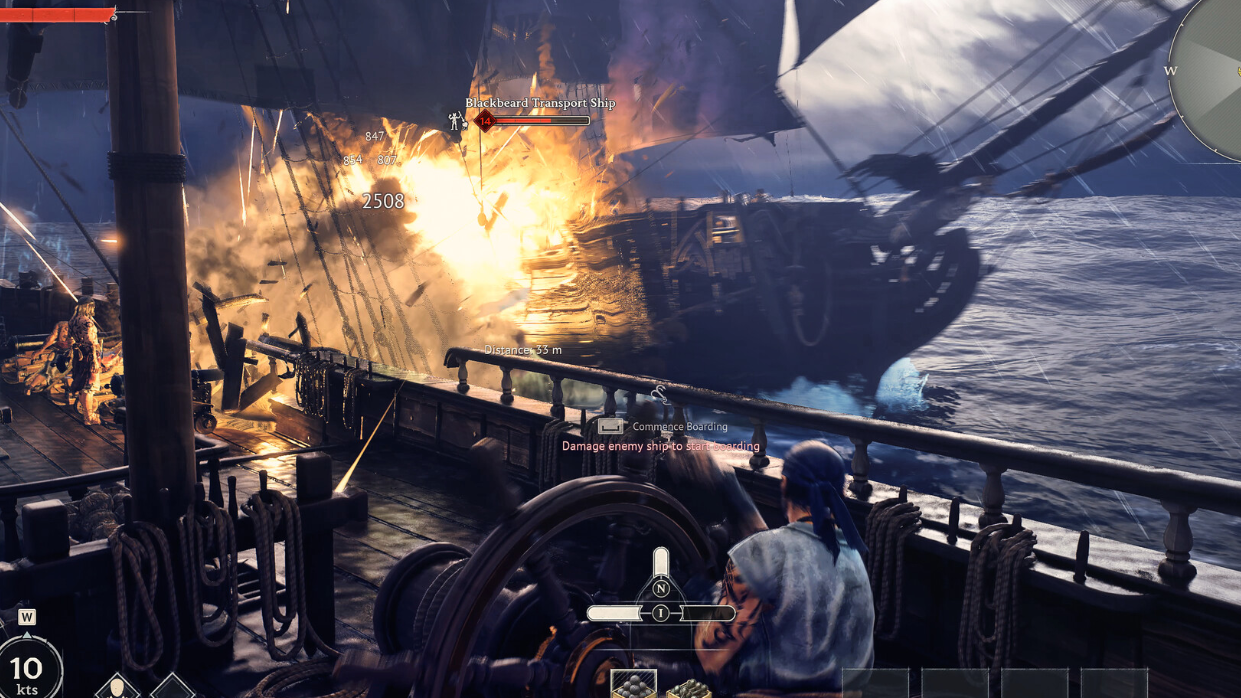
Smasher in Windrose: How to get the fish-caught club
The Smasher drops from a specific deep-water fish, not a chest or boss, and crafts at the Weaponsmith Workshop.
-
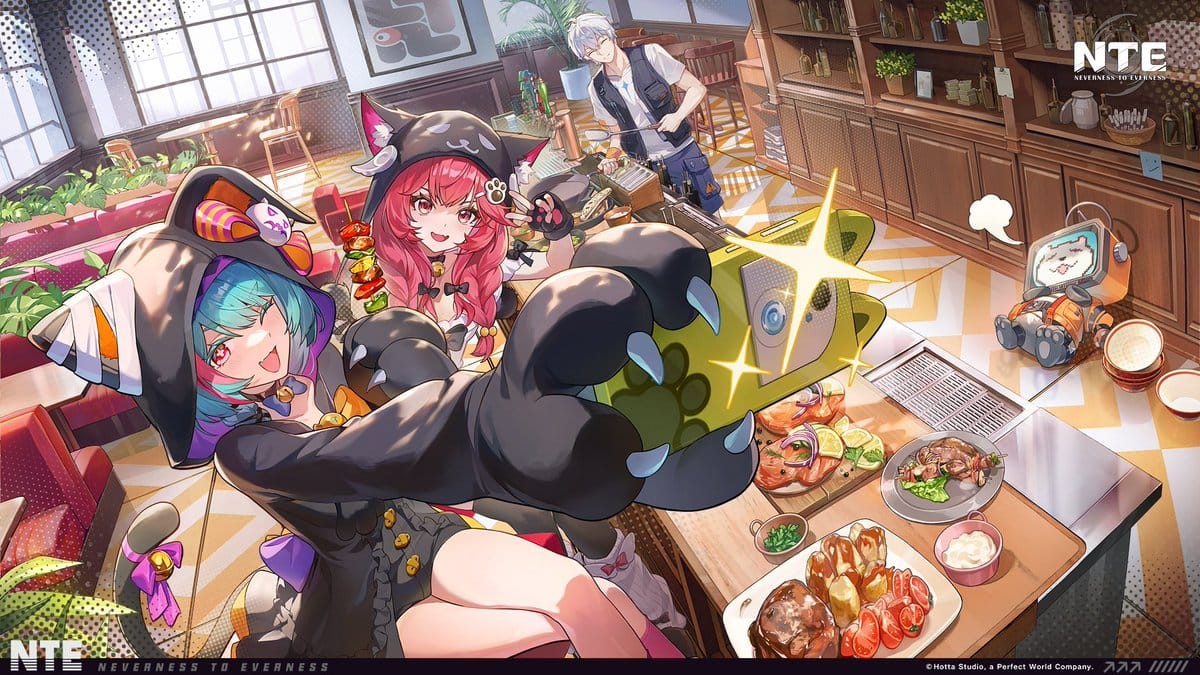
How to Get Annulith in Neverness to Everness
Every reliable way to earn NTE’s premium pull currency, from story rewards to redeemable codes.
-
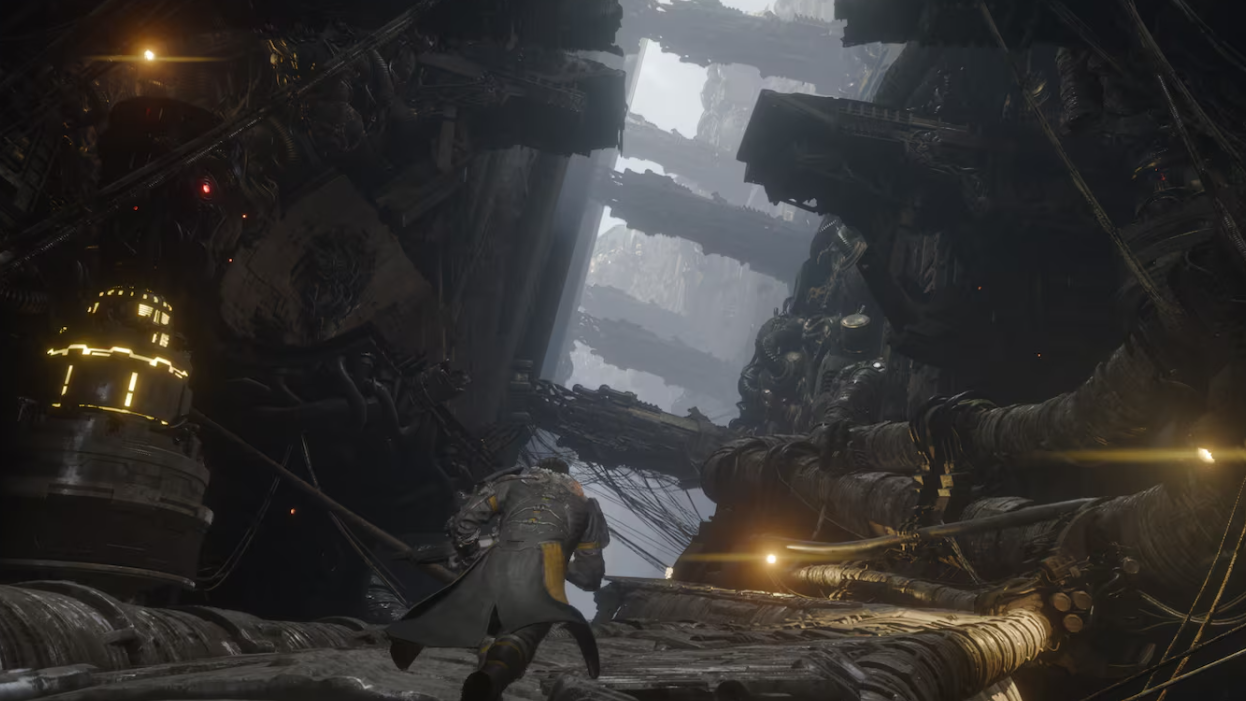
Saros Orange Walls: How to Break Them With the Prominence
The glowing orange wall sections in Shattered Rise hide loot, and your starting Power Weapon can crack them open.