
Instructional, step-by-step articles.
Content Type: How-To
-
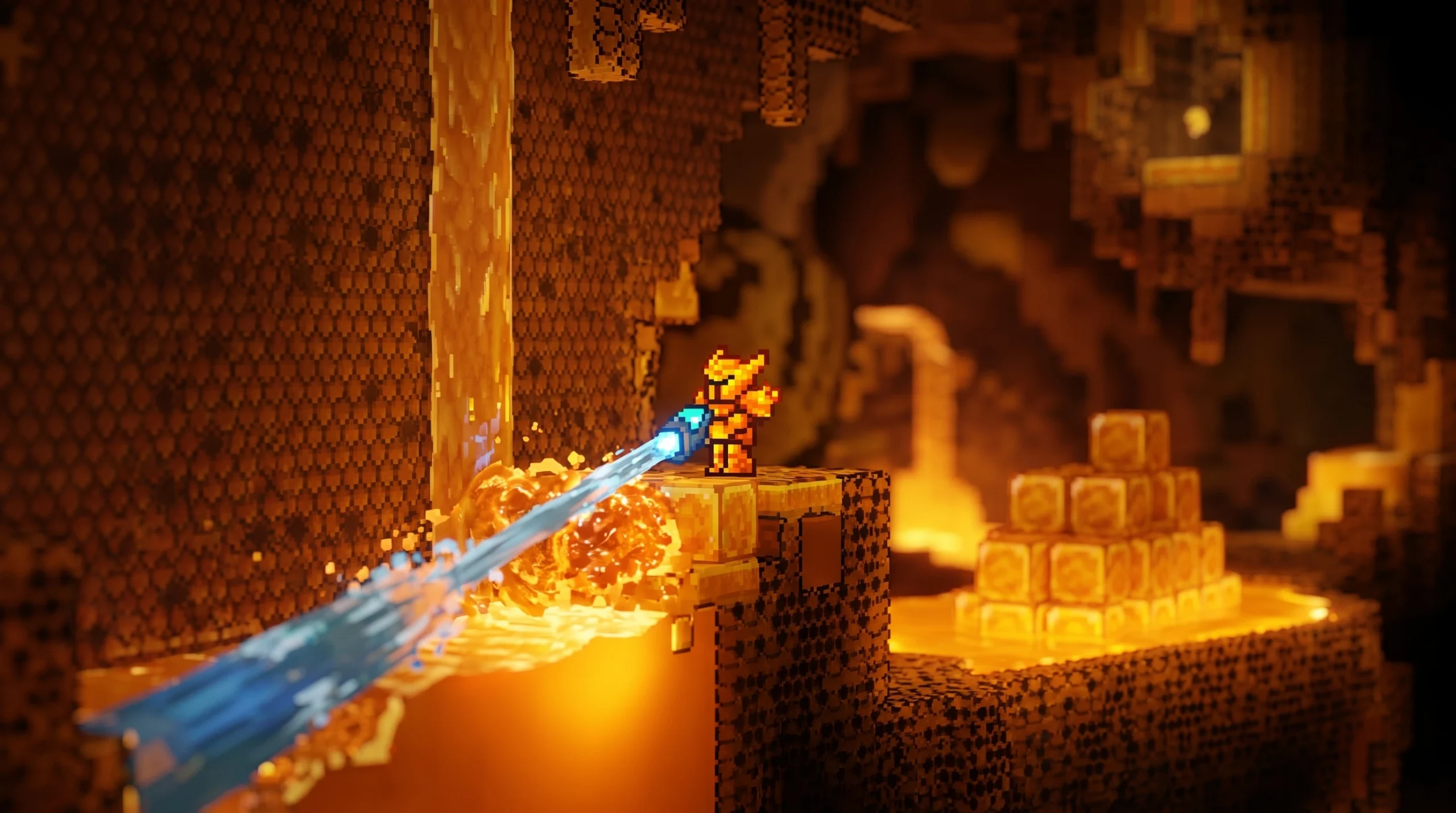
Terraria: How to Get the Honey Block
Two reliable ways to make Honey Blocks, plus the exact conditions that form them in the Underground Jungle.
-
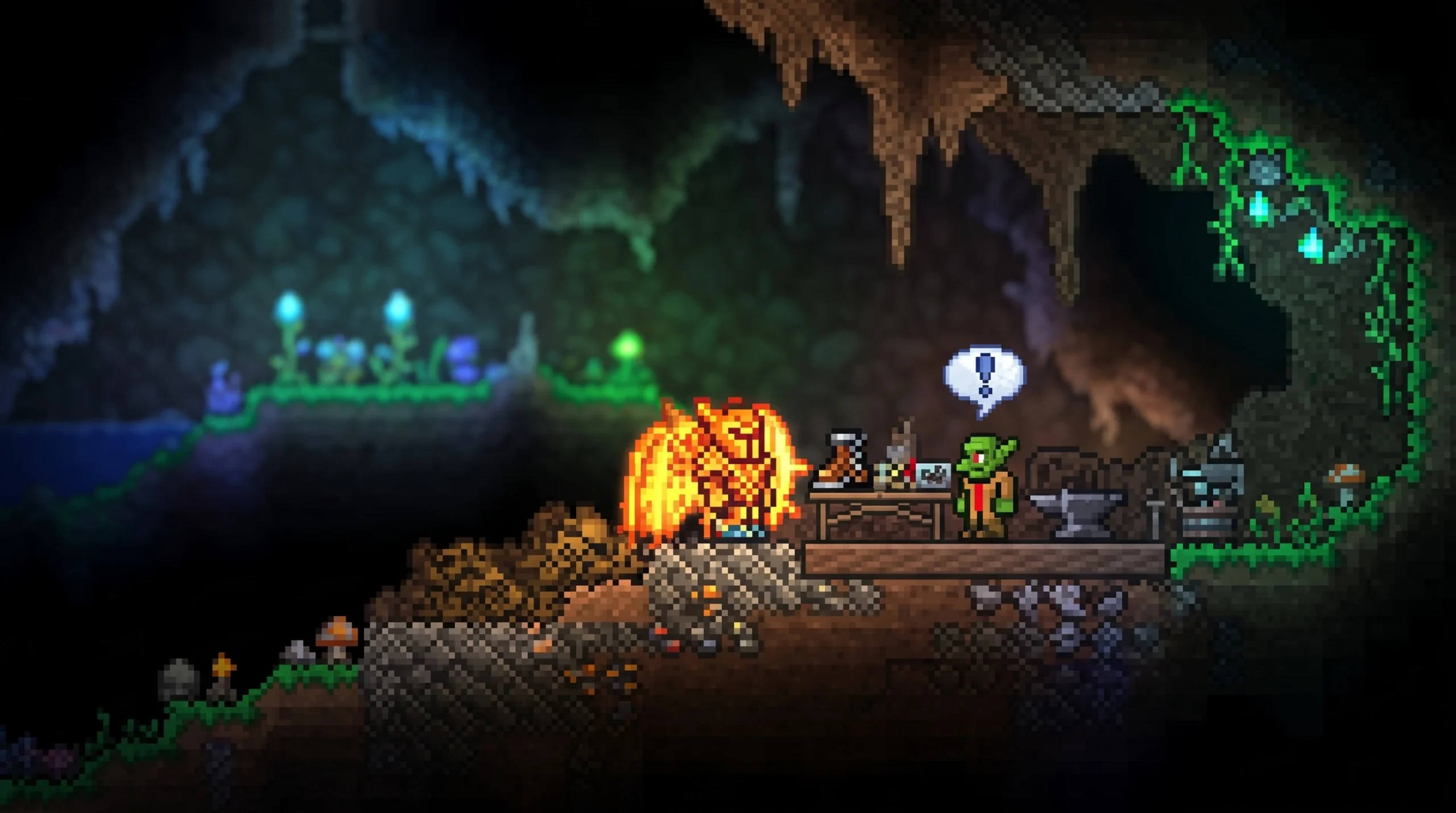
Terraria: How to Get the Rocket Boots
The Rocket Boots come from the Goblin Tinkerer, and here is the exact path to unlock, buy, and later upgrade them.
-
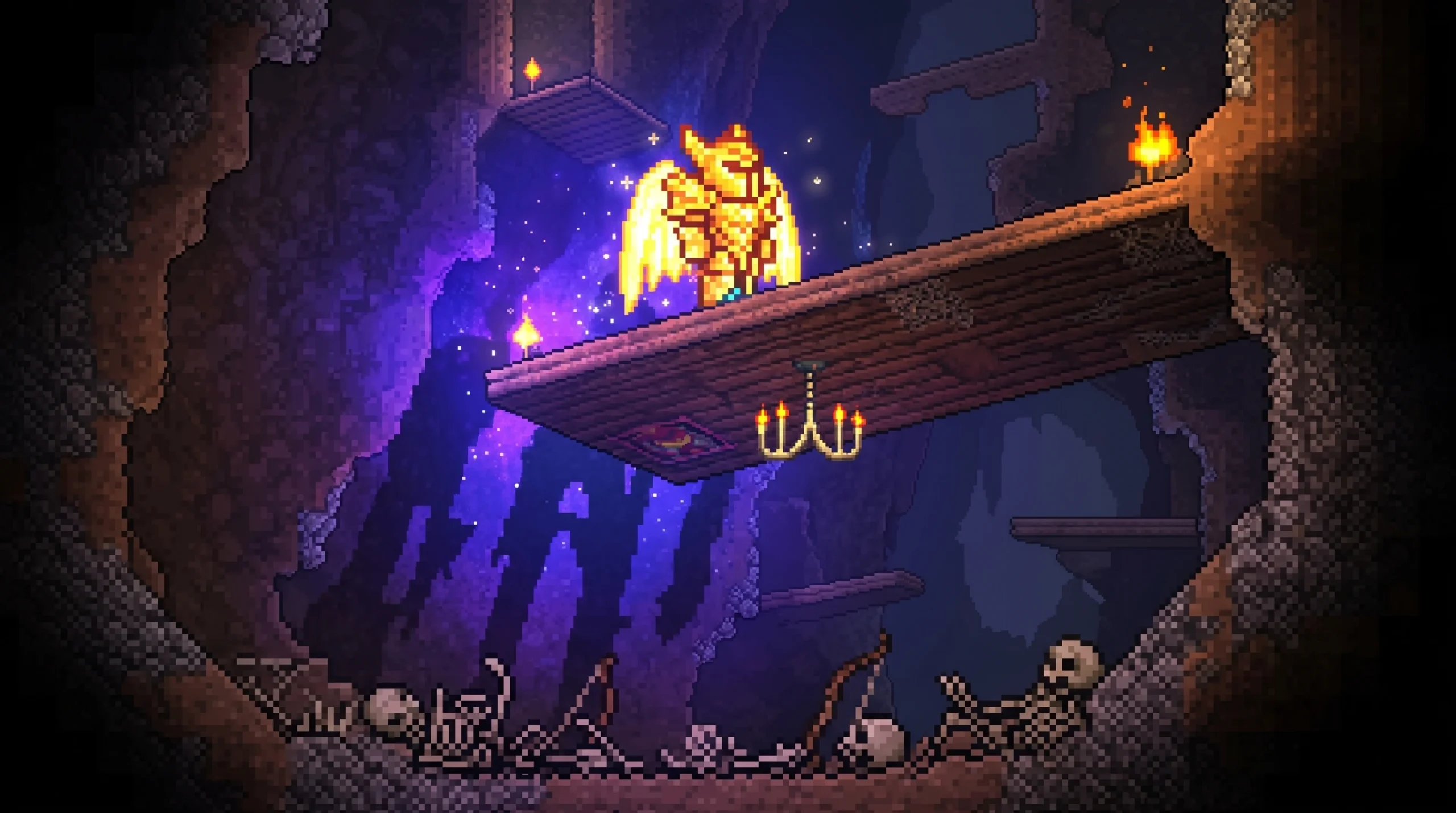
Terraria: How to Get the Magic Quiver
Farm Skeleton Archers in the Cavern layer for the 1.25% drop that boosts every arrow you fire.
-
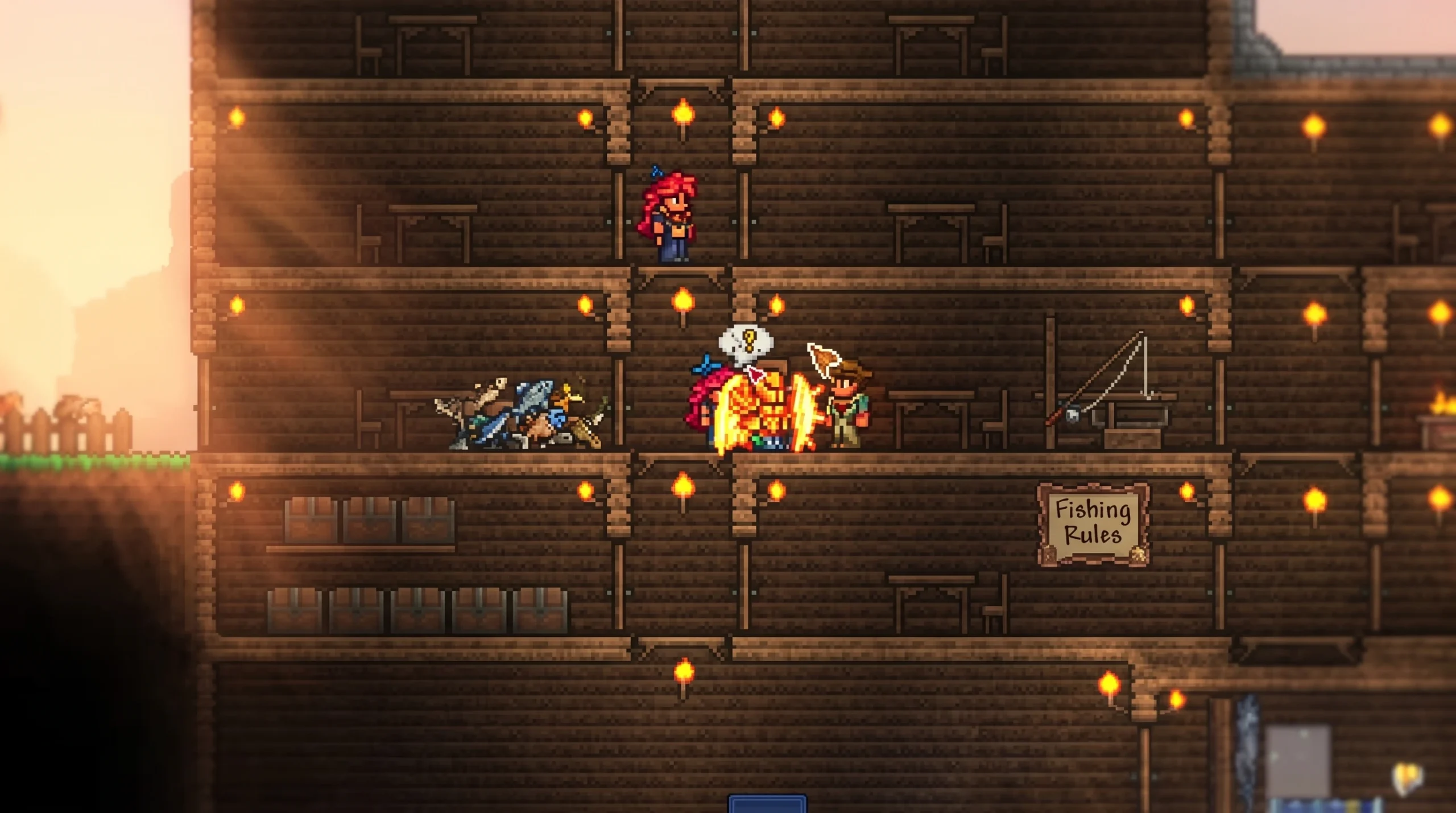
Terraria: How to Get the Golden Fishing Rod
The highest fishing power rod in the game comes from completing 30 Angler quests, one per in-game day.
-
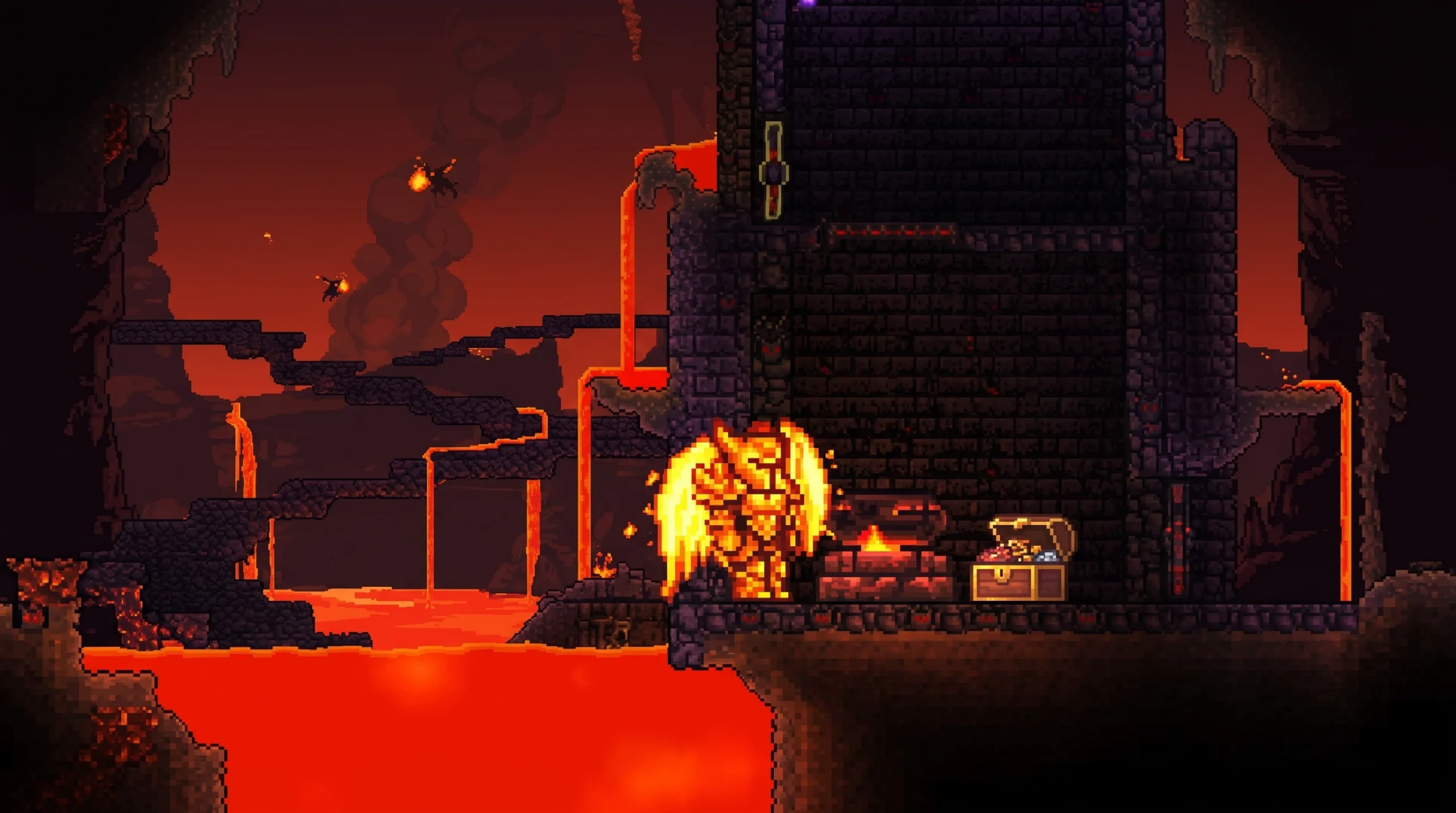
Terraria: How to Get the Hellforge
Find this Underworld crafting station, mine it with the right pickaxe power, and use it to smelt Hellstone Bars.
-
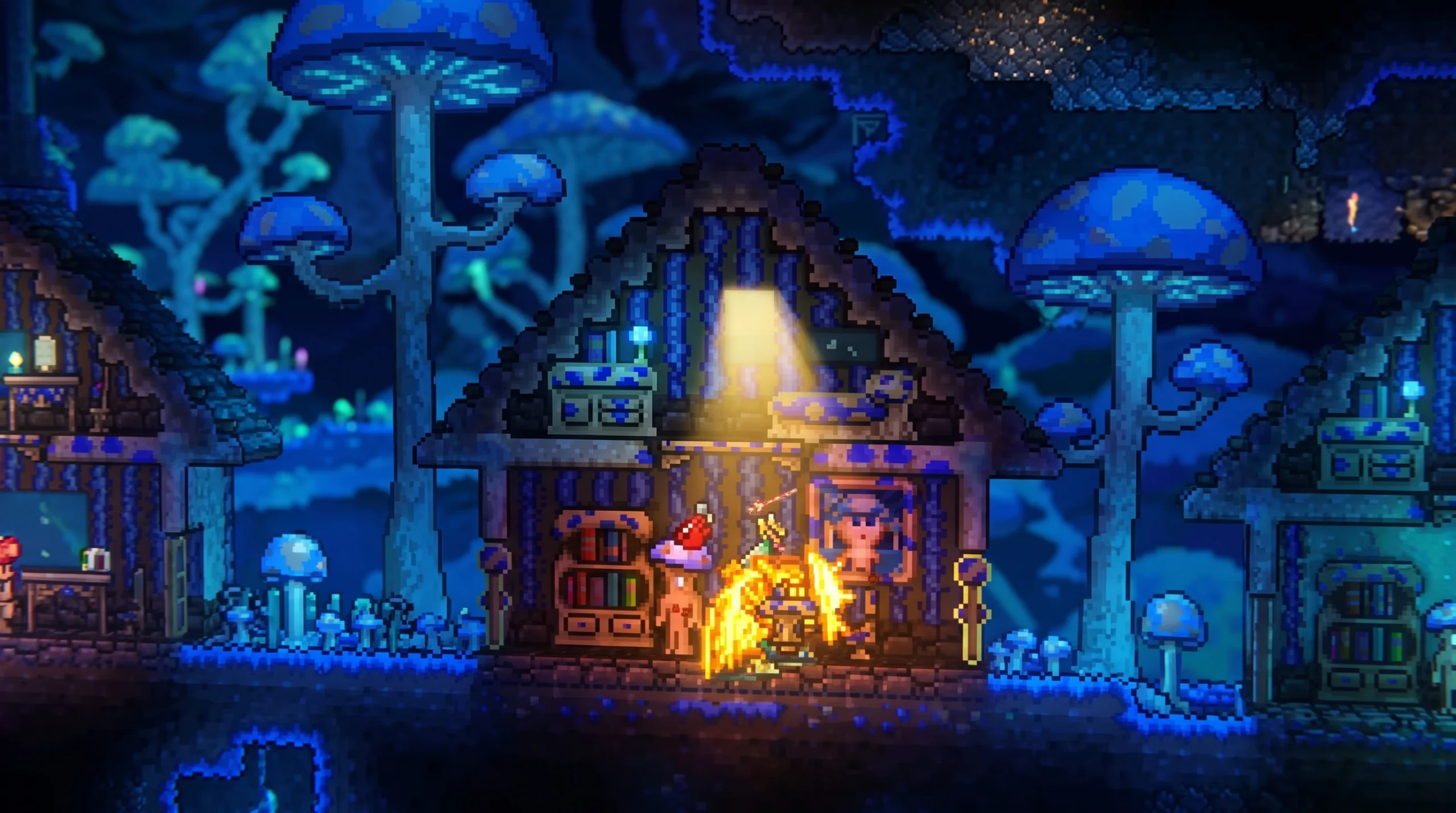
Terraria: How to Get the Mushroom Pylon
The exact selling conditions and placement rules that let you buy and teleport with the Glowing Mushroom biome pylon.
-
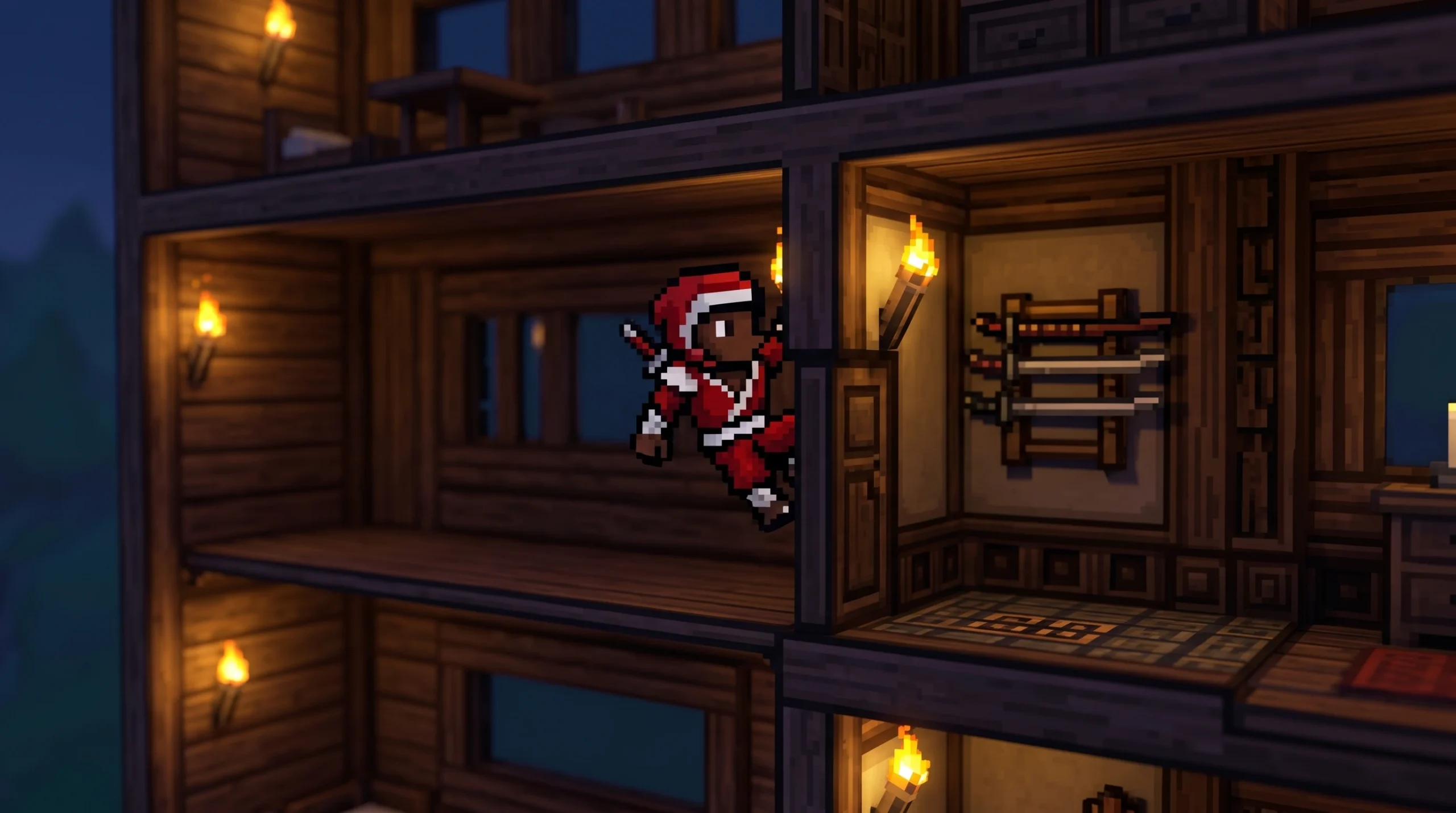
Terraria: How to Get the Master Ninja Gear
The exact components, drop sources, and crafting station you need to combine dashing, wall-climbing, and a 10 percent dodge into one accessory.
-
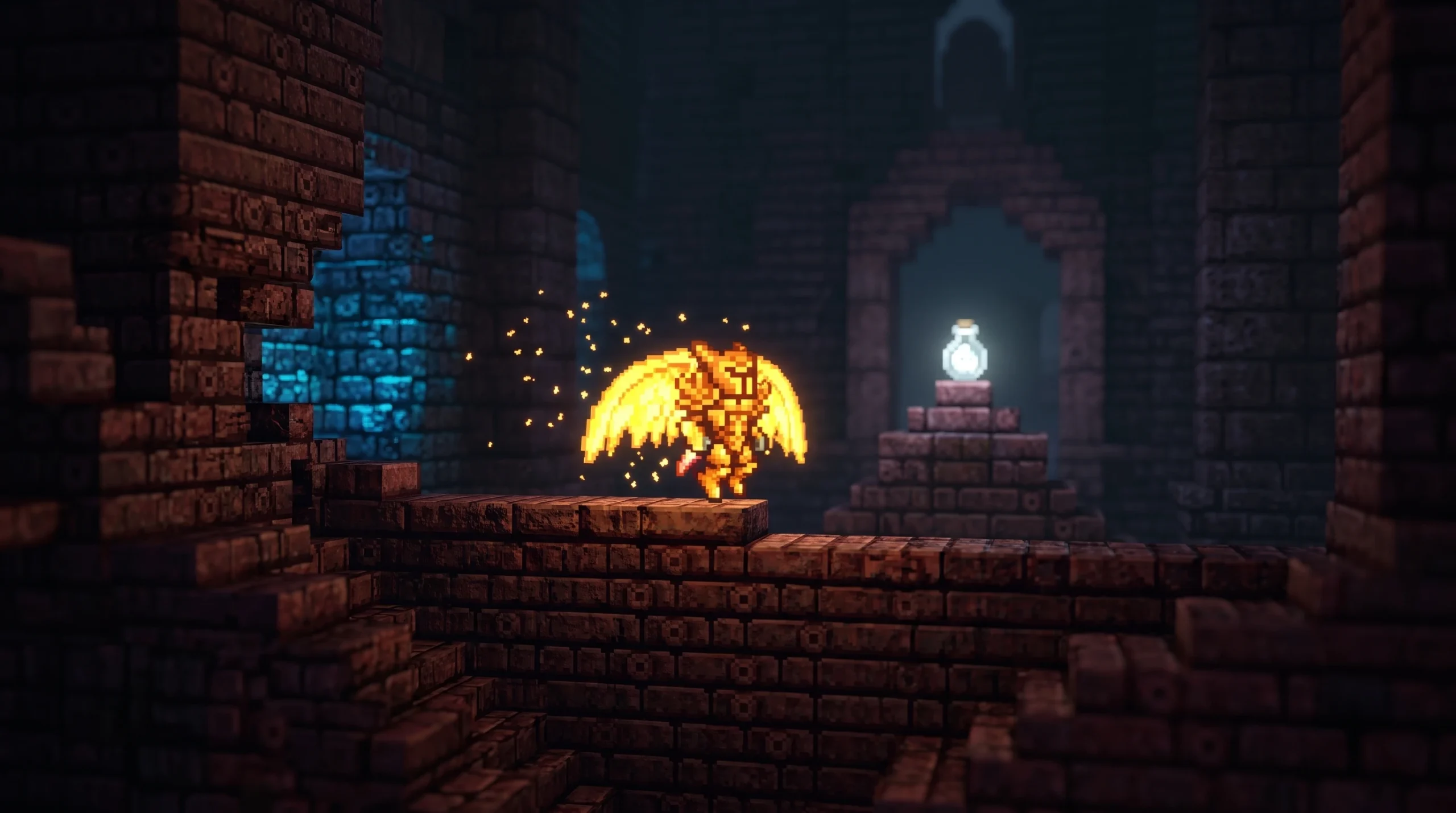
Terraria: How to Get the Wisp in a Bottle
The rare cyan light pet drops only from armored bone enemies in the post-Plantera Dungeon.
-
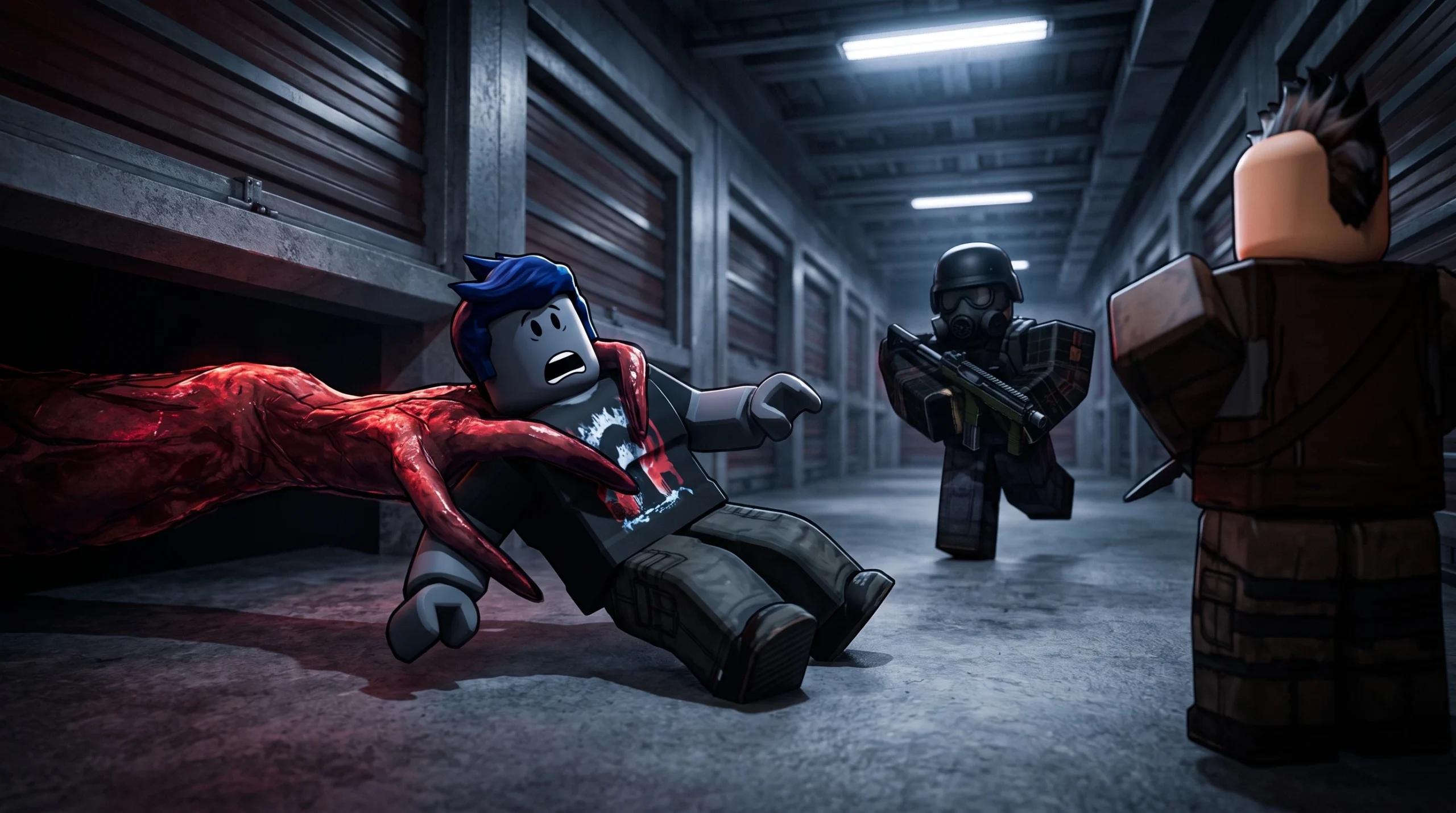
Storage Hunters: Open World – How to Get Money Fast (Best Tips and Tricks)
The fastest route through net worth zones, auction bidding, accessories, and diamond upgrades in the Roblox game.
-
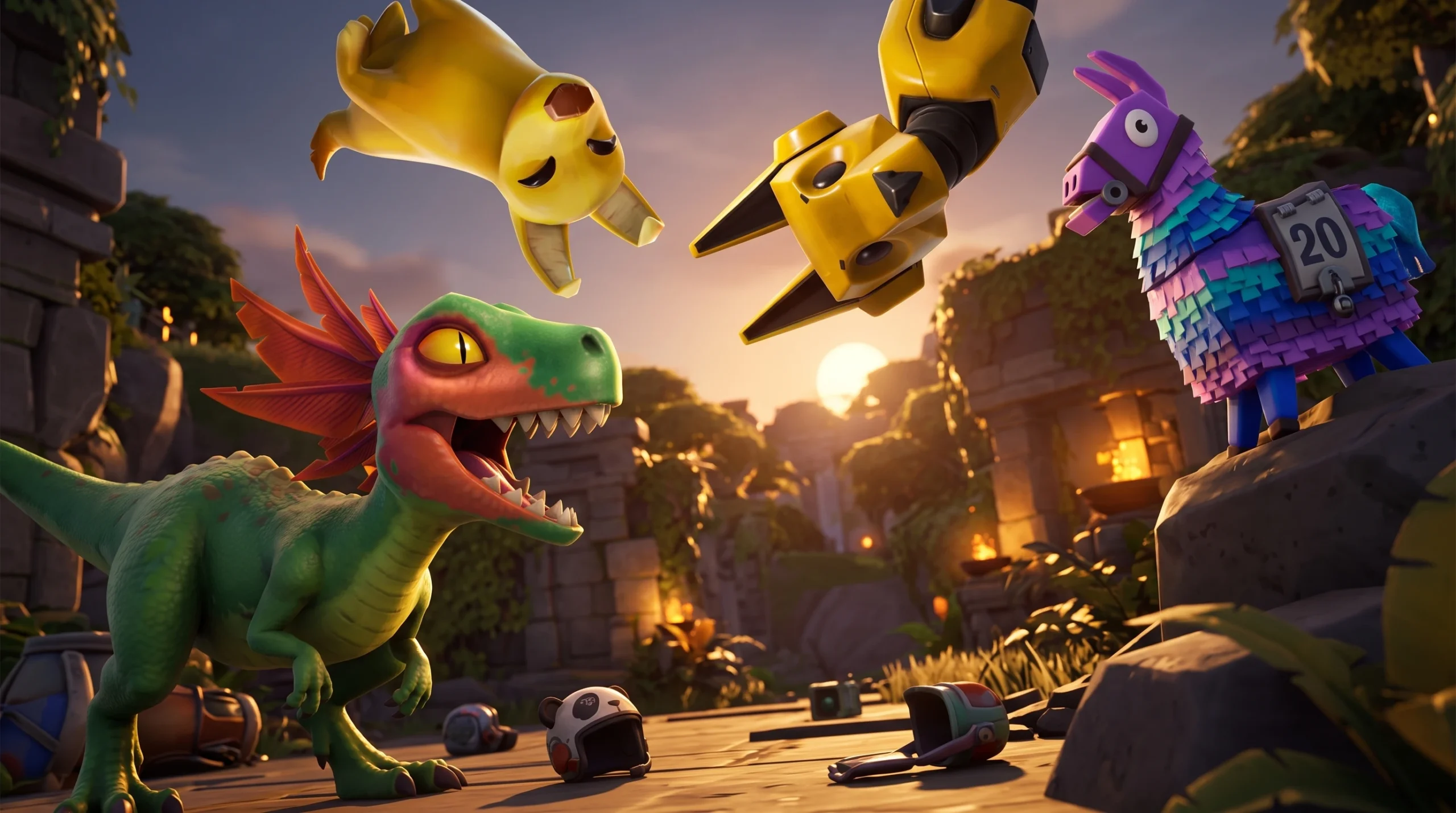
Fortnite Cuddles and Chaos: How to Get the Free P.A.N.D.A. Team Jr. Sidekick
The panda companion unlocks after four Cuddles and Chaos quests, with three more cosmetics tied to the same reward track.