
Instructional, step-by-step articles.
Content Type: How-To
-

Honkai: Star Rail 4.2 Anniversary Livestream — Exact Start Times and How to Watch
The Version 4.2 “So Laughed the Masses” Special Program airs April 10 with free Stellar Jade codes.
-
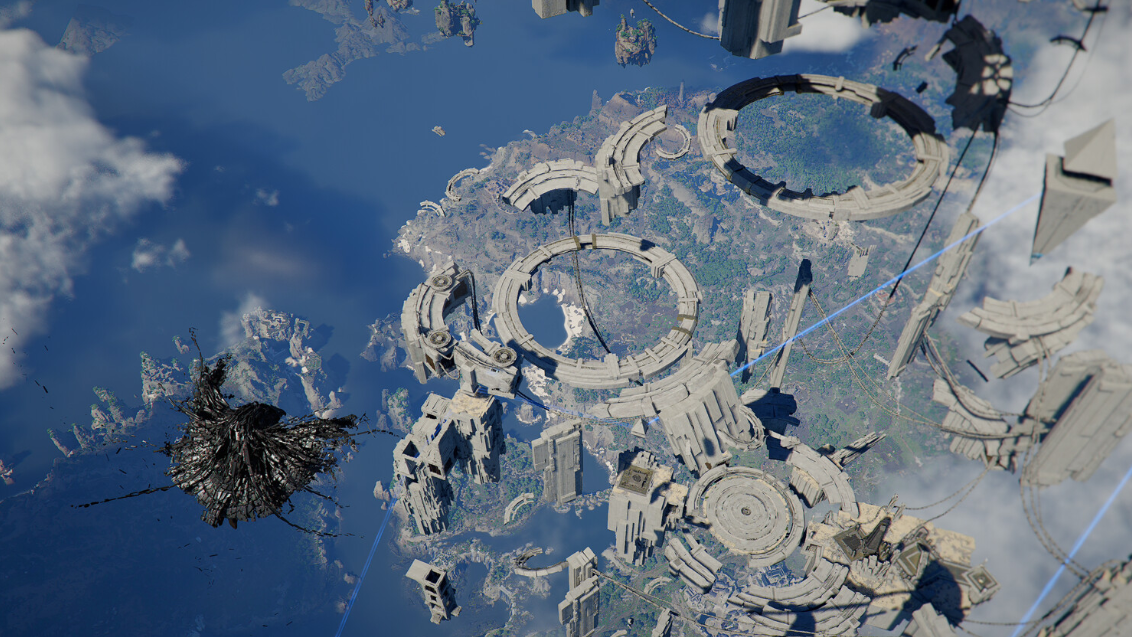
How to Solve the Sanctum of Mortification in Crimson Desert
This story-locked Sanctum in Chapter 9 hides both puzzle pieces outside the quest marker’s orange search area.
-
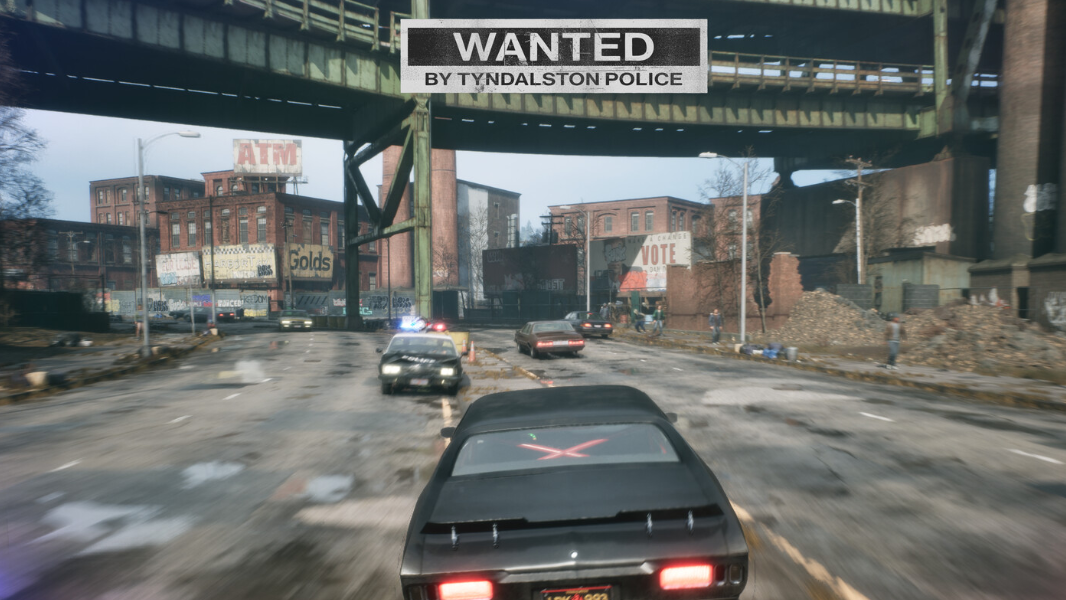
Samson: A Tyndalston Story — How to Manage and Pay Off Your Debt
Every dollar, Action Point, and minute counts when the mob is holding your sister hostage.
-
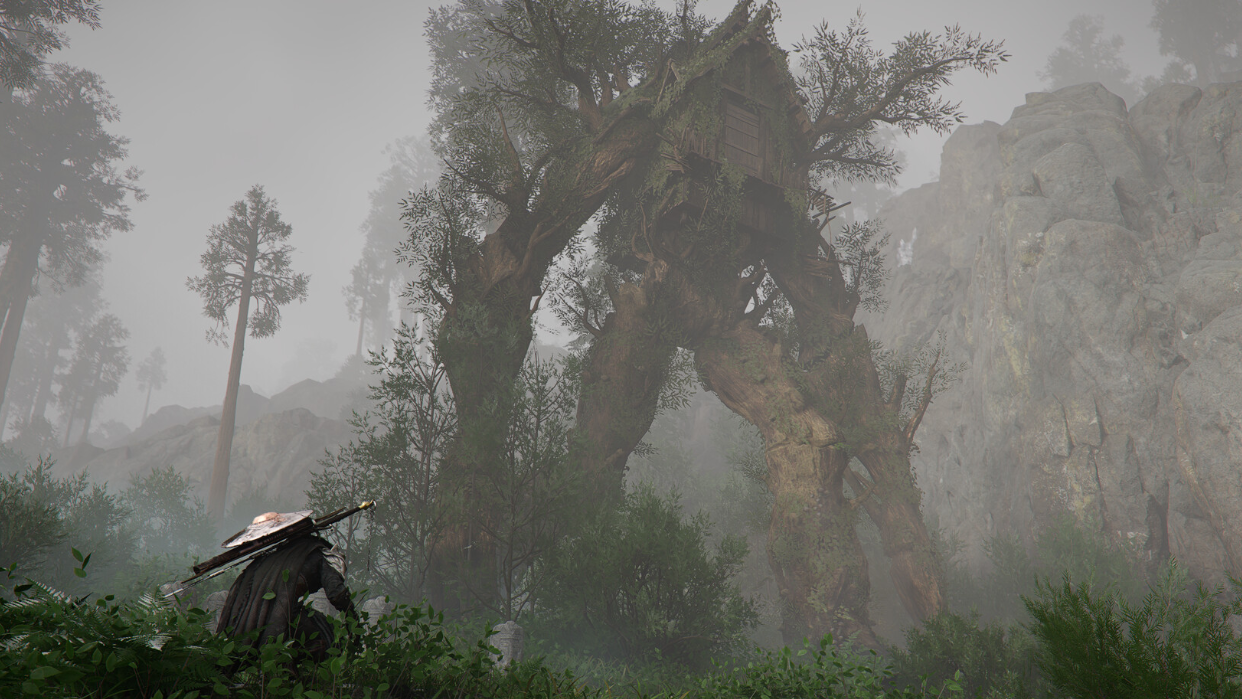
Getting White Dye in Crimson Desert — Pure White and the Bright Yellow Workaround
There are two paths to white armor in Pywel, and one is available much earlier than the other.
-
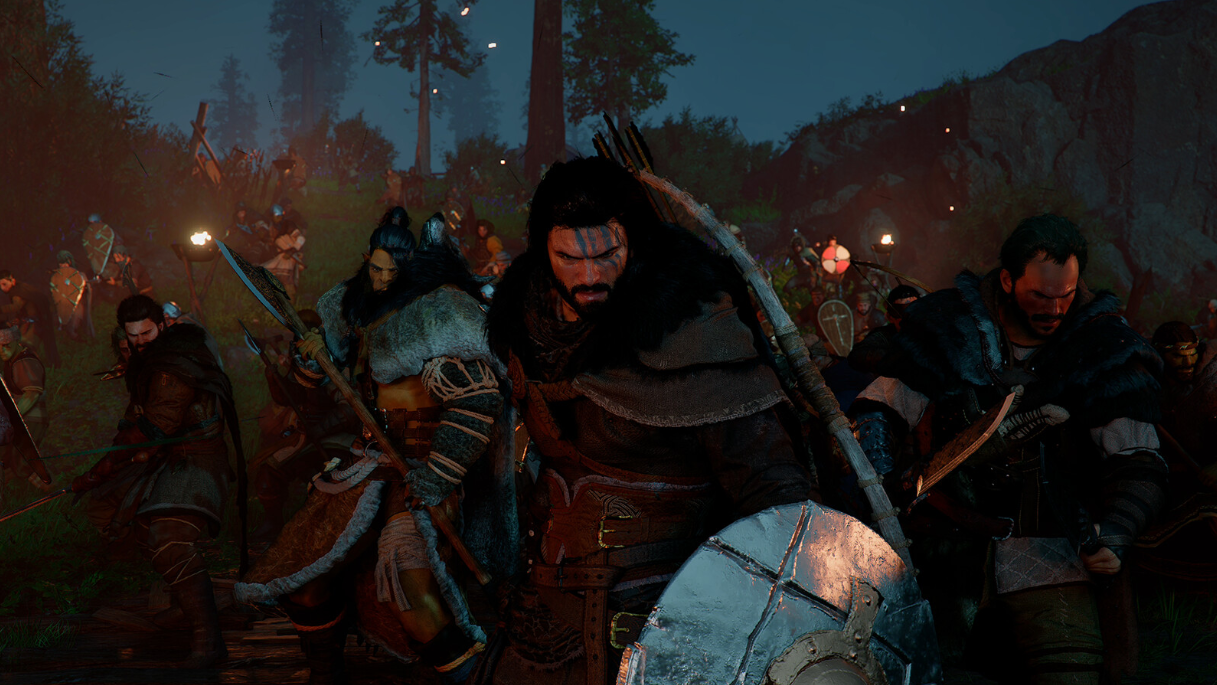
Crimson Desert Borzak Bounty — Where to Find Him and How to Turn Him In
This crop thief hides near Fullharvest Farm, but catching him takes a bit of patience and timing.
-
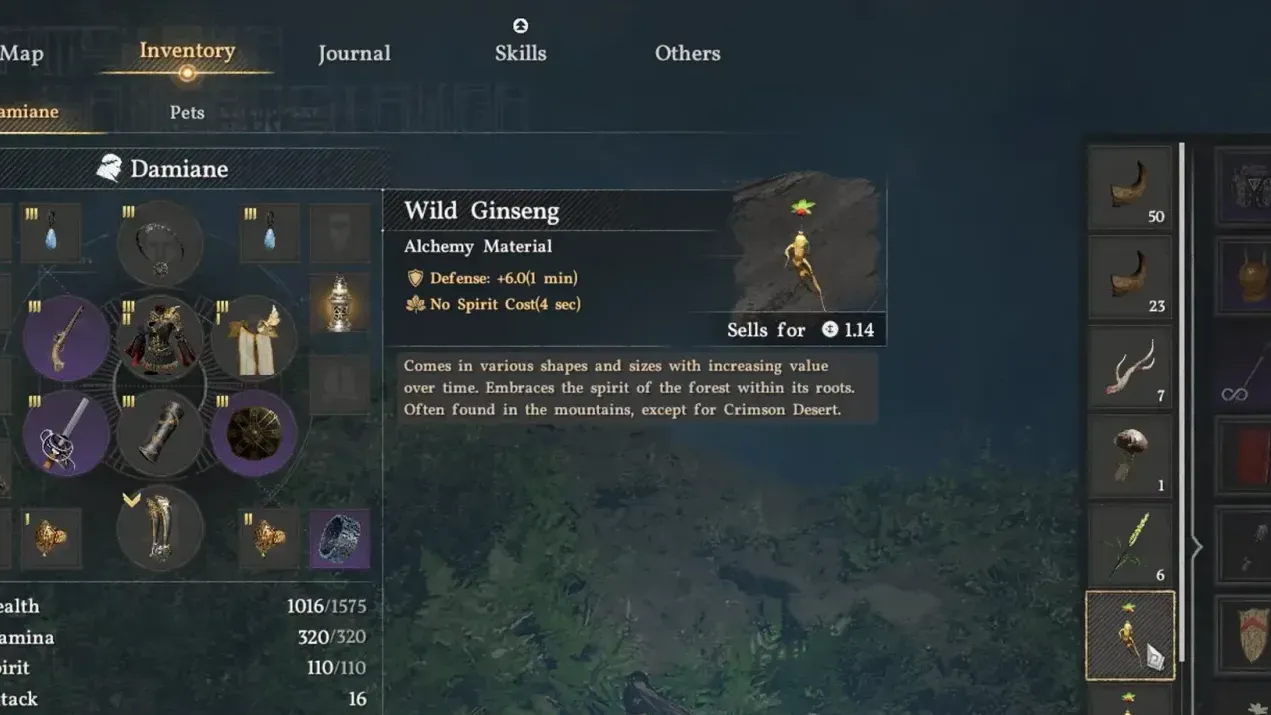
How to Farm Wild Ginseng in Crimson Desert — Seeds, Planting, and Harvest Tips
A single wild ginseng seed can yield up to 10 plants when farmed correctly at your camp.
-
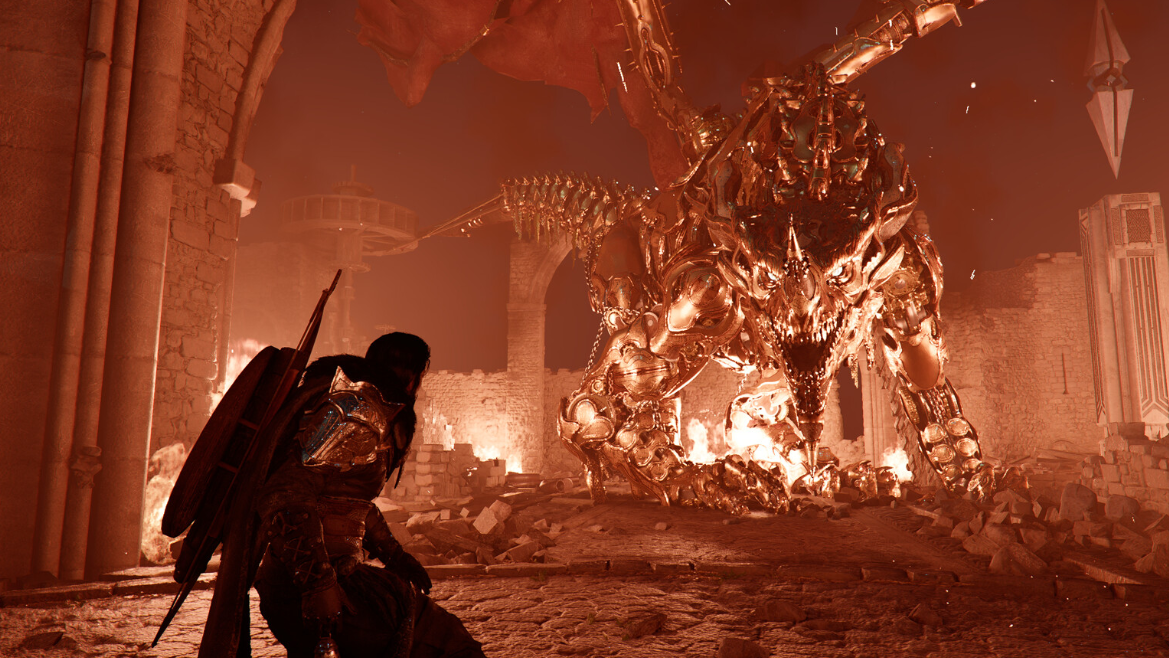
How to Complete the Sanctum of Revelation in Crimson Desert
Clear the Antumbra forces, solve the pillar puzzle, and claim powerful gear from Areciel’s sanctum.
-
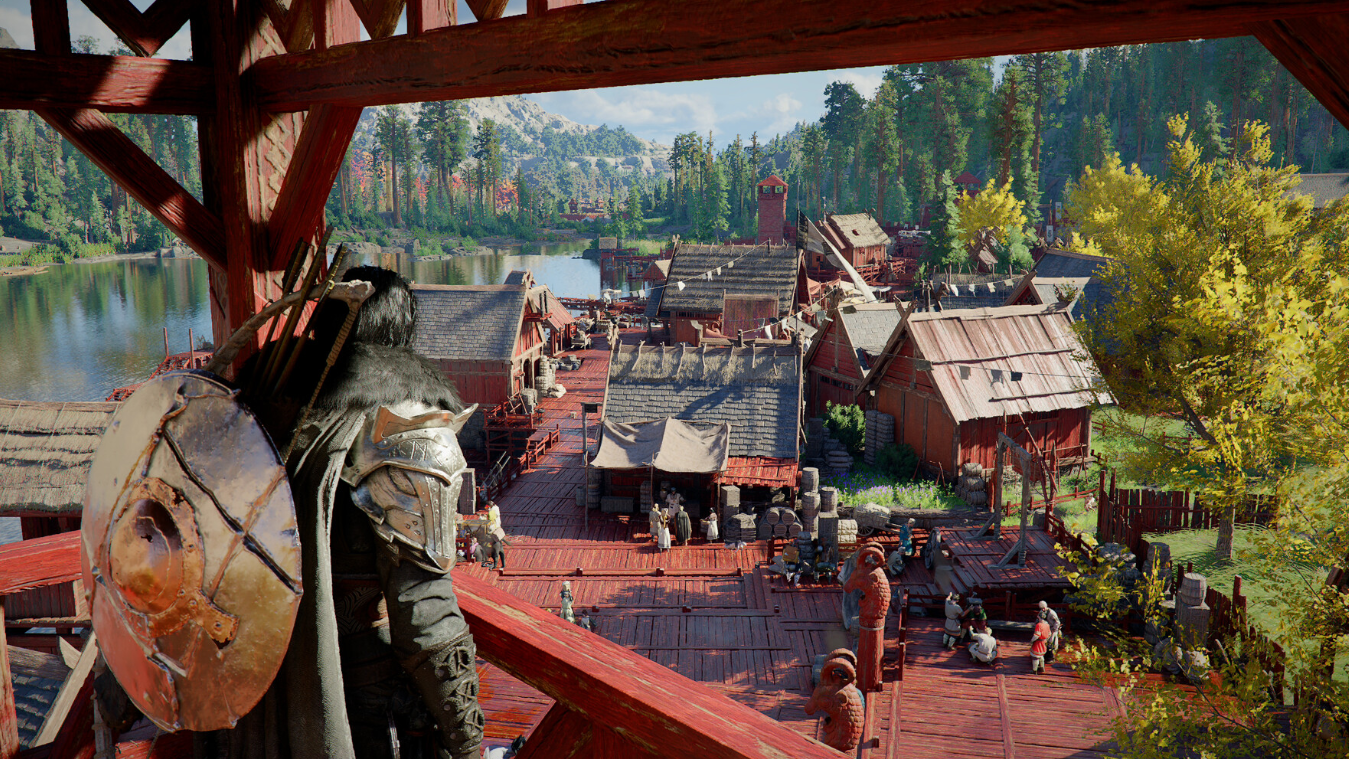
Crimson Desert’s Master Trainer’s Touch — How to Win the Race and Boost Horse XP
These leather gloves are a one-time quest reward that passively speeds up horse leveling and may ease taming.
-

How to Solve “Unravel the Secret of the Song” in Where Winds Meet
This moon-alignment puzzle in the A Bitter Draught of Home quest has a simple trick most players miss.
-
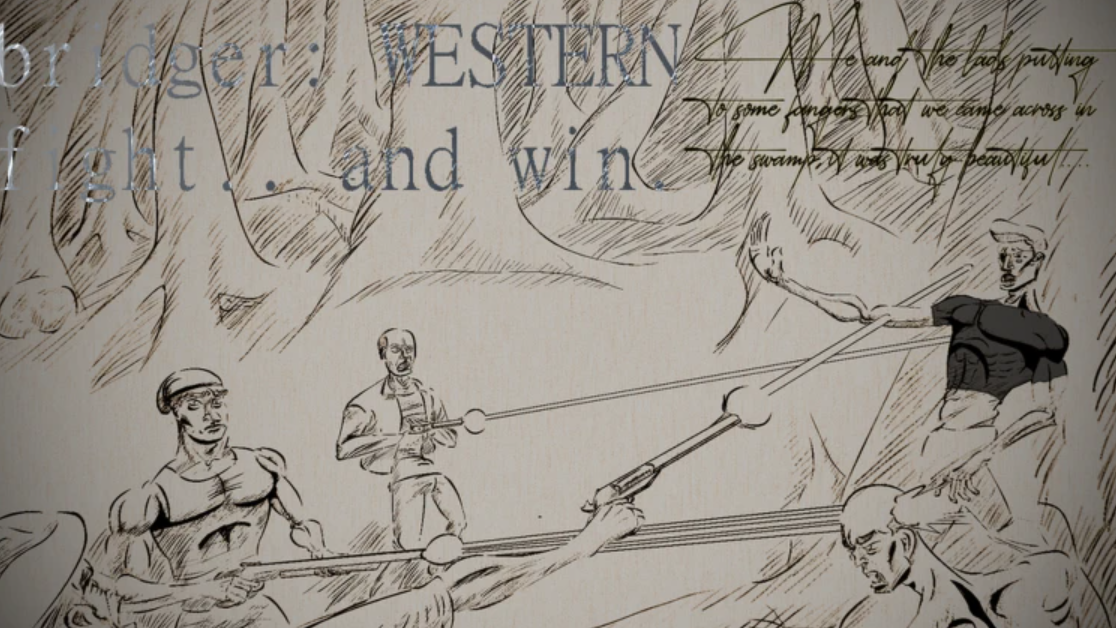
Bridger Western Gangs — How to Set One Up and What You Need First
Gangs in Bridger Western are tied to Roblox Groups, and the setup has a few easy-to-miss requirements.