
Instructional, step-by-step articles.
Content Type: How-To
-
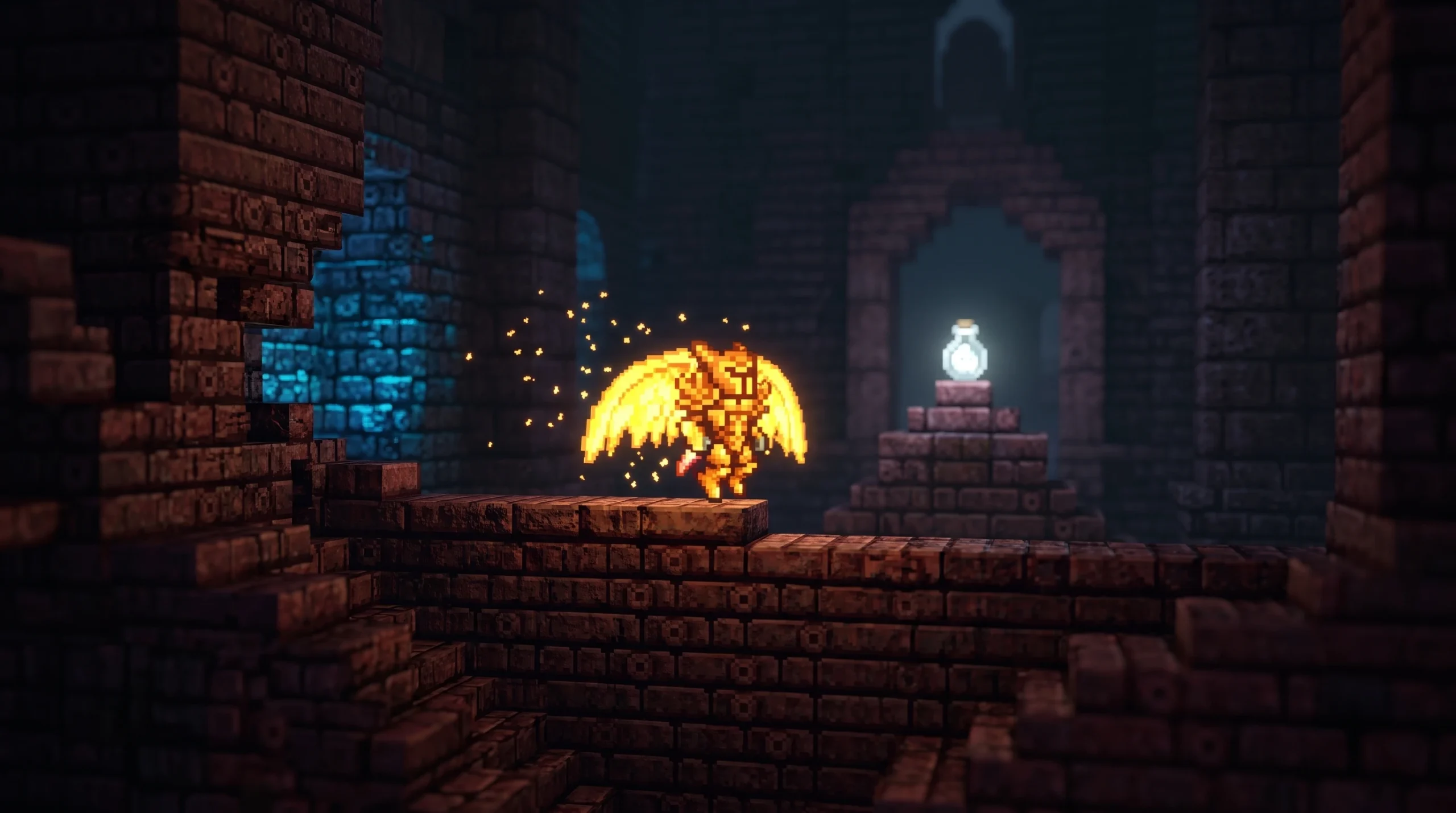
Terraria: How to Get the Wisp in a Bottle
The rare cyan light pet drops only from armored bone enemies in the post-Plantera Dungeon.
-
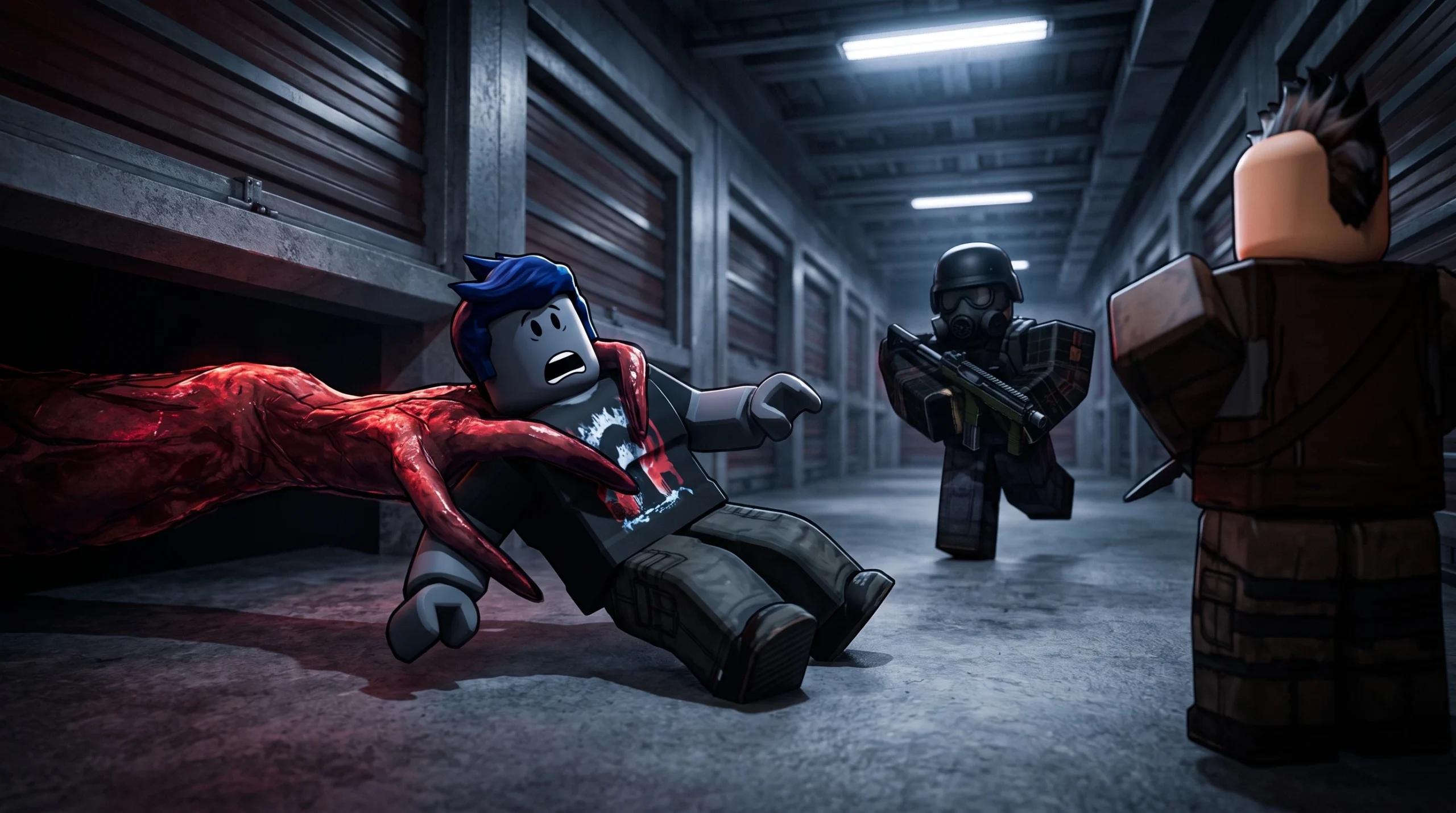
Storage Hunters: Open World – How to Get Money Fast (Best Tips and Tricks)
The fastest route through net worth zones, auction bidding, accessories, and diamond upgrades in the Roblox game.
-
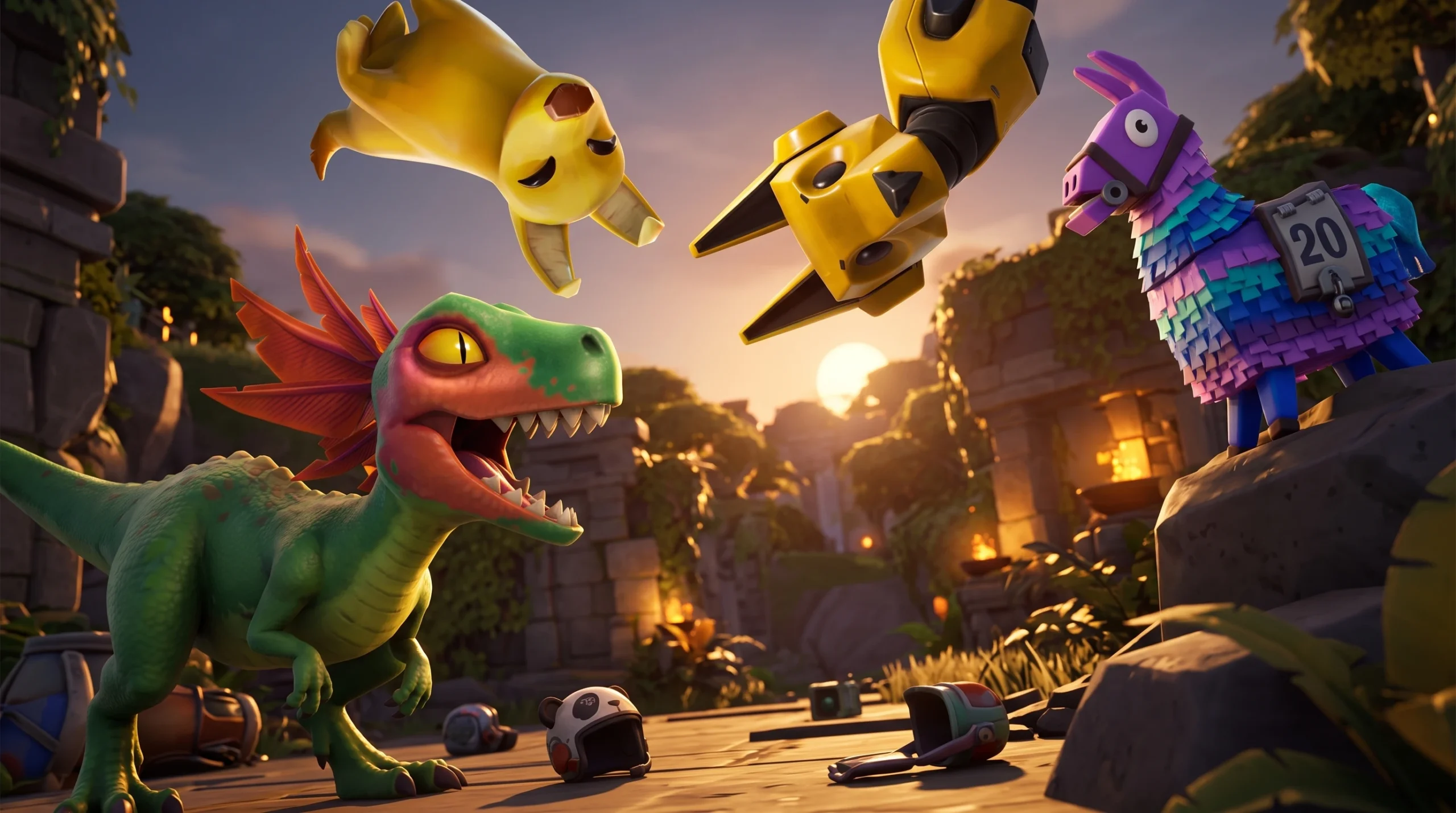
Fortnite Cuddles and Chaos: How to Get the Free P.A.N.D.A. Team Jr. Sidekick
The panda companion unlocks after four Cuddles and Chaos quests, with three more cosmetics tied to the same reward track.
-
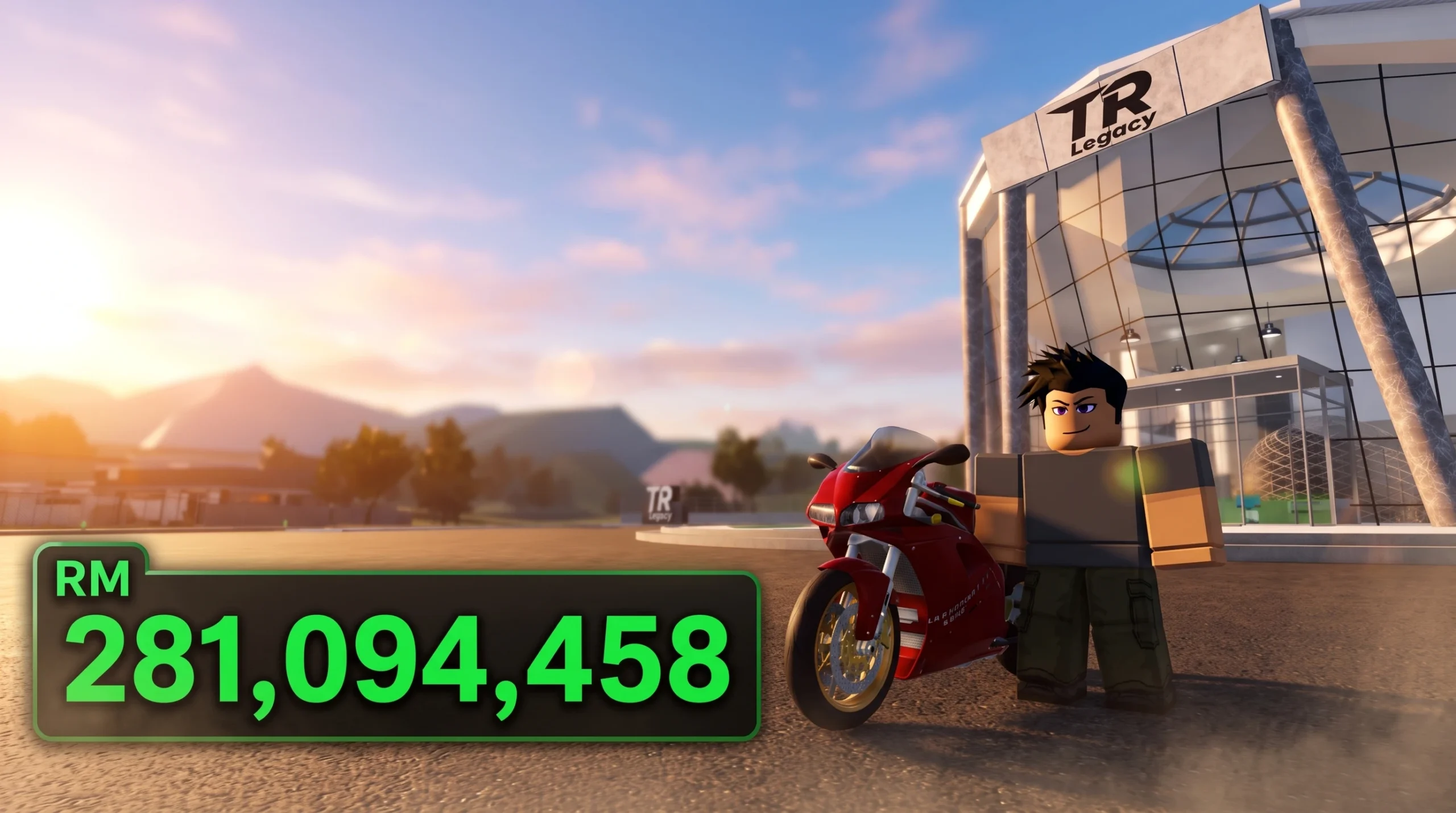
TR Legacy: How to Get Cash Fast (Codes and Racing)
Lock a hands-free wheelie on the Highway Race map for steady cash, then stack a code, a group boost, and racing on top.
-
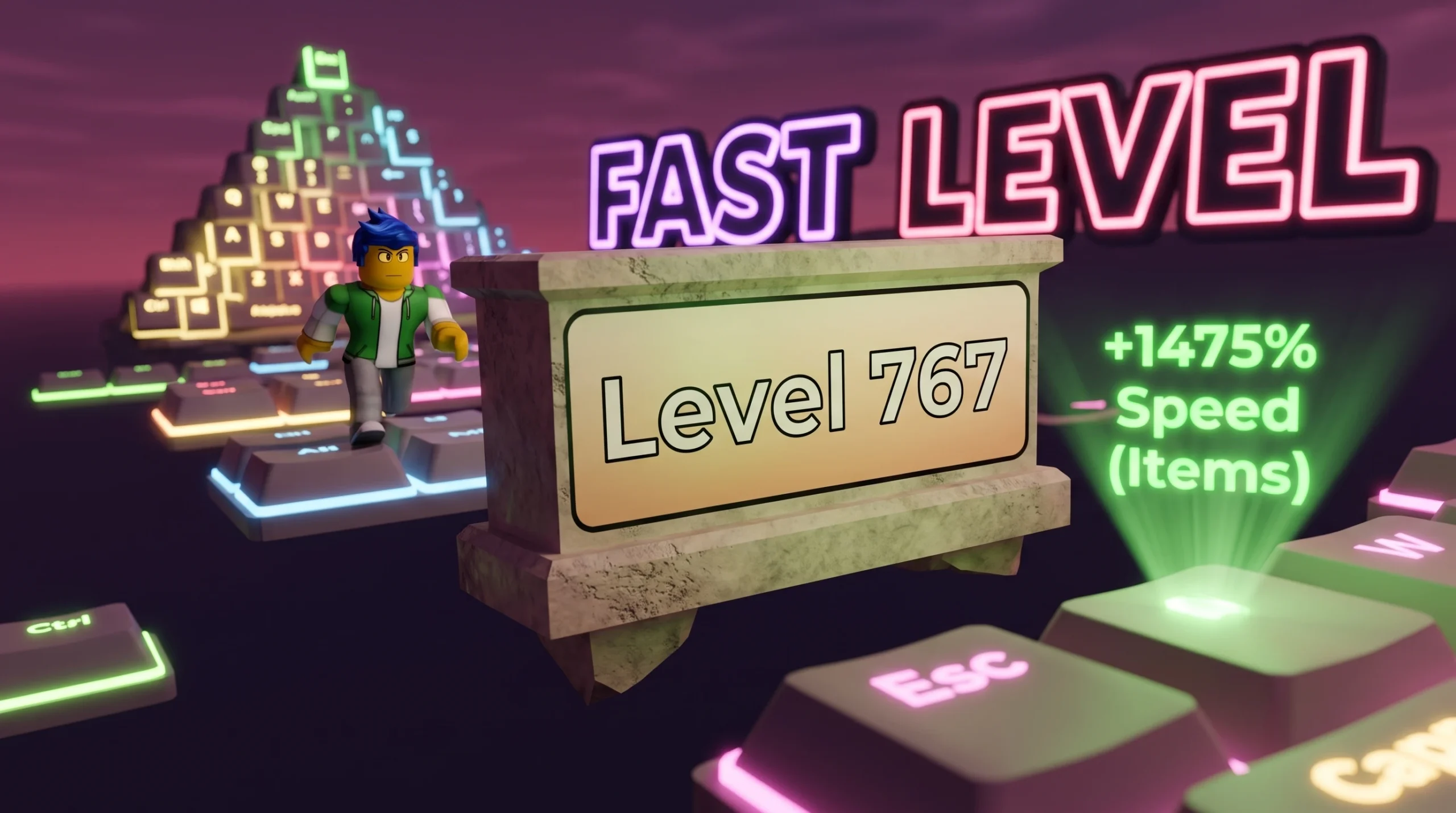
+1 Speed Keyboard Escape: How to Level Up Fast (Roblox)
The exact habits, treadmills, trails, rebirths, and codes that stack Speed the quickest in SecretVerse Studio’s incremental keyboard runner.
-
Deltarune Local Multiplayer Mod: How to Play Co-op With Friends
Patch each chapter with Deltapatcher or a mod launcher to bring up to three players into combat and minigames.
-
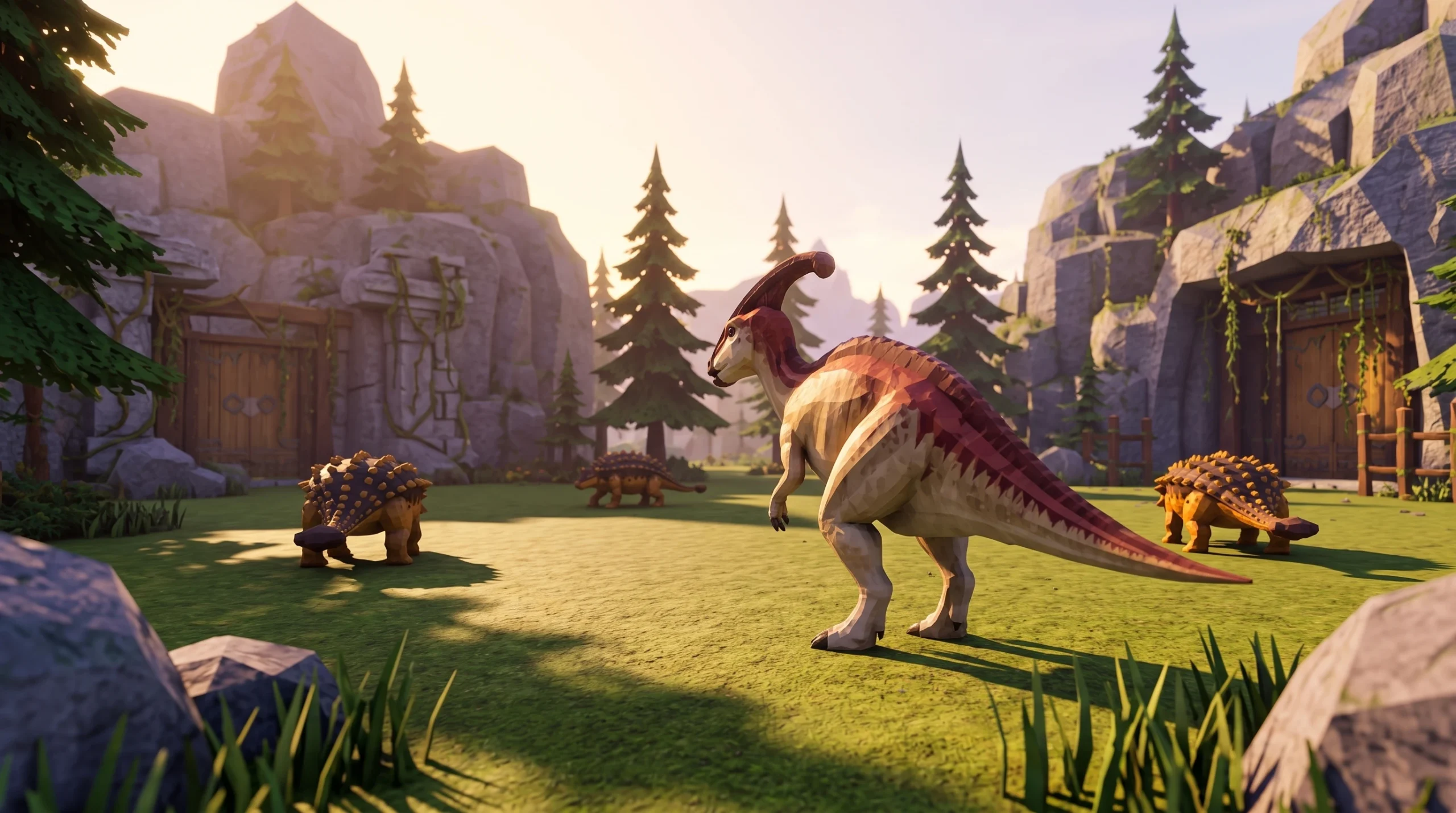
Dino Hunters: How to Catch More Dinosaurs (Best Capture Tips)
Read the live capture percentage, run repeatable routes, and protect roster space to land more dinosaurs each session.
-
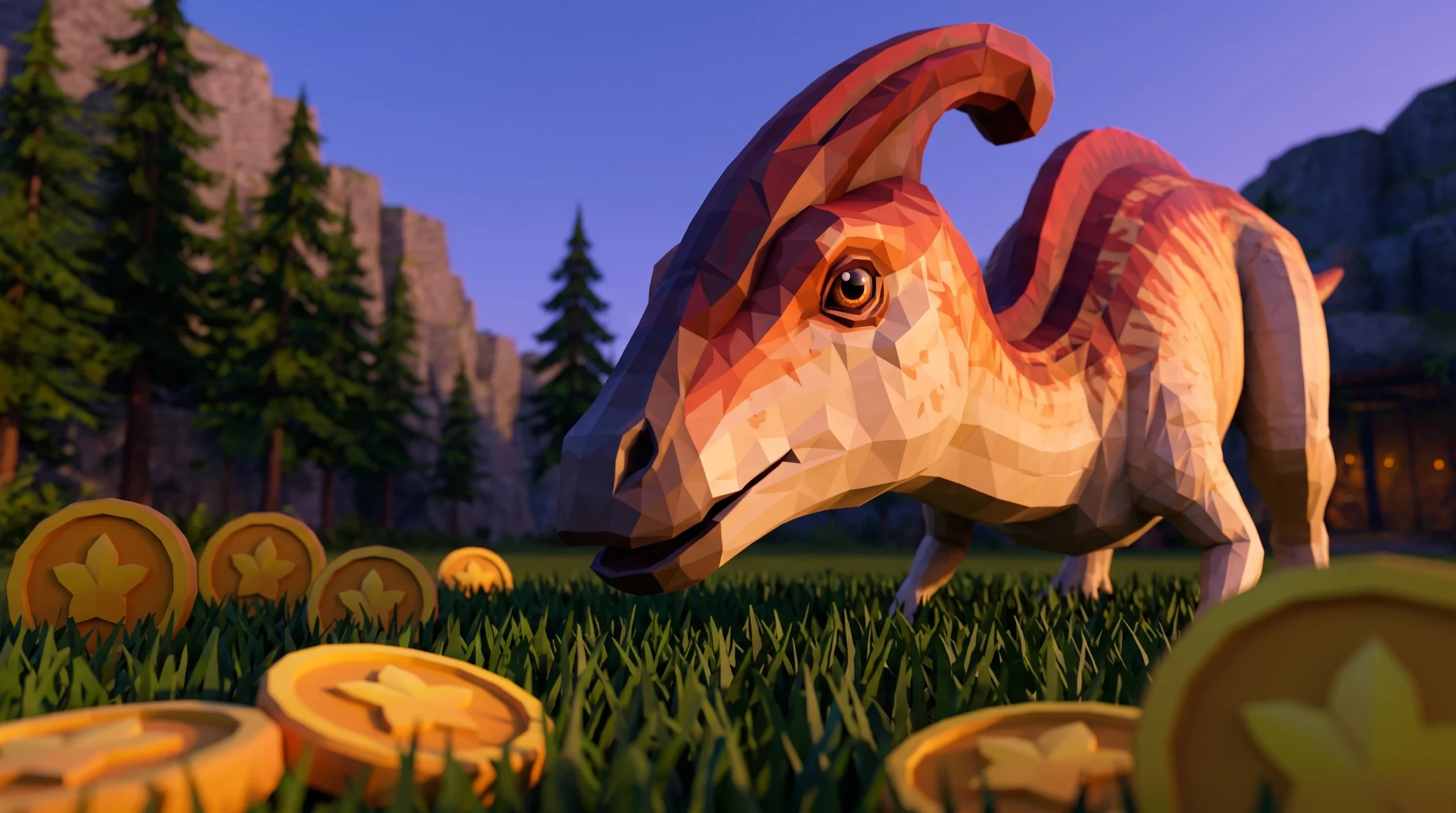
Dino Hunters: How to Get Money Fast and Level Up (Roblox)
The most reliable coin and XP loop in Dino Hunters, plus where to spend cash first and how to redeem codes.
-
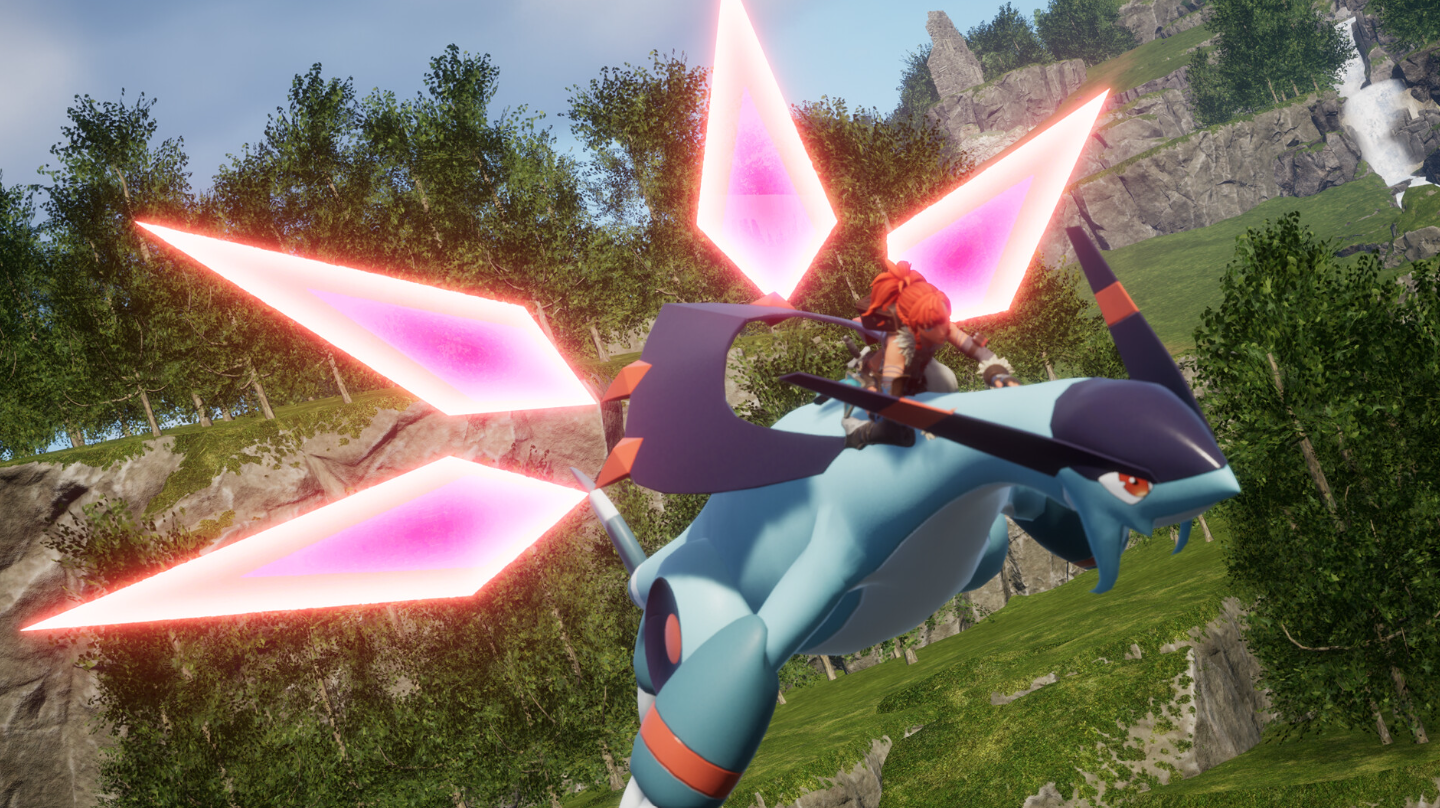
Palworld: How to Get Jetragon’s Saddle (Missile Launcher)
Jetragon skips the normal saddle and rides on a crafted Missile Launcher unlocked at Technology Level 50.
-
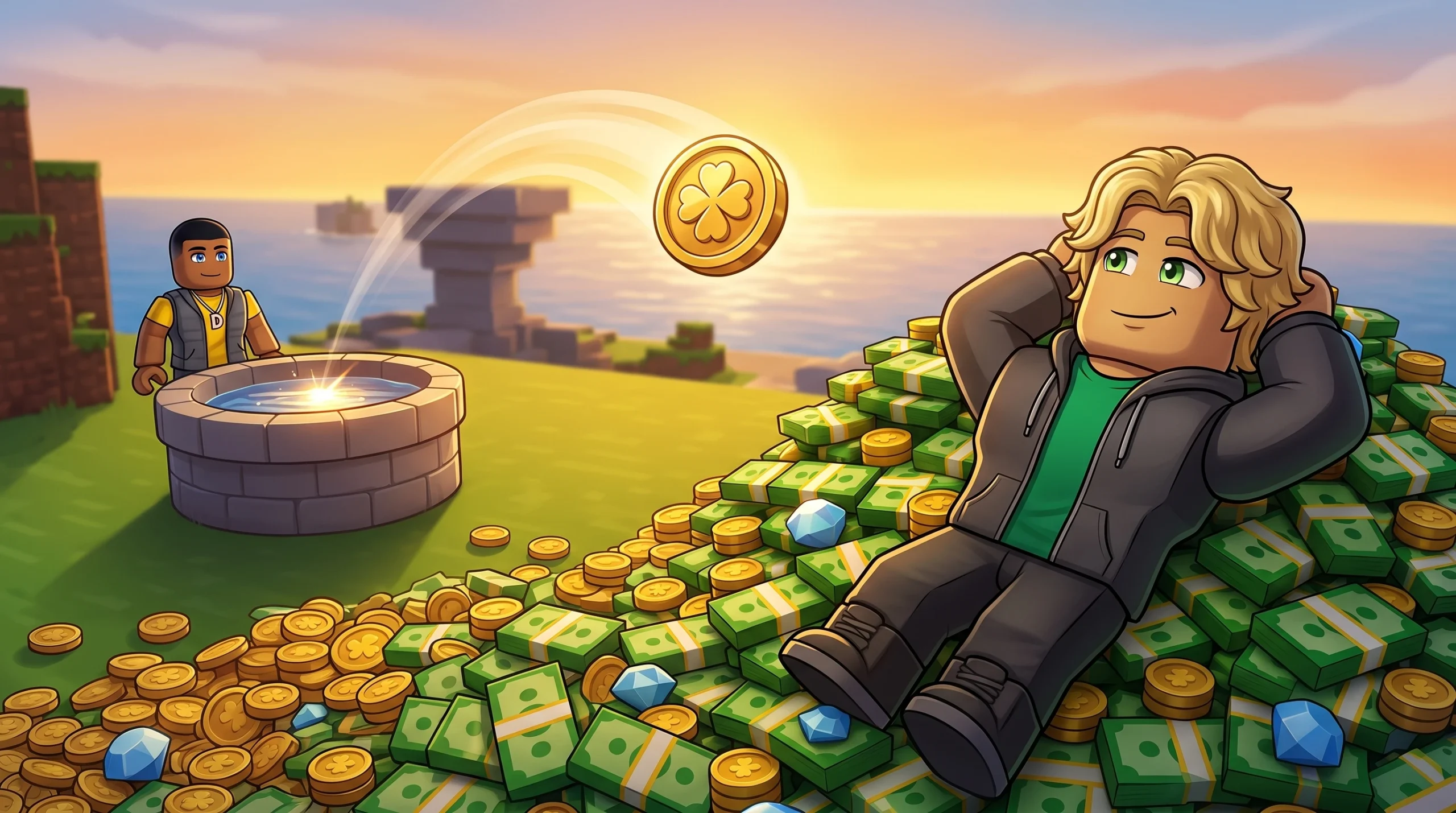
Throw a Coin on Roblox: How to Stack Luck and Get Rich Fast
The coin tiers, luck upgrades, and timing that push you toward the rarest 1-in-20-quadrillion drops.