
Instructional, step-by-step articles.
Content Type: How-To
-
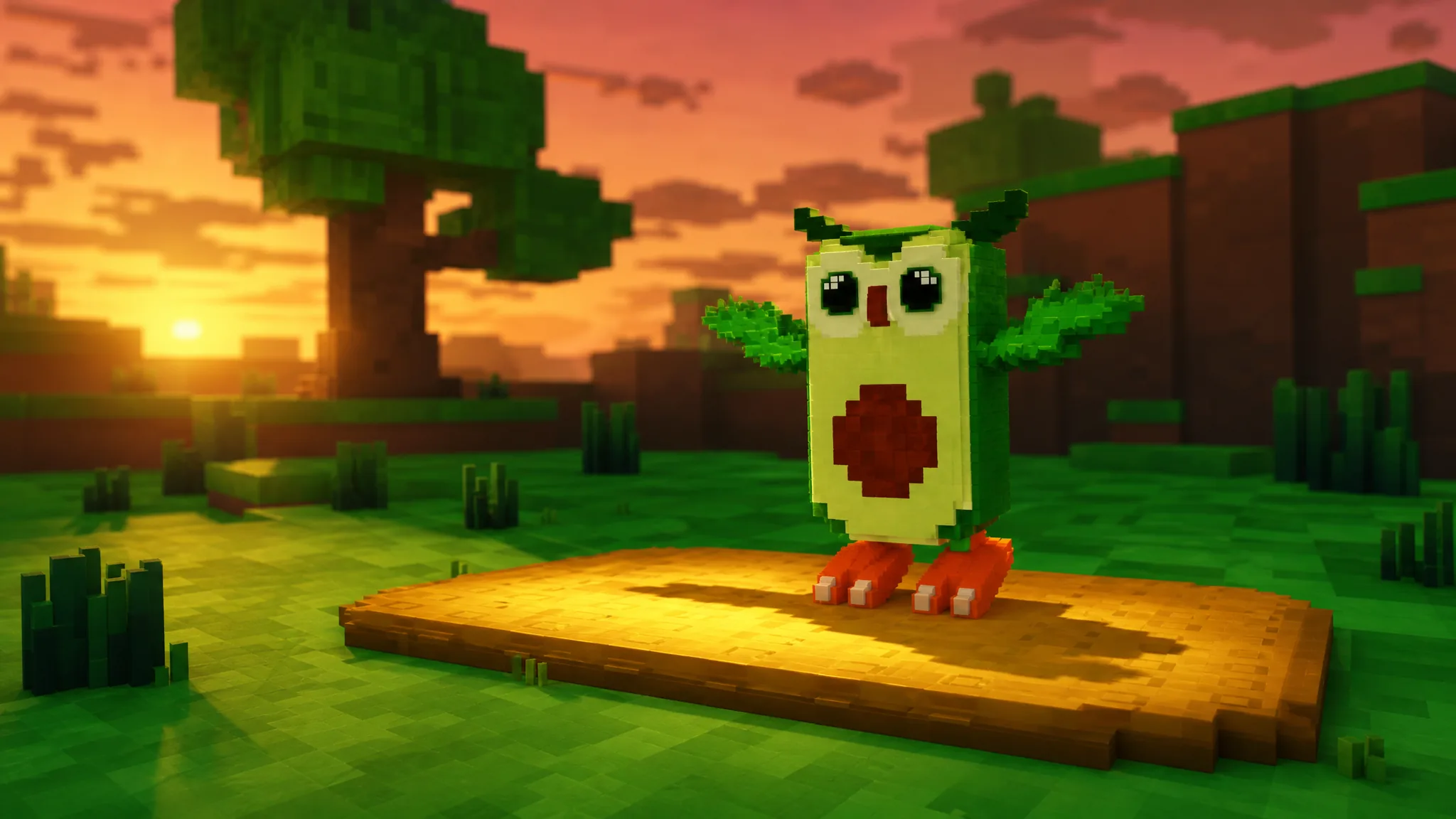
Avocadini Guffo in Catch a Brainrot: Abilities and How to Catch It
Where the owl-avocado hybrid spawns, what its offensive kit does, and how to win the encounter.
-
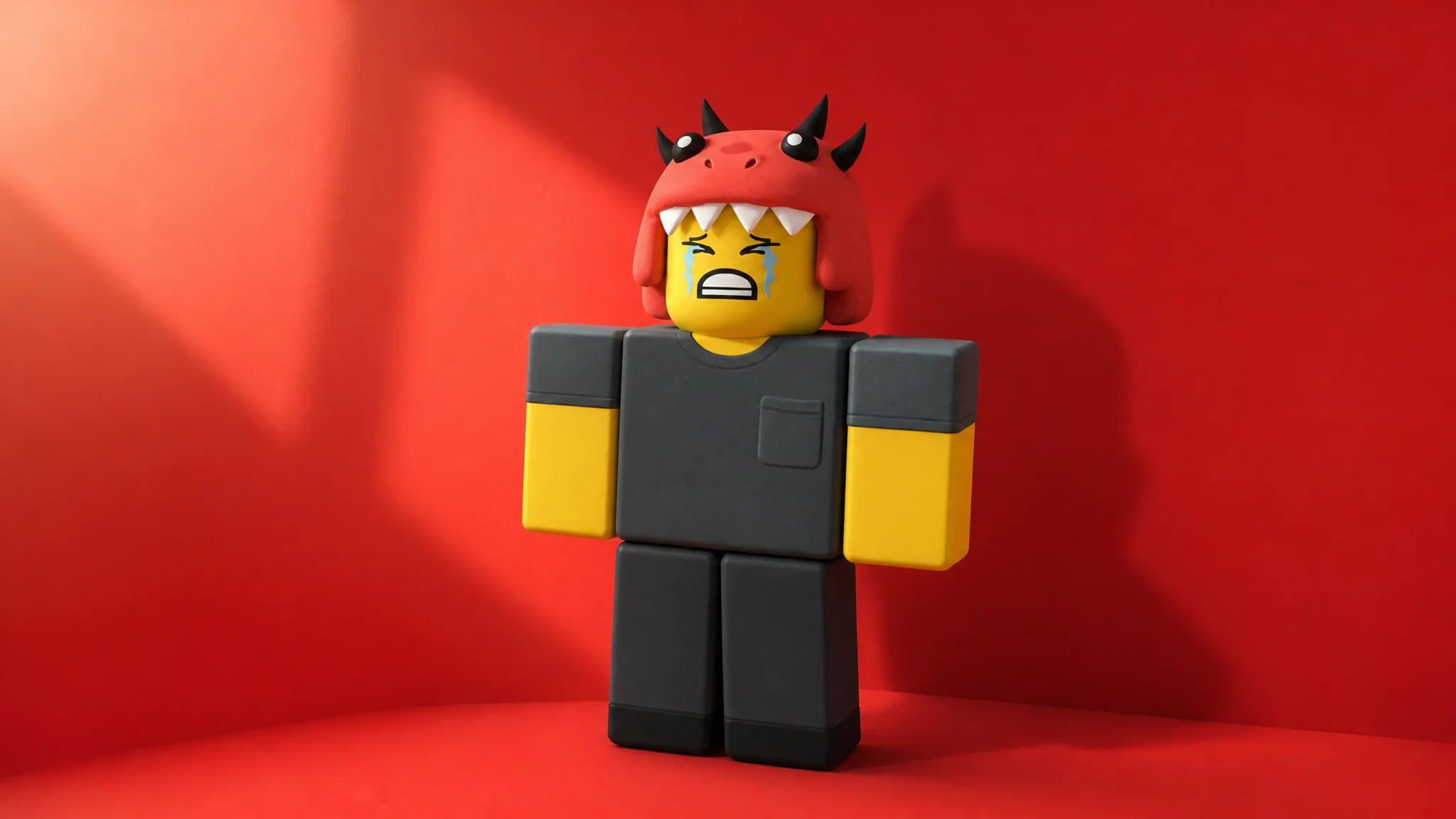
99 Nights in the Forest: How to Complete the Dino Kid Event
Rescue Dino Kid, level him to 5, return all four trinkets, and clear the final Cultist raid for six badges.
-

Catch a Brainrot: Ballerina Cappuccina Abilities and How to Catch Her
Where the rare cup-headed dancer spawns in World 1 and how her four offensive abilities work in battle.
-
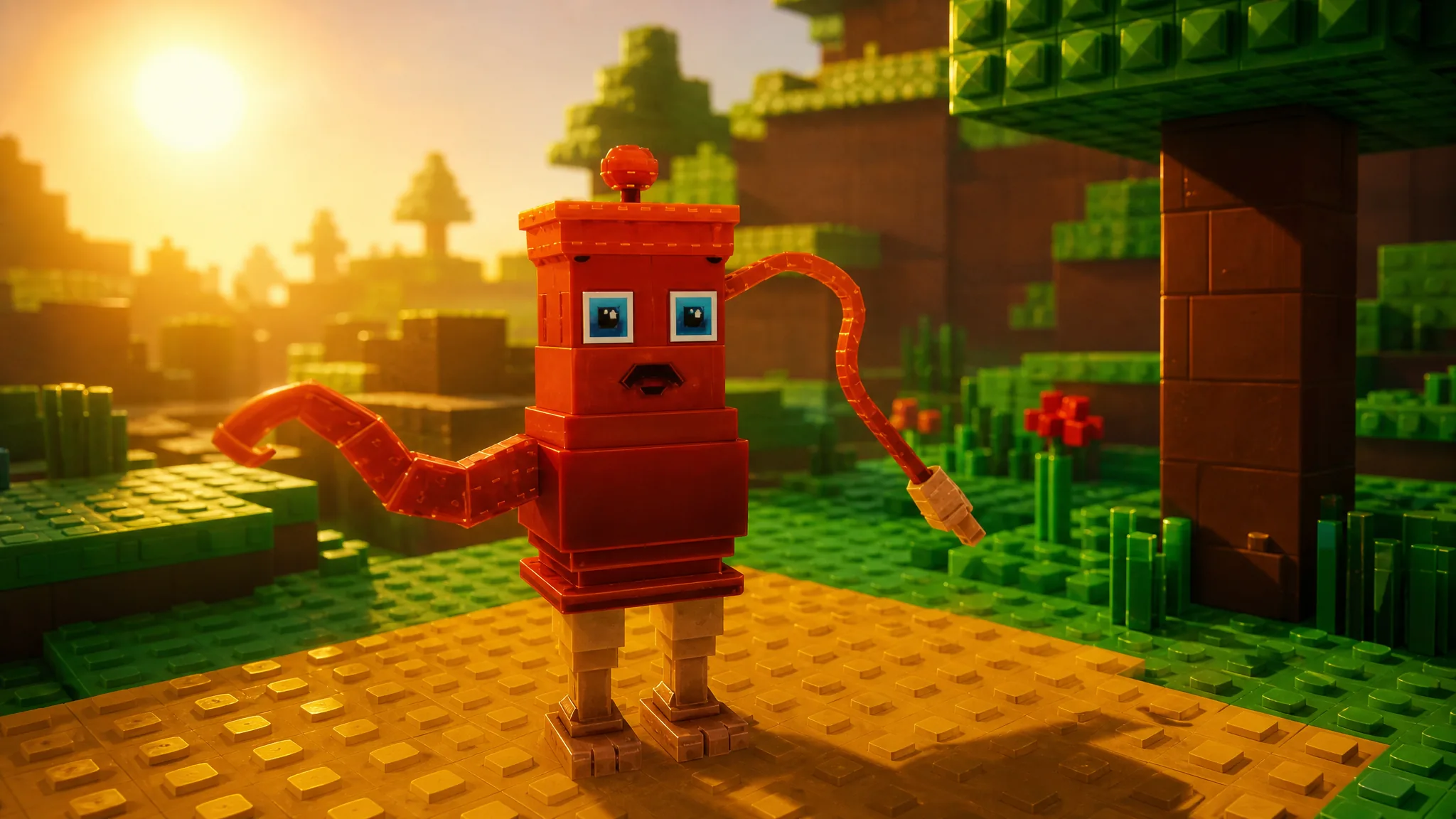
TaTaTa Sahur in Catch a Brainrot: Abilities and How to Get It
A rare, all-offense Brainrot from World 1 with a Charge kit built around Firework, Fire Blast, and Whirlpool.
-

Ecco Cavallo Virtuoso in Catch a Brainrot: Abilities and How to Get It
Where this Epic piano-horse spawns in World 1, plus every Charge ability and how it plays in battle.
-
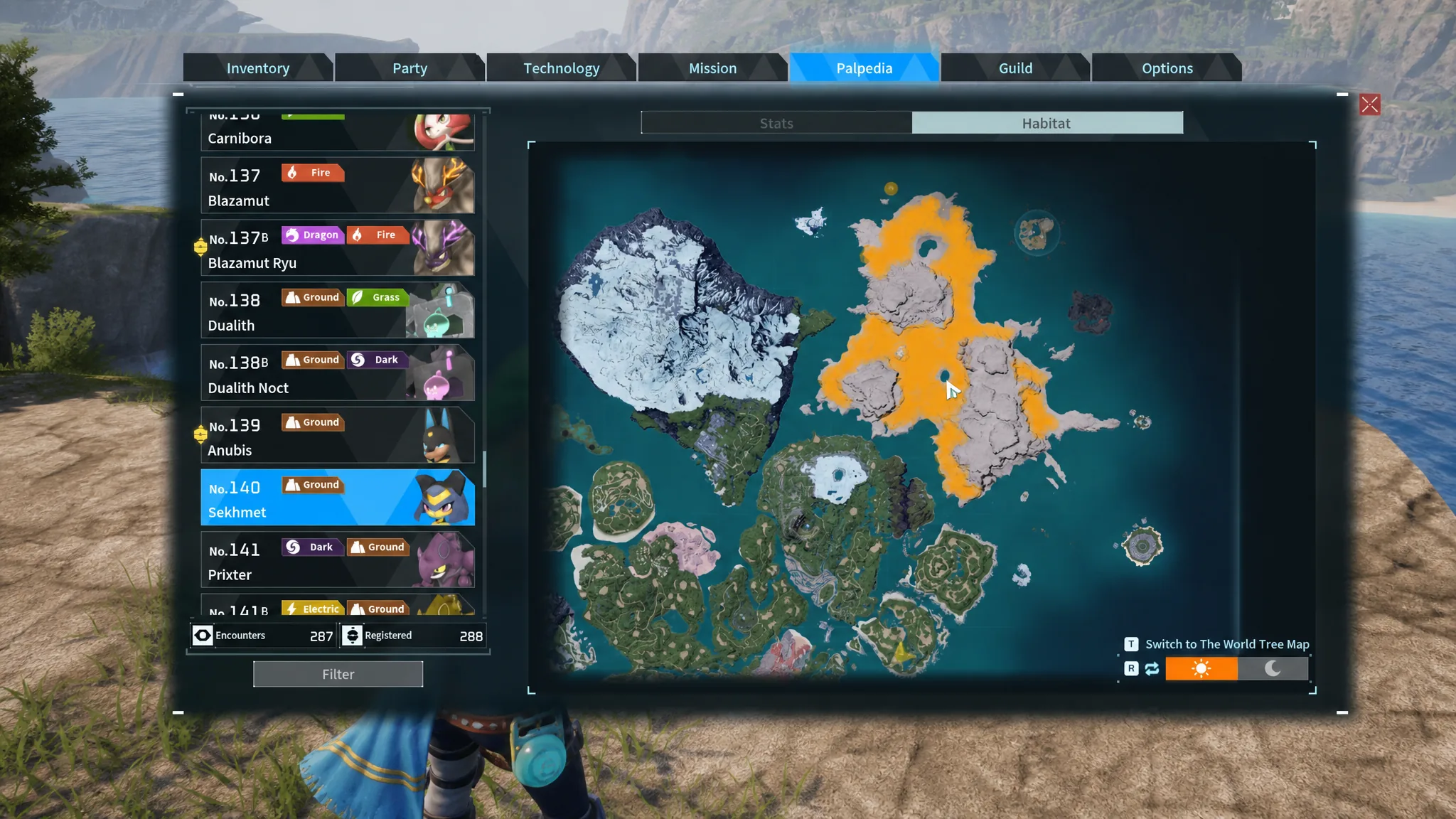
Palworld: How to Get Sekhmet, Plus Her Desert Empress Passive
Where Sekhmet spawns, every breeding combo that produces her, and how her partner skill supercharges Anubis at your base.
-

GTA Online Kortz Center Heist: How to Prepare Before July 14
Buy a mansion, add the Art Studio, and claim Fine Art Collector rewards before the heist goes live.
-
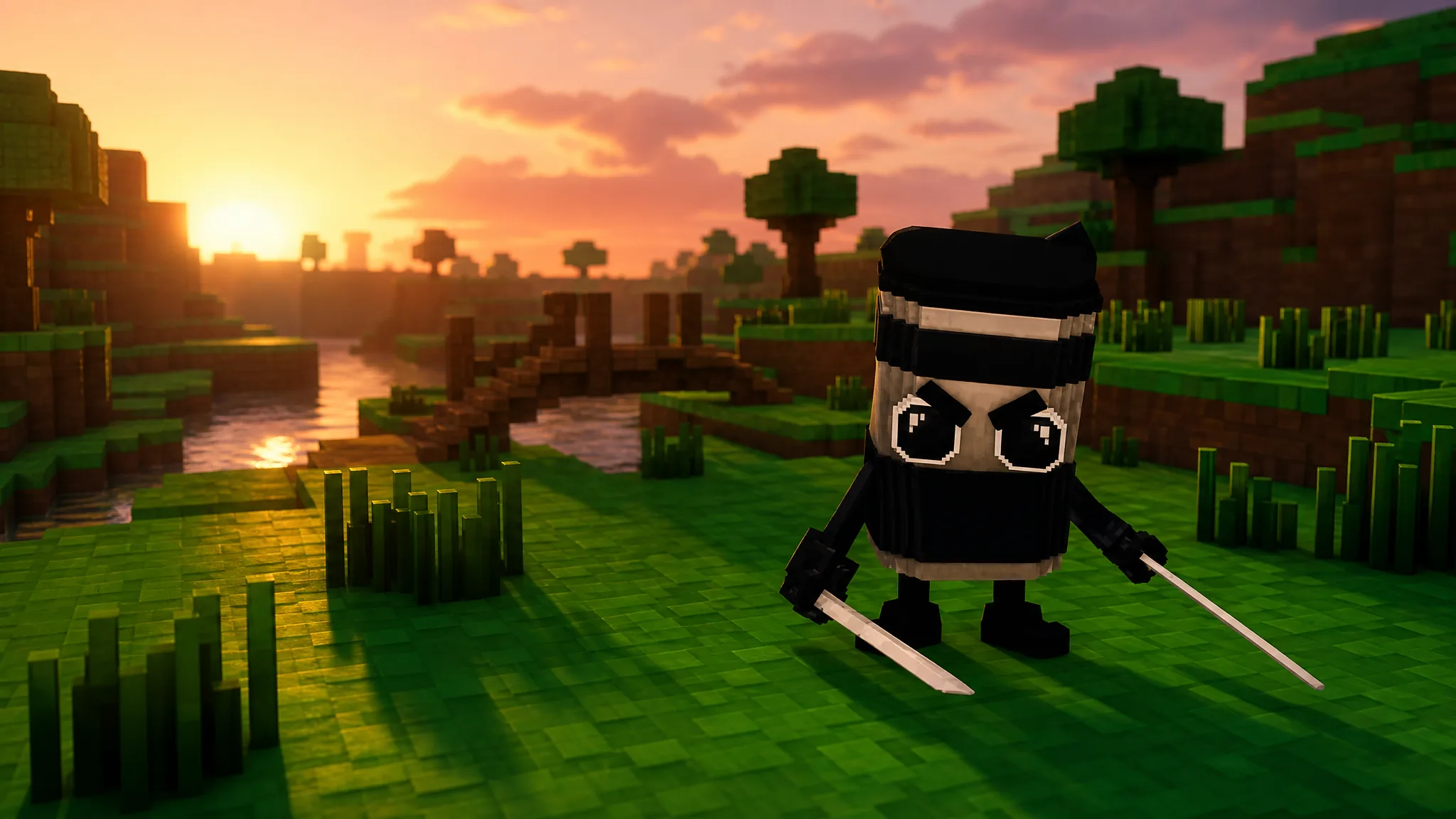
Catch a Brainrot: How to Get Cappuccino Assassino and Its Abilities
Where the rare coffee-cup ninja spawns in World 1 and what each of its four battle skills does.
-
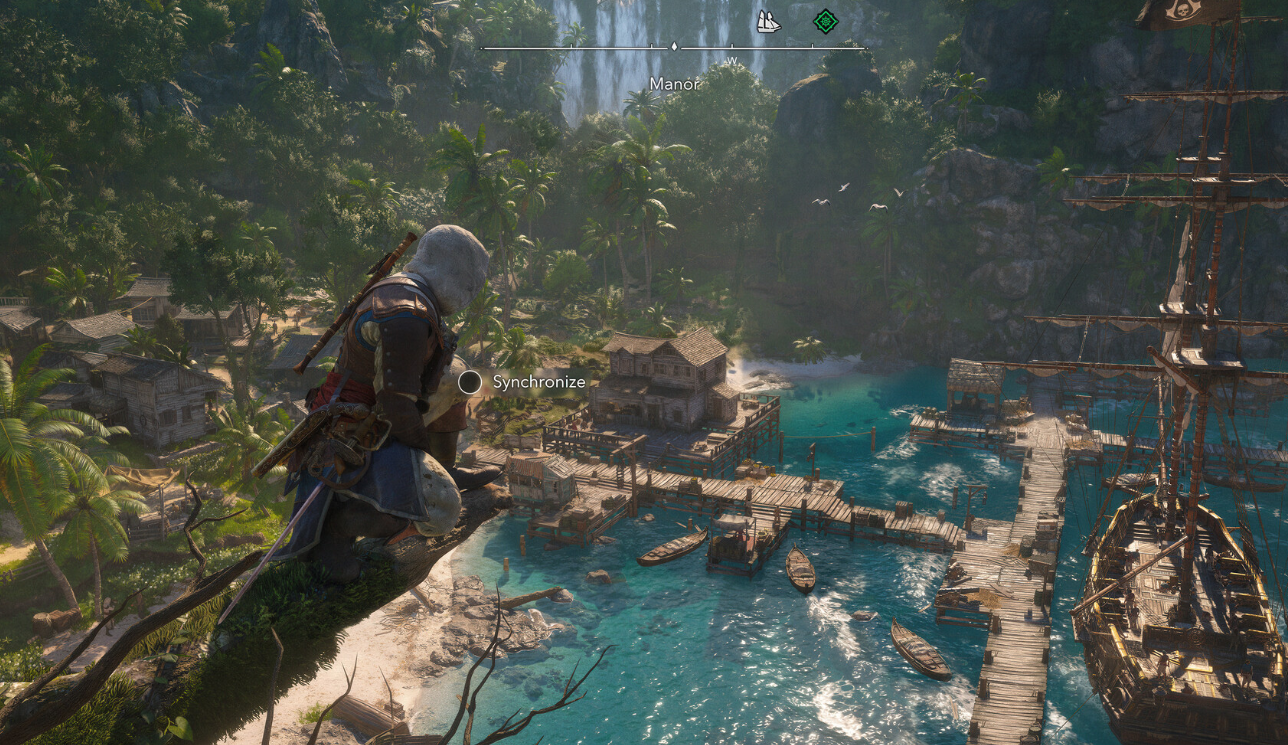
Assassin’s Creed Black Flag Resynced: How to Change Difficulty Settings
Combat, stealth, naval, and activity challenges each scale on their own three-tier sliders you can retune at any time.
-

Palworld 1.0: How to Get Cryogenic Coolant
Unlock the recipe at level 31, then craft it at a Production Assembly Line using Aquatic Pal Fluids and Ice Organs.