
Instructional, step-by-step articles.
Content Type: How-To
-

Assassin’s Creed Black Flag Resynced: How to Change Difficulty Settings
Combat, stealth, naval, and activity challenges each scale on their own three-tier sliders you can retune at any time.
-

Palworld 1.0: How to Get Cryogenic Coolant
Unlock the recipe at level 31, then craft it at a Production Assembly Line using Aquatic Pal Fluids and Ice Organs.
-
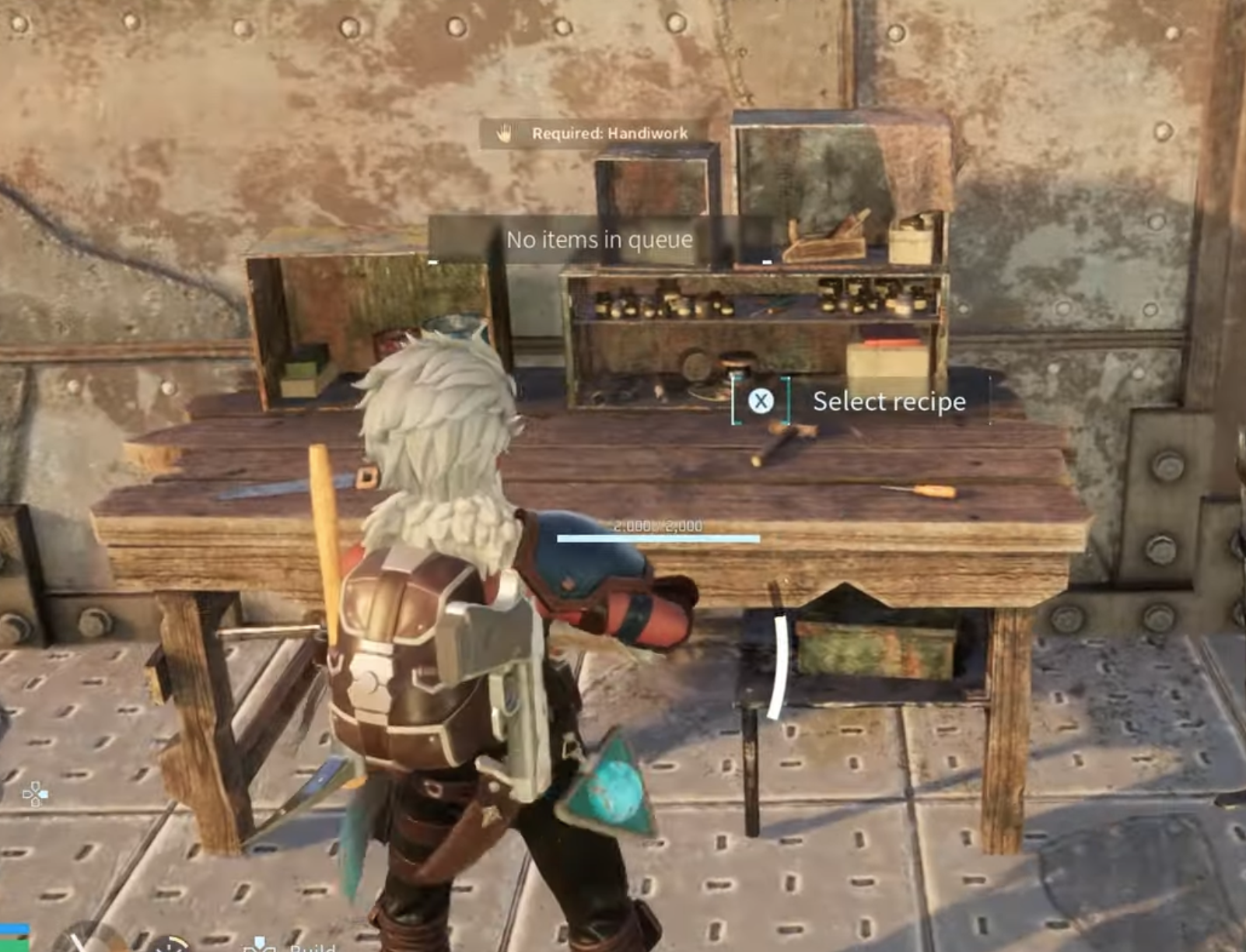
Palworld: How to Use Schematics to Craft Better Gear
Keep the schematic on your character, walk to the right workbench, and the upgraded recipe appears in the crafting list.
-
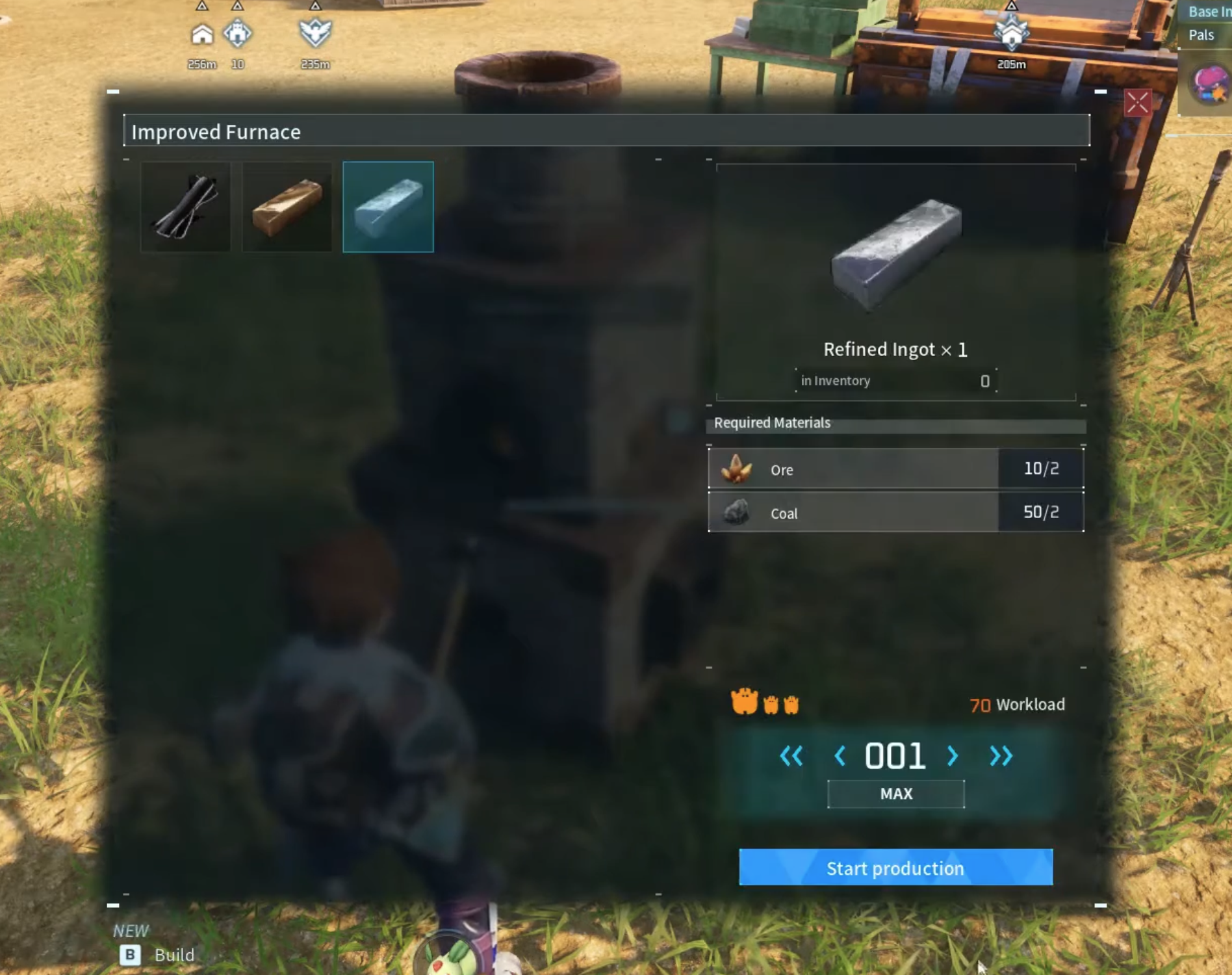
Palworld: How to Make Refined Ingot
Build an Improved Furnace, feed it Ore and Coal, and put a Kindling Pal to work.
-

Marvel Rivals Practice Range Not Loading: How to Fix the 1% Stuck Bug
Concrete fixes for when the Practice Range hangs at 1%, plus how to tell if it’s a server problem you can’t fix.
-
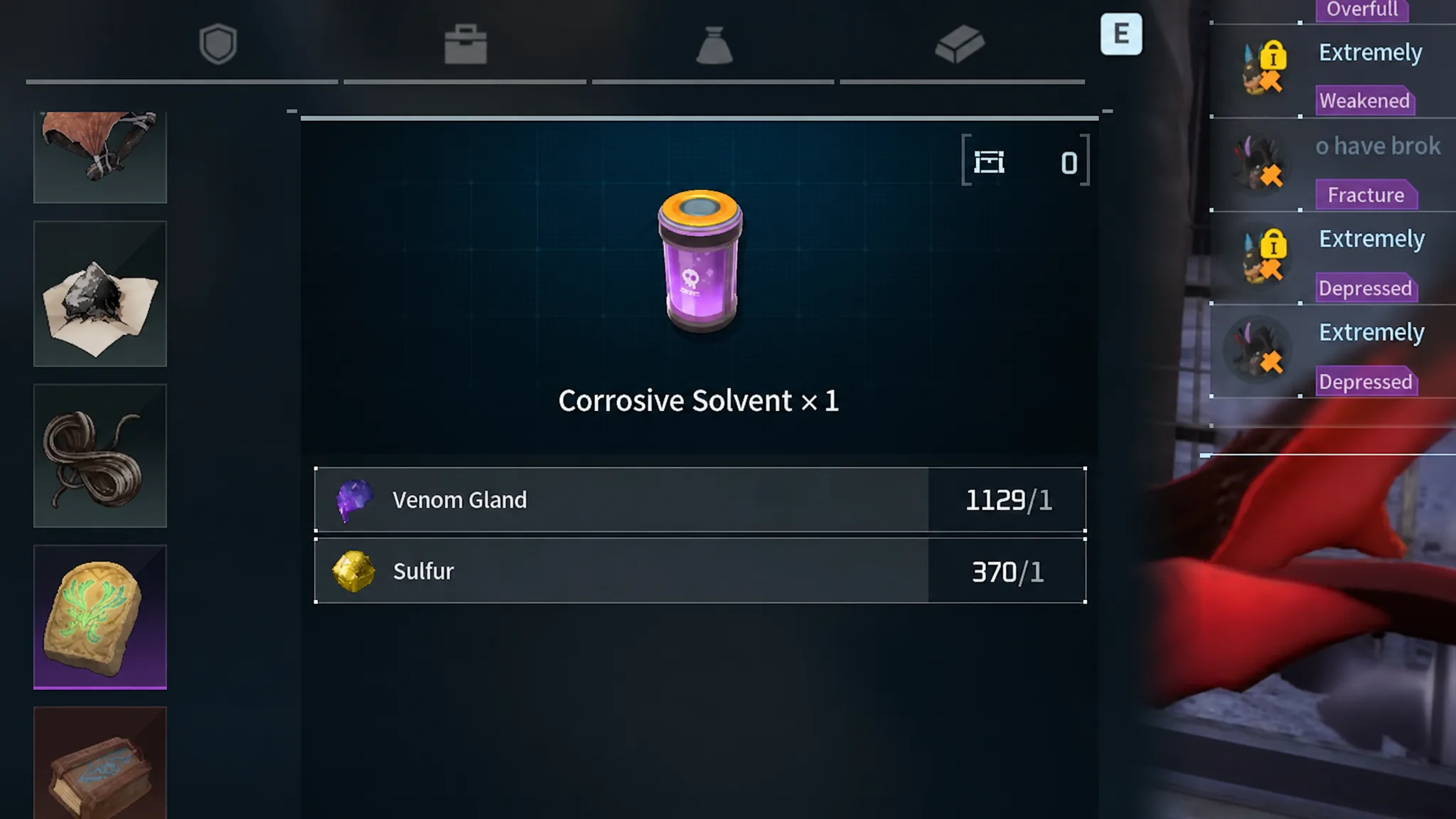
Palworld: How to Get Corrosive Solvent
Unlock it at Technology Level 37, then craft it from Venom Gland and Sulfur at the Production Assembly Line.
-

Palworld PvP: How to Enable Player Combat on Servers
Player-versus-player fighting exists in Palworld, but only on public or private servers with the right settings turned on.
-
How to Make Cake in Palworld (Ingredients and Breeding Use)
Reach Level 17, build a Cooking Pot, and gather five ingredients to bake the Cake your Pals need to breed.
-

Palworld: How to Get Chromite on Feybreak Island
Unlock the Metal Detector or Smokie’s harness, dig up buried nodes across Feybreak, and turn the ore into Hexolite.
-

Palworld: How to Get Electric Organs
Farm this Electric-type drop from Pals like Jolthog and Sparkit, or buy it at the Small Settlement for 200 Gold each.