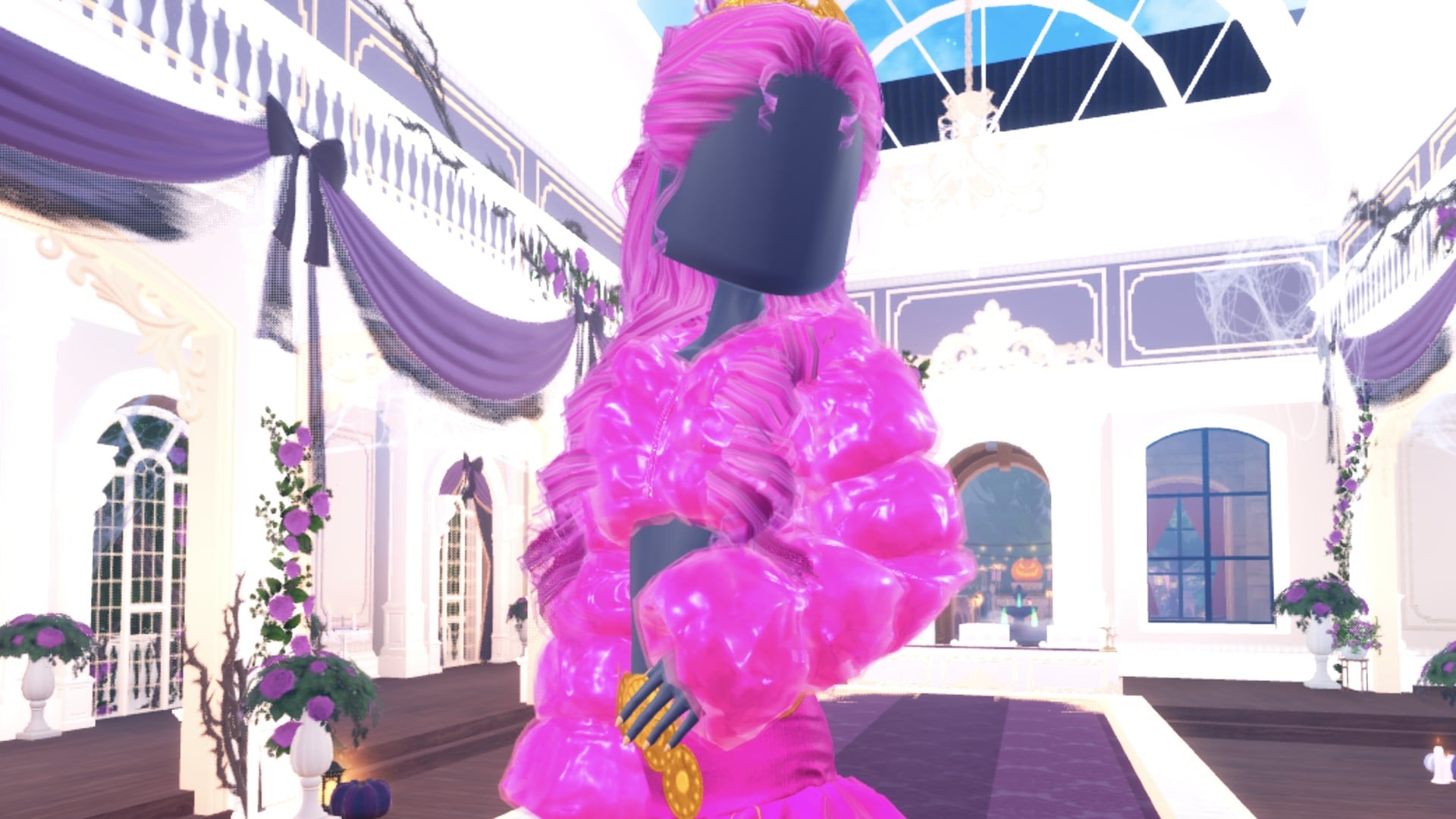
In Dress To Impress, Sweet 16 means a party for someone turning sixteen. A cute, feminine party outfit suits this theme: choose gentle pink or lilac shades, a short party dress, voluminous curls topped with a little crown, and lots of sparkle. The two outfits below use free items and materials only. Both were built in Freeplay Mode on an account with 0 stars and no VIP, with nothing bought.
Quick answer: Wear a short party dress in sweet colours with sparkle: a hot pink Glitter mini dress with pastel pink curls and a small crown, or a white corset mini under a lilac Glitter fur jacket with lilac curls.
Where the Sweet 16 pieces are in the Dressing Room
Dress To Impress doesn’t give its clothes names. Every piece is a 3D model on a shelf, bust or mannequin, so you find things by where they sit. Both looks are built from the same few spots.
- Party mini dresses: In the main hall, check the wall on the right. The shelf immediately to the left of the mannequin in the long pink ruffled gown holds three options: a pink mini dress with a ruffled skirt, a white puff-sleeve mini dress and a white strapless mini dress.
- Fur jacket: Find the bust beside the gown mannequin on its right; it displays a white fluffy cropped fur jacket, topped by a white fur hat.
- Hair: In Lana’s Salon, open the Feminine tab and choose the 3rd card for long curls topped with a small crown.
- Shoes: both looks keep the pink heeled boots with knee socks we already had on from an earlier build.
How recolouring works for these outfits
Every colour in both looks comes from the Default palette. A palette position is given as a column and a row. Column 1 is red, column 2 is pink and column 3 is purple or lilac. Rows run from 1 at the top down to 8, the white-to-black row, so column 1, row 8 is white.
The Palette tab shows a grid of hearts: one hue per column, light to dark down each column, and white to black along the bottom row.

Pick the colour on the Palette tab first, then pick the material on the 4th tab, marked “+”. The free materials are Default, Matte, Glitter, Rainbow Glitter, Denim, Silk, Light Silk, Metallic, Neon, Foil and Leather. Tiles with a gold star badge are locked. The panel also warns that “Some materials only work with higher qualities.”
There are two ways into the colour panel, depending on whether you’re already wearing the piece.
- A new piece: click it once on its shelf. It previews on you and its colour panel opens. Set each part while it’s previewing, stepping through parts with the arrows (“1/2: Preview” and so on). Then click the floating “Put On” label beside the bust.
- A piece you’re wearing: Press the circular button on the right to bring up the Wearing panel, then select the item’s image. The change appears immediately, so there’s no need to return to the shelf.
- Taking a piece off: click the heart X under its picture in the Wearing panel.
Pictures in the Wearing panel always show a piece’s original colours, so recoloured items still look brown or white there. Check your character instead.
The character’s dark base top and shorts are part of the body, not a piece: the Wearing panel does not list them and they cannot be taken off, only covered. Both mini dresses here cover them.
Sweet 16 look 1: Hot pink party mini dress
For a birthday-princess style, pair pastel pink curls that fall long with a small silver crown, a glittery hot pink mini dress and pink heels.


Step to “2/2: Preview” with the arrow and set it to pale pink (column 2, row 2) with Silk. This gives you a vivid hot pink glitter mini dress finished with a pale ruffle hem.


Then step to “3/4: Crown” and make it white (column 1, row 8) with Metallic, which turns the crown silver.

| Piece and part | Colour | Palette position | Material |
|---|---|---|---|
| Dress “1/2: Preview” | Pink | Column 2, row 4 | Glitter |
| Dress “2/2: Preview” | Pale pink | Column 2, row 2 | Silk |
| Hair “1/4: Preview” | Light pink | Column 2, row 3 | — |
| Hair “2/4: Preview” | Pale pink | Column 2, row 2 | — |
| Hair “3/4: Crown” | White | Column 1, row 8 | Metallic |
The hair has a fourth part, “4/4: Gem”, which this look leaves as it is.
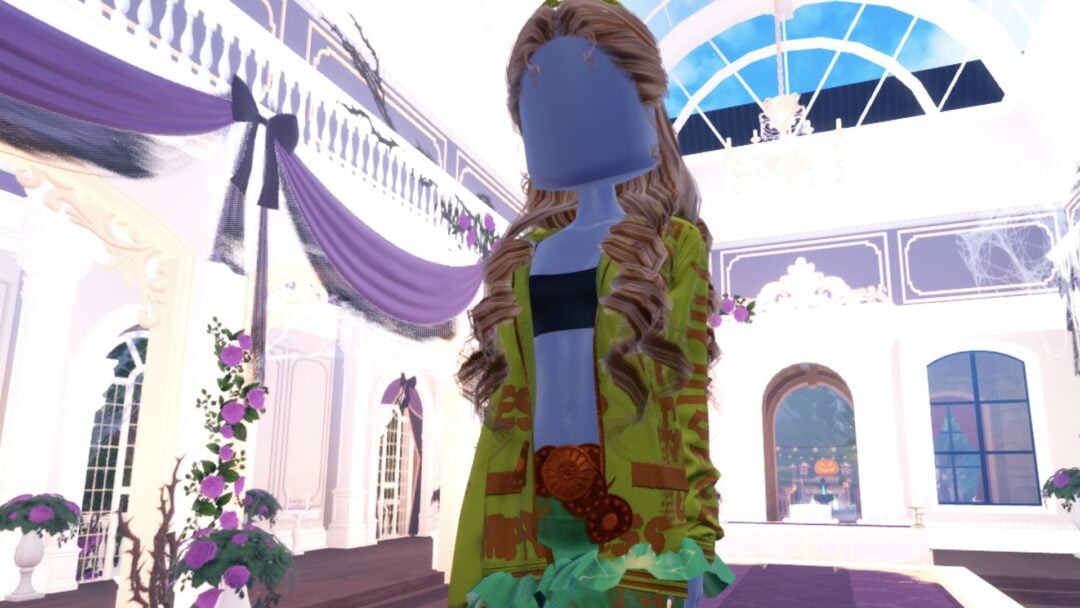
The finished look on the Freeplay Runway: long pastel pink curls, a hot pink glitter mini dress with a pale ruffle hem, and pink heels. The dress covers the base body’s dark top and shorts; only the character’s dark legs show below the hem.
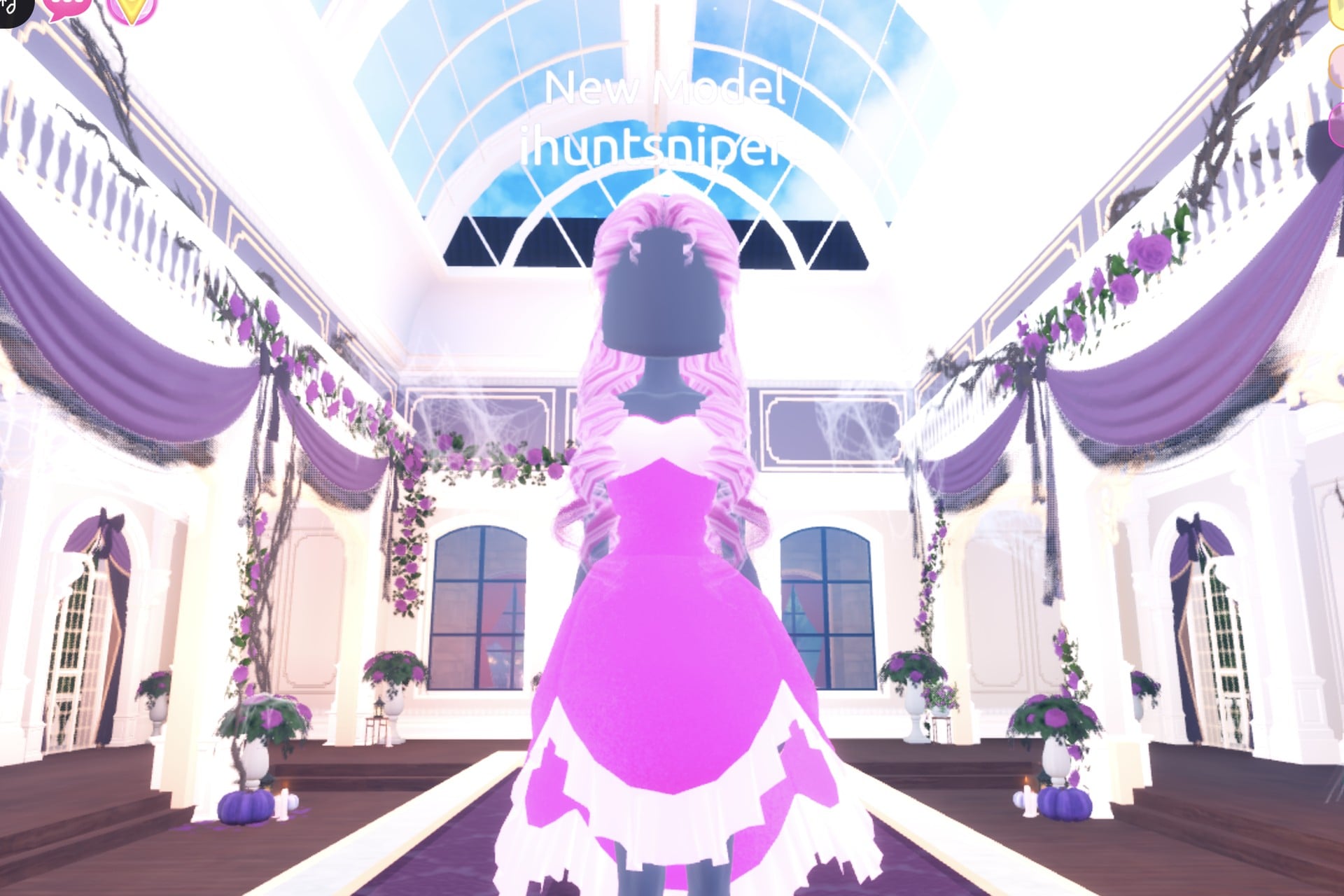
In the Dazzle pose, one hand goes up at the face.
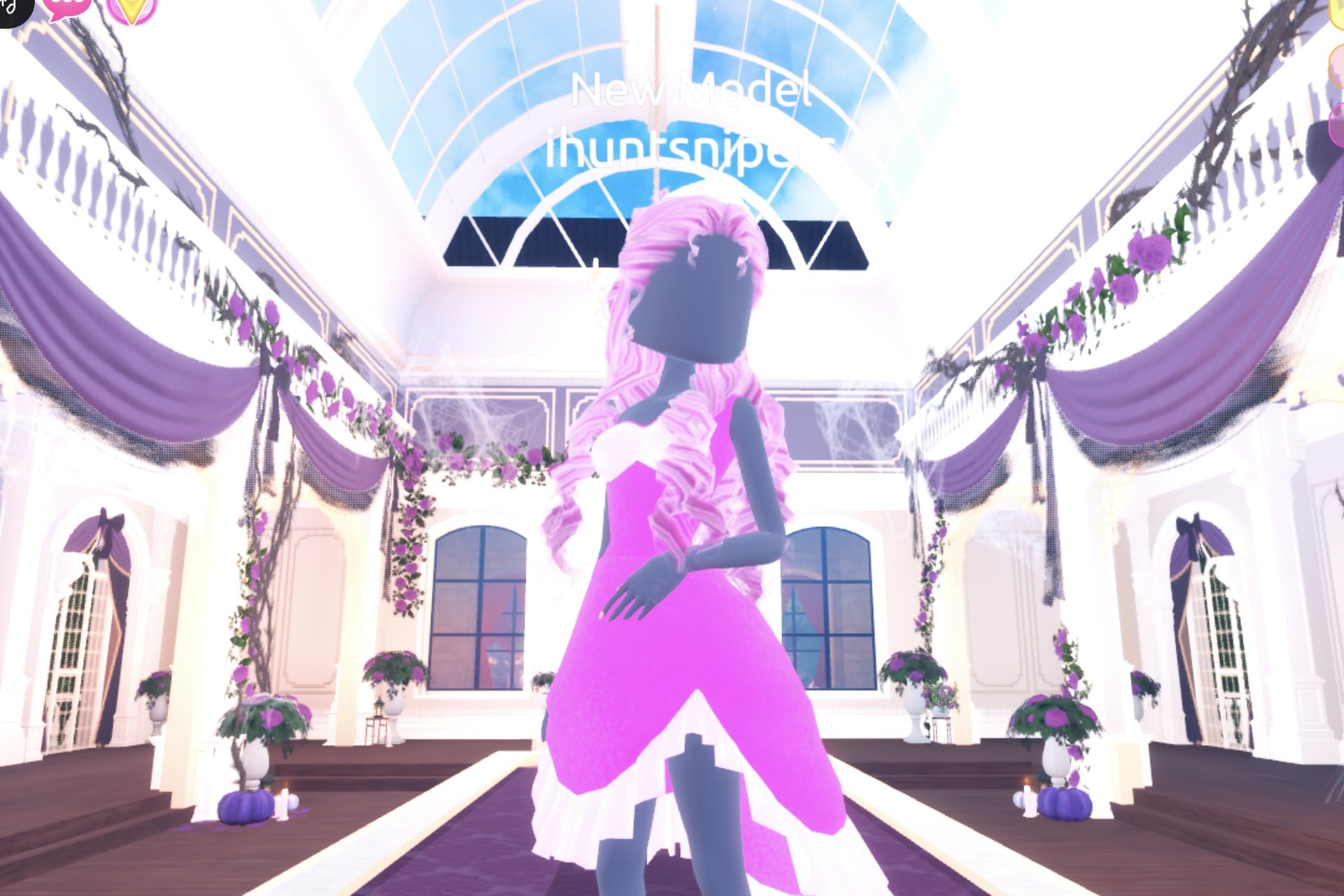
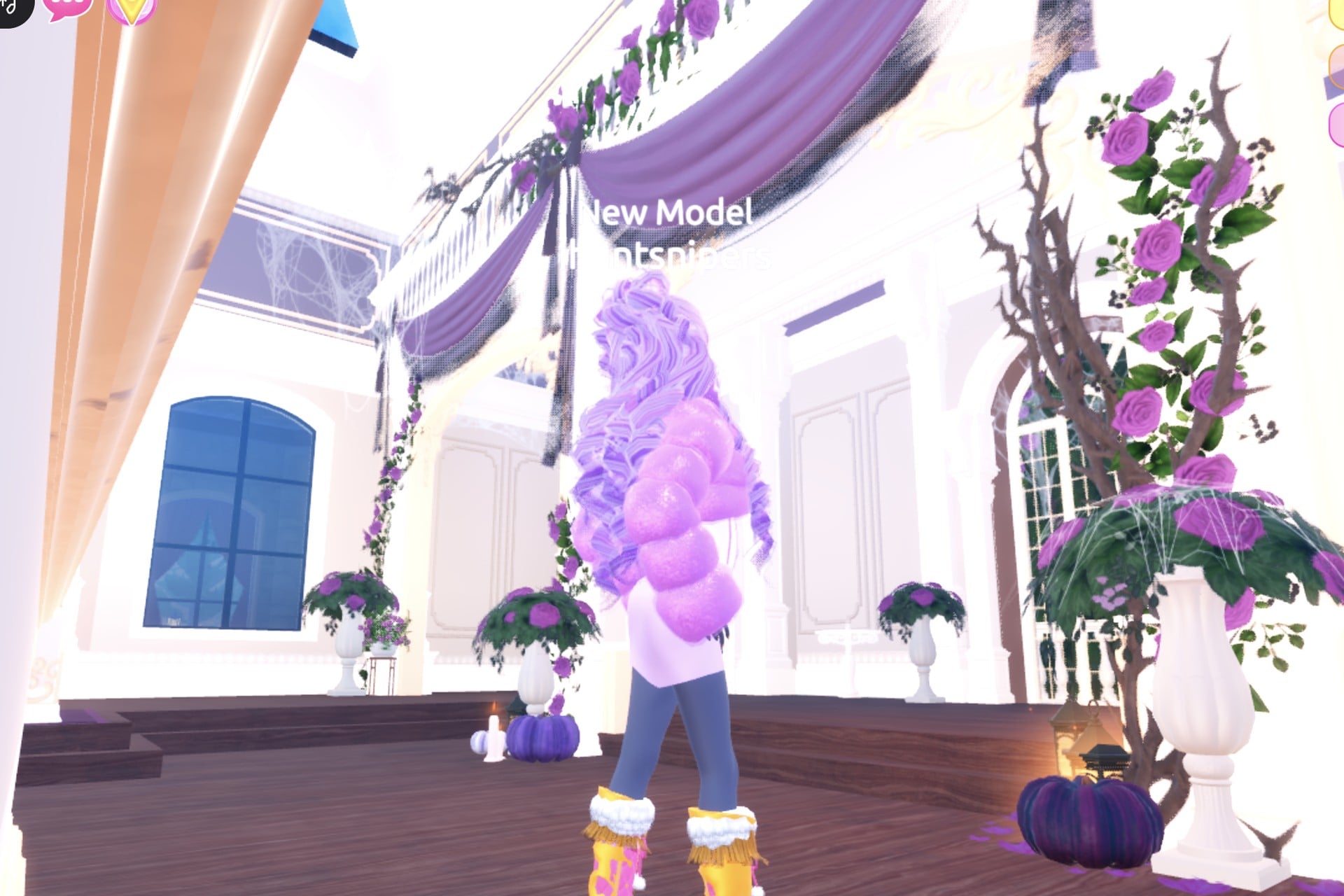
From the back, the long pastel pink curls fall over the hot pink skirt.

Sweet 16 look 2: Lilac fur and white corset mini
The alternate outfit trades the hot pink for lilac and white: half-up lilac curls, a sparkly puffy lilac cropped fur jacket, and a snug white mini dress with corset styling. Narrow lilac lines run down its bodice. Keep the same pink heels and knee socks.
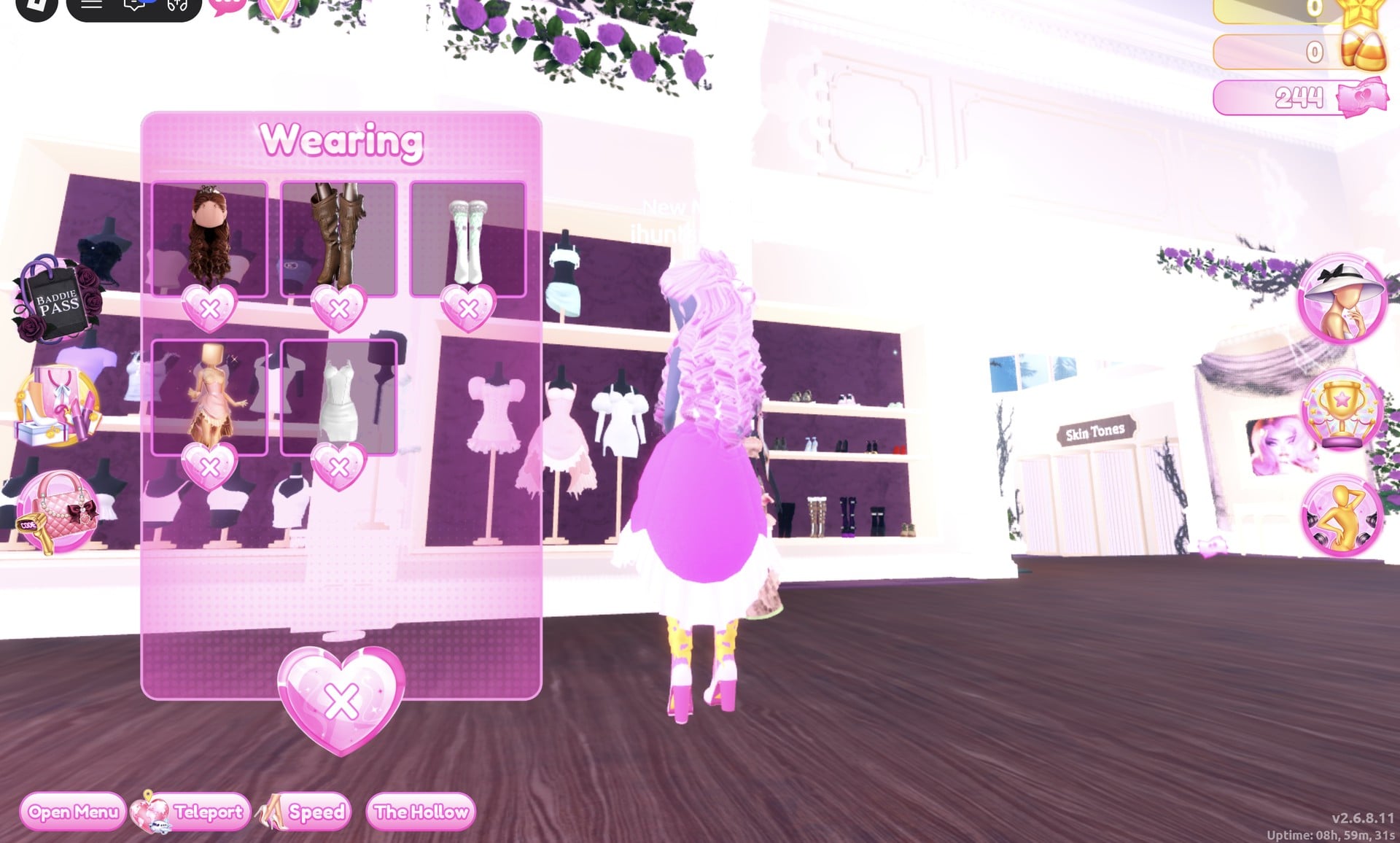
So take the pink dress off with the heart X under its picture in the Wearing panel.


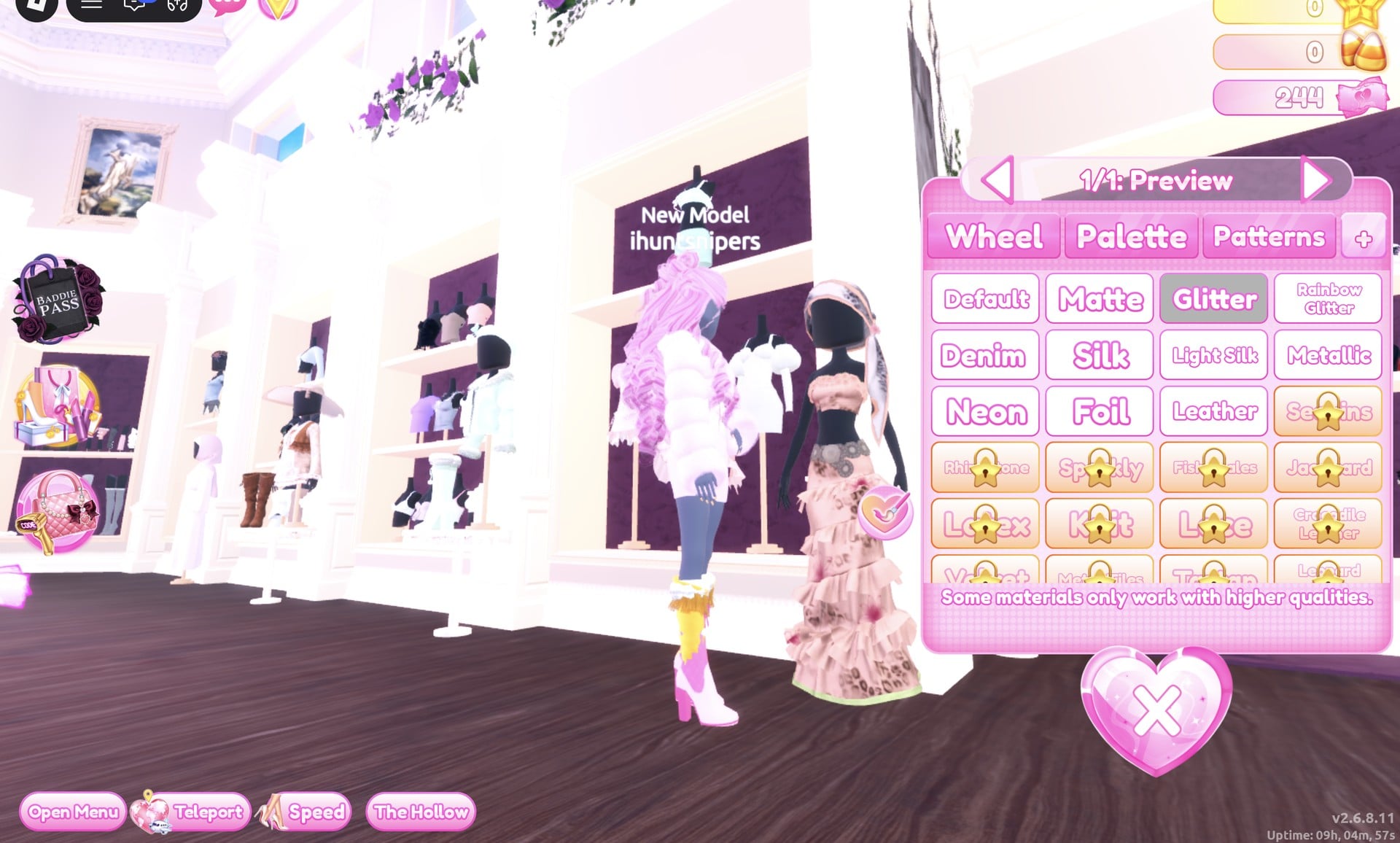

Set “2/4: Preview” to white (column 1, row 8) with Silk.
Set “3/4: Preview” to pale lilac (column 3, row 2) with Light Silk.

Finish on “4/4: Preview”: white with Metallic. The result is a white fitted corset-style mini dress with thin lilac lines down the bodice.

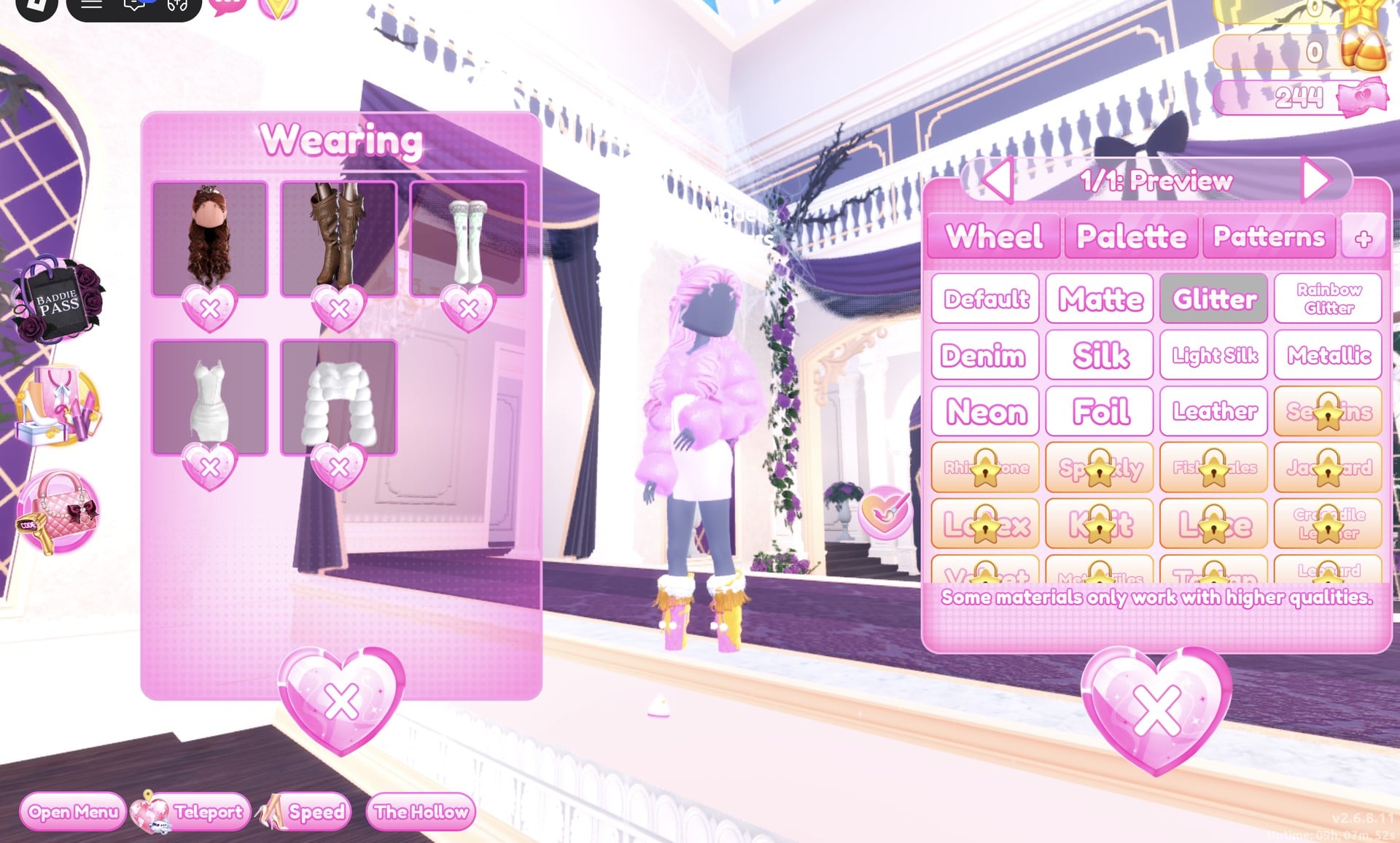
Then the curls (still the 1st picture): “1/4: Preview” lilac (column 3, row 3) and “2/4: Preview” pale lilac (column 3, row 2).

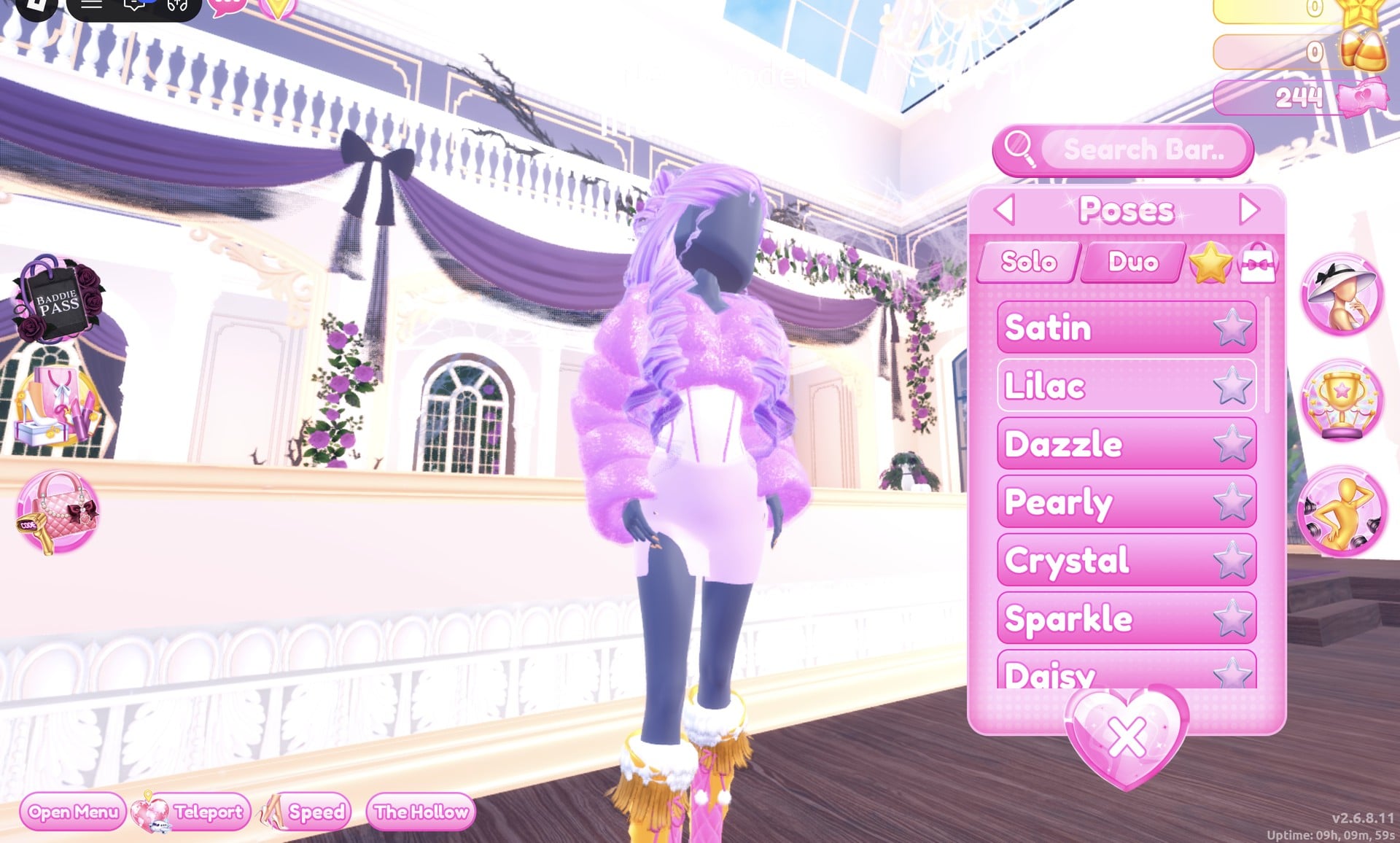
| Piece and part | Colour | Palette position | Material |
|---|---|---|---|
| Dress “1/4: Preview” | Lilac | Column 3, row 3 | Glitter |
| Dress “2/4: Preview” | White | Column 1, row 8 | Silk |
| Dress “3/4: Preview” | Pale lilac | Column 3, row 2 | Light Silk |
| Dress “4/4: Preview” | White | Column 1, row 8 | Metallic |
| Jacket “1/1: Preview” | Lilac | Column 3, row 3 | Glitter |
| Hair “1/4: Preview” | Lilac | Column 3, row 3 | — |
| Hair “2/4: Preview” | Pale lilac | Column 3, row 2 | — |
The finished look: lilac curls worn half up, the sparkly lilac cropped fur jacket, the white corset mini dress and the same pink heels with knee socks. The dress covers the base body’s dark top and shorts; only the character’s dark legs show below it.
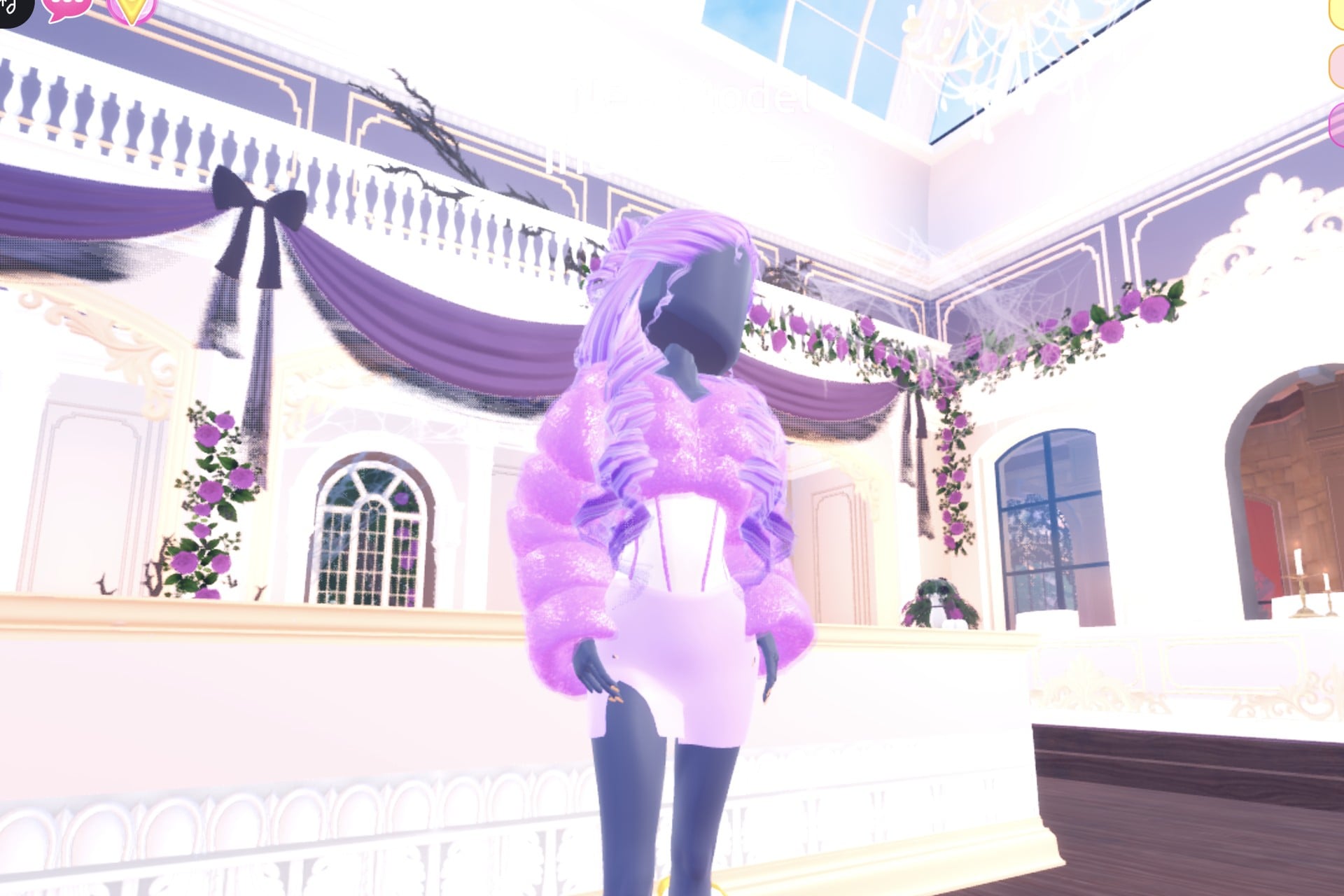
In the Lilac pose, one hand rests at the hip.

From behind, the lilac curls and the puffy fur carry the colour.
Click a shelf piece once and wait for its panel. A second click where the panel opens can land on a star-locked material tile, which opens a Roblox “Buy Robux and item” window for “Materials+” at 119 Robux. Close it with its X; we closed it and bought nothing.
Why these looks read as Sweet 16
A Sweet 16 is a sixteenth birthday party, so both looks aim for sweet, girly party style rather than evening glamour: a short party dress instead of a long gown, soft birthday colours (hot pink with pastel pink, or lilac with white), big curls with a small crown like a birthday princess, and sparkle from Glitter and Metallic. Keeping every piece in one colour family, the hair included, makes the look read at a glance on the runway.
Sweet 16 pieces to look for
None of these pieces has a name in the game, so look for them by place and shape. All of them are free in Freeplay Mode and worked on our account with no VIP and 0 stars.
| Piece | Where to find it | Colours and materials we used |
|---|---|---|
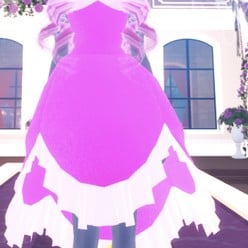 Short pink party dress with a ruffled skirt (two parts) Short pink party dress with a ruffled skirt (two parts) | Main hall, right-hand wall: the shelf of short party dresses just left of the long pink ruffled gown mannequin | “1/2: Preview” hot pink (column 2, row 4) + Glitter, “2/2: Preview” pale pink (column 2, row 2) + Silk |
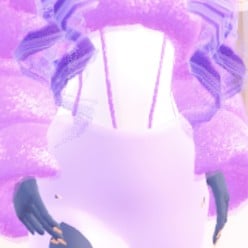 White fitted mini dress, the right-hand bust of the same shelf (four parts) White fitted mini dress, the right-hand bust of the same shelf (four parts) | Main hall, right-hand wall: the shelf of short party dresses just left of the long pink ruffled gown mannequin | “1/4” lilac (column 3, row 3) + Glitter, “2/4” white (column 1, row 8) + Silk, “3/4” pale lilac (column 3, row 2) + Light Silk, “4/4” white + Metallic: a white corset-style mini with thin lilac lines |
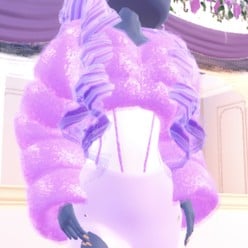 White fluffy cropped fur jacket (one part, “1/1: Preview”) White fluffy cropped fur jacket (one part, “1/1: Preview”) | The bust to the right of the long gown mannequin (a white fur hat sits on top; click the lower half) | Lilac (column 3, row 3) + Glitter: a puffy, sparkly lilac fur jacket |
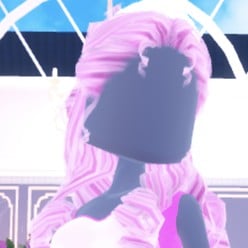 Long curls with a small crown, pastel pink (look 1) Long curls with a small crown, pastel pink (look 1) | Lana’s Salon, Feminine tab, 3rd card | “1/4: Preview” light pink (column 2, row 3), “2/4: Preview” pale pink (column 2, row 2), “3/4: Crown” white (column 1, row 8) + Metallic |
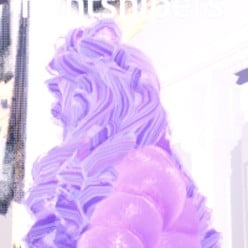 The same curls, lilac (look 2) The same curls, lilac (look 2) | Lana’s Salon, Feminine tab, 3rd card | “1/4: Preview” lilac (column 3, row 3), “2/4: Preview” pale lilac (column 3, row 2) |
The shoes in both looks are pink heeled boots with knee socks that we already had on from an earlier build. We did not recolour them for Sweet 16, so the socks show yellow and white; recolour them pink or white from the Wearing panel if you want them to match.
Poses for Sweet 16
The pose button on the right side opens the “Poses” panel with Solo and Duo tabs and a Search Bar. The Solo list starts with Satin, Lilac, Dazzle, Pearly, Crystal, Sparkle and Daisy. We used Dazzle (third, one hand up at the face) for the hot pink look and Lilac (second, one hand at the hip) for the lilac look. Neither showed a price.
Building it in Freeplay Mode first
Freeplay Mode has no timer, so it is the place to build a look, try colours and materials, and check them on the Freeplay Runway before you need them in a round. Once a look works, you know which shelf, which palette spots and which materials to go to when Sweet 16 comes up for real. For more themes built the same way, see our Boho, Robot Takeover, Album Cover, Potion Maker, Monochrome Mood, Divine Beings, Drag and Camouflage outfit ideas.
How a theme round works
We watched ordinary server rounds on other themes, Plaid Fashion and Birds of Paradise among them; Sweet 16 did not come up. In a standard round, the lobby’s upper banner displays the active theme, for example “Theme: Plaid Fashion”, and a timer sits below (04:33 left when we saw it). Tap the icon at the top centre to view the theme hint card. After everyone finishes dressing, players take turns on the runway (about 7 seconds each) as the rest cast votes using the five stars along the screen’s bottom, with a “Voting complete!” banner between players. A “Results” card then lists the players in rank order with the stars each earned, followed by an Intermission countdown of about one minute.
You can’t pick Sweet 16 for free. During the intermission, the “Pick Theme” button opens a panel that reads “You have: 0 Theme Props”, along with “Use Theme props to choose the theme & runway!”. Theme Props come from the “Buy More” button, which shows 75 Robux (we did not buy, so we did not see how many props that gets). Without them, wait for Sweet 16 to roll, and use Freeplay Mode to practise either look before it does. We did not dress for the rounds we watched, so we earned no stars.
What we have not checked
We built two looks, not three, and did not recolour the heeled boots or knee socks in either. Sweet 16 did not come up in the rounds we watched, so these looks have not been through a real vote and we cannot tell you how many stars they earn.
FAQ
What does Sweet 16 mean in Dress To Impress?
It means dressing for a sixteenth birthday party: a sweet, girly party look. Ours use a short party dress in hot pink or in lilac and white, big curls with a small crown, and sparkly materials.
Can I do Sweet 16 without VIP?
Yes. Both looks were built on an account with no VIP and 0 stars, and every piece, colour, material and pose used here worked on it. Nothing was bought.
Where is the party mini dress in Dress To Impress?
In the Dressing Room‘s main hall, on the right-hand wall: the shelf of busts with short party dresses just left of the mannequin in the long pink ruffled gown. The pink ruffled one and the white one used here are both on it.
Why did a Robux window open when I clicked a piece?
A second click landed on a material tile with a gold star badge, which is locked. Close the “Buy Robux and item” window with its X; nothing is bought unless you press Buy. Click a piece once and wait for its colour panel.
Can I pick the Sweet 16 theme myself?
Only with Theme Props, which are bought with Robux through the “Pick Theme” button during Intermission. Without them, wait for Sweet 16 to come up in an ordinary round.